
Three different jobs hide behind the phrase GIF app. Firing a reaction animation into a chat is already built into your keyboard. Turning a clip or something on screen into a short loop needs a converter. Cropping, speeding up and captioning that loop needs an editor. This guide keeps the three apart, quotes Play listings read in August 2026, and explains the two format quirks behind most GIF complaints.
Updated August 2026 · all nine Google Play listings re-read on 28 August 2026, the ratings and listing dates corrected, and a comparison table added
Gboard is our best overall and best free pick because on 28 August 2026 its listing showed 4.50 stars, free, with no ads label and no purchases.
GIF Maker, GIF Editor is our editing pick because on 3 September 2026 its listing showed 4.66 stars, free to install with ads and one $1.99 purchase.
GIF Maker, GIF Editor Pro is our pay once pick because on 28 August 2026 the same publisher sold it for $2.99 with no ads label.
Data checked: 3 September 2026.
Work out which job you have before installing anything.
Most people only need the first.
Already on your phone
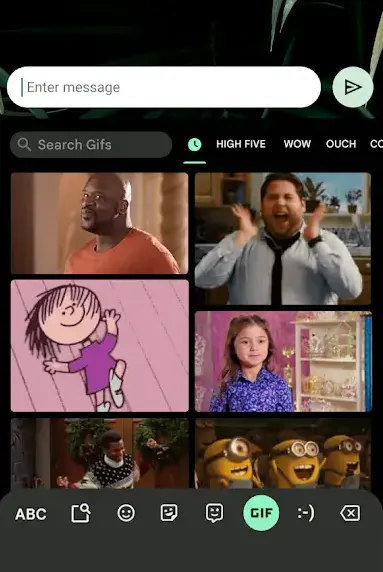
Gboard is the default keyboard on most Android phones, and its listing advertises a GIF section for searching and sharing GIFs for the perfect reaction. Rated 4.5 from 18,795,871 ratings, over 10 billion installs, no ads label, updated 27 August 2026.
The other default keyboard
Microsoft SwiftKey offers the same, its listing promising searchable emoji and GIFs. The listing now carries the name Microsoft SwiftKey AI Keyboard, rated 4.3 from 4,583,375 ratings, over 1 billion installs, Contains ads, updated 19 August 2026. SwiftKey versus Gboard settles the choice between those two, and the best keyboard apps for Android covers the rest of the field.
Behind both sits a hosted library.
The library behind Gboard
Tenor, which Google owns, supplies Gboard and publishes its own GIF Keyboard, 3.7 from 255,833 ratings, though that listing has not been updated since 18 December 2025, eight months before this check.
The bigger catalogue
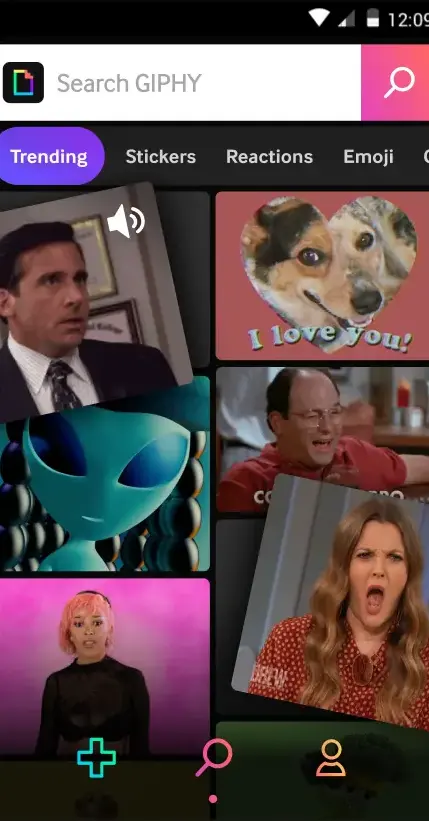
GIPHY runs the other big library; its app is 3.8 from 231,263 ratings, over 50 million installs, Contains ads, updated 4 August 2026.
Widest converter toolkit
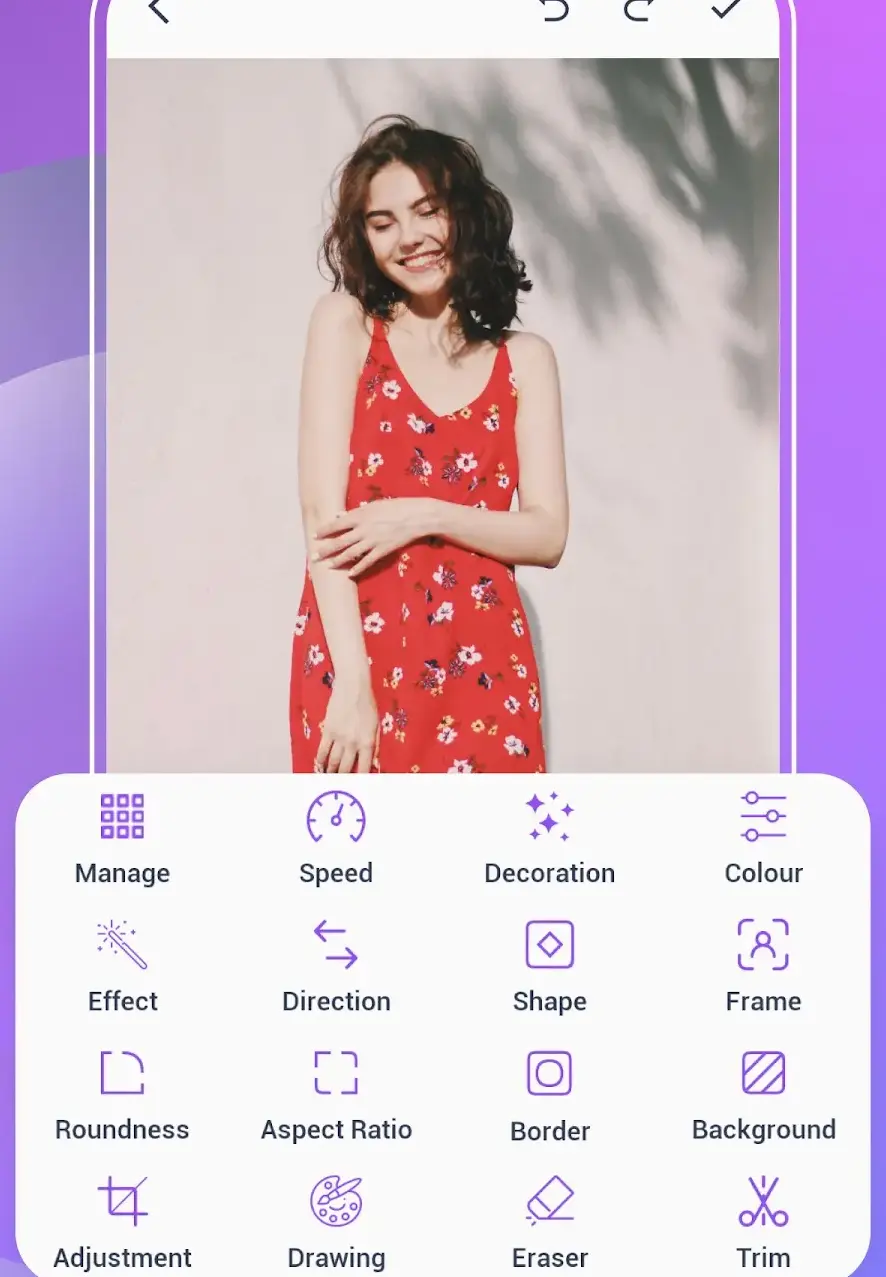
GIF Maker, Video to GIF Editor by Galaxy studio apps is the broadest of the free to install converters. The listing covers MP4 to GIF, photos to GIF, trimming, cropping, speed and text overlays. Rated 4.5 from 56,623 ratings, over 5 million installs, Contains ads, in-app purchases $0.99 to $99.99 per item, updated 25 June 2026.
One job, done plainly
Convert Video to GIF by Double Ape does one job: trim, set the speed, pick the resolution, export. The listing states there are no watermarks, though it also carries the Contains ads label and in-app purchases of $5.99 to $31.99 per item. Rated 4.8 from 9,642 ratings, over 100,000 installs, read 2 September 2026.
For screen content, record first and convert after. Your phone almost certainly has a recorder built in, covered in how to screen record on Android.
Screen into a loop
AZ Screen Recorder, which Google Play now lists under the name Screen Recorder · AZ Recorder, lists screen video to GIF among its features: 4.7 from 2,006,798 ratings, over 100 million installs, Contains ads, in-app purchases $2.49 to $25.99 per item, updated 21 August 2026. Silence notifications first: a banner mid take is part of the screen.
Trim the source first on a real timeline: the best video editor apps for Android all do it.
Frames, captions, compression
GIF Maker, GIF Editor, package com.media.zatashima.studio, is the one to look at first, and the package matters: the store is full of near identical titles. The listing claims up to 400 frames at 50 frames per second, no watermark, a GIF compressor, transparent or gradient backgrounds, filters and meme text. Rated 4.7 from 337,242 ratings, over 10 million installs, Contains ads, a single in-app purchase at $1.99, updated 24 August 2026. Its Data Safety section says the app may share data with third parties and that data cannot be deleted.
The same editor, no adverts
The same publisher sells GIF Maker, GIF Editor Pro, package pro.gif.videotogif.gifeditor.gifmaker, as a single 2.99 dollar purchase with no ads label, rated 4.4 from 4,144 ratings. That is the honest shape of this market: adverts, or one small payment. A monthly subscription is a reason to look elsewhere.
A general photo editor works on one frame, so keep the best photo editor apps for Android for the still you pull from a loop.
GIF is a format from 1987 and it shows. Each frame is limited to a palette of 256 colours, and compression is lossless within a frame, with nothing like a video codec's motion prediction. A handheld clip changes nearly every pixel every frame, so little carries over.
The same limit is why smooth gradients arrive as visible bands or a speckle of dithering. That is the format, not the app.
The dials that help, in order:
Keep anything you send well under five megabytes.
A messaging platform does not necessarily send the file you handed it. Several re-encode animations to MP4 or animated WebP on the way, since both are far smaller than GIF.
Two things break. GIF stores transparency as one palette entry marked see through, with no partial transparency, and MP4 has none at all, so a logo with a clear background lands on a black or white rectangle. And where a GIF declares its own endless loop, a video can arrive with a play button.
The platform decides most of this, and the best messaging apps for Android differ in what they preserve.
One honest line about GIF keyboards: the typing stays on the phone, the search does not. The GIF box queries a remote library, so what you type there goes to the provider, which for Gboard is Tenor.
GIPHY's listing advertises uploading your own GIFs and stickers to a public, searchable library. Private footage does not belong there. Its Data Safety section, read on 28 August 2026, also declares that the app may share data with third parties.
Converters are the safer half: one needs your media, and the camera if it shoots directly. Anything beyond that is worth revoking: see how to manage app permissions on Android.
If you only send reactions, install nothing: the GIF search in Gboard or SwiftKey is the whole answer. Add GIPHY only for the bigger catalogue and stickers.
If you make your own, pair one converter with one editor: GIF Maker, Video to GIF Editor or Convert Video to GIF for the conversion, GIF Maker, GIF Editor for trimming, captions and compression, AZ Screen Recorder for the screen. Keep loops short and cropped and most frustration never starts.
Two names from older guides need crossing off. Gfycat shut down in 2023, and ImgPlay, still widely recommended, returned no Google Play listing in the United States store on 28 August 2026. More in photo and video.
Not for sending reactions. Gboard and Microsoft SwiftKey both list a GIF search among their features, so any text field already reaches a library of millions. You need an app only to build your own animations.
Use a converter such as GIF Maker, Video to GIF Editor by Galaxy studio apps, or Convert Video to GIF by Double Ape. Set start and end two to six seconds apart, choose ten to fifteen frames per second and a width near 500 pixels, then export.
The format allows only 256 colours per frame and compresses each frame on its own, with none of the motion prediction a video codec uses, so size grows with length, frame rate and area. Cut the length first, then the frame rate, then the width.
Because it went down a photo path, or was re-encoded on the way. Sent as a photo, an animation can be reduced to its first frame and arrive as a still. Several platforms also convert animations to MP4 or animated WebP to save bandwidth, and a video can show a play button instead of looping. Sending it from the built in GIF search keeps it animated, though what arrives is usually the provider copy rather than your file. Attaching it as a document is the way to send the file itself.
GIF stores transparency as one palette entry marked see through and has no partial transparency, while MP4 has none at all, so once the animation becomes a video the clear area has to be filled. Use animated WebP where the destination supports it.
The typing is local, the search is not. A GIF keyboard queries a remote library, so what you enter in the GIF box goes to the provider, which for Gboard is Tenor. Anything uploaded to a public library such as GIPHY is searchable by everyone.
 Best Photo Editor Apps for AndroidPhoto & Video
 Best Scanner Apps for AndroidPhoto & Video
