
Android already ships app timers, a Focus mode and a Bedtime routine, and Family Link covers a child's phone. All free, all already there. A third party blocker earns its permissions only when you keep undoing those built in limits, because what the good ones sell is friction: a delay, a password, a schedule you cannot argue with.
AppBlock is our best overall pick because on 3 September 2026 its listing showed 4.7 stars from 237,293 ratings and free installation with purchases from $0.99 to $119.99.
StayFree is our best free pick because on 3 September 2026 its listing carried no Contains ads label and no in-app purchases, at 4.6 stars from 275,657 ratings.
Digital Wellbeing is our start here pick because on 28 August 2026 its Google listing showed no ads, no purchases and 10 billion plus installs.
Data checked: 3 September 2026.
Ratings, review counts, update dates, ads and purchase labels come from each app's Google Play listing on the United States storefront, alongside the description text for each blocking rule. Each listing's Data Safety section is read separately, since it can contradict the listing beside it, and permission claims are checked against Android's developer documentation and Google's Digital Wellbeing help pages. No app here was installed. Where a listing is silent, on an annual price or a permission it never names, this page says so rather than inferring it. Screenshots are the developers' own listing images.
Already on the phone
Digital Wellbeing is a Google LLC app, 3.6 stars from 1,468,337 ratings, no ads or purchase labels. Google's help page describes three tools.
The gap is not the feature list, it is who holds the off switch: every limit above comes off from the screen that created it, with no password and no wait. That is a measurement, not a barrier. Guides to notes, calendars and planners sit in productivity.
↑ Back to the comparisonFor a child's phone
Family Link, listed on Google Play as Google Family Link, is Google's parental controls app: 4.6 stars from 5,329,221 ratings, no ads or purchase labels. The difference is who holds the controls: Family Link runs from a parent's phone, a self blocker from the phone it restricts. The wider field, ten apps compared, is in the best parental controls apps for Android, and the menu by menu setup in how to set up parental controls on Android.
A blocker is also not a lock. For a PIN that stops somebody else holding your phone from opening an app, see the best app lock apps for Android.
↑ Back to the comparisonWhat separates these three is what happens when you switch them off.
Time, place or Wi-Fi schedules
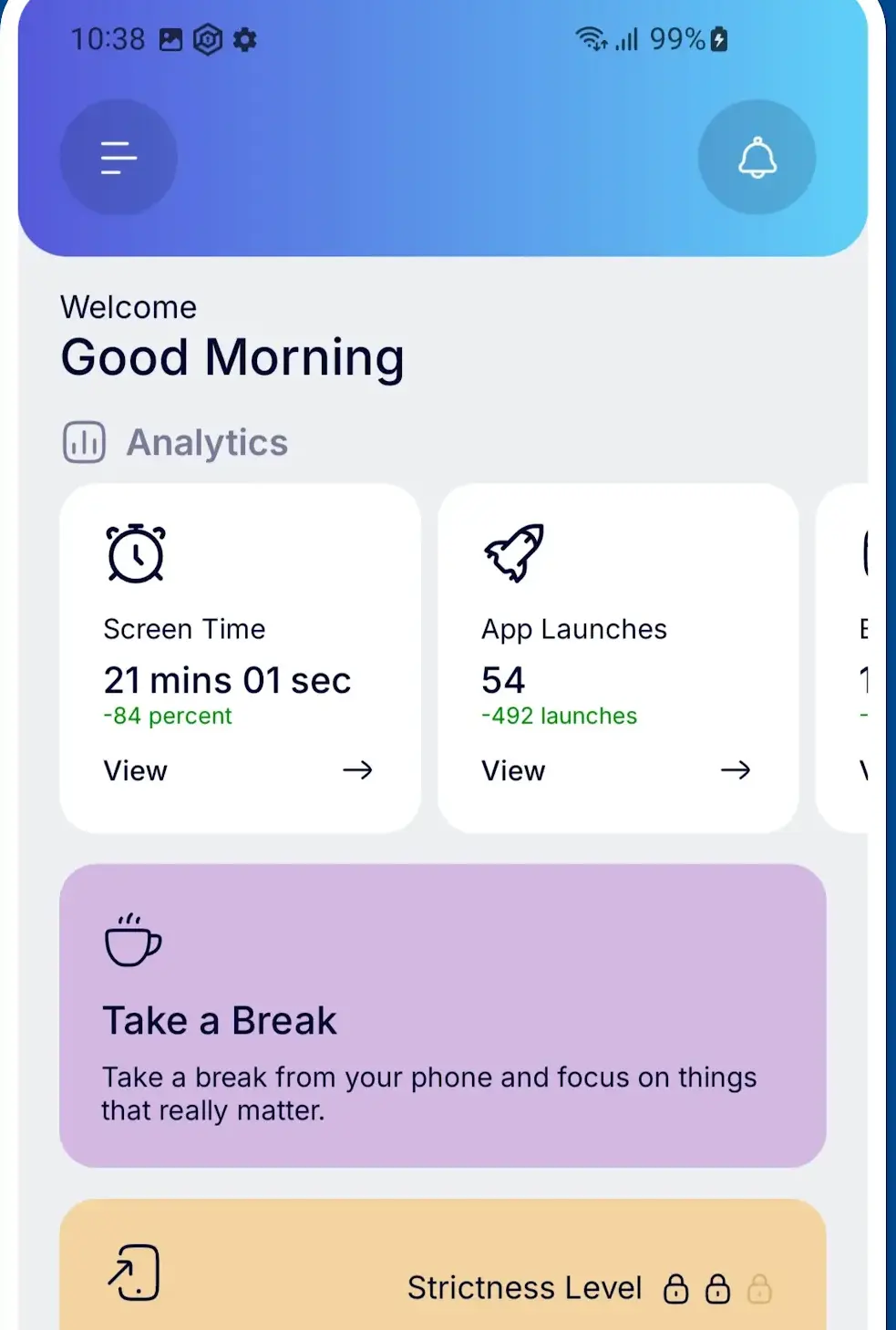
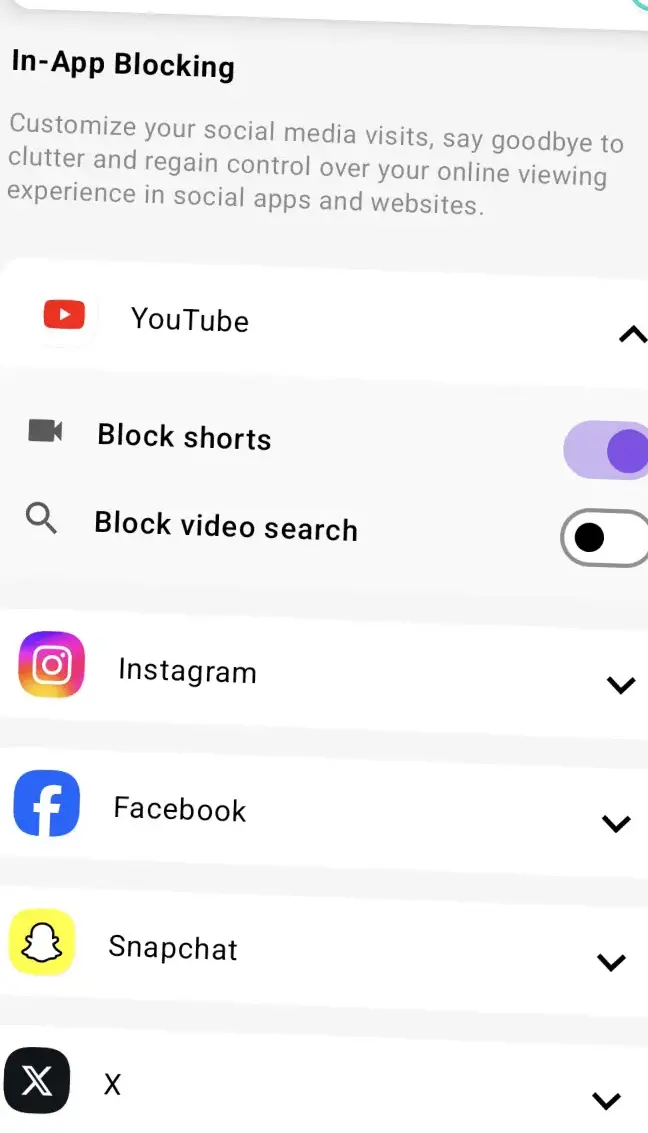
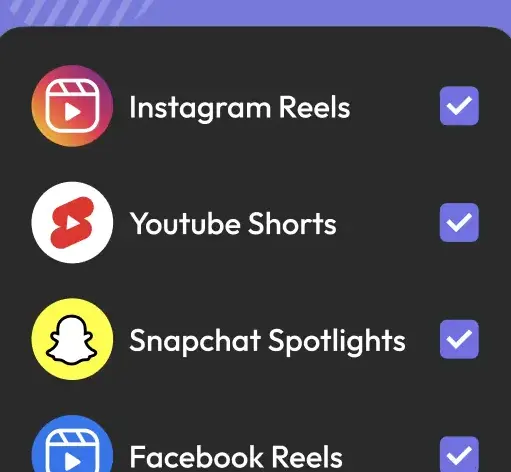
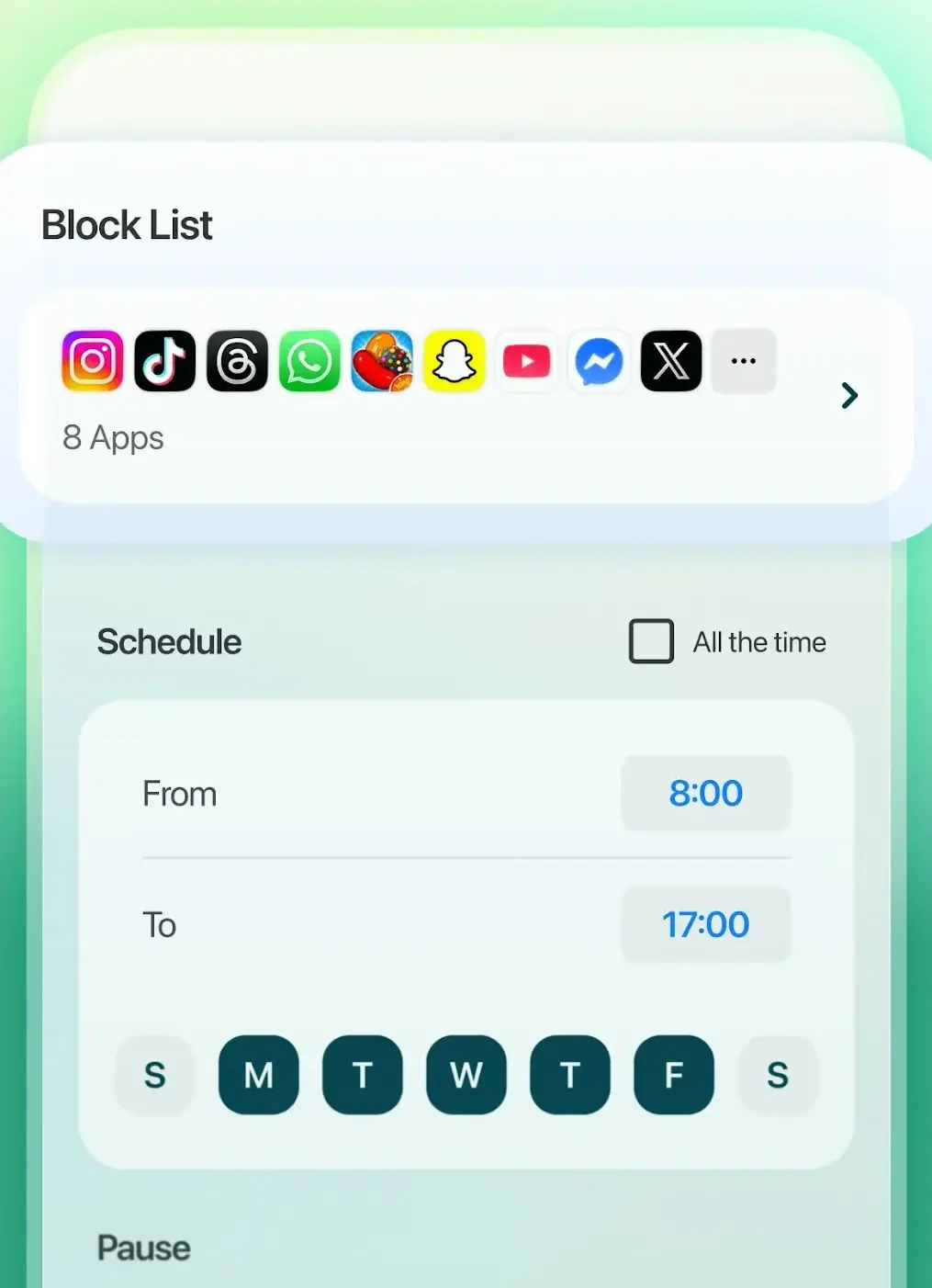
AppBlock by MobileSoft s.r.o. is the highest rated of the three: 4.7 stars from 237,293 ratings, updated 19 August 2026. Its listing describes app and website blocking, schedules that fire on time, location or Wi-Fi network, and a Strict Mode it says stops you bypassing your own rules.
↑ Back to the comparisonThe uninstall lock
Stay Focused by INNOXAPPS LLP is 4.4 stars from 168,848 ratings, updated 31 July 2026, and its listing carries a Contains ads label. Its permissions note is the clearest here: Device Administrator, in its own words, so that you can prevent yourself from uninstalling it, plus the Accessibility API for websites.
↑ Back to the comparisonThe laptop is a problem too
Freedom by Eighty Percent Solutions Corporation syncs blocking sessions to Mac, Windows, Chrome and iOS, covering the laptop. It shows 4.6 stars, but from only 8,039 ratings, updated 20 August 2026. Its listing publishes in-app purchases from $12.99 to $199.99 per item and no annual figure, so read the subscription screen before paying.
↑ Back to the comparison
Numbers before rules
StayFree, listed on Google Play by ST Pulse, is the measurement first pick: 4.6 stars from 275,657 ratings, updated 22 August 2026. It is the only app here whose listing carries neither a Contains ads label nor an in-app purchases label, and it shows usage charts and scheduled focus and sleep modes. Its Data safety card says the app may share data with third parties.
↑ Back to the comparisonA pause, not a wall
ScreenZen, listed on Google Play as ScreenZen・Screen Time Control, ties AppBlock for the highest rating here at 4.7 stars, from a much smaller base of 31,445 ratings, updated 30 July 2026. Its listing describes a pause before a distracting app opens, with a wait that can grow each time you come back. Its Data safety card is the least comfortable of the set: it says data may be shared with third parties, and that data cannot be deleted.
↑ Back to the comparisonA timer with teeth
Forest by Seekrtech, listed as Forest: Focus for Productivity, is the gamified one, at 4.3 stars from 811,832 ratings, updated 25 August 2026, free to install with a Contains ads label. A tree grows while the timer runs and dies if you leave. Its listing scopes blocking to focus sessions and scheduled Time Guard windows, not all day limits: a timer with teeth rather than a full blocker. For a routine rather than a wall, see the best habit tracker apps for Android.
↑ Back to the comparisonWidest installs, lowest rating
Then read the developer name and the Data safety card, because they do not always say the same thing. BlockSite, whose listing is titled BlockSite: Block Apps & Sites, is the lowest rated app on this page at 3.8 stars from 56,850 ratings, updated 23 August 2026, and it carries a Contains ads label; its Data safety card nevertheless states that no data is shared with third parties.
Blocking an app is the easy half. StayFree's listing says the Accessibility Service detects which website you are on so chosen sites can be blocked, and Stay Focused's offers URL blocking across supported browsers. That phrase is the caveat: the blocker reads only browsers it recognises, so an unfamiliar one, or a link opening inside another app, gets round it.
The device wide alternative involves no blocker. Private DNS filters at the name lookup for every app at once, free and with nothing in the background; how to block ads on Android covers it.
Three of the seven third party apps named here carry a Contains ads label: Forest, Stay Focused and BlockSite. Six carry In-app purchases, and StayFree has neither. Each of those six publishes a purchase range rather than one price, all read on 28 August 2026: $0.49 to $99.99 per item for Stay Focused, $0.99 to $119.99 for AppBlock, $12.99 to $199.99 for Freedom, $4.99 to $19.99 for ScreenZen, $0.99 to $59.99 for Forest and $0.49 to $199.99 for BlockSite, so do not assume a paid tier merely drops the advertising.
Prices move by country and by sale, so trust the purchase screen. Run a free tier for a fortnight: if you undo your own blocks, a strict mode is what you are paying for.
None of this is unbeatable by someone determined, whatever a listing claims. A blocker you install on yourself is administered by the person it restricts: device admin adds a step before uninstalling, a password adds a delay, and a strict mode makes switching off as hard as the developer chose to make it. None of them takes the phone out of your hands. The aim is a decision instead of a reflex. A quieter home screen helps on its own: see this minimalist Niagara setup, and the widget roundup for what earns a slot on it.
Running two at once is the mistake: two Accessibility Services is twice the access for no extra self control.
Often not. Digital Wellbeing is free and offers app timers, a Focus mode and a Bedtime mode. The catch is that you can remove any of those restrictions from the screen that created them, with no password and no wait.
Because that is how a blocker knows which app you just opened. Forest's Play listing says it uses the Accessibility Service API to detect which app is currently active. That access also reads anything on screen, including a banking app, so grant it once.
It can slow you down. Android's device admin documentation says that to uninstall an existing device admin app, users need to first unregister the app as an administrator. Stay Focused states on its listing that its Device Administrator permission exists so you can prevent yourself from uninstalling it. Not every blocker uses that permission: BlockSite puts uninstall prevention behind a password instead.
Several advertise it, but website blocking is the leaky part. StayFree's listing says the Accessibility Service detects which website you are on so chosen sites can be blocked, and Stay Focused's offers URL blocking across supported browsers. An unfamiliar browser can slip past.
A free tier is usually enough for a first fortnight. What is paid varies by app: on 28 August 2026 Freedom's listing published in-app purchases from 12.99 to 199.99 US dollars per item and no annual figure. Prices move by country, so trust the purchase screen.
Yes, by anyone determined enough, whatever a listing claims. A blocker is administered by the same person it restricts, so a strict mode, a password or device admin raises the cost rather than removing the choice. For a child's phone, use Google Family Link.
 Best App Lock Apps for AndroidTools & Utilities
 Best App Store Apps for AndroidTools & Utilities
 6 Best Battery Saver Apps for AndroidTools & Utilities
 Best Browser Apps for AndroidTools & Utilities