
Some people want a number they would otherwise unlock the phone to read. Some want a button that saves three taps. Some just want the screen to look like theirs. The apps below are sorted that way. Every rating, store label and price was read off Google Play on 28 August 2026; the rest is from Android's own documentation.
Weawow is our best overall pick because its Google Play listing on 28 August 2026 showed 4.9 stars, the highest rating here, with no ads label and a free install.
Google Keep is our best free pick because its listing on 3 September 2026 showed no ads label and no in-app purchases.
KWGT is our build it yourself pick because its listing on 28 August 2026 was free with the Contains ads label and one $6.99 purchase.
Data checked: 3 September 2026.
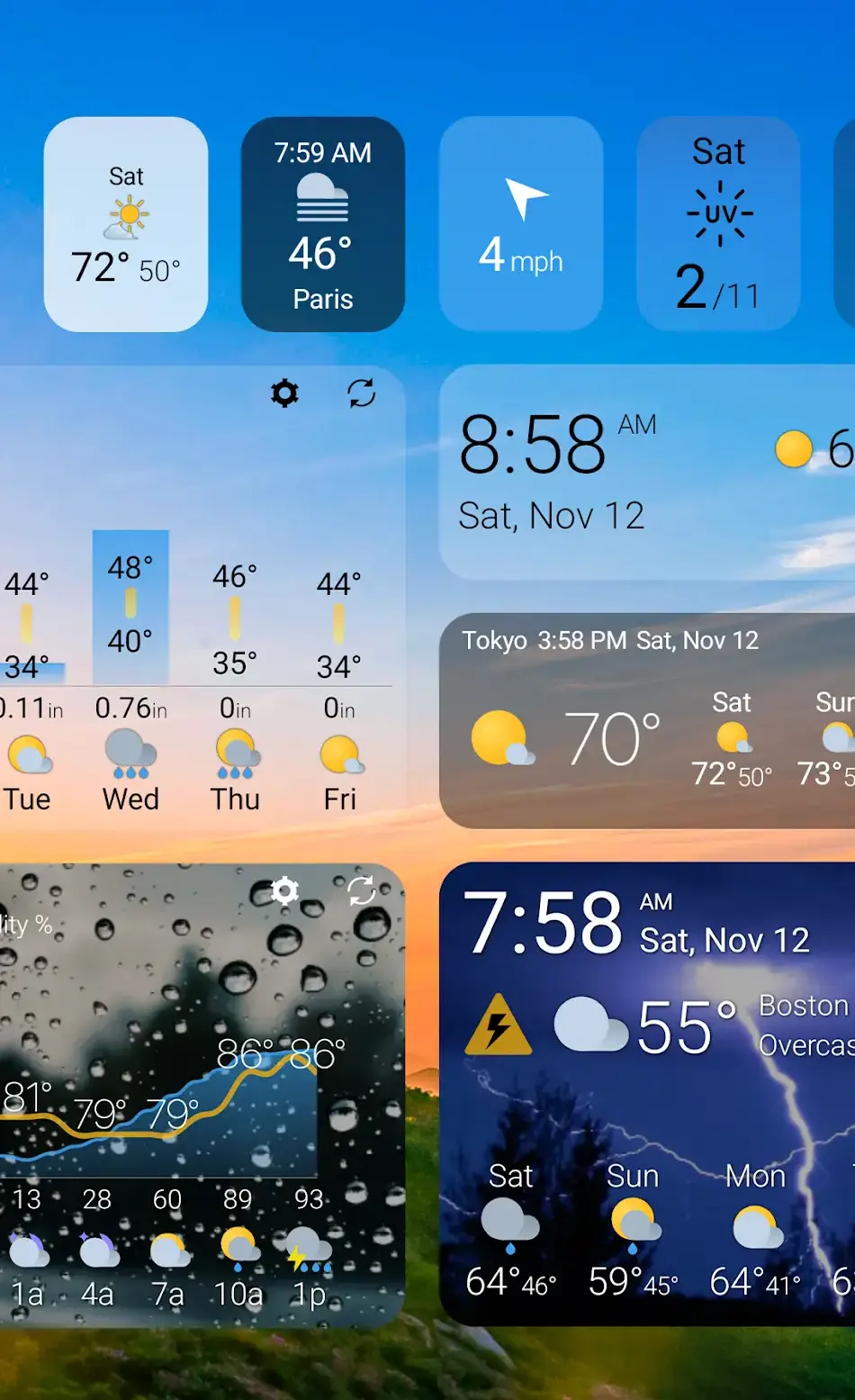
Weather is the most expensive kind of widget, because the data arrives over the network. Weawow is the ad free pick: 4.9 stars, no ads label, a listing promising no ads and no tracking, and 14 widget styles from a 1x1 tile up. It is free to install, and its listing does carry in-app purchases, $2.00 to $50.00 per item on 28 August 2026. 1Weather is the bigger name at 4.3 stars, but it carries Contains ads in its own header row. More on forecasts in the weather app comparison.
Weawow · weather with no ads label
1Weather · the big name, with ads
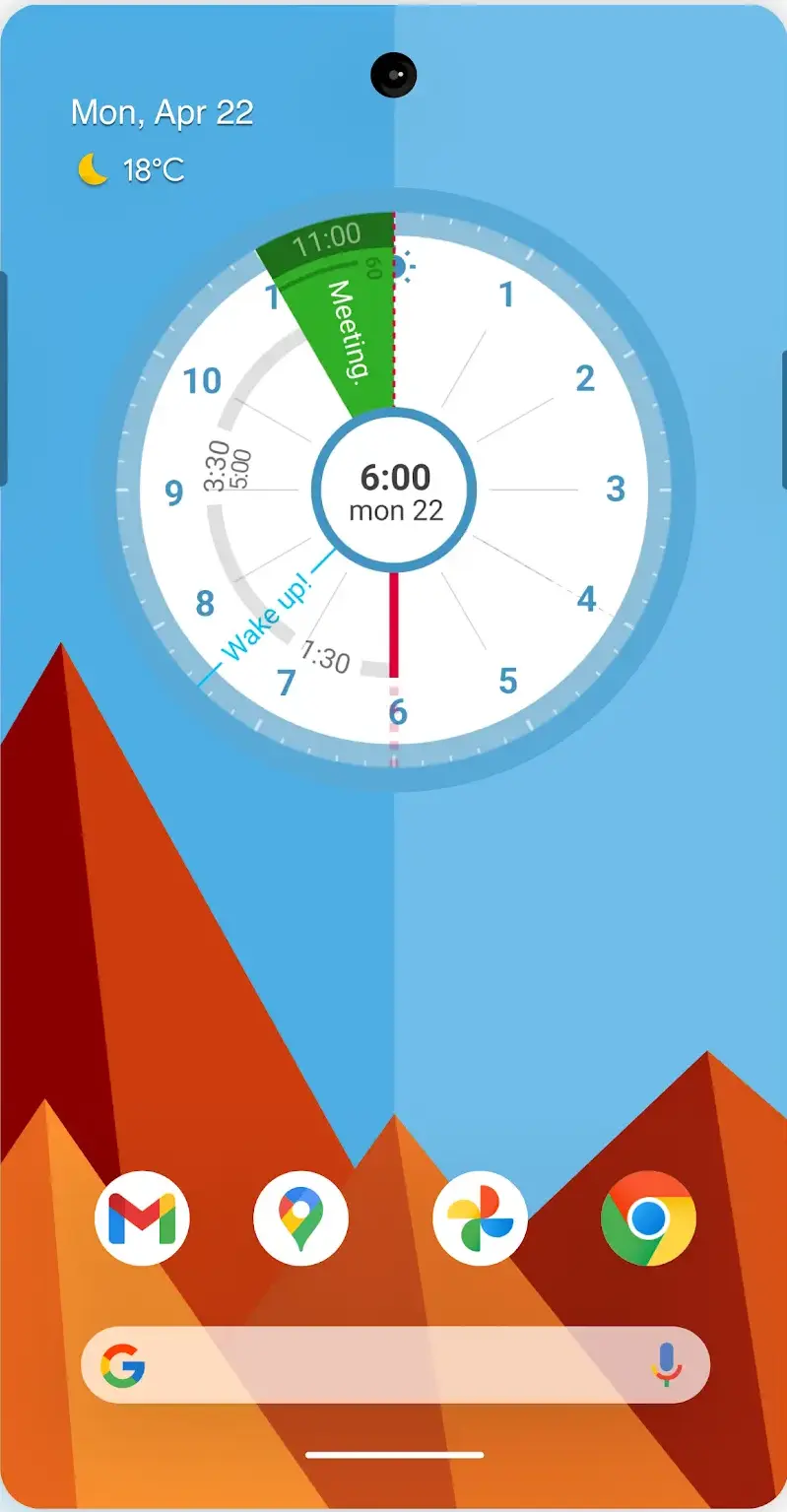
Google Calendar is preinstalled, free, carries neither store label and names widgets in its listing. Sectograph is the other shape, 4.6 stars with in-app purchases, its listing describing the day as a 12 hour clock face with each event a sector as wide as its duration. Business Calendar 2 is the pick when the widget is the point: its listing offers 7 widgets covering month, week, day and agenda views, each separately themed, at 4.5 stars with Contains ads and in-app purchases. The calendar roundup compares twelve calendars and calls Business Calendar 2 the widget power tool, listing seven widgets and fourteen widget themes.
Google Calendar · already on the phone
Sectograph · the day as a dial
Business Calendar 2 · when the widget is the point
Battery is where a widget adds least, since Android can show the percentage in the status bar itself. What it adds is time remaining: Battery HD estimates hours left for music, video, calls and standby, at 4.6 stars with Contains ads and a listing last updated 12 January 2026, seven months before this check and the oldest date in the table above. If the drain itself is the problem, start at the battery guide. A weather widget needs location and a calendar widget needs calendar access; a photo widget needing either is the tell.
Battery HD · hours left, not percent
Google Keep is the plain answer for saving taps: free, neither store label, 4.7 stars, and a listing describing notes pinned to the home screen with widgets. TickTick does the same for tasks at 4.6 stars, with in-app purchases and no ads label.
Google Keep · notes pinned to the screen
TickTick · tasks one tap from home
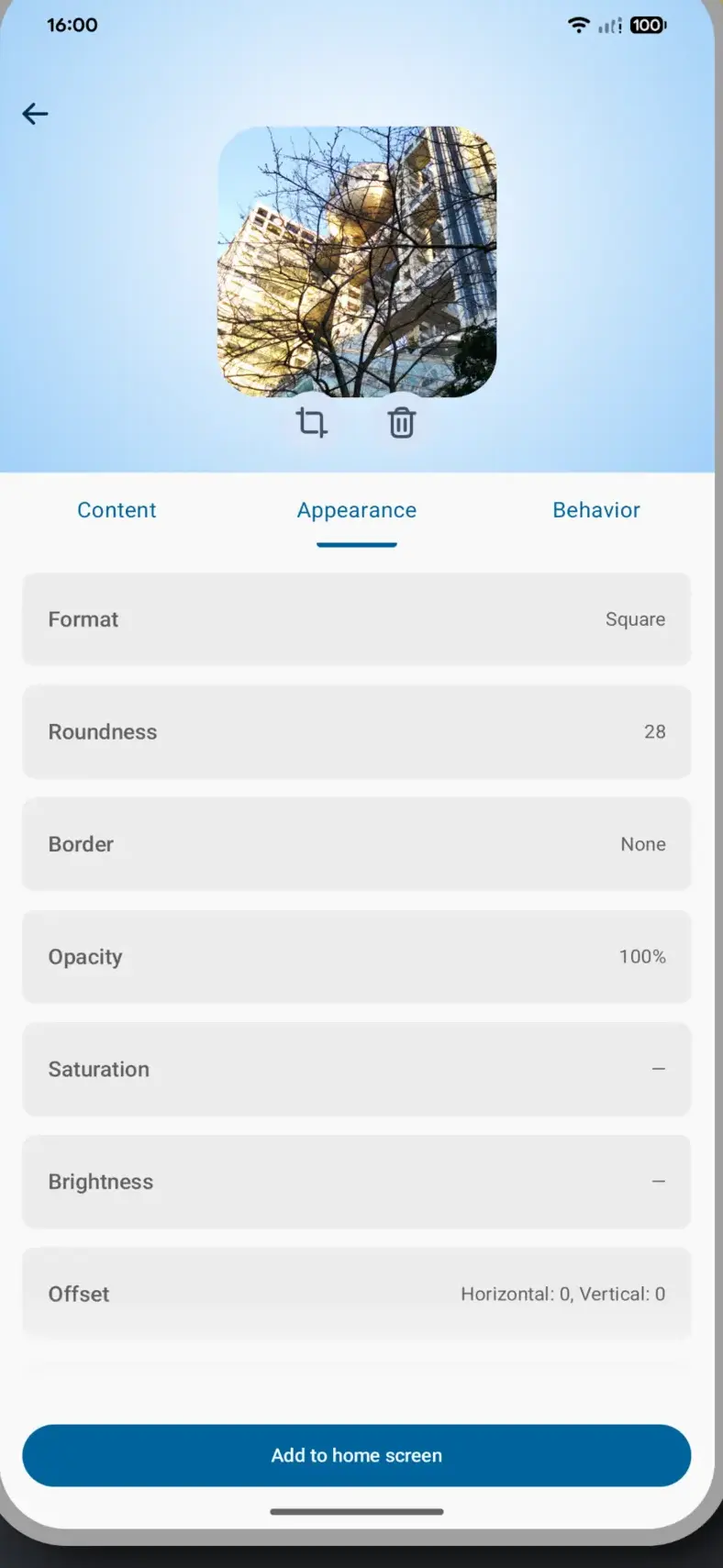
Shortcut widgets are the underrated half. Material Photo Widget puts photos on the home screen, and its listing also describes tap actions that open another app or a URL, turning a picture into a button: 4.5 stars, neither store label, free and open source, and no storage permission, because photos come through the system picker. KWGT, below, arrives from the other end: touch actions that launch apps or toggle settings from any element you draw. Music needs neither: Android has kept media controls near quick settings since Android 11, which Google's release notes describe as a swipeable carousel of sessions.
Material Photo Widget · a photo as a button
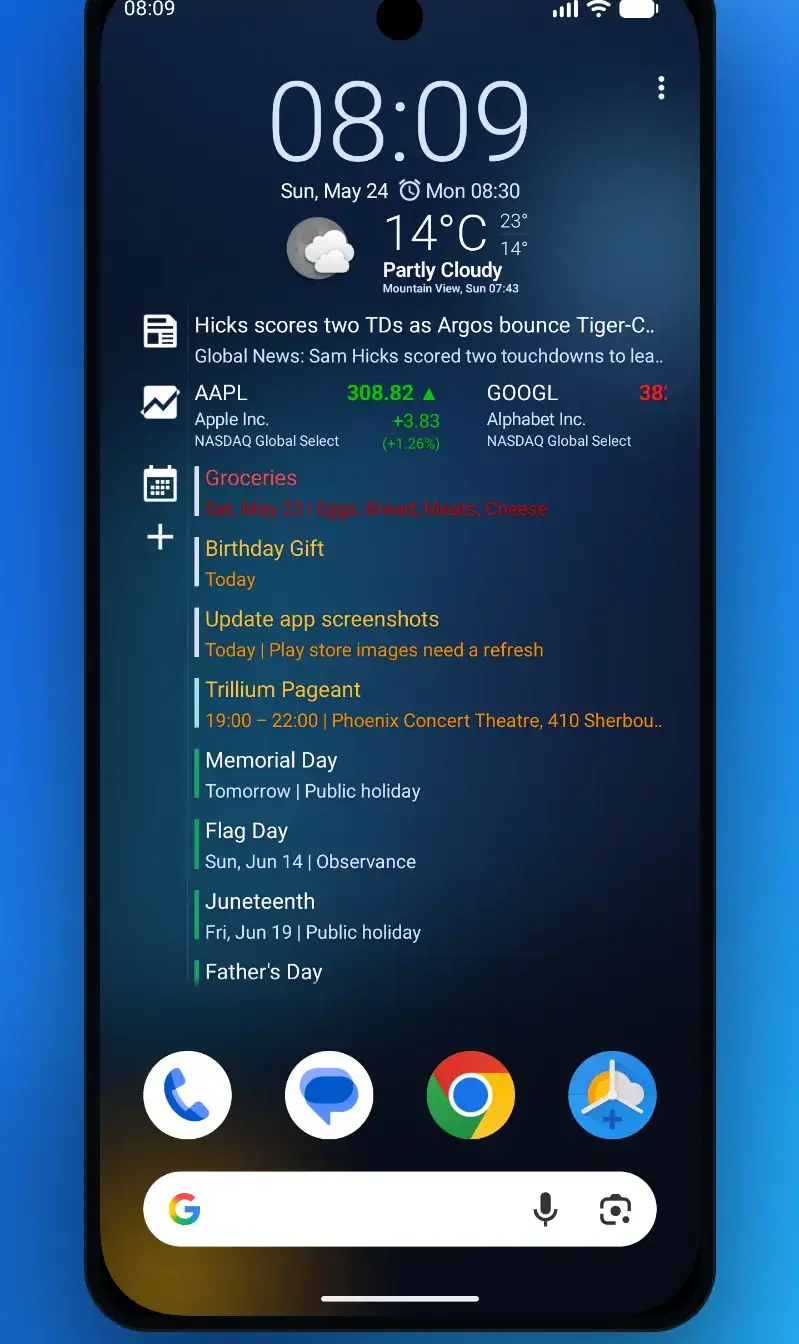
Chronus is the middle road: one suite covering clock, calendar, weather, news, tasks and stocks, themed as one family. It is 3.8 stars with Contains ads and in-app purchases, and its listing claims Material You dynamic color support on Android 12+, plus dormancy for widgets you never place, which is the developer's claim rather than a measurement.
Chronus · one themed set
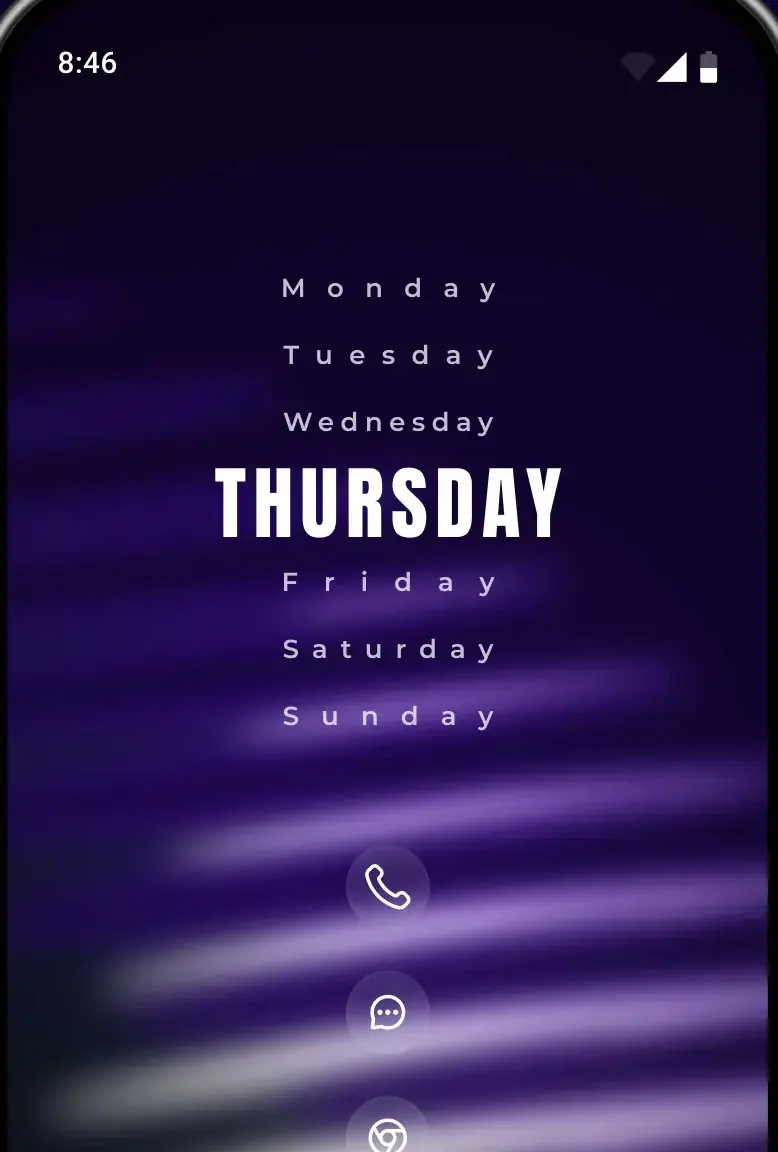
KWGT is the blank canvas: custom fonts, shapes, your own PNG or SVG images and layers with gradients and blur, in a live preview editor. It carries both Contains ads and in-app purchases, at a single price of $6.99 per item on 28 August 2026, and its separate Pro Key app sells outright for $6.99 in the US store on a listing that has not been updated since 29 July 2025. Its 3.9 star average, read 28 August 2026, is the second lowest of the eleven apps in the table above, ahead only of Chronus. Clock faces belong to the clock widget guide, and matching your icons is a different job: applying an icon pack usually means changing launcher.
KWGT · the blank canvas
The rule is where the data comes from. A widget showing the time, the battery level or a local calendar reads what the phone already holds; one showing weather or news fetches it, and fetching is scheduled work.
Android's documentation is specific about that schedule. The built-in update interval, updatePeriodMillis, does not support values of less than 30 minutes, and the guidance is to update as infrequently as possible, no more than once an hour, to conserve the battery. The same pages warn that updating widget content can be computationally expensive, and point anything wanting a faster refresh at WorkManager, where similar power restrictions apply. So set the interval yourself where an app exposes it, and prefer one network-backed widget to three.
Google's Android 12 release notes say widgets on that version have rounded corners, with the launcher automatically identifying the widget's background and cropping it; that from Android 12 a widget can use the device theme colors for buttons, backgrounds, and other components; and that apps can add dynamic previews to the picker, so a preview may be a live rendering.
So the corner radius, and on apps that adopted it the palette, come from your phone and wallpaper rather than the marketing shot: a tile that looks garish in a listing may arrive tinted to match. That word can is also doing work: theme color support is optional, so a widget ignoring your palette never opted in rather than being faulty.
The app supplying a widget declares whether it resizes at all. Android calls the attribute resizeMode, and its values include horizontal, vertical and none, so a tile refusing to stretch sideways is obeying its own manifest.
The launcher decides the rest. Android's guidance for home screen developers says the host must persist each widget's size and location itself, keyed to an id it allocated, which is why a layout does not travel between launchers. Grid density and stacking are its call too: Samsung documents a Create stack action from a long press on a placed widget, and notes that resizable widgets show a dot in the middle of the outline. The launcher roundup puts it plainly: a hand built layout does not move between launchers by itself, so screenshot each home screen before you swap, and save a backup file if the launcher you are leaving offers one.
Reinstalling the widget app addresses neither of the first two. Lift its battery restriction, enable auto start if your phone offers it, then remove and re-add the widget.
Add them one at a time, and drop any tile you stop reading. If reaching for the phone at all is the problem, the app blocker roundup covers the timers, strict modes and permissions those apps ask for. The rest of the stack is in the personalization hub.
How we verify. Verified, not tested. On 28 August 2026 all eleven listings above were read in the United States Google Play store, and every rating, review count, price, purchase range, ads label and listing date on this page comes from the app's own listing that day. The Android behaviour described here is quoted from Google's own developer documentation. Listings are re-read each quarter.
Touch and hold an empty part of the home screen, tap Widgets, and browse the list. Drag the one you want onto a free space. Whether it then resizes depends on the widget: the app supplying it declares whether it stretches horizontally, vertically, both or not at all.
It depends where a widget gets its information. Ones reading what the phone already holds, such as the time, are cheap. Ones fetching weather or news over the network do scheduled background work. Android's documentation will not let the built-in update interval go below 30 minutes and recommends no more than hourly.
Reinstalling the widget app is rarely the fix. Android may stop an app you rarely open while prioritising the apps you use most, so lift the battery restrictions on that app. Some manufacturers block apps from starting themselves after a restart, so turn on auto start for it. Android also removes a widget when its app moves to external storage, and moving the app back to internal storage undoes that one.
Yes, and the store labels are how you check. Google Keep, Google Calendar and Material Photo Widget carry neither an ads nor an in-app purchase label. Read the row between the developer name and the star rating, because only that row belongs to the app itself.
Android 12 changed how widgets are drawn. Google's release notes say widgets on Android 12 and above have rounded corners, with the launcher cropping the widget's background, and that a widget can use the device theme colors. A screenshot taken before that will not match.
Not directly. Android's guidance for home screen developers says the host app, meaning the launcher, stores each widget's size and position against an id it allocated. Change launcher and that record stays behind, so the new home screen starts empty.