
Updated September 2026
Updated September 2026 · every app listing re-read on 1 September 2026, refreshing 1 review count and 1 rating, and the verdict moved below the comparison table so the picks sit next to the evidence
Two keyboards, one reader: someone who wants typing that does not phone home. This page weighs the pair on dictation, price, advertising, offline behaviour and licence, and every superlative on it is scoped to these two.
FUTO Keyboard is our pick over HeliBoard because its Play listing, read 1 September 2026, is free with no ads label, rated 4.2 from 5,582 reviews, and of the two only it transcribes speech.
HeliBoard is our free offline pick because its F-Droid entry, read 19 August 2026, lists version 4.0 with no internet permission, and F-Droid charges nothing and shows no ads.
HeliBoard is also our pick for older phones because its F-Droid entry, read 19 August 2026, requires Android 5.0 or newer and costs nothing there, where FUTO Keyboard's Play listing, read the same day, requires 7.0.
Data checked: 3 September 2026 for FUTO Keyboard, 19 August 2026 for HeliBoard.
Best for strict offline privacy
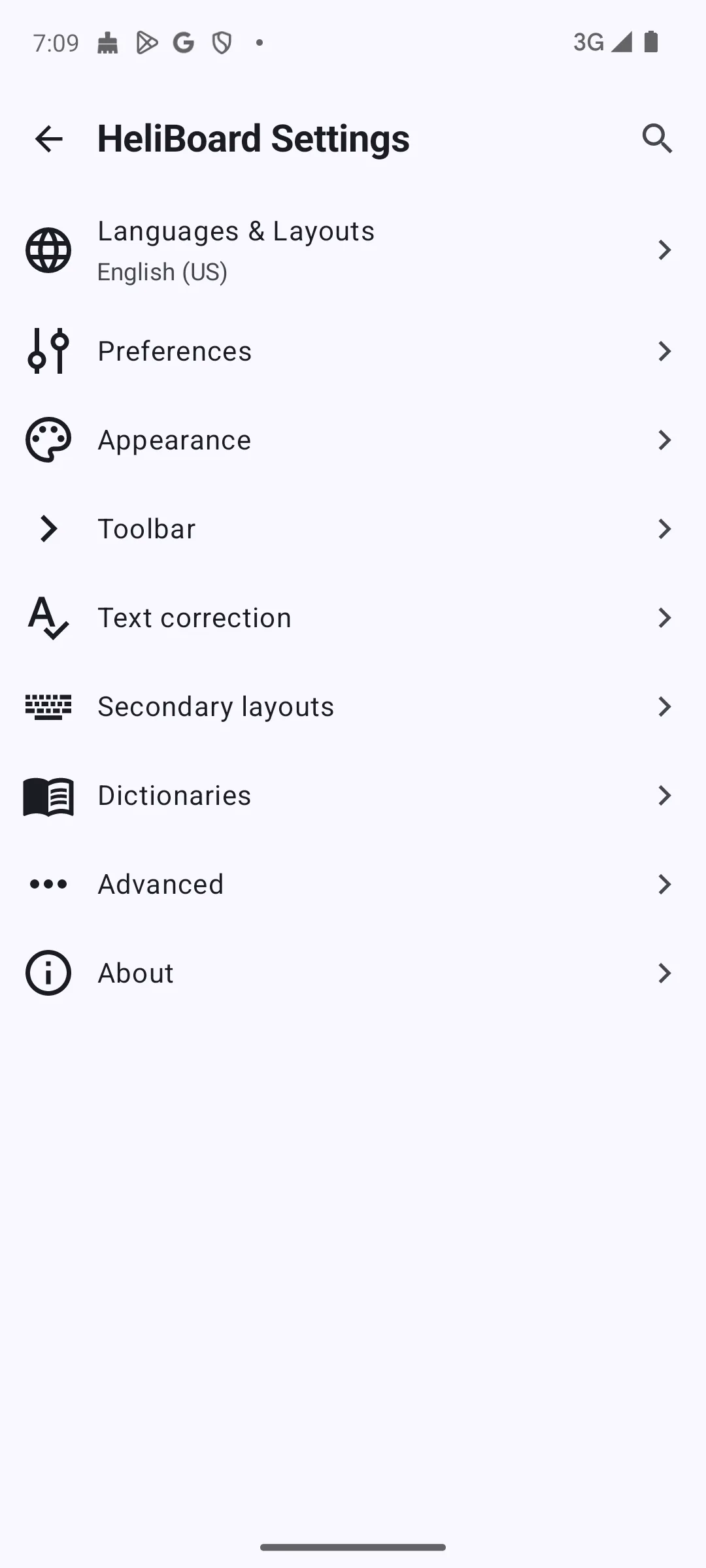
Version 4.0, added to F-Droid on 12 July 2026 · Licence GPL-3.0-only · Requires Android 5.0 or newer · Downloads at no charge from F-Droid, which says you do not have to pay to use it and that it shows no ads · No speech recognition of its own, so dictating needs a second app installed · Its entry publishes no rating, no review count, no install figure, no price, no advertising label and no Data Safety section · Permissions the entry lists for this build: read your contacts, read and write the user dictionary, run at startup, control vibration, and one the app defines for itself, with no internet permission among them · No Anti-Feature flag on the entry, which is the absence of a warning rather than a finding about advertising · F-Droid entry, read 19 August 2026
HeliBoard is the stricter of the two, and the reason is checkable rather than promised. Its F-Droid entry lists the permissions the app requests, and no internet permission is among them, which the project puts in its own words: Does not use internet permission, and thus is 100% offline
. It downloads at no charge from F-Droid. The blunt cost is dictation: HeliBoard recognises no speech itself, so dictating means installing a second app, and glide typing needs a library the app does not bundle.
Read this first. HeliBoard’s own issue tracker carries an open report, issue 1697, from a Samsung owner whose keyboard did not come up at the lock screen after a restart, leaving them unable to type their password or reach another keyboard until the phone was wiped. A second commenter reports the same in February 2026 and a third reports no trouble on the same brand, and the maintainer answers on the same thread that the app does declare direct boot in its manifest. Treat it as a rare failure rather than a general one. Read 19 August 2026.
Two things qualify the offline claim, both from the project’s own material. A missing internet permission stops the app opening a network connection of its own; it does not stop you handing data to another app yourself. Version 4.0 opens its change list with background gesture data gathering, and the project’s own published source spells that screen out: it belongs to an NLnet funded effort to build an open source gesture typing library, the background mode is opt-in and configurable with a review screen before anything is submitted, submission is an email you send yourself to an address the project publishes there, and the collected set is to be published later under a Creative Commons BY-SA 4.0 licence. The same text names what a submission holds: the target word, the layout and its dimensions, the gesture times and coordinates, the current library’s suggestions, a hash of the dictionaries in use, the app version, the mode, and an id per gesture. Nothing goes anywhere unless you send it, and glide typing, once you enable it, runs a closed source library you fetch and load yourself.
Skip this one if: you dictate more than occasionally, or you want swipe typing to work the moment a keyboard is installed.
Choose HeliBoard over FUTO Keyboard if you want the privacy guarantee to rest on a permission the app does not hold rather than on a declaration, or if a copyleft licence and a replaceable dictionary matter more to you than dictation.
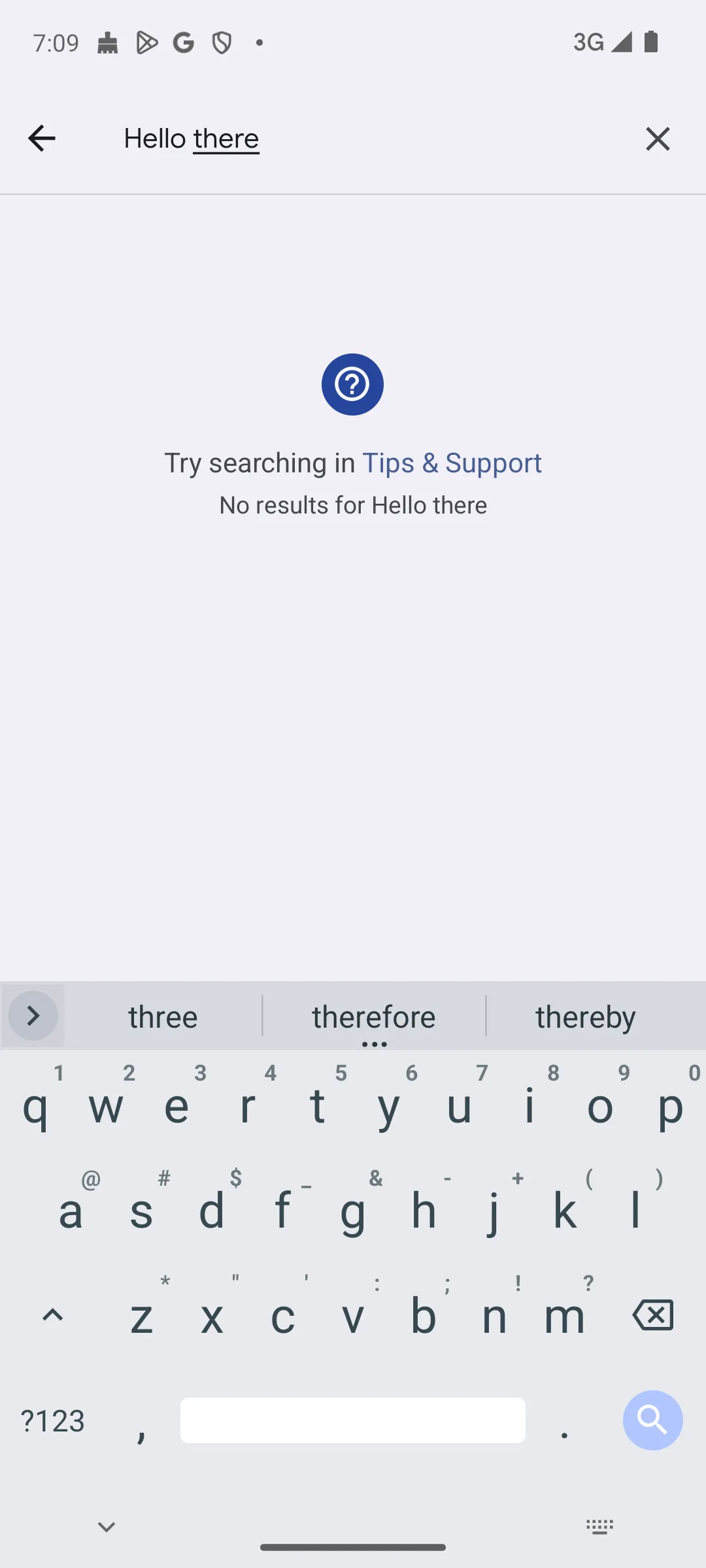
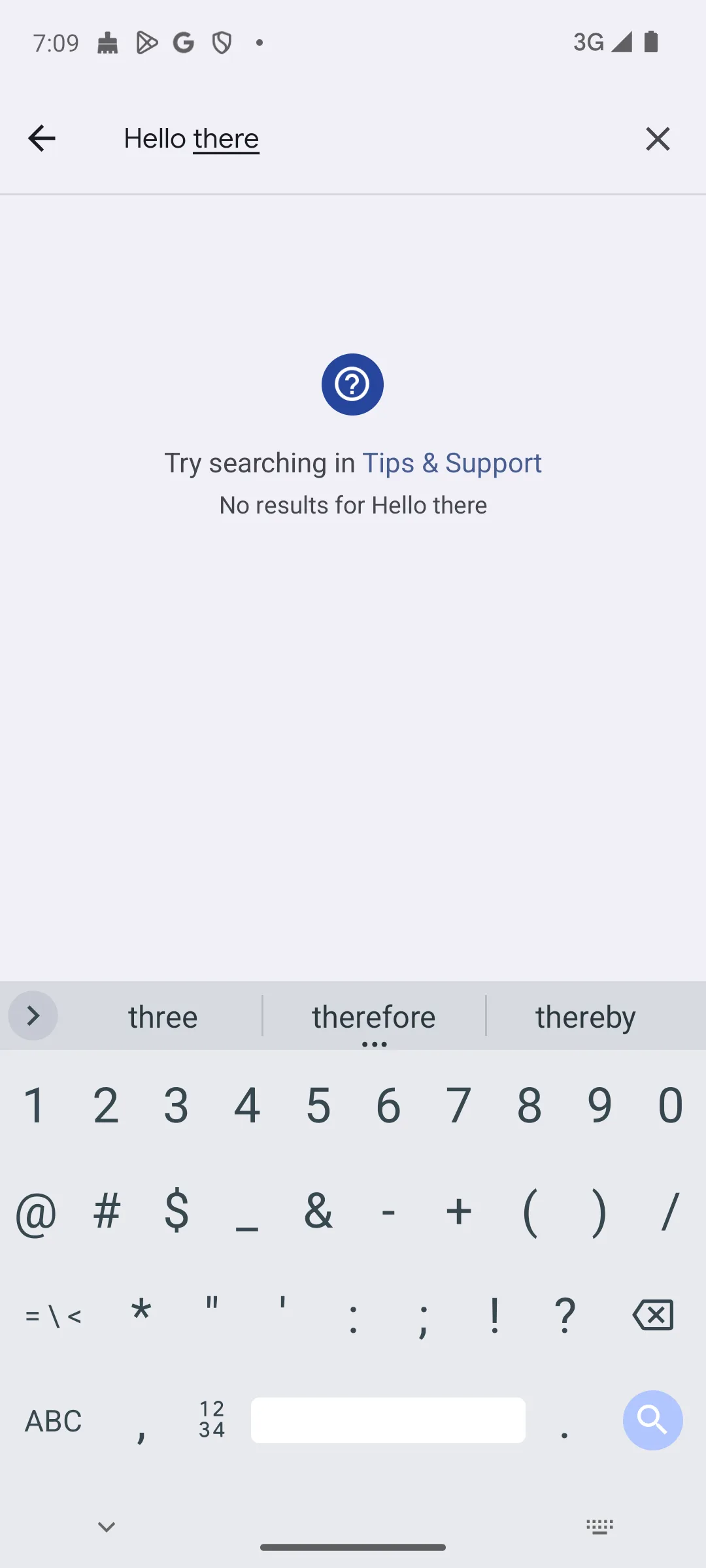
Best for offline dictation
Rating 4.2 from 5,582 reviews · Installs 100,000+ · Free, no in-app purchases listed · Developer FUTO · Requires Android 7.0 or newer · Listing updated 4 August 2026 · Licence allows modifying and redistributing the code only for non-commercial purposes, so it is not open source · Contains ads: No · checked 1 September 2026
Google Play listing · 4.2 (5,582) · read 1 September 2026
FUTO Keyboard is the one to take if you dictate. It installs free from Google Play, its listing shows no in-app purchases and no advertising label, its Data Safety section declares no data collected and none shared with third parties, and it rates 4.2 from 5,582 reviews. The developer states its position in one line on its own site: Your keyboard shouldn't connect to the internet
. The blunt catch is the licence: the code is published, but modifying or sharing it is limited to non-commercial use, which is why this is not an open source keyboard.
Two things about FUTO are widely reported wrongly, so both are set out here from FUTO’s own documents. First the licence. The file in FUTO’s repository is headed FUTO Source First License 1.1-kb, and it allows use of the software for any purpose while limiting modifying and redistributing it to non-commercial purposes and to free of charge. That is source available rather than open source, and it is why the app cannot be in the f-droid.org catalogue, whose inclusion policy, read 19 August 2026, requires every application in the repository to be free, libre and open source software and defers to the Open Source Initiative, among others, on which licences qualify: both of FUTO Keyboard’s package ids return not found there, checked the same day. What FUTO offers instead is a repository it runs itself, which you add to an F-Droid client by hand before the client can see the app at all. Second, FUTO has not disowned the open source label. Its post of June 2024, last updated in May 2026, says Everything we do is open source, but we must take steps to avoid causing unnecessary confusion and negative perceptions (even if we feel those perceptions are incorrect)
. What changed in 2024 was the licence itself, rewritten that July to allow use for any purpose, not the company’s view of the term.
Skip this one if: you never dictate, or you want the privacy guarantee to rest on a permission the app does not hold rather than on a declaration.
Choose FUTO Keyboard over HeliBoard if dictation matters at all, because it is the only one of the two that transcribes speech itself, and because its Play listing gives you a rating, an install band and a Data Safety section to weigh, none of which F-Droid publishes for HeliBoard.
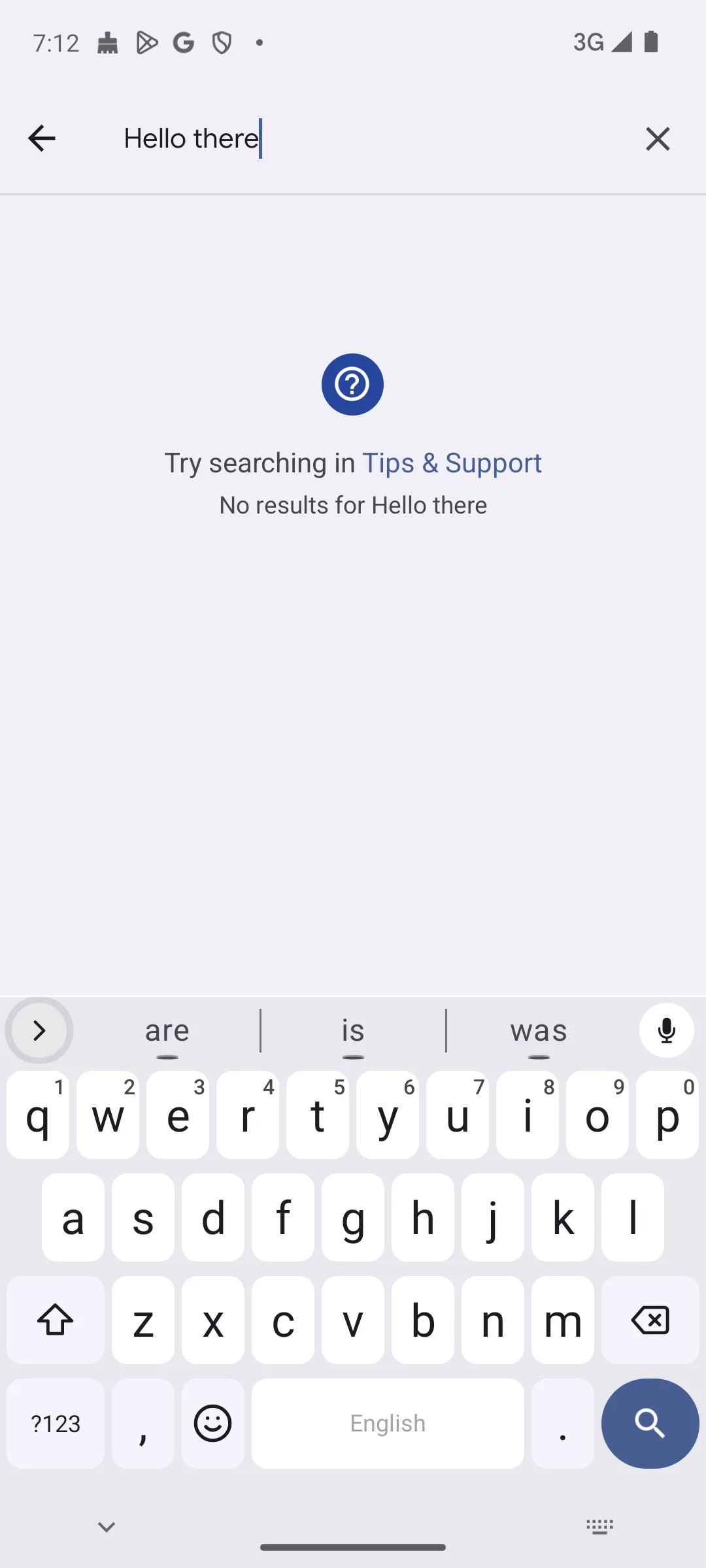
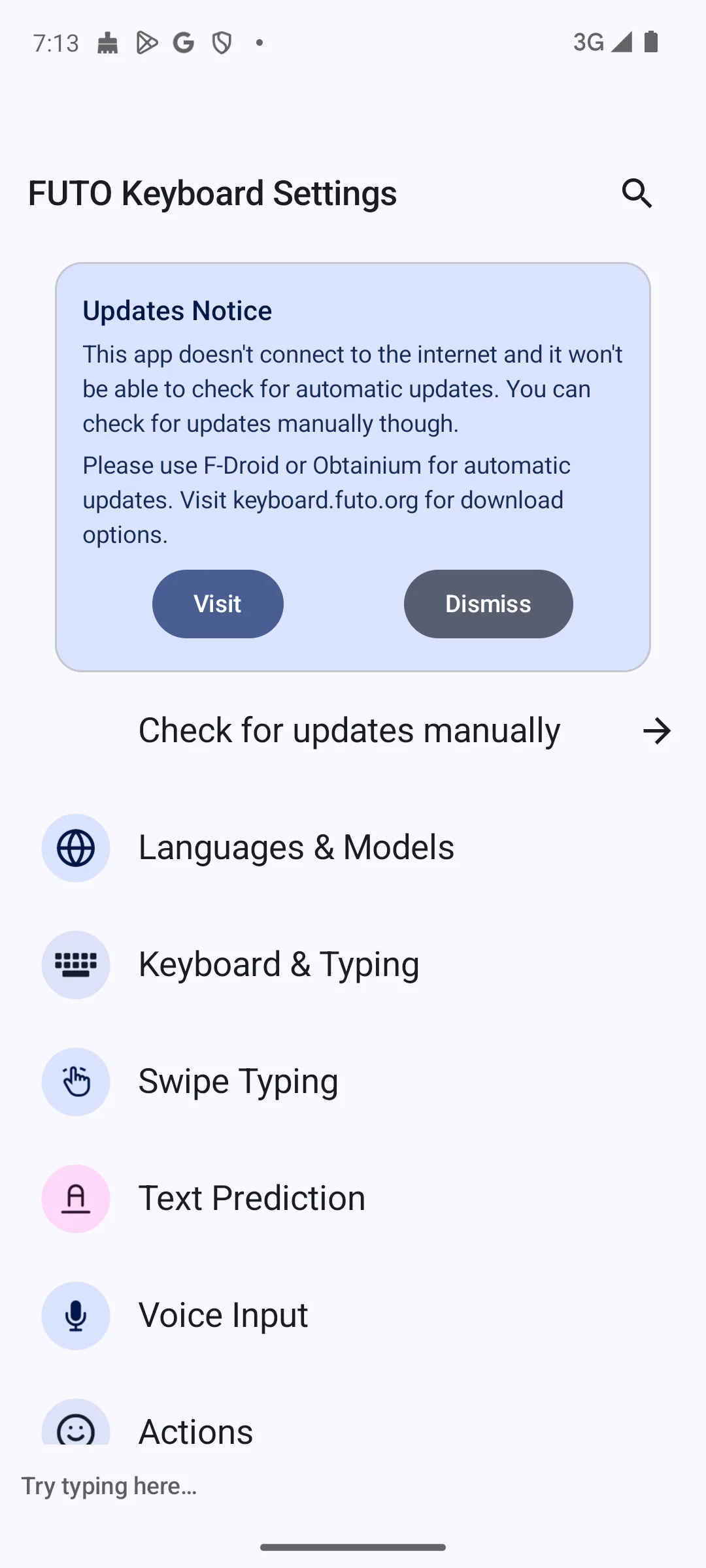
This is the decider for most people, and the two answers are not the same kind of answer. FUTO Keyboard transcribes speech itself, on the device: its Play listing, read 19 August 2026, describes a keyboard with voice input that is completely offline and never connects to the internet. HeliBoard recognises no speech at all.
What HeliBoard does have is a handover. Its published source, read 19 August 2026, carries a Voice input key you can put on the toolbar, the code behind that key switches the session to another input method the system offers, and the same file carries a Voice input disabled string for that key. So the key is a door to a separate voice app rather than dictation of its own, and nothing in its F-Droid entry or its own description claims otherwise.
The structural reason is worth knowing, because it will not change in a later release. Android's own permission reference, read 19 August 2026, states that the internet permission is the one that allows an application to open network sockets, so an app that does not request it cannot reach a network backed dictation service, and HeliBoard bundles no speech model of its own, so the recognition has to happen somewhere else on the phone.
The usual answer is to keep HeliBoard and install FUTO’s separate Voice Input app as the voice method. Two things are worth knowing first. That app is a different product on different terms: its own licence file, read 19 August 2026, is version 1.0 of the Source First licence and limits use, not only modification, to non-commercial purposes, while the keyboard’s licence was changed in July 2024 to allow use for any purpose. And either way the offline voice technology is FUTO’s, so the only real question is whether you want it in one app or in two.
If you dictate more than occasionally, that one difference decides this page for you.
It reduces to one question: do you dictate?
If you dictate, take FUTO Keyboard. It is the only one of the two that can do it without a second app, it installs free from Google Play, its listing shows no advertising label and no in-app purchases, and its Data Safety section declares that no data is collected and none is shared with third parties. Accept in exchange a licence that is not open source, a developer that asks for a payment on its own site, and a Play listing that describes the app as still in active development.
If you do not dictate, take HeliBoard. A keyboard whose entry shows no internet permission cannot open a network connection of its own, and that is a stronger thing than a policy statement, though it is not the same as a promise that nothing can ever leave the phone. Accept in exchange that glide typing needs a closed source library the app does not bundle, and that its F-Droid entry gives you no rating and no install count to weigh.
Swipe typing used to settle this the other way and no longer does. FUTO’s release of 1 June 2026 replaced its old swipe system with one it calls FUTO Swipe, and published its own error rates beside it: 7.38% of first suggestions wrong for FUTO Swipe against 13.12% for HeliBoard running the Google library, on FUTO’s own test set. That is the developer of one of these two keyboards measuring the other, not an independent result, and it is quoted here as such. On HeliBoard swipe still needs the closed source library you fetch and load yourself, so the gap is real either way. Read 19 August 2026.
If the comparison you actually want is against Google’s own keyboard rather than against FUTO, our Gboard vs HeliBoard comparison takes that pair on its own. For the wider field beyond these two, see our guide to the best Android keyboards.
HeliBoard, on the evidence each one publishes about itself. Its F-Droid entry lists the permissions the app requests and no internet permission is among them, and Android's own permission reference says that is the permission which lets an app open network sockets, so the app cannot open a network connection of its own. FUTO Keyboard is also built to stay offline and its Data Safety section declares that no data is collected and none is shared with third parties, but that is a declaration rather than a permission the app does not hold. Neither guarantee stops you handing data to another app yourself. Checked 19 August 2026.
Only FUTO Keyboard transcribes speech itself, offline and on the device. HeliBoard recognises nothing on its own: its published source carries a Voice input key that hands the session to another installed voice app, and the same file carries a Voice input disabled string for that key. So dictating on HeliBoard means installing a voice app beside it, and FUTO’s separate Voice Input app is the usual choice. That app is a different product under an earlier version of the same licence, which limits use as well as modification to non-commercial purposes. Checked 19 August 2026.
Not by the definition the Open Source Initiative maintains, and not by the one F-Droid applies to its catalogue. The licence file in FUTO’s own repository lets you use the software for any purpose, and limits modifying and redistributing it to non-commercial purposes and to free of charge. FUTO itself describes its work as open source in a post of June 2024 that it has updated as recently as May 2026, so the disagreement is about the word rather than about the terms. HeliBoard, under the GNU General Public License, is open source by both definitions. Checked 19 August 2026.
FUTO Keyboard comes from Google Play, published by FUTO, and the developer also offers it from a repository it runs itself and as a direct download from its releases page. It is not in the f-droid.org catalogue, so a default F-Droid client will not find it until you add that repository by hand. HeliBoard comes from F-Droid, from IzzyOnDroid and from its own GitHub releases, and no Play listing answers for its package id. Checked 19 August 2026.
Checked 19 August 2026: each keyboard was re-read at its own source, and the claim this page leaned on hardest did not survive it. FUTO Keyboard’s rating moves from 4.2 to 4.1 and its review count from 5,496 to 5,512, read from its Play listing today along with the install band, the minimum Android version, the listing date and the Data Safety section, none of which moved. HeliBoard’s F-Droid entry was fetched again the same day and is unchanged: version 4.0, added 12 July 2026, GPL-3.0-only, Android 5.0 or newer, no Anti-Feature block, and no network permission in the list it prints for this build. Retracted: that HeliBoard has no voice input of any kind, and that it ships no voice input at all. Its own published source lists a Voice input toolbar key, and the code behind that key switches to another installed input method rather than recognising anything, so the true statement is narrower: HeliBoard does no speech recognition of its own and still needs a second app to dictate. Retracted: that the record does not say what is gathered or where it goes about the gesture data added in version 4.0. The project’s own text for that screen names the fields a submission holds, makes the background mode opt-in with a review screen, sends it as an email the user writes, and states that the set will be published under a Creative Commons BY-SA 4.0 licence. Retracted: that the developer’s site labelled FUTO swipe typing alpha until June 2026, a claim about a page’s past wording that no source read today can support. What today’s sources do support is in its place: the release of 1 June 2026 that introduced FUTO Swipe, with the developer’s own error rates beside it, marked as the developer’s measurement rather than an independent one. Removed: the Contains ads marker this page printed in HeliBoard’s fact line. Its F-Droid entry publishes no advertising label at all, so that marker reported a Google Play field that is nowhere on the source it cited, and the missing Anti-Feature flag on the entry is the absence of a warning rather than a finding. For the same reason its table row now merges the price, advertising and rating columns into one cell that says why they are empty. Changed: the comparison table's Offline voice column is now its Dictation column, moved to third position, and HeliBoard's cell there says what actually happens instead of printing No. Added: the capsule in the Our answer form, one dated self contained sentence per pick, closing with the date the figures were read; and a choose one over the other line in both entries. Added: links to Android's own permission reference, to F-Droid's inclusion policy and to F-Droid's own statement that it charges nothing and shows no advertising, so the three claims this page had been making without a source of their own can now be checked at theirs. Carried over unchanged and re-read today: the open report in HeliBoard’s tracker, both licence files, FUTO’s post on the open source label, the six screenshots and both store links.