
Checked 3 September 2026
Seven third party app locks, and every one of them carries Google Play's Contains ads label. This page weighs them against what Android still lets an app do, and against what each publisher declares about your data, because on a privacy tool that is the whole question.
The built-in private space is the first choice on Android 15, Keepsafe Photo Vault the pick for hiding photos, AVG AntiVirus the general locker. Our answer, the free pick and the table ↓
Checked 3 September 2026: no pick changed since 18 August; five listings re-read 1 September, AVG AntiVirus and Keepsafe Photo Vault stand as read on 18 August
Full logSeven Android app locks, and every one of them carries the Contains ads label, so the columns that separate them are the vault and what each publisher declares.
Read the vault column first: all seven carry the ads label, so it does not separate them.
| App | Best for | Ads label | Vault | Rating (Play, 1 September 2026) |
|---|---|---|---|---|
| AppLock | Most people | Yes | Hides from Gallery | 4.2 |
| Smart AppLock | Nothing to buy | Yes | None | 4.5 |
| AVG AntiVirus (App Lock) | Security bundle | Yes | None | 4.6 |
| App Lock: Fingerprint, Pattern | Lightweight phones | Yes | None | 4.4 |
| Keepsafe Photo Vault | Hiding photos | Yes | Yes, capped at 200 free | 4.7 |
| LOCKit | Nothing to buy | Yes | Yes, undocumented | 4.5 |
| Vault - Hide Pics | Casual hiding | Yes | Hides, not documented as encrypted | 4.2 |
On Android 15 or newer the built-in private space is our first recommendation, because Google documents that apps inside it are Hidden from the launcher, recent views, sharing apps like photopicker and docs UI, and Settings
when locked, which no third party locker on this page can do.
Keepsafe Photo Vault is our pick if what you want hidden is photos, because it is the highest rated entry here and the most recently updated, though its free tier caps you at 200 photos and its listing carries the ads label like every other app on this page. Proofed 3 September 2026
AVG AntiVirus is our pick among the general lockers because it is the only one whose category Google Play's own permitted-use list names for seeing your installed apps, though AVG's own product page puts the lock itself behind the paid upgrade. Proofed 18 August 2026
Data checked: 3 September 2026.
Ratings, review counts, installs, prices, in-app purchase ranges, advertising labels and publisher names come from each app's own Google Play listing, read on the date printed in that app's own fact line, together with its Data Safety section. Claims about what an app does come from the developer's own site or help centre first and the listing description second. Claims about what Android permits come from Google's own documentation, quoted and linked where used. Where a developer's two own documents disagree, this page prints both rather than choosing. Where a claim has no source, it is removed rather than softened, and named in the changelog. The screenshots are our own emulator captures, dated in their captions. We re-check quarterly and after publisher changes.
Most people
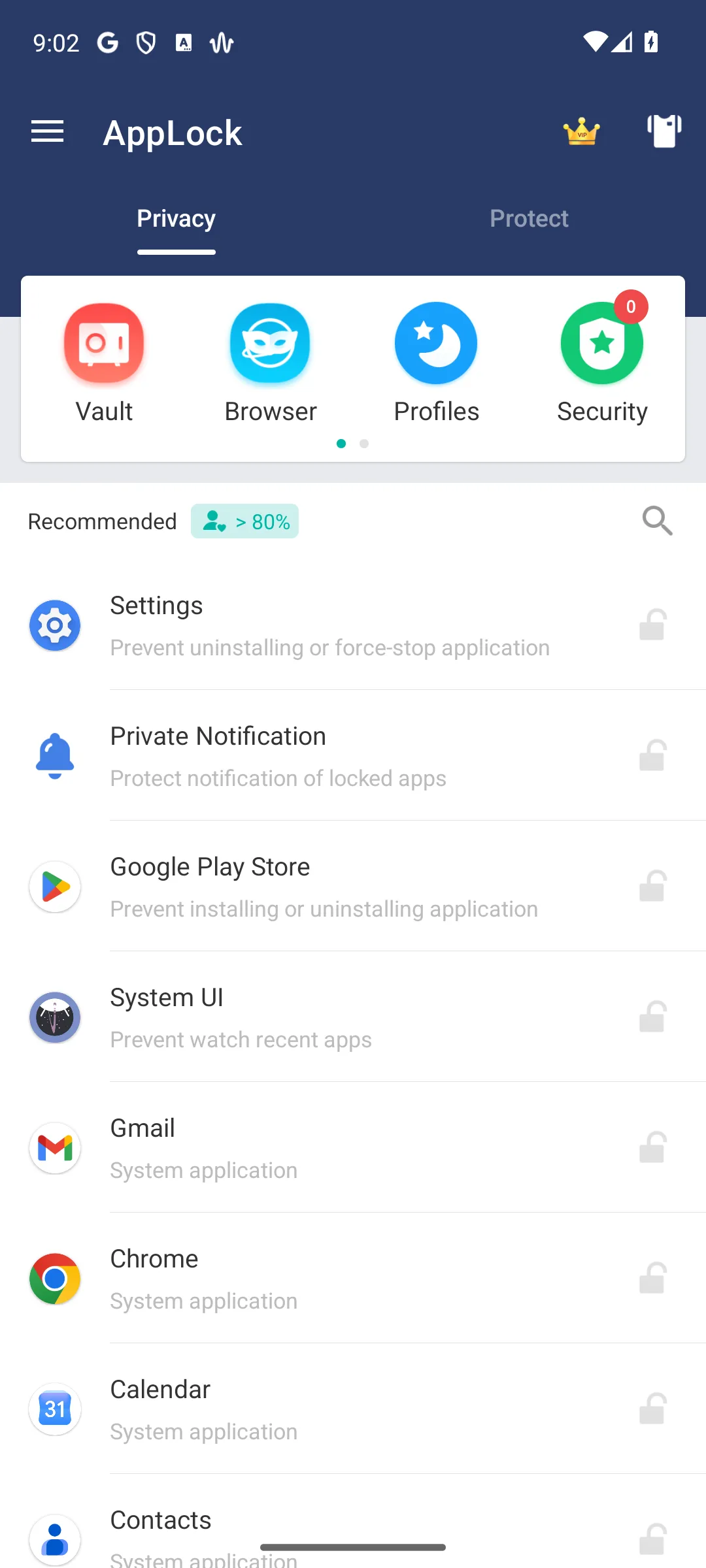
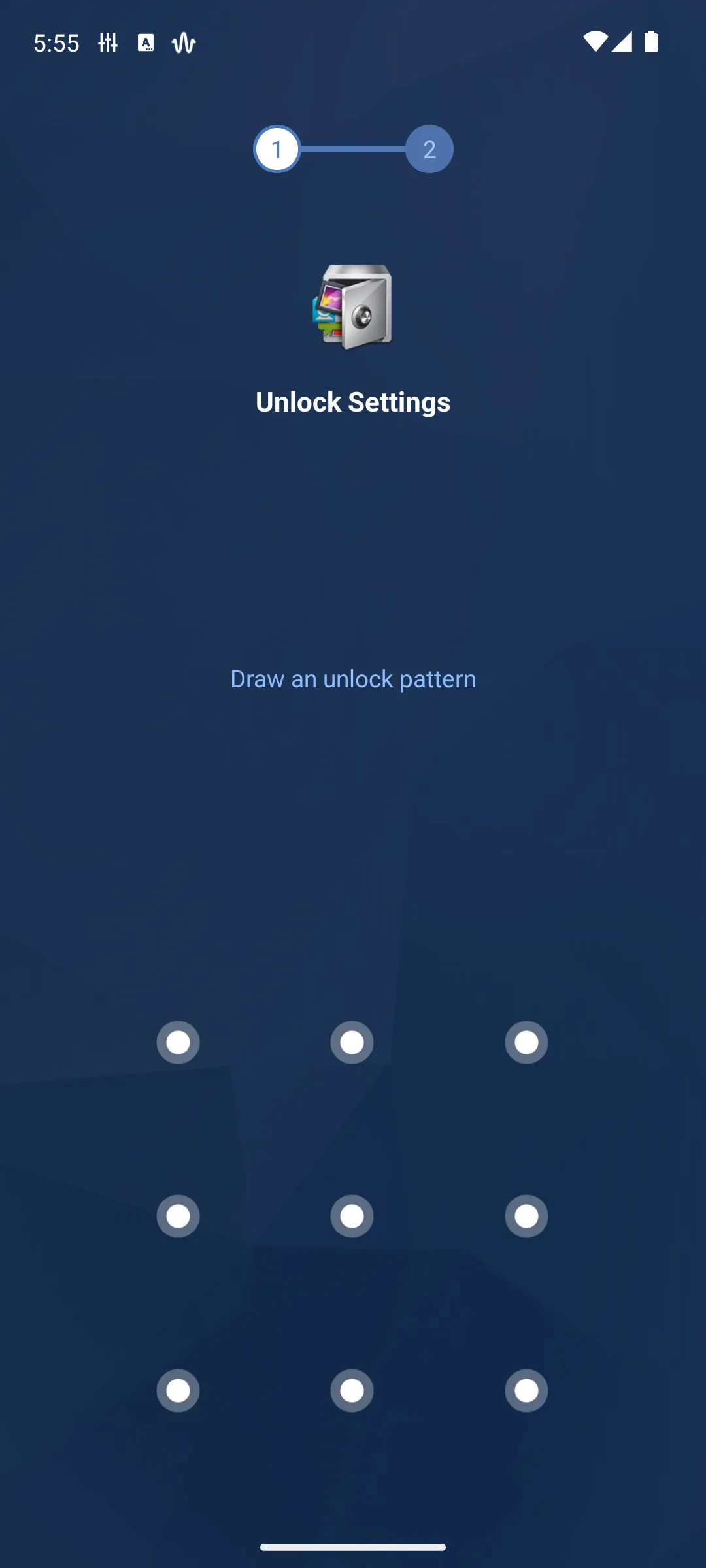
4.2 stars, 1,555,740 reviews · 100,000,000+ installs · free to install · in-app purchases $1.99 to $11.99 per item · by PIPS Tech · Contains ads: Yes · checked 1 September 2026
Google Play listing · 4.2 (1,555,596) · read 1 September 2026
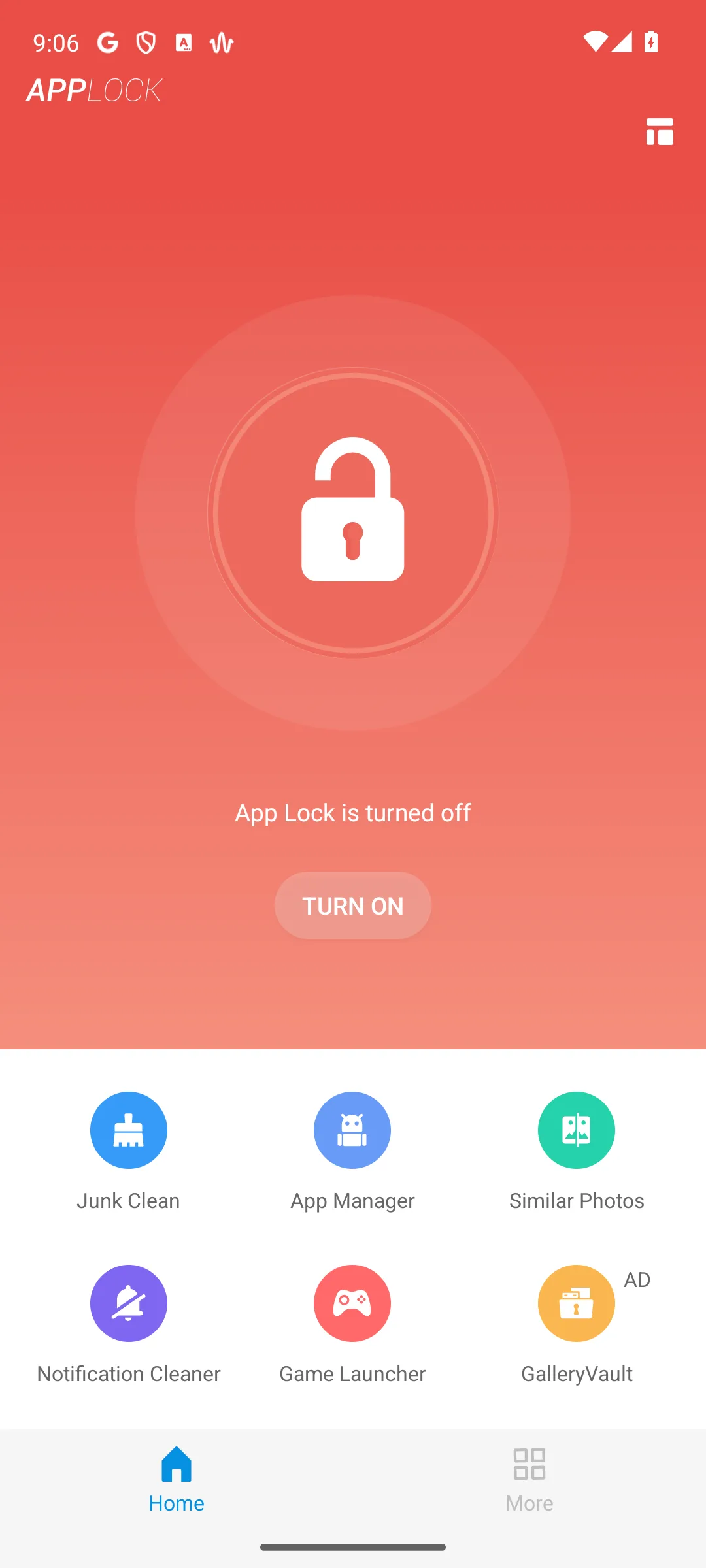
AppLock is the most feature complete of the seven and the easiest to set up: pick the gallery, a messenger and settings, and fingerprint carries the daily load after that. The blunt con is the same one every app on this page shares, its listing carries the advertising label. The second is who you are trusting.
Corrected on this update. The publisher question this page previously answered too neatly. Google Play's verified entity is PIPS Technology Pte. Ltd. of Singapore, while every property the listing itself links, the website, the privacy policy and the support address, belongs to DoMobile Ltd of Shenzhen. Neither party documents a sale, a rename or any relationship, so this page no longer calls it a rename. It states both and lets you weigh it. This page also used to fold the developer name into the title of the app; the listing title is simply AppLock.
On the vault, be precise: the developer describes hiding items from the Gallery rather than encrypting them, and its own help centre notes that its optional Cloud Sync uploads every vaulted photo and video to your Google Drive, with no way to sync only some of them. That is a meaningful thing to know before moving private pictures into it.
For: the broadest feature set here, and the quickest setup; fingerprint unlock with a PIN or pattern fallback; still actively updated, unlike two others on this page. Against: the listing carries the Contains ads label, and removing them is a paid extra; the vault hides items from the Gallery; no source describes it as encrypted; its Play developer and the company behind its own website are two different companies in two countries, and neither explains the gap.
Skip it if you want to know exactly which company holds your data. Choose AppLock over Smart AppLock when you want a vault as well as a gate.
↑ Back to the comparisonNothing to buy
4.5 stars, 188,551 reviews · 10,000,000+ installs · free to install · no in-app purchases · by Smart Protect Mobile · Contains ads: Yes · checked 1 September 2026
Google Play listing · 4.5 (188,551) · read 1 September 2026
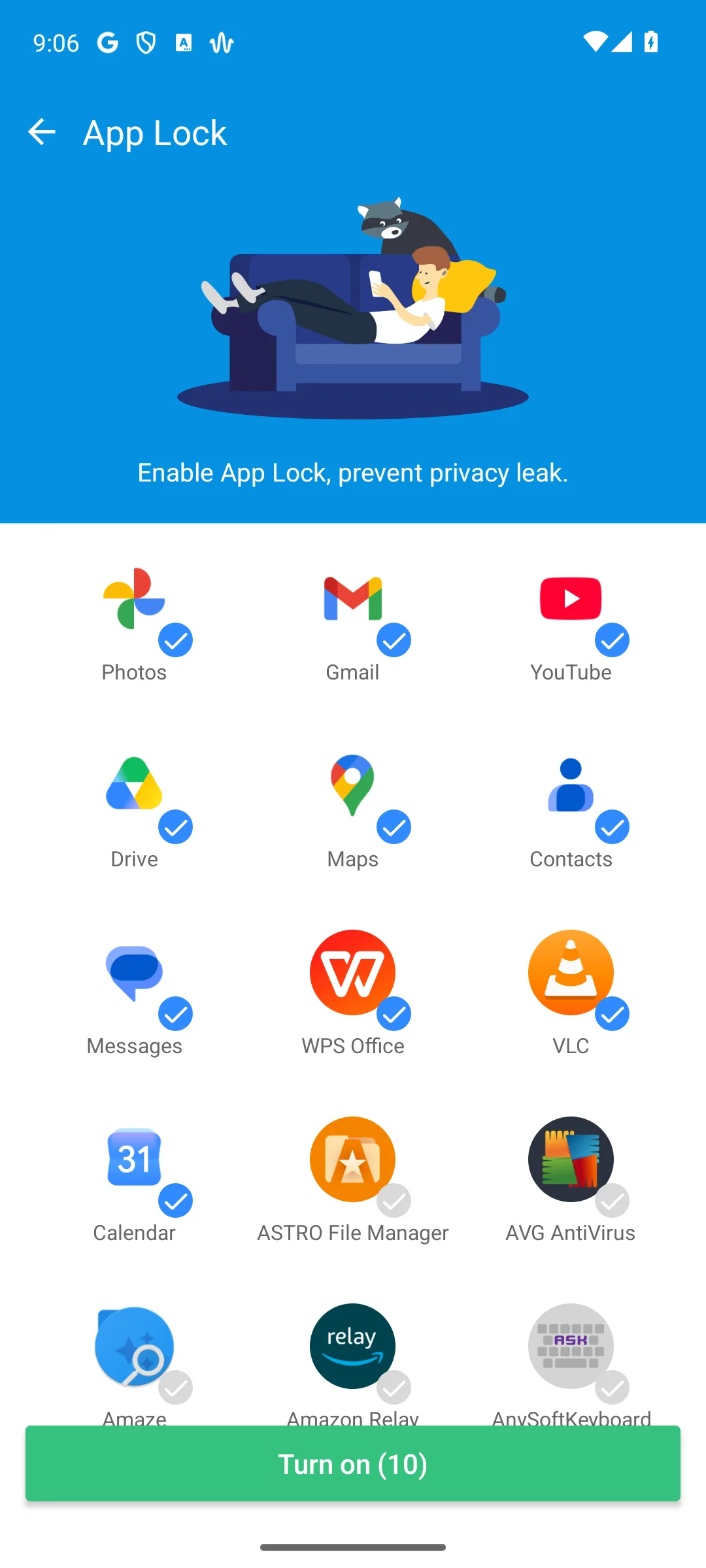
Smart AppLock sells nothing at all, which on a page where five of seven sell something is worth noting, and it rates well. Its listing carries the advertising label, and it has no vault. The blunt con is a question its developer does not answer.
Corrected on this update. Break-in Alerts photograph whoever fails the code. The listing promises only to Take a photo when someone tries to enter your locked app with an invalid password
, and the developer never states where that photo is kept or for how long. Its privacy policy does not mention the feature at all, and its Play Data Safety section lists no image data of any kind, while declaring that data is not transferred over a secure connection and that the developer provides no way to request deletion. An app that photographs people should say what happens to the pictures.
This page previously credited it with a decoy fingerprint screen. Its own listing says only that you can Disguise your lock screen to prevent from breaking into your password
, and never says what the disguise displays. The fingerprint scanner it mentions twice is a real unlock method, not a decoy. That claim is withdrawn.
For: no in-app purchases at all, one of only two here; time based rules that can keep chosen apps shut during working hours; a small, focused app rather than a suite. Against: it photographs failed unlock attempts and documents nothing about where those photos go; its Data Safety declares data is not sent over a secure connection and offers no deletion route; no vault, and the listing has not been updated in three months.
Skip it if the camera question above matters to you, which on a privacy tool it should. Choose Smart AppLock over AppLock only if you want nothing to buy and no vault.
↑ Back to the comparisonSecurity bundle
4.6 stars, 7,826,111 reviews · 100,000,000+ installs · free to install · in-app purchases $0.99 to $119.99 per item · by AVG Mobile · Contains ads: Yes · checked 18 August 2026
Google Play listing · 4.6 (7,826,111) · read 18 August 2026
AVG bundles app locking with its malware scanner, so you install one thing rather than two. There is a policy reason this matters more than convenience: Android's package visibility documentation filters the list of installed apps by default from Android 11 onward, and Google Play's permitted uses for the permission that lifts that filter are device search, antivirus apps, file managers and browsers. A pure app locker is not on that list. An antivirus is. The blunt con is that locking is not actually free.
Corrected on this update. This page said the free tier caps how many apps you can lock and that Pro lifts the cap. AVG's own product page puts locking behind the upgrade outright: Upgrade to lock your apps away from others with a PIN code, pattern, or fingerprint security.
AVG's listing description and AVG's product page disagree with each other on this, and this page now reports the disagreement instead of picking the friendlier reading.
For how AVG's protection actually tests, rather than how its lock behaves, see our antivirus guide: it is certified 6 of 6 for protection by AV-TEST in May 2026, and shares a single AV-Comparatives result row with Avast and Norton because all three run the same engine.
For: as an antivirus it has a documented permitted use for seeing your installed apps, which a pure locker does not; one app instead of two, with a current independent protection result; by far the largest install base on this page. Against: AVG's own product page puts app locking behind the paid upgrade; its listing carries the Contains ads label and sells into three figures; a full antivirus is heavy if a lock is all you want.
Skip it if all you want is a locker. Choose AVG over AppLock when you would rather run one app than two.
↑ Back to the comparisonLightweight phones
4.4 stars, 225,621 reviews · 10,000,000+ installs · free to install · in-app purchases $1.99 to $149.99 per item · by BGN CAPITAL · Contains ads: Yes · checked 1 September 2026
Google Play listing · 4.4 (225,621) · read 1 September 2026
This is the light one: pattern, PIN or fingerprint, plus intruder photos, without the weight of a suite. It is published by BGN CAPITAL, formerly BGNmobi, whose verified entity is Ali Burak Goncu BGN Capital of Zonguldak, Türkiye. The blunt con is what its Data Safety section declares it shares.
Corrected on this update. Two claims withdrawn from this entry. It said the old unlock-by-location trick no longer works reliably; no source says this app ever had a location unlock, and its own listing describes password, pattern, fingerprint, themes, locking system settings, preventing uninstall and intruder photos, with nothing about location. It also said the app hides notification content. That feature belongs to the other AppLock on this page, not to this one.
What its Data Safety does declare is a wide sharing list: emails, email address, user IDs, other information and app interactions, shared with third parties for purposes including analytics, advertising, marketing and personalisation, alongside approximate location. That is the broadest declared sharing of the seven, on the app whose selling point is privacy. Its listing has also not been updated in four months, the longest gap here.
For: genuinely light, which matters on an older phone; pattern, PIN and fingerprint with intruder photos, all free; the developer publishes a current privacy policy naming its legal entity and address. Against: the widest declared third party sharing of the seven, including approximate location; the listing has not been updated in four months; it carries the Contains ads label and sells up to three figures.
Skip it if the sharing declaration above is the sort of thing you install an app lock to avoid. Choose it over LOCKit on a slow phone, and read both data declarations first.
↑ Back to the comparisonHiding photos
4.7 stars, 2,069,775 reviews · 50,000,000+ installs · free to install · in-app purchases $0.99 to $299.99 per item · by Keepsafe · Contains ads: Yes · checked 18 August 2026
Google Play listing · 4.7 (2,069,775) · read 18 August 2026
Keepsafe is the specialist for photos rather than apps, it holds the highest rating on this page, and it is actively maintained. The blunt con is the free limit, which this page never printed: Keepsafe's own product page puts Basic at 200 photos against Premium's 10,000.
Corrected on this update. On encryption, this page claimed the vault is properly encrypted. Keepsafe does not publish enough to support the word properly. Its product page lists military-grade encryption as a bare marketing bullet with no algorithm, no key custody and no statement of what is encrypted at rest, its privacy policy never uses the word encryption, and its Play Data Safety section declares only that data is encrypted in transit. The claim is narrowed to what the vendor actually says.
The decoy feature is also more specific than this page described: Fake Pin is a Premium feature and the listing describes it as creating a decoy Keepsafe with a separate PIN, that is a decoy vault rather than a decoy album. Per album PINs are a separate premium feature.
For: the highest rating on this page, and the most recently updated listing here; a genuine photo specialist rather than a locker with a vault attached; the developer publishes a clear free against paid comparison. Against: the free tier caps you at 200 photos, which this page previously did not mention; the vendor advertises encryption without publishing what is encrypted or how; the highest purchase ceiling on this page, and the listing carries the ads label.
Skip it if you need to lock whole apps rather than hide pictures. Choose Keepsafe over Vault whenever the photos actually matter.
↑ Back to the comparisonNothing to buy
4.5 stars, 542,018 reviews · 10,000,000+ installs · free to install · no in-app purchases · by SuperTools Corporation · Contains ads: Yes · checked 1 September 2026
Google Play listing · 4.5 (542,014) · read 1 September 2026
LOCKit sells nothing at all and advertises app locking, a photo and video vault, intruder selfies, a fake cover, fingerprint unlock and notification lock. The blunt con is not the upselling this page used to name. It is that the developer's own two documents contradict each other about what it collects.
Corrected on this update. The privacy policy linked from LOCKit's own Play listing states, three separate times, that We do not collect personal information.
The Data Safety section on that same listing declares that the app may collect personal info and photos and videos, that data is not transferred over a secure connection, and that data cannot be deleted. Both documents come from the same developer and are reached from the same page. This page previously reported neither.
One thing worth knowing that this page never said: the package name is com.ushareit.lockit, and both the listing description and the linked privacy policy route support to ushareit.com, the SHAREit group's domain. The published security advisories against SHAREit's file transfer app are not advisories against LOCKit, and this page does not suggest otherwise, but a reader choosing a privacy tool should know whose house it sits in.
For: no in-app purchases at all, one of only two here; the widest advertised feature list of the free entries, including a vault and notification lock; the developer declares no sharing with third parties, unlike five of the seven. Against: its privacy policy and its Data Safety section flatly contradict each other on collection; its Data Safety declares data is not sent over a secure connection and cannot be deleted, while it may collect photos and videos; the listing carries the Contains ads label.
Skip it if you want the two documents a developer publishes about your data to agree. Choose LOCKit over Smart AppLock for a vault, and read both its documents first.
↑ Back to the comparisonCasual hiding
4.2 stars, 1,286,483 reviews · 100,000,000+ installs · free to install · in-app purchases $0.99 to $30.99 per item · by Wafer Co. · Contains ads: Yes · checked 1 September 2026
Google Play listing · 4.2 (1,286,462) · read 1 September 2026
Vault hides photos and videos, locks apps and can create multiple password separated vaults, one of which can be a decoy. The blunt con is what the developer never claims: its own site describes hidden items as ones that can only be viewed or played after the correct password is entered
, which is a description of access control rather than encryption. Treat it as a hider, not a safe, on the vendor's own wording.
Corrected on this update. This page previously reached that same conclusion by a route it could not support, asserting in five places that researchers had shown the vault used a trivial scrambling scheme in place of encryption. No citation was ever given and none could be found, so the accusation is withdrawn in full. The verdict stands on the developer's own description instead, which is both fairer to the publisher and easier for you to check.
On the publisher: Google Play lists it under Wafer Co., while the developer site that same listing links identifies the company as Beijing Lexing Yingda Technology Co., Ltd. Its Data Safety declares that location, app activity and device identifiers may be shared with third parties. And message hiding, which this page credited it with, is no longer in its feature list.
For: multiple password separated vaults, including a decoy vault; a large install base and no purchase required to use the basics; the developer is plain about what the vault does, describing access control rather than promising encryption. Against: nothing the developer publishes describes the vault as encrypted; its Data Safety declares location, app activity and device identifiers may be shared with third parties; the name on Google Play and the name on its own website are two different companies.
Skip it if anything in that vault would genuinely hurt to lose or leak. Choose Keepsafe over Vault whenever the photos matter; choose the built-in options below over both.
↑ Back to the comparisonApps locked away, so does this phone even need a cleaner app?
Our answer there: Files by Google, though most people need no cleaner at all, since Android itself may delete cached files to recover space when storage runs low; it is the only one of the ten listings there with no advertising label, and it sells nothing at all, listing read 18 August 2026.
See it against 9 rivalsStart with what Android permits, because it shapes everything else. There is no app lock API: Google publishes no sanctioned way for one app to block another from opening. What lockers use instead is the overlay permission, which is why every one of the seven asks you to allow Display over other apps at setup, and in many cases the accessibility service. On that second route Google Play's accessibility policy is blunt about the category, listing the app types that are not accessibility tools: antivirus software, automation tools, assistants, monitoring apps, cleaners, password managers, and launchers.
An app lock monitors which app you opened.
There is a second limit worth knowing. To show you a list of apps to lock, a locker has to enumerate what is installed, and Android's package visibility documentation states that from Android 11 onward the system filters this information by default
. The permission that lifts the filter has a published list of permitted uses, and it names device search, antivirus apps, file managers and browsers. A pure app locker is not on it.
None of that makes these apps useless. It does mean an app lock is a curtain against casual snooping rather than a wall, it encrypts nothing, and the real protection is your device screen lock.
To keep your sensitive apps away from prying eyes, you can set up private space, a separate space on your Android device to hide and organize apps.Locked, its apps are hidden from the launcher, from recents, from sharing pickers and from Settings, are completely stopped, and are not searchable. See private space.
You can hide files in your Safe folder and control access with a PIN.This is the direct first party answer to the photo vault half of this page. Note the warning Google attaches:
If you forget your PIN or Pattern, you can't access your files.
When app pinning is on, you need to enter your PIN, pattern, or password before you can unpin.It confines the phone to one app rather than blocking one, which is the opposite problem and often the one you actually have.
defence-grade Samsung Knox security platform, which encrypts all data stored there, which is a stronger claim than any third party vault on this page makes about itself.
We re-verify this category monthly. Get the monthly diff by email
They are a curtain, not a wall. There is no app lock API in Android: Google publishes no sanctioned way for one app to block another from opening, so lockers use the overlay permission and often the accessibility service. Google Play's own accessibility policy lists monitoring apps among the app types that are not accessibility tools. A locker encrypts nothing, and your device screen lock is the real protection. Checked 18 August 2026.
Effectively yes, and it is stronger than the third party kind. On Android 15 and up, private space hides chosen apps behind their own lock; Google documents that when it is locked those apps are hidden from the launcher, from recents, from sharing pickers and from Settings, and are completely stopped. Samsung devices have Secure Folder, which Samsung says is built on Knox and encrypts what is stored there. For files rather than apps, Safe folder in Files by Google hides them behind a PIN. Checked 18 August 2026.
None of the seven here. Every one carries Google Play's Contains ads label, which is unusual for a category sold on privacy and is the single clearest thing this comparison shows. Two of them, Smart AppLock and LOCKit, at least sell nothing on top of that. If you want no adverts at all, the built-in options cost nothing and show nothing. Checked 18 August 2026.
Not one of the vaults on this page publishes what it encrypts or how. Keepsafe advertises military-grade encryption without stating what that covers; Vault's developer describes hidden items as ones that can only be viewed after the correct password, which is access control rather than encryption; AppLock describes hiding items from the Gallery. Samsung is the only vendor named on this page that states its container encrypts what is stored in it. Checked 18 August 2026.
Its Data Safety section, before its feature list. On this page it separates the seven far more sharply than features do: five declare sharing with third parties, two declare that data cannot be deleted, and two declare that data is not sent over a secure connection. Two of them photograph whoever fails the code, and neither says where the photo goes. Checked 18 August 2026.
Checked 18 August 2026: the page was rebuilt around what Android permits and what each publisher declares, and ten claims did not survive it. The withdrawal that matters most: this page asserted in five places that researchers had shown Vault used trivial XOR scrambling rather than real encryption. No citation was ever given, and none could be found in any advisory, vendor statement or published analysis. The accusation is withdrawn in full against a named company, and the same verdict is now reached from the developer's own description, which never claims encryption at all. Retracted: that Keepsafe encrypts its vault properly. Keepsafe advertises military-grade encryption with no algorithm, no key custody and no at-rest scope, its privacy policy never uses the word, and its Data Safety declares only encryption in transit. Its free cap of 200 photos, which this page never printed, is added in place of the decoy PIN as the entry's real catch. Retracted: that Pro lifts the app-lock cap on AVG. AVG's own product page puts locking behind the upgrade outright, and its listing description says otherwise, so the page now reports that the vendor's two sources disagree. Retracted: the name AppLock by PIPS Tech, since the listing title is simply AppLock; and the framing of PIPS Tech as formerly DoMobile, since neither party documents a sale or rename. Play's verified entity is in Singapore and the app's own website, policy and support are a different company in Shenzhen, and the page now states both. Retracted: that AppLock offers a real photo vault. The developer describes hiding items from the Gallery rather than encrypting them, and its optional Cloud Sync uploads every vaulted item to your Google Drive. Retracted: Smart AppLock's fake fingerprint prompt, which appears in no source the developer publishes. Retracted from the BGN CAPITAL entry: Location unlock no longer reliable, describing a feature no source says it ever had, and Hides notification content, which belongs to the other AppLock. Its rating also moves from 4.4 to 4.5. Retracted from LOCKit: it pushes extra tools you have to ignore, an in-use observation replaced by something its own listing shows, that its privacy policy and its Data Safety section contradict each other on whether it collects personal information. Retracted from Vault: locked messages, which is no longer in its feature list. Added: the two Android rules that shape this whole category, from Google's own documentation, namely that Play's accessibility policy names monitoring apps as not accessibility tools, and that Android 11 filters the installed app list by default with permitted uses that do not include app lockers. Added too: the four built-in alternatives with Google's and Samsung's own wording, including Safe folder in Files by Google, which this page had never named and which is the direct first party answer to its photo vault entries.