
Updated September 2026 · every app on this page now carries its own dated listing figures below the section that discusses it, one table compares the routes, and two lines no listing could back were withdrawn
One phone, two WhatsApp numbers. That is the problem most people are trying to solve, and Android has four answers, two of which need nothing installed at all. Which one suits you depends almost entirely on who made your phone.
Before installing anything, open your settings. Most of the big Android brands ship a cloning feature, Google's Pixel line being the obvious exception. It is free, runs with system privileges, and puts a second icon on your home screen with its own login, chats and notifications.
Two limits apply everywhere. The manufacturer decides which apps can be cloned, and you get one extra copy, not several. Stock Pixel software has none of it. Motorola documents a Cloned apps screen under Settings, Apps on many of its models, so look there before assuming you have to install anything.
If WhatsApp is the only app you need doubled, skip cloning entirely. The official app carries two accounts by itself: open Settings, tap the arrow beside your name and choose Add account. Both stay signed in, each with its own privacy and notification settings.
The catch is the number. WhatsApp states you need a second phone number and SIM card, or a phone that accepts multi-SIM or eSIM. The verification code has to arrive on the device itself.
WhatsApp is blunt about the alternative: use only the official app, and do not download imitations to get more accounts. That targets modified builds such as WhatsApp Plus, whose users get locked out. See also how to turn off Meta AI in WhatsApp and the WhatsApp Web options for Android.
Two WhatsApp numbers in the official app
4.6 stars from 242,772,856 reviews · 10,000,000,000+ installs · free to install · in-app purchases $0.40 to $199.99 per item · listing updated 5 September 2026 · by WhatsApp LLC · Contains ads: No · checked 5 September 2026
Google Play listing · 4.6 (242,772,856) · read 5 September 2026
The answer when WhatsApp is the only app you need doubled: the official app holds two accounts by itself, so no clone is involved at all. Free to install with no Contains ads label, read 5 September 2026, on a data safety card that says no data shared with third parties and that you can request deletion. Its listing also carries in-app purchases of $0.40 to $199.99 per item; the Add account step itself is in Settings, as the section above describes. The blunt con is the number: the second account needs its own phone number, and the verification code has to arrive on this phone.
Android's work profile is what employers use to keep work apps apart from personal ones. Everything inside carries a briefcase badge, and the profile can be paused. You can create one on your own phone with no employer involved, and an app inside it is a real second installation.
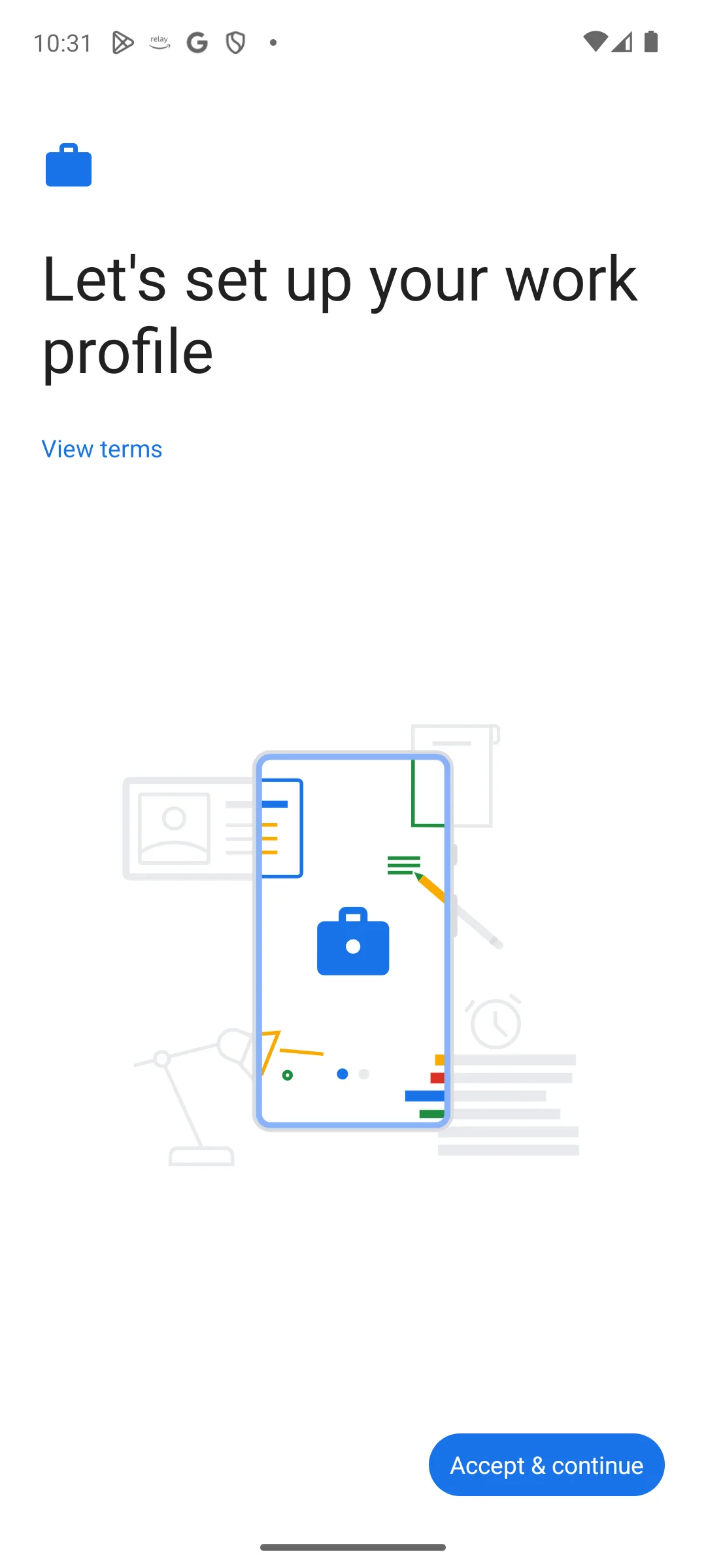
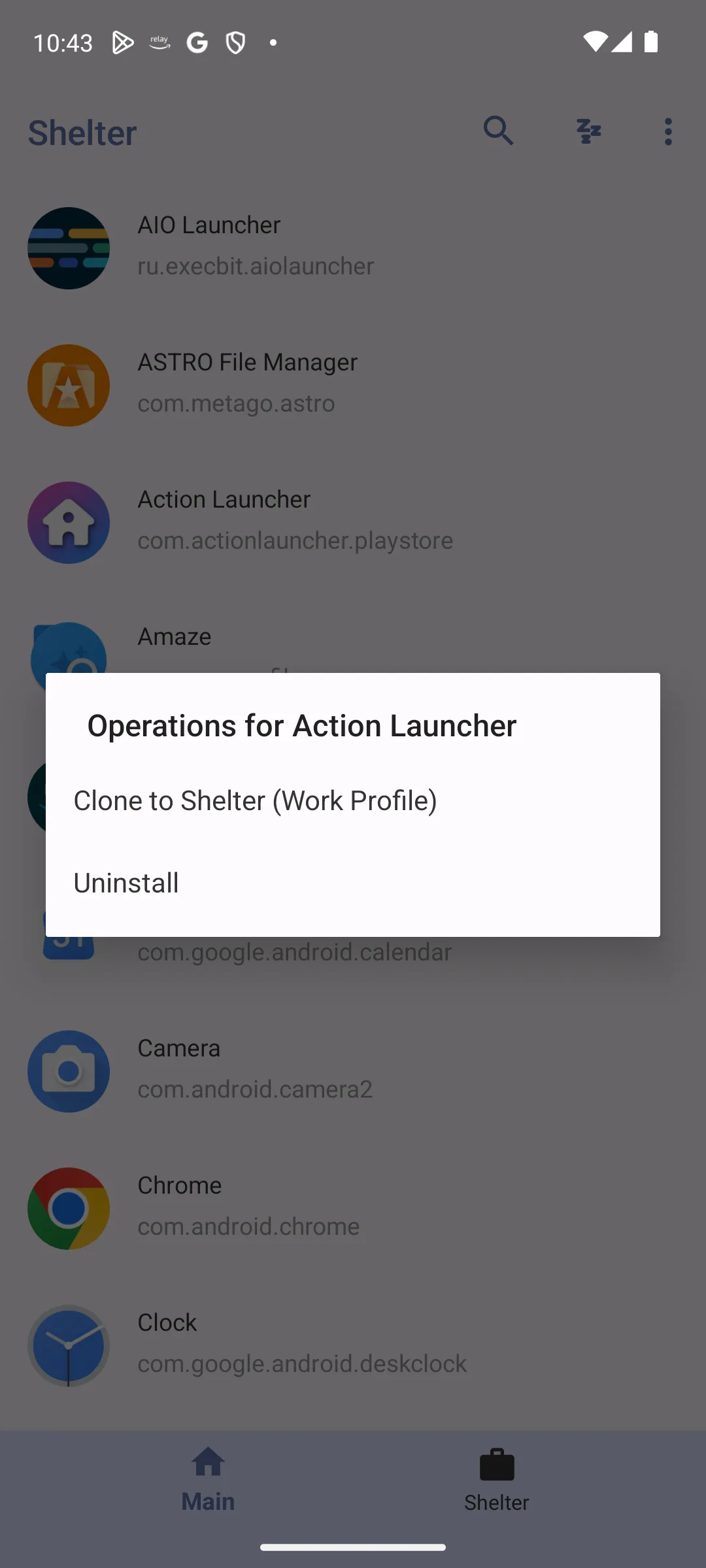
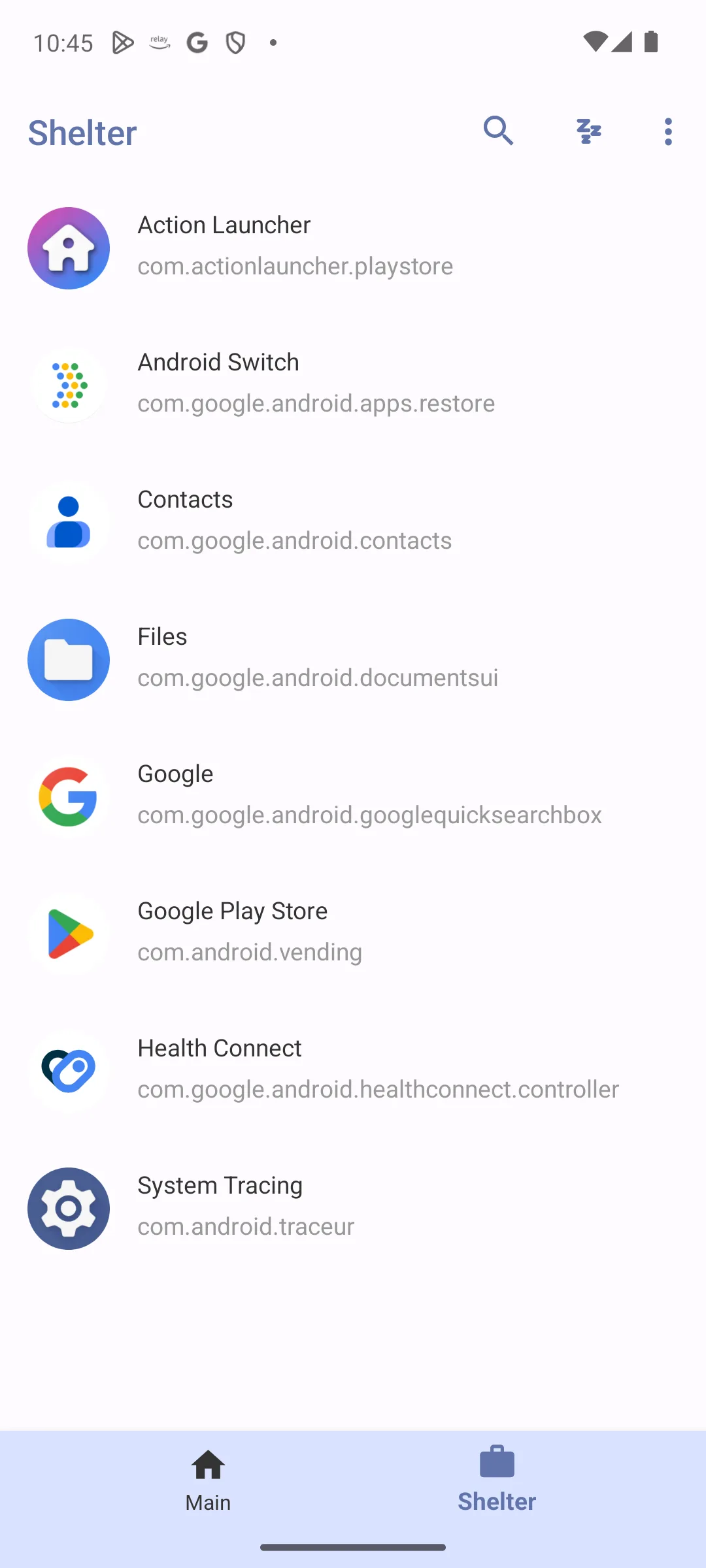
Island is the Play Store option: by Oasis Feng, 10,000,000+ installs, and a listing read 5 September 2026 that carries neither the Contains ads label nor in-app purchases. It clones, freezes and hides apps, and needs device administrator privilege to create the profile. The listing was last updated on 25 April 2025 and publishes no rating or review count.
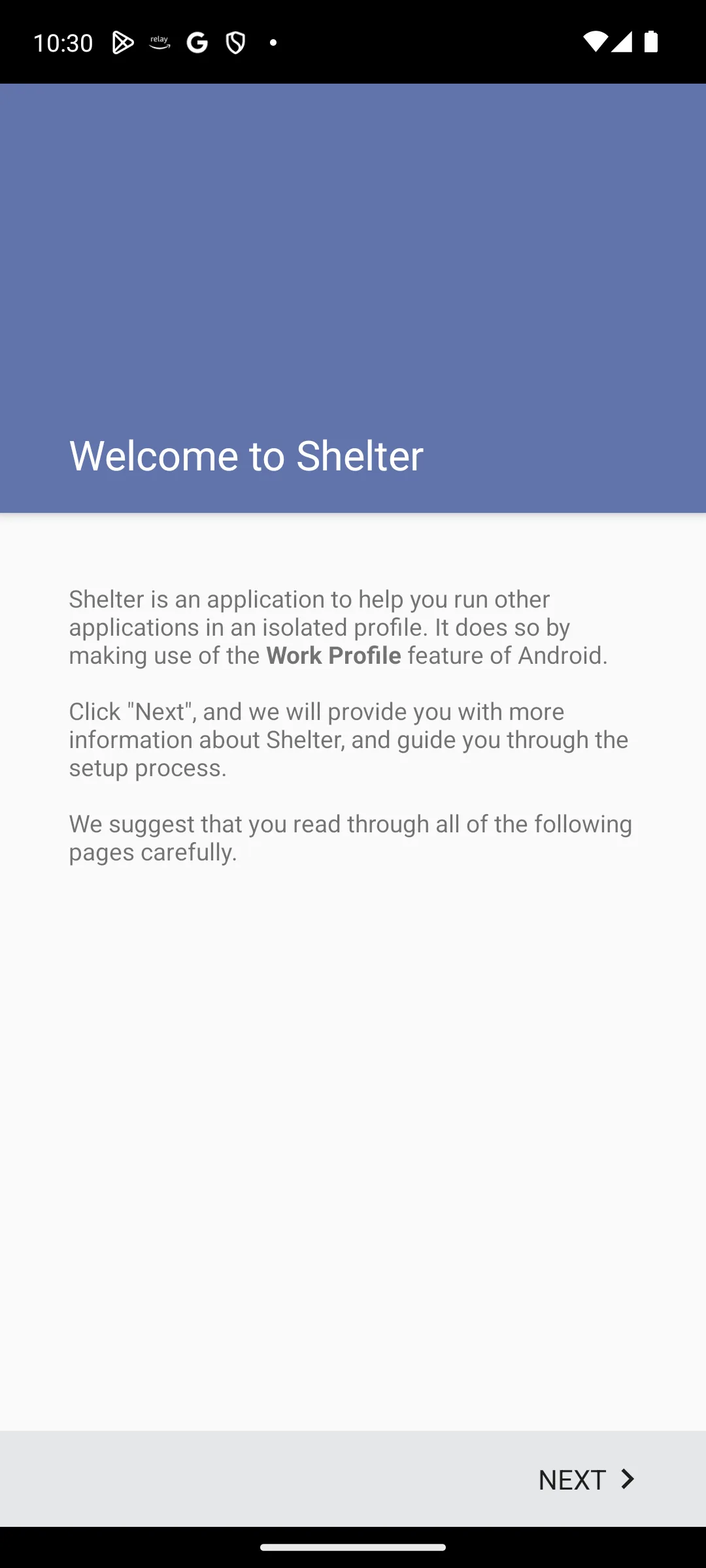
Shelter is the other name you will see, and it is not on Google Play. Its F-Droid page, read 5 September 2026, lists it under PeterCxy, licence GPL-3.0-only, version 1.9.1 added on 12 December 2023, and that is the newest build listed. Treat it as stable, not actively developed.
Technically this is the cleanest route. The clone is a real installation that Android manages, so notifications and background sync behave normally. The trade off is a second set of permissions, so read how to manage app permissions first.
A work profile on a Pixel or any phone without built-in cloning
no rating or review count published on its listing · 10,000,000+ installs · free · no in-app purchases · listing updated 25 April 2025 · by Oasis Feng · Contains ads: No · checked 5 September 2026
Google Play listing · no rating published · read 5 September 2026
The Play Store route to a work profile on a phone with no built-in cloning, and the clone it makes is a real second installation that Android itself manages. Free, no in-app purchases and no Contains ads label, read 5 September 2026. Two things its listing does not give you: Google Play publishes no rating or review count for it, and the listing was last updated on 25 April 2025, sixteen months before this check. Its data safety card says no data shared with third parties and that data cannot be deleted. It needs device administrator privilege to create the profile.
The same work profile route, from F-Droid
Not on Google Play · F-Droid version 1.9.1, added 12 December 2023 · licence GPL-3.0-only · no rating, review count, install count or price is published, and there is no Data Safety section · source code under PeterCxy · Contains ads: No · F-Droid page, read 5 September 2026
F-Droid listing · read 5 September 2026
The other work profile app, and it is not on Google Play at all. Its F-Droid page, read 5 September 2026, lists version 1.9.1, added 12 December 2023, under the GPL-3.0-only licence, and its summary reads Isolate and run multiple instances of apps using Work Profiles. F-Droid publishes no rating, no review count, no install count and no price for any app, and has no Data Safety section, so this page prints none; the one advertising signal it does carry, the Ads Anti-Feature flag, is absent from Shelter's record. The blunt con is age: the newest build listed is thirty-two months old, so treat it as stable rather than actively developed.
Cloner apps run the second copy inside a virtual container of their own. That works on any phone and can produce more than two copies. It is also where nearly all the problems live.
Parallel Space notes that apps declaring a secure environment requirement will not run inside it, which is why banking apps refuse to open. Dual Space says it has applied for as many system permissions as it can, which is honest and also a lot of access. Check what an app can access first.
One more cost: the clone's data lives inside the cloner, so uninstalling the cloner takes the clone, its logins and its history with it. App Cloner, still linked by older guides, still returned a 404 on Google Play on 5 September 2026; only a companion listing, App Cloner Premium and Add-ons by AppListo, remains there, and its Play category is Libraries and Demo.
A container cloner for phones with nothing built in, more than two copies
4.1 stars from 5,116,784 reviews · 100,000,000+ installs · free to install · in-app purchases $0.99 to $9.99 per item · listing updated 7 August 2026 · by LBE Tech · Contains ads: Yes · checked 5 September 2026
Google Play listing · 4.1 (5,116,784) · read 5 September 2026
The container cloner, listed on Google Play as Parallel Space - app cloning, and the route for a phone with nothing built in. Its listing, read 5 September 2026, carries the Contains ads label and sells in-app purchases of $0.99 to $9.99 per item, and its data safety card says data may be shared with third parties and cannot be deleted. It is the most reviewed cloner here at 4.1 stars from 5,116,784 reviews on 100,000,000+ installs. The blunt con is the container itself: the clone's data lives inside the cloner, so uninstalling Parallel Space takes the clone, its logins and its history with it.
The other container cloner, same trade-offs
4.0 stars from 900,295 reviews · 100,000,000+ installs · free to install · in-app purchases $2.99 to $9.99 per item · listing updated 11 August 2026 · by DUALSPACE · Contains ads: Yes · checked 5 September 2026
Google Play listing · 4.0 (900,295) · read 5 September 2026
The other container cloner, listed on Google Play as Dual Space - Multiple Accounts, with the same shape of trade-off. Its listing, read 5 September 2026, carries the Contains ads label and sells in-app purchases of $2.99 to $9.99 per item; unlike Parallel Space, its data safety card says no data shared with third parties, though data cannot be deleted. It has the lowest rating of any rated app on this page at 4.0 stars from 900,295 reviews, on 100,000,000+ installs, and was updated on the store on 11 August 2026.
Banking, payment and authenticator apps are the hard line. Most refuse to start in a cloned environment on purpose, using Android's device integrity signals. Where one does start, the risk is not a crash, it is a locked account.
Authenticators need their own warning. A clone can lose its stored seeds when the container updates or is removed, and recovering a lost second factor is slow. Keep those in the normal profile and pick from the best authenticator apps for Android.
Games and messaging services object too. Some platforms treat several simultaneous sessions from one device as automation, and plenty of games ban cloned environments outright. If you only want an account kept private, one of the app lock apps for Android is the better tool.
A clone is a complete second instance. It keeps its own cache, syncs its own messages and wakes the phone on its own schedule, so the second copy repeats all the background work of the first rather than sharing it. A cloner container on top costs more again.
If the phone was already struggling before the second account, fix that first: our guide to fixing fast battery drain on Android covers the usual causes.
On a Samsung, Xiaomi, OPPO, realme or vivo, use the feature you already have. If you only need two WhatsApp numbers, use WhatsApp's own account switcher. On a Pixel, or a Motorola without the Cloned apps screen, set up a work profile with Island. Leave Parallel Space and Dual Space for when nothing else fits.
Whatever you choose, keep banking and authenticator apps out of it, and remember that a second account is only useful if its notifications arrive. If this has you rethinking the messenger, our roundup of the best messaging apps for Android is a fair start.
Yes. WhatsApp supports a second account itself: open Settings, tap the arrow beside your name and choose Add account. You need a second phone number and SIM card, or a phone that takes multi-SIM or eSIM. Samsung, Xiaomi, OPPO, realme and vivo phones can also clone WhatsApp.
Yes. Google has never shipped a user facing cloning setting on Pixel. Android has carried a clone profile capability since version 12, and a hidden Cloned apps screen appeared in an Android 14 preview, but it never became a normal setting. Use a work profile through Island instead.
No. Most banking and payment apps deliberately refuse to run in a cloned environment, and the Parallel Space listing notes that apps declaring a secure environment requirement will not work inside it. Where one does start, you risk a locked account.
Yes. A clone is a full second instance with its own cache and background sync, so the second copy repeats the first's background work rather than sharing it. Built-in manufacturer features are the lightest, because they run with system privileges. Third party cloners cost the most, since the container stays alive too.
With a built in feature or a work profile, the second copy is a real installation. With a third party cloner the data lives inside the cloner, so removing it takes the clone, its logins and its chat history too.
Battery optimisation, almost always. Android restricts background work for apps it decides you are not using. Set the cloned app to unrestricted background use, and do the same for the cloner if you use one. Parallel Space and Dual Space both ask to be whitelisted in booster apps.
Parallel Space and Dual Space both carry the Contains ads label on their Google Play listings read 5 September 2026, and both sell in-app purchases: $0.99 to $9.99 per item for Parallel Space and $2.99 to $9.99 per item for Dual Space. WhatsApp carries no ads label and lists in-app purchases of $0.40 to $199.99 per item; Island carries no ads label and no in-app purchases. Shelter is on F-Droid, which publishes no ads label at all, and its record shows no Ads Anti-Feature flag.
Checked 5 September 2026: the page linked none of the apps it named, and its only verification line was an undated sentence in the intro. Every app now carries its own dated card below the section that discusses it, the routes sit in one table, and the capsule and the How we verify box replace that intro sentence. Two lines that no listing could back are withdrawn. For Island, with notes citing an Android 15 fix, because release notes are not part of the listing record read today; the same record shows that Google Play publishes no rating or review count for Island at all. For Shelter, the developer's own repository last built in October 2024, because only the F-Droid record was read, and it lists version 1.9.1 added 12 December 2023 as the newest build. The rounded counts 5.12 million and roughly 900,000 are replaced by the exact listing counts for Parallel Space and Dual Space. App Cloner's main package still returns a 404 on Play; a companion App Cloner Premium and Add-ons listing by AppListo remains, filed under Libraries and Demo. Four FAQ questions moved from the first person to the second. The H1 and the first H2 shared one block id; the H2 now has its own.
 How to Speed Up a Slow or Laggy Android PhoneTools & Utilities