
The useful version of this idea is narrow: a spare Android phone on a charger, pointed at your own front door, your own workshop or your own dog. A free app turns a drawer phone into a workable indoor camera with nothing to buy. It will not match even a cheap dedicated camera on night vision, weather sealing or unattended reliability, and pointing it at other people is a different question with a different answer.
AlfredCamera is our best overall pick because its listing on 3 September 2026 showed 4.7 from 998,335 ratings, with ads and purchases of $1.99 to $99.99.
Video Surveillance Ivideon is our best free pick because its listing on 28 August 2026 declared no ads and no in-app purchases at 3.9 from 46,804 ratings.
Dormi is our nursery pick because its listing on 3 September 2026 showed no ads label and no data shared with third parties.
Data checked: 3 September 2026.
The comparison worth making is the phone against a basic indoor Wi-Fi camera at roughly 25 to 50 dollars, built for constant use. The phone costs nothing.
So a phone suits an indoor, temporary or low stakes watch: a hallway while you are out, a pet, the door where parcels land. Anything permanent outdoors wants a real camera.
Safe ground is your own property and your own space. The word spy is marketing; the job underneath is watching your own hallway. Recording other people covertly is a different act, and in many English speaking jurisdictions a criminal one.
Monitoring a partner or an employee is not what this is for. If the real question is a child's phone, the best parental controls apps for Android cover it. Rules vary by country and by state.
Nearly every app here has the same shape: the old phone becomes the camera, your current phone the viewer, and one account links them, usually by scanning a QR code.
These pair two phones through the developer's servers, which is the quickest setup and puts your video on somebody else's infrastructure. Listings verified on 28 August 2026.
The default by volume
AlfredCamera Home Security by Alfred Systems Inc. The default by volume, at 4.7 stars from 998,335 ratings, over 50 million installs, updated on 17 August 2026. The listing describes QR pairing across Android and iOS, motion alerts and a low light filter. Contains ads, and in-app purchases of $1.99 to $99.99 per item. Its Data Safety section is the only one here that says data is not encrypted, and it also says the app may share data with third parties.
The ad free cloud option
Surveillance Camera: Visory by Saby Baby monitor Ltd. Rated 4.4 from 512,412 ratings, over 10 million installs, updated on 21 August 2026, with no ads label. Its in-app purchases run from $0.99 to $149.99 per item, and it lists motion and sound alerts, cloud recording and low light enhancement. Its Data Safety section says the app may share data with third parties.
No ads and no purchases declared
Video Surveillance Ivideon by Mobile Video Solutions. Rated 3.9 from 46,804 ratings, over 1 million installs, updated on 20 August 2026, with no ads or in-app purchase label. Recordings are kept locally or in the Ivideon cloud, and its Data Safety section declares no data shared with third parties, with deletion available on request.
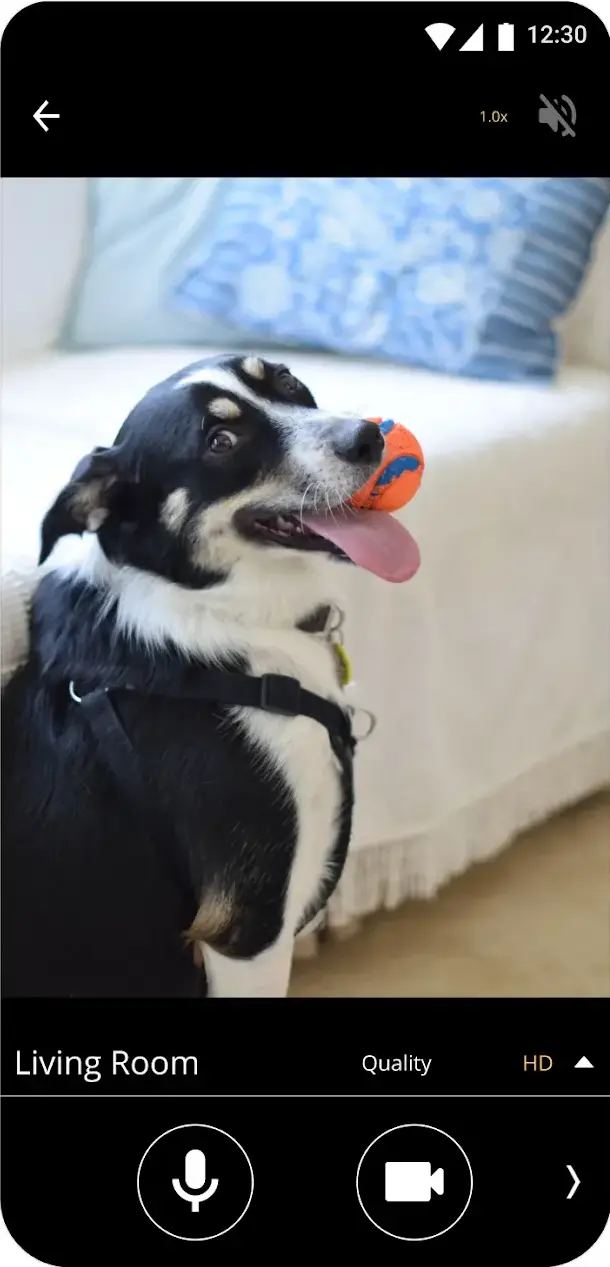
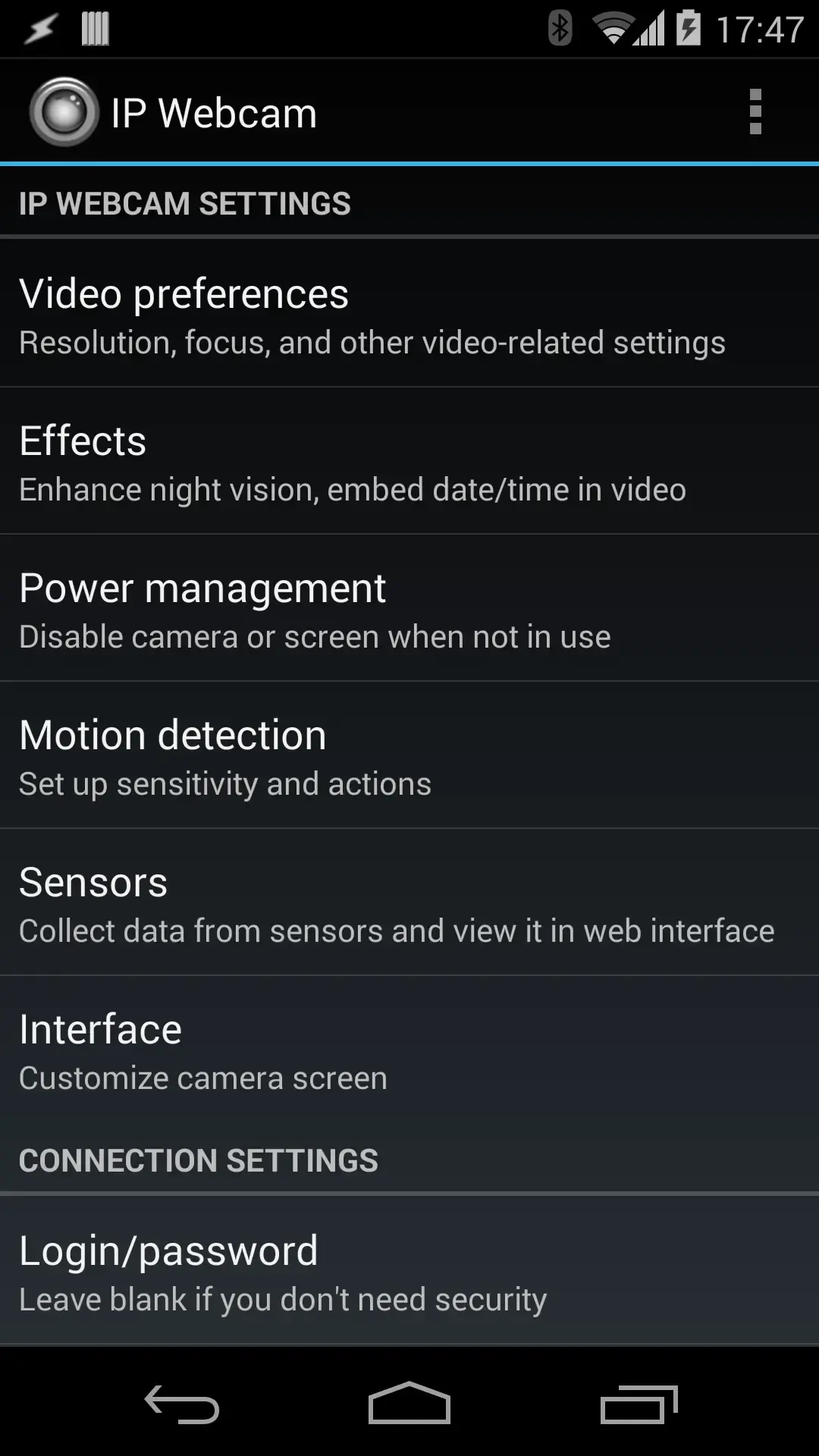
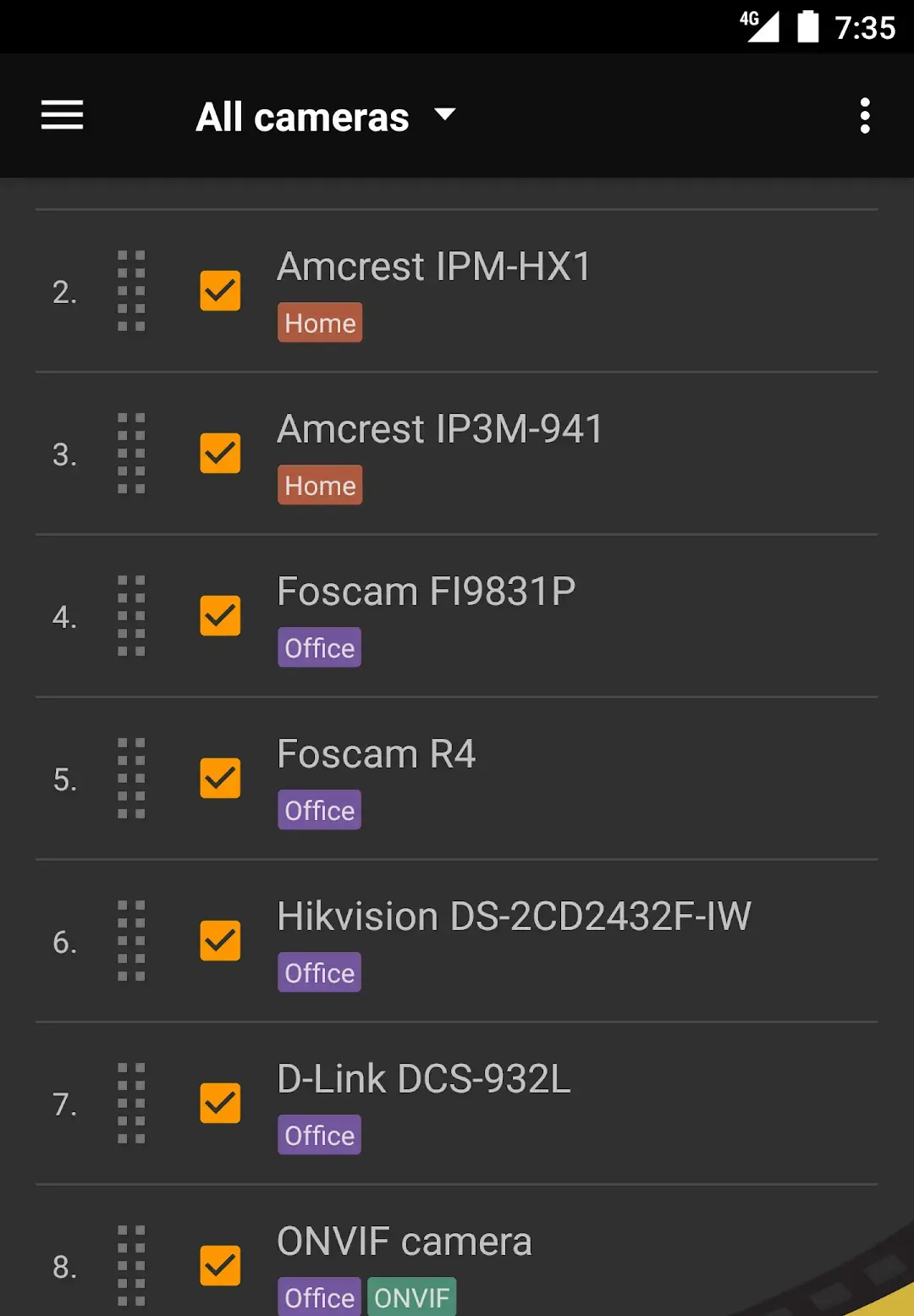
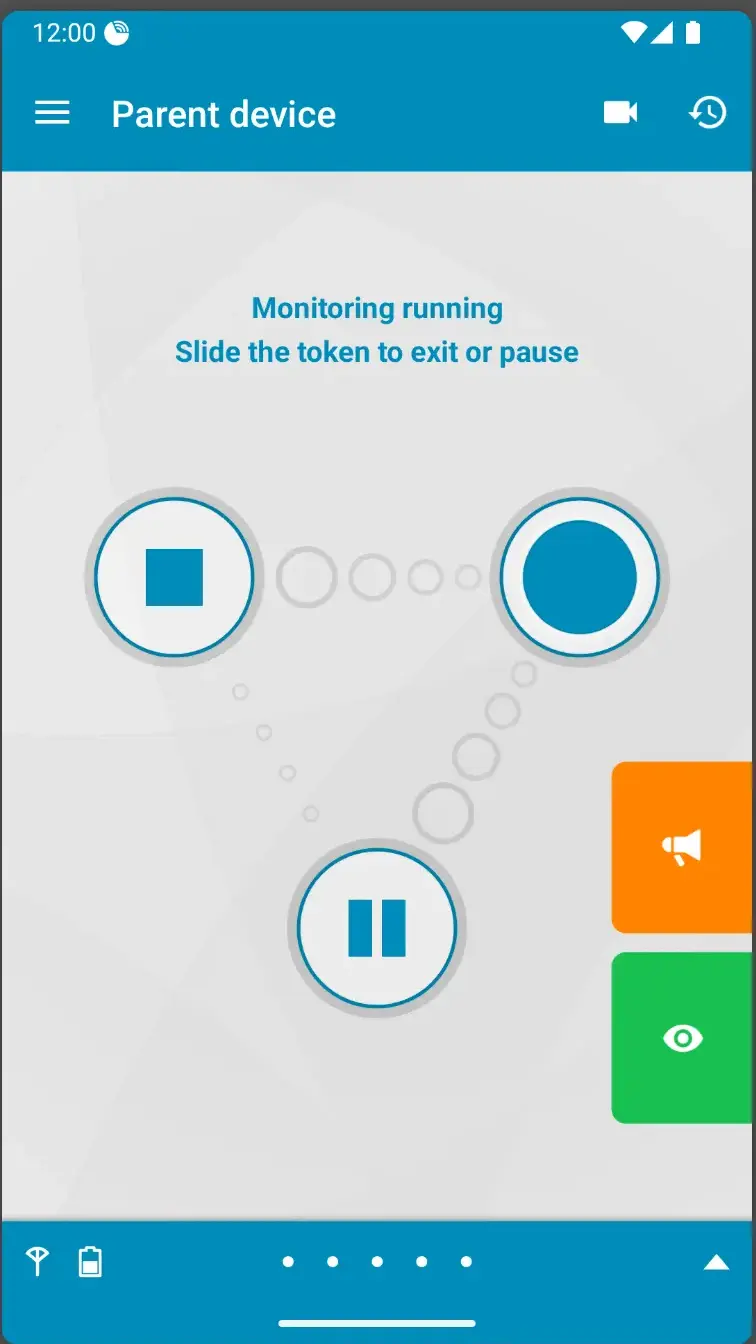
If the point was avoiding a subscription, these keep footage on your own kit.
Clips land in your own Google Drive
Security Camera CZ by SCamera. Rated 4.3 from 17,364 ratings, over 1 million installs, updated on 14 August 2026. The listing carries the Contains ads label and one in-app purchase at $14.99 per item. It lists motion detection, a siren and storage to your own Google Drive, and its Data Safety section declares no data shared with third parties.
A stream you open in a browser
IP Webcam by Thyoni Tech. Rated 3.6 from 98,791 ratings, over 10 million installs, updated on 26 May 2026, three months before this check. It turns the phone into a network camera you open in VLC or a browser, and the listing says it streams inside your Wi-Fi with no internet. Contains ads, and no in-app purchases are listed: the paid twin, IP Webcam Pro, is a separate listing from the same developer at $4.99 with no ads label.
A viewer, not a camera
tinyCam Monitor by Tiny Solutions LLC. Rated 3.7 from 75,912 ratings, over 10 million installs, updated on 8 April 2026, the oldest listing update of the seven here, ad supported. This is the viewer rather than the camera: a grid of IP camera feeds. The free listing declares no in-app purchases, and the paid twin, tinyCam Monitor PRO for IP Cam, is a separate listing at $3.99 with no ads label.
IP Webcam needs a precaution: set the password the app offers and keep the stream off the public internet, which is how phone cameras end up in public webcam indexes. More in security and privacy.
One room rather than a whole house
Dormi by sleekbit is a baby monitor rather than a security camera, and one of the three listings here that declare no data shared with third parties. Rated 4.0 from 17,148 ratings, over 1 million installs, updated on 6 August 2026, in-app purchases and no ads. Its Data Safety section adds that data is encrypted in transit and that data cannot be deleted, which the other two allow on request.
It lists WiFi Direct and a hotspot among its connection routes, so it works with no internet at all, plus a connection loss alarm. The listing is free to install and declares in-app purchases of $1.99 to $16.99 per item, checked 28 August 2026.
Phone motion detection reads changes in the video frame, not heat, so it cannot tell what a person is. A curtain over a radiator, headlights on a ceiling, a cat, the sun coming out: all motion. Sensitivity set too high buries you in alerts, you stop reading them, and the camera becomes decoration.
A phone streaming video runs its camera, its encoder and its radio continuously. Held at full charge in a warm spot an old cell ages faster, and a swollen battery in an unattended phone is a real fire risk. Check the pack first: checking battery health on Android.
Storage is the second wall. Video is large, so local recording fills a 32GB phone quickly, and retention is set per app, so find that setting before you rely on the footage being there. If the device is tight already, see freeing up storage space on Android. Cloud plans solve it with money; check on the app's own pricing screen what the free tier keeps, and for how long.
Night is the third. None of these adds infrared, whatever low light mode is advertised, so a dark room stays dark. Leave a lamp on, or buy the camera. A phone that photographs better than it monitors has a happier use: the best camera apps for Android.
How we verify. Every figure on this page comes from the app's own Google Play listing, read on 28 August 2026: the rating and review count, the install band, the install price, the in-app purchase range, the Contains ads label, the Data Safety summary and the date the developer last updated the listing. Each app links to that listing in its own section, so any figure can be rechecked in one click. Nothing here rests on our own use of these apps, and the four screens above are the developers' own Play images, as their caption says. Where a listing publishes no figure, this page says so rather than printing one. Next full pass: quarterly.
Indoors and in daylight, largely yes: a live view, motion alerts and recording for nothing. Outdoors, in the dark, or as a device you never think about again, no.
Watching your own home, property or pet is normal use. Covertly recording other people is a different matter, and in many places a criminal offence, especially in a bathroom or a bedroom. Audio is regulated more strictly than video.
For monitor style apps such as AlfredCamera, Visory and Security Camera CZ, yes: one phone is the camera, one is the viewer. IP Webcam is the exception, serving a stream you open in a browser or VLC, so one phone and a computer will do.
Recording to the phone itself needs no connection, and IP Webcam states it streams inside a local network with no internet. Remote viewing needs a route in, usually mobile data. Dormi lists WiFi Direct and a hotspot, so two phones can pair with no network.
Use a long, unique password, turn on two factor authentication, and never leave a default in place. With IP Webcam, also keep the stream off the public internet: open camera servers get indexed by strangers.
 How to Block Ads on Android Without Rooting (2026)Security & Privacy