
Nothing here is priced the way you expect: a free tier usually holds the editor and not the export button, and where there is no free tier you buy the app up front. And a search for an audio mixer on Android returns three kinds of app that share almost no code. DJ decks blend two finished tracks. Multitrack recorders build one out of parts. System level tools reshape whatever is already playing. What free buys differs in each, and so does the point at which the phone becomes the limit.
edjing Mix is our best overall pick because on 3 September 2026 its listing showed 4.6 stars from 1,653,439 ratings, free installation and a Contains ads label.
rekordbox is our best free pick because on 28 August 2026 its listing showed no ads label, free installation and 4.6 stars.
djay is our streaming pick because on 3 September 2026 its listing showed free installation, no ads label and purchases from $6.99.
Data checked: 3 September 2026.
DJ decks put two players either side of a crossfader, and the work is the transition. edjing Mix, Cross DJ, rekordbox and djay sit here, and no other guide on the site covers them.
Multitrack recorders start with nothing finished: record or import parts, stack them, balance them into one file. BandLab, n-Track Studio, Audio Evolution Mobile Studio and FL Studio Mobile are compared in our free multitrack recording roundup. For one clean take rather than layers, a voice recorder is lighter.
System level audio plays nothing. It sits between an app and the speaker, changing the tone or level of what is already running. Android's volume model works on streams rather than apps, with separate levels for media, ring, alarm, notification and call, so there is no fader per app. Tone shaping is covered in the equalizer roundup, which sets system wide equalizers against the in player kind.
Two files in, one file out
One result sits outside all three. AudioLab is a file editor rather than a deck or a session: its listing names cutting, trimming, splitting and merging audio files, mixing multiple tracks, format conversion and ringtone making.
↑ Back to the comparisonA desk, not an app
Something else again comes back. Mixing Station remote controls physical desks such as the Behringer X32, Yamaha TF and Soundcraft Ui. Its listing is blunt: not a DAW, no audio, remote control only.
↑ Back to the comparisonThis category paywalls the exit, not the entrance. n-Track Studio spells it out on its own store page: the free edition allows up to eight tracks and up to two effects per channel, and saving to WAV or MP3 on device storage requires a purchase. Unlimited tracks, the rest of the effects and export arrive with the Standard subscription.
Track count, effect count, export format and automation are the usual levers where there is a free tier at all. Read the listing for the export line before you build anything you care about.
Advertising is the other cost of free. BandLab, Cross DJ, edjing Mix and AudioLab each carried the Contains ads label in their Play header row on 28 August 2026, beside In-app purchases. djay, rekordbox, n-Track Studio and Audio Evolution Mobile Studio carried In-app purchases and no ads label on the same day.
The paid side splits two ways. FL Studio Mobile sold outright at $14.99 with no free tier on 28 August 2026 and Audio Evolution Mobile Studio at $11.99, both with extras on top. n-Track Studio charges inside the app instead, and its listing publishes no monthly figure at all: what it prints is a purchase range of $0.99 to $34.99 per item. Cross DJ Pro marks the top at $36.99, on the one listing here that has not been updated since 9 December 2025.
Where most people start
edjing Mix from MWM is the volume leader: 4.6 stars from around 1.65 million ratings, 100M+ downloads, updated on 28 August 2026. Its description lists two decks with automatic BPM detection, a three band EQ, more than 20 effects, separation of vocals, drums and instruments, and recording to WAV.
↑ Back to the comparisonFor music you already own
Cross DJ from MIXVIBES suits anyone who owns files rather than a streaming account: 4.1 stars from about 182,000 ratings, 10M+ downloads, updated on 30 July 2026. The listing names MP3, AAC, FLAC, WAV and AIFF import, key detection, keylock, split audio for pre listening on headphones, Ableton Link and multichannel USB output.
↑ Back to the comparisonPractice for club equipment
rekordbox from AlphaTheta is the pick if there is any chance of standing behind club equipment, since it links to CDJ and DJM hardware over PRO DJ LINK and to the desktop version. At 4.6 stars it matches edjing Mix, from a much smaller base of about 21,100 ratings.
↑ Back to the comparisonThe widest streaming list
djay from Algoriddim has the widest streaming support and the lowest rating, 3.8 stars from around 223,000 ratings, updated on 4 August 2026. Its listing is candid: Neural Mix stem separation needs an ARM64 device, and some Android devices support no external audio interface, including those inside some DJ controllers.
↑ Back to the comparison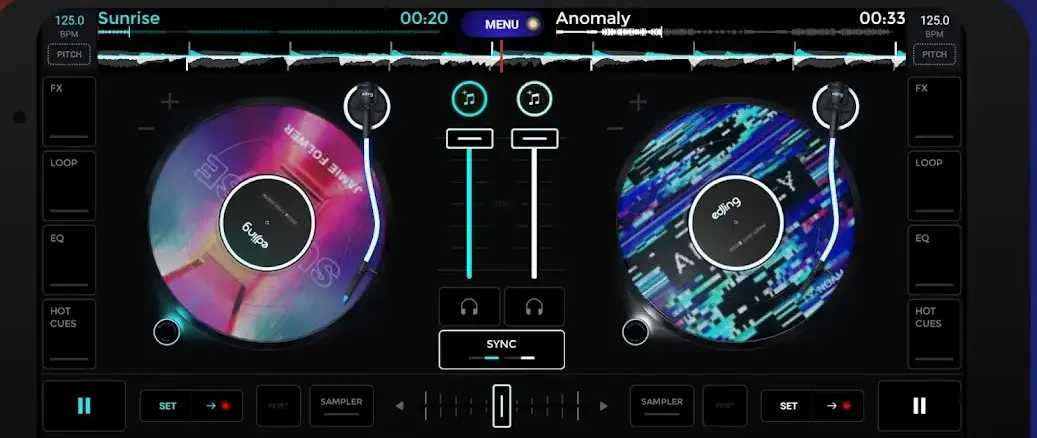
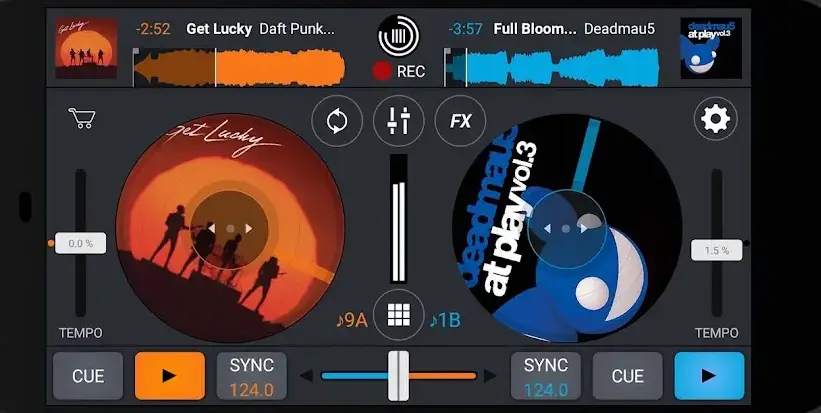
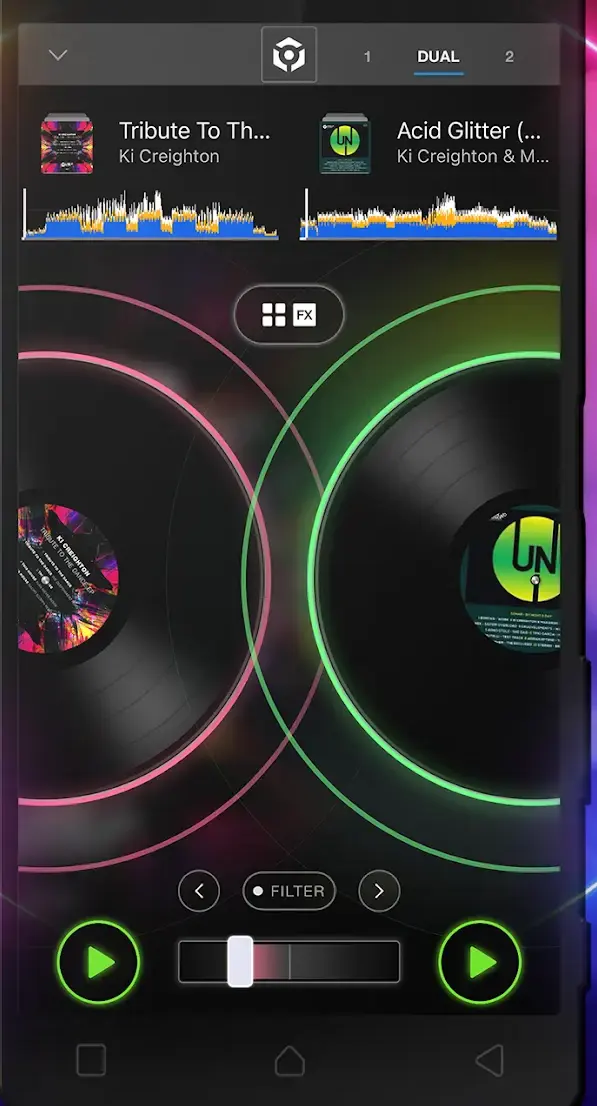
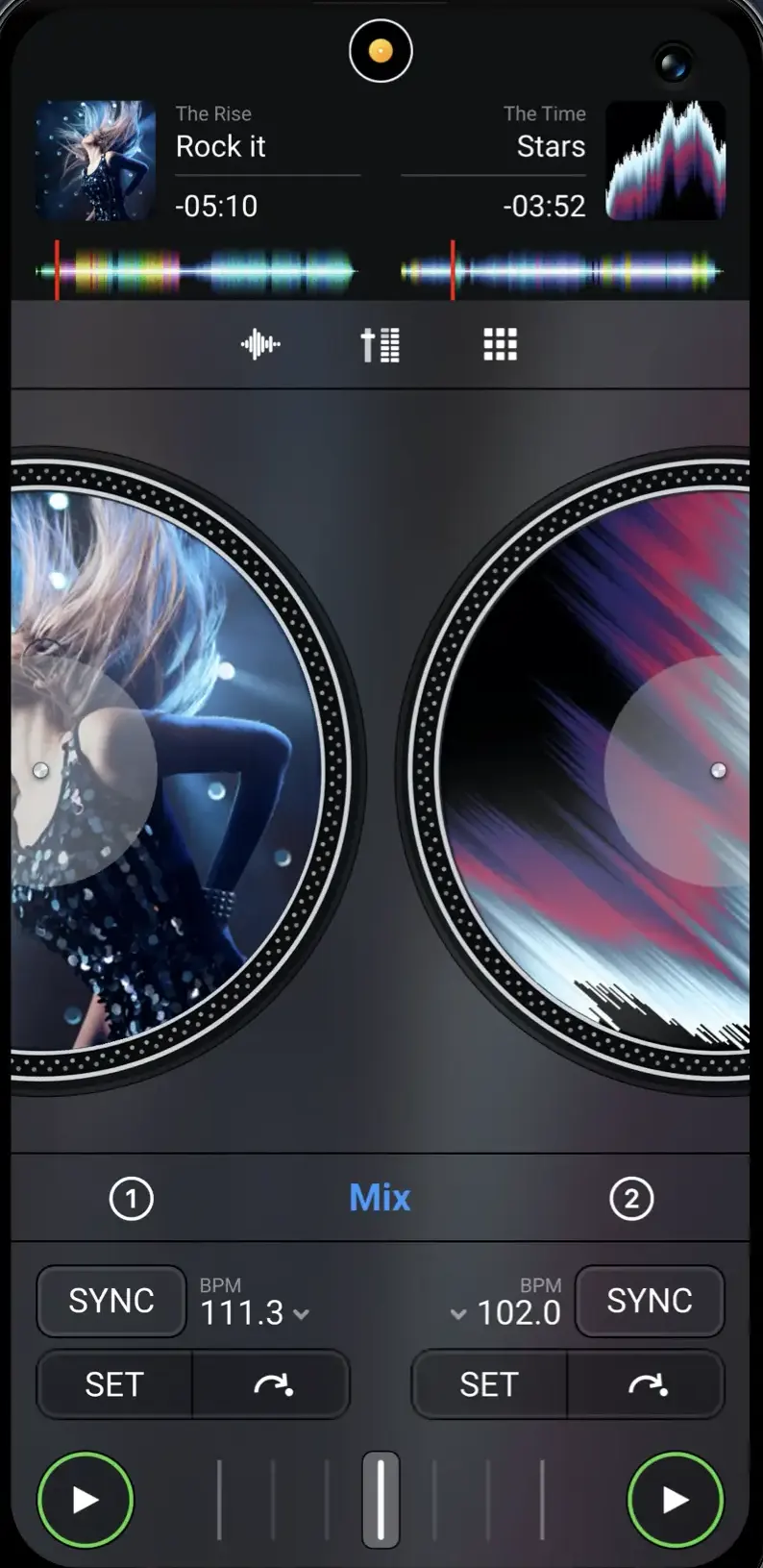
djay lists Spotify, Apple Music, TIDAL, SoundCloud, Beatport and Beatsource. rekordbox lists Spotify, Apple Music, Beatport, SoundCloud and TIDAL. edjing Mix lists TIDAL and SoundCloud beside your local folders. In every case the service subscription is separate and a connection is required.
The catch is recording. The djay listing states that no recording is available for streamed songs, and that Neural Mix cannot be used when streaming from Apple Music or Spotify. Cross DJ says the same about SoundCloud, citing copyright. To keep a mix rather than only perform it, work from files you hold; getting them onto the phone is covered in moving your music library to Android.
Latency is the gap between playing something and hearing it back through the app. It matters when you play or sing against material already recorded, and when you are driving hardware live. If you are importing finished parts and balancing them, a free app mixes them as well as a paid one; what free may not do is let you export the result, as the pricing section above sets out.
Where it matters, the handset decides more than the software. Android's developer reference defines two optional device features: android.hardware.audio.low_latency, meaning the audio pipeline is low latency and more suitable for applications sensitive to delays in sound input or output, and android.hardware.audio.pro, meaning professional audio level of functionality and performance. A phone declares those or it does not, and no in-app setting adds them. The practical fixes are set out in our free multitrack recording roundup.
Audio Evolution Mobile Studio sells an in-app USB audio driver it describes as bypassing the limits of Android audio, adding that you are free to use the Android driver instead, with high latency and 16 bit audio as its limits. n-Track puts multichannel class compliant interfaces in its Extended tier. djay warns that some phones support no external interface at all, so check yours before spending.
Two permissions are diagnostic here. Microphone access is needed only if you record into the app, so a mixer that imports and balances existing files can be refused it. Access to music and audio files is the other, and since Android 13 that is a separate grant from photos and videos, so an audio app asking to see your images wants more than it needs. Android's permission manager groups apps by the access they hold.
In the DJ row, edjing Mix and Cross DJ both blend two finished tracks for nothing, and both carry advertising. rekordbox is the one to learn if club equipment is a possibility, and djay the one for the widest streaming catalogue, since its listing rules out recording streamed songs.
Outside that row, layering your own parts means a free tier from the multitrack roundup, paid for when the track count or the export button stops you. Two files and one output is AudioLab. A physical desk in a hall is Mixing Station, and making the whole phone sound better is an equalizer rather than a mixer.
The three rows do not substitute for one another, so pick the row before you pick the app. On a phone the ceiling is the audio pipeline and the screen, not the price. Everything else that makes noise on a phone sits under music and audio.
For blending two tracks, yes. Free DJ apps like edjing Mix and Cross DJ give two decks, sync and effects at no cost, with advertising. Caps bite on the multitrack side: n-Track Studio's free edition allows eight tracks and two effects per channel.
Export, not the editor, is the usual paywall here. n-Track Studio states on its Play listing that saving a project to WAV or MP3 on local storage requires a purchase, and puts unlimited tracks in a subscription.
djay and rekordbox both list Spotify among their streaming sources, alongside Apple Music, TIDAL, SoundCloud and Beatport. Each service subscription is bought separately and a connection is required. One catch: the djay listing states that streamed songs cannot be recorded.
The delay comes from the same place in both cases, the phone's own audio pipeline. Android defines low latency audio and professional audio as optional device features a handset either declares or does not, and no in-app setting adds them. The djay listing adds a hardware warning: some Android devices support no external audio interface at all.
A mixer combines several pieces of audio into one, setting the level and tone of each against the others. An equalizer produces nothing of its own; it reshapes sound another app is already playing. If only playback sounds wrong, choose an equalizer.
 Best Equalizer Apps for AndroidMusic & Audio
 Best Music Player Apps for AndroidMusic & Audio