
Every big music service now streams tens of millions of tracks, so catalogue size decides very little. What decides it is what the free tier allows, whether lossless is included or costs extra, what happens to downloads when you stop paying, and whether the service is bundled with something you already fund. Details below come from the current Google Play listings, verified in August 2026.
Spotify is our best overall pick because on 3 September 2026 its listing showed 4.3 stars from 36.2 million reviews and free installation with purchases from $6.99 to $203.88.
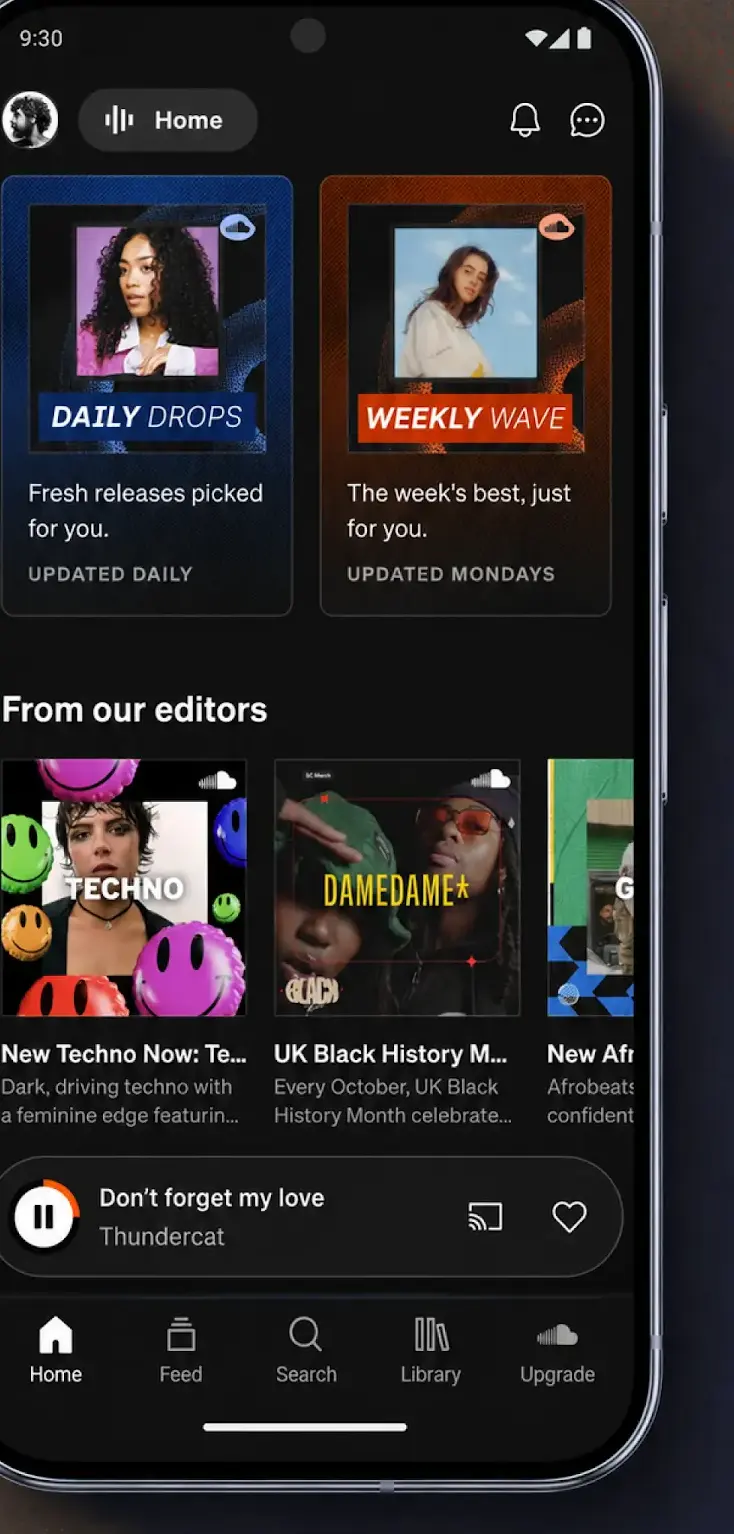
SoundCloud is our best free pick because its listing on 3 September 2026 showed 4.7 stars, a Contains ads label and free installation.
TIDAL is our lossless pick because on 28 August 2026 its listing showed 4.4 stars, no Contains ads label and purchases from $0.99 to $35.50.
Data checked: 3 September 2026.
Every number for the ten apps comes from one source, the app's own Google Play listing on the United States English storefront: star rating and rating count, the free to install line, the in-app purchase range, the Contains ads label and the listing's last update date. Each fact line prints its read date, 28 August 2026, and the capsule picks were re-read on 3 September 2026. Tier rules are quoted from the developer's own listing text rather than restated, and no claim here comes from running the apps. No F-Droid page, independent audit or provider website is used, and nothing here rests on the Data Safety section. Where a listing is silent the page says so: Amazon Music shows no Contains ads label although its free level is ad supported, and Bandcamp lists no in-app purchases. Screenshots are the developers' own Play images, not original captures.
A streaming service rents you access to a catalogue you do not own, while a music player plays files already on your phone, and that one difference decides which article you need. If your library is a folder of MP3 or FLAC files, read the best music player apps for Android or Poweramp versus Musicolet instead.
The default, and still the discovery engine to beat
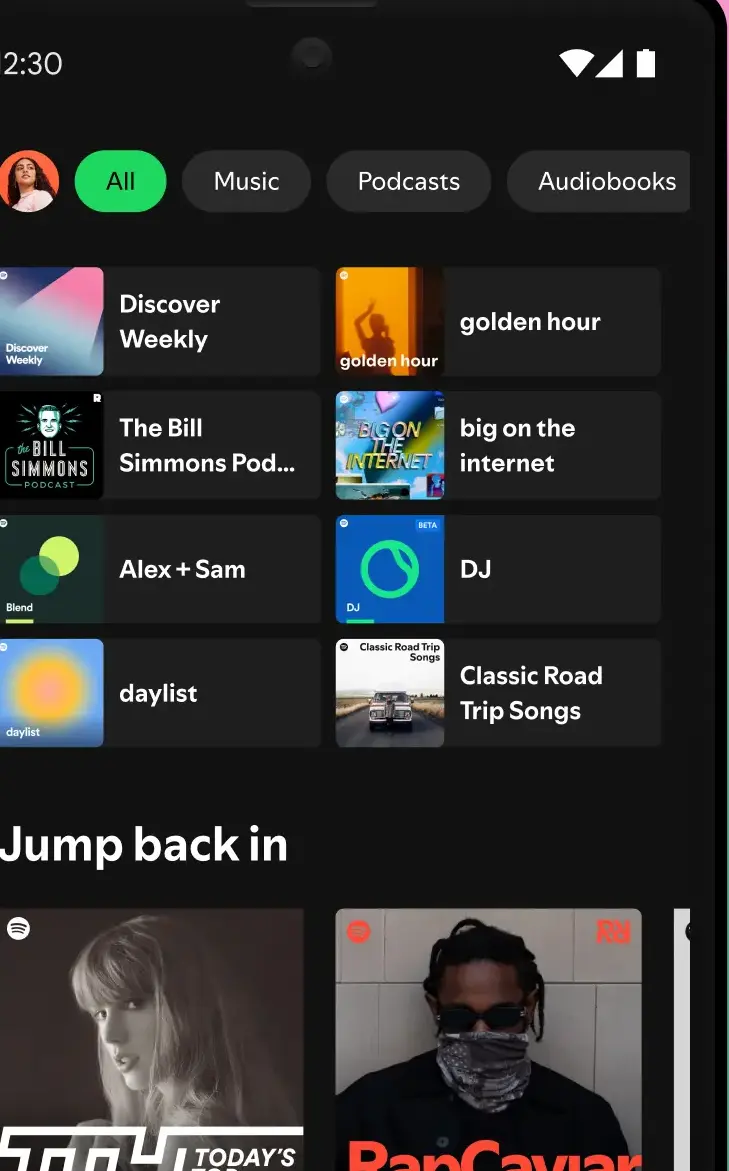
Spotify from Spotify AB is still the default: 4.3 stars from 36.2 million reviews and over a billion downloads. Discovery is the real draw: the daily mixes are what people stay for. The free tier is ad supported, and the developer states that offline downloading requires Premium. Our guide to getting more from Spotify Premium goes further.
For live cuts, covers and uploads no label ever released
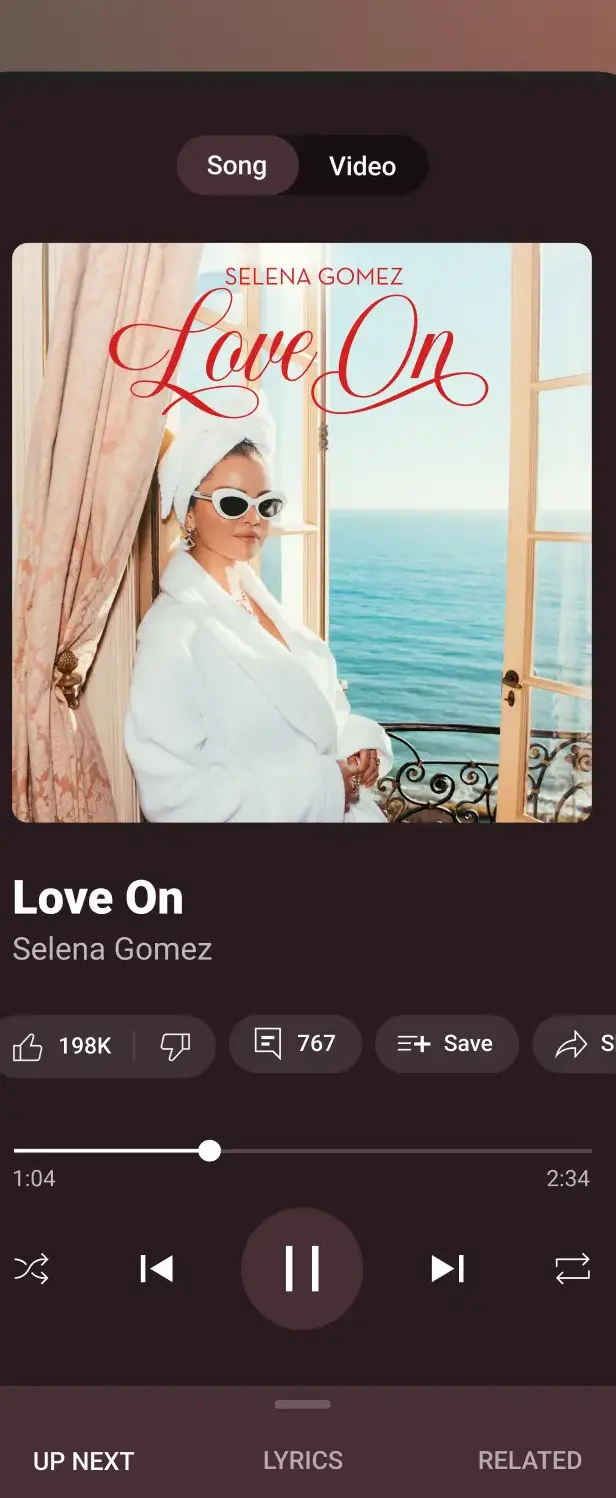
YouTube Music from Google LLC holds 4.5 stars from 7.78 million reviews and wins on material nobody else carries: live versions, covers, remixes and uploads that only ever existed on YouTube. Its free tier is the tightest here, because the listing puts ad free playback, background play and downloads all behind Premium. It is also included with YouTube Premium.
The cheapest step up when Prime is already on the bill
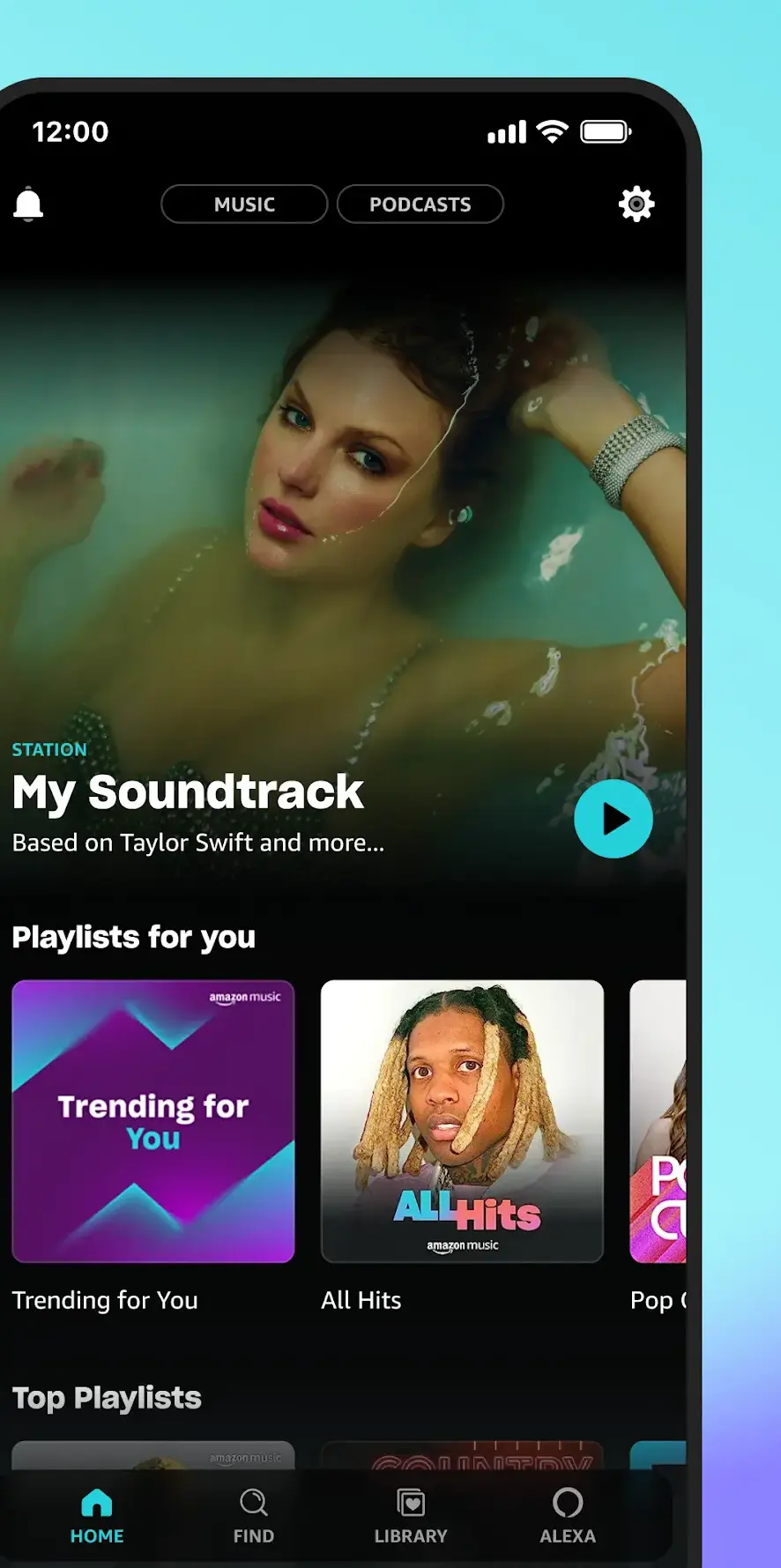
Amazon Music from Amazon Mobile LLC sits lower at 3.9 stars from 3.39 million reviews, in a busier app. Three levels are set out on the listing: free with ads, a Prime level that is ad free but shuffle only, and Unlimited, adding on demand tracks, unlimited skips, offline downloads and spatial audio. With Prime already on your bill, Unlimited is the cheapest step up. One caution about the table above: Google Play prints no Contains ads label on this listing, so the Ads column reads No even though the free level is described as ad supported.
Lossless included in the price, and no free tier at all
Apple Music is published by Apple itself and rates 4.6 stars from 747,000 reviews, beaten here only by SoundCloud. There is no free tier, only a trial, and no ads. Lossless and spatial audio are included rather than sold as an upgrade: Apple states lossless up to 24 bit and 192 kHz, noting that hi res needs an external converter. More in Apple Music on Android.
Hi res on every plan, so there is no quality tier to buy
TIDAL rates 4.4 stars from 381,000 reviews. The developer states that every plan includes hi res lossless up to 24 bit and 192 kHz, Dolby Atmos, ad free listening, unlimited skips and offline mode, so you pick between individual, family and student, not between quality tiers. Trial only, no free tier.
Editorial depth, and a shop that sells the files outright
Qobuz is the narrowest option here, at 4.5 stars from 82,000 reviews. The listing claims over 100 million tracks in CD quality FLAC and hi res up to 24 bit and 192 kHz, wrapped in a deep editorial archive. It is also the only service here that sells hi res downloads outright. Trial only, no free tier, and note that its listing is the only one of the three lossless services here that carries a Contains ads label.
Be realistic about what you will hear. Through a phone speaker or ordinary Bluetooth earbuds, the gap between a good standard stream and a lossless one is largely theoretical. Wired headphones change the result more than a tier upgrade does, and so does a well set equalizer app.
Overlooked, and lossless without a surcharge
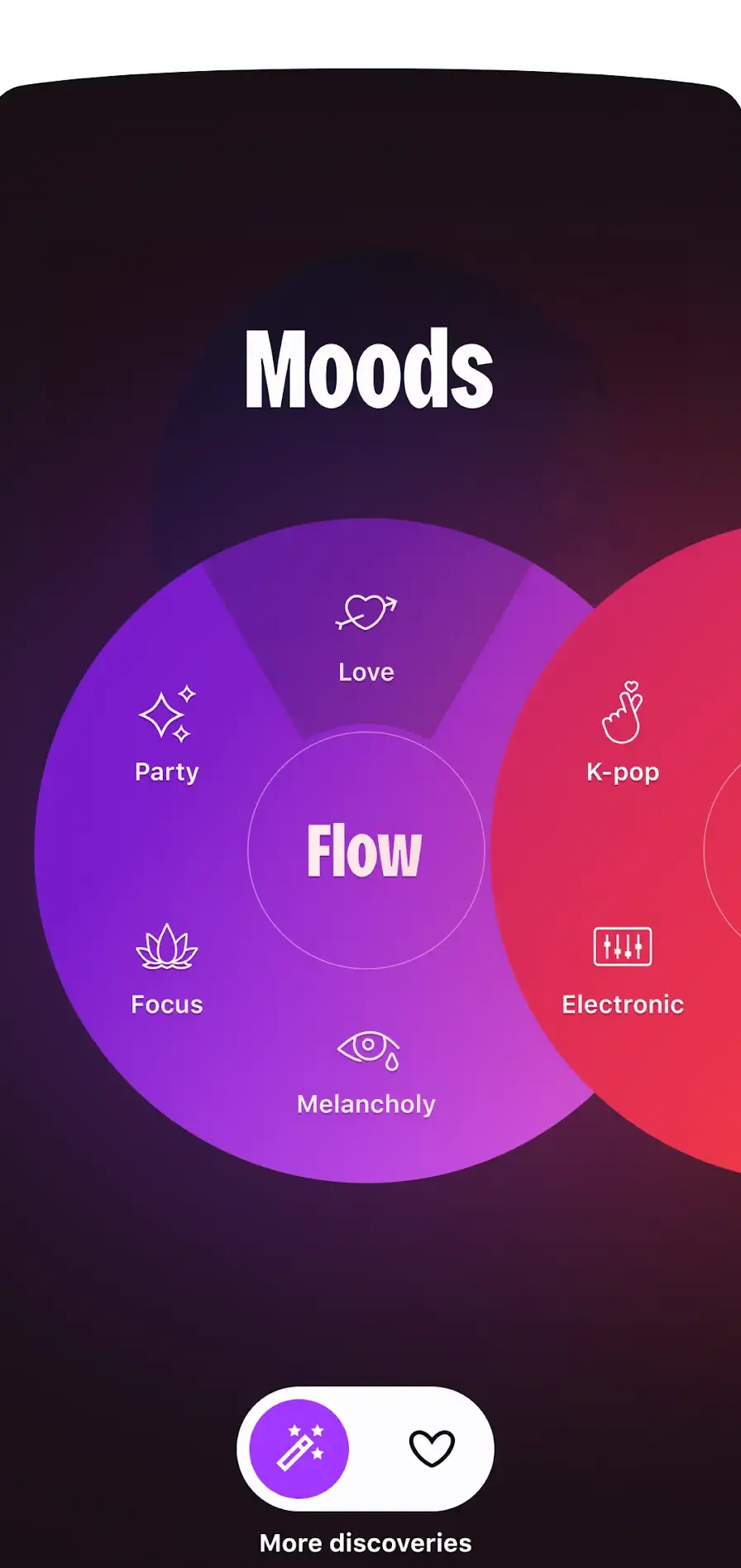
Deezer is the one people overlook and then keep: 4.3 stars from 3.62 million reviews, and Flow, its rolling personal mix. Two listing details matter: the free tier is full catalogue access with occasional ads and limited features, and HiFi lossless sits inside the standard paid plan rather than behind a surcharge.
Where the demos, edits and DJ sets actually live
SoundCloud is a different animal and, at 4.7 stars from 7.62 million reviews, the best rated app here. The listing claims over 400 million tracks from 30 million artists, much of it outside licensed catalogues: DJ sets, edits, demos, early uploads. Free listening carries ads, Go removes them and adds offline saving.
Two specialists deserve mention.
A record shop, not a subscription
Bandcamp is a record store rather than a subscription, so albums bought from artists stay yours, though its 3.2 stars from 31,500 reviews is the weakest app rating here. Its Play listing publishes no in-app purchases at all, the only one of the ten here with none.
Classical, searched by work and conductor
IDAGIO covers classical only, searching by work, conductor, performer and orchestra instead of track title, in FLAC at 16 bit. Its listing was last updated on 24 July 2026, the second oldest here after Bandcamp on 27 May 2026.
Five let you listen without paying, verified on Play in August 2026: Spotify, YouTube Music, Amazon Music, Deezer and SoundCloud. Apple Music, TIDAL and Qobuz run trials only. They are permanent, not countdowns, but each holds something back.
The pattern holds throughout: free buys the catalogue and costs you ads and control, paying buys offline downloads and usually the better audio tier.
This is what catches people out. Downloading a track inside Spotify, Deezer or any of the others gives you no music file. You get a licensed offline copy that plays only in that app, tied to your account and an active subscription. Cancel, and those downloads stop working.
Owning music is a separate transaction. Qobuz sells hi res downloads, Bandcamp sells albums straight from the artist, and Amazon states that MP3 purchases stay stored in your account. Real files belong with a local player and the downloader guide. Know which world you are in before tapping download.
Prices move constantly and differ by country, so treat the figure on the Play listing as the only reliable one. The shape is stable: an individual plan, a family plan covering up to six separate profiles, a discounted student plan needing re-verification, and bundles. Subscribing inside the app can cost more than the web, because the store fee is priced in.
Two last traps. Trials roll into paid subscriptions automatically, so set a reminder for the day the free period ends. And playlists do not follow you between services. More in the music and audio section.
Neighbouring jobs live elsewhere: moving a music library to Android, downloader apps for keeping real files, podcast apps and audiobook apps for spoken word, and apps that sync lyrics on screen if the words are the point.
Spotify, YouTube Music, Amazon Music, Deezer and SoundCloud all offer permanent ad supported listening, verified on Google Play in August 2026. Apple Music, TIDAL and Qobuz run trials only. Every free tier carries ads and holds back offline downloads.
No. Songs downloaded inside a streaming app are licensed offline copies tied to your account and an active subscription. Once it ends they stop playing and cannot be copied elsewhere. Only music bought as a file stays yours.
Apple Music, TIDAL and Qobuz are the ones built around it, and Deezer includes HiFi lossless in its standard paid plan. Apple states lossless up to 24 bit and 192 kHz at no extra charge, TIDAL includes hi res lossless on every plan, and Qobuz covers both. Decent wired headphones matter more than the tier.
It is a first party app from Apple, rated 4.6 stars from around 747,000 reviews, beaten here only by SoundCloud. There is no free tier, only a trial, but lossless and spatial audio are included rather than charged as an upgrade.
Not automatically. Deezer and TIDAL advertise transfer tools on their Play listings and Amazon lists a playlist import page, but matching is uneven and some tracks fail. Note the playlists that matter before you switch.
Set a lower streaming quality for mobile data than for Wi-Fi in the app settings, then download playlists over Wi-Fi and listen offline when you are out. Lossless and hi res use far more data.
 13 Best Voice Recorder Apps for AndroidMusic & Audio