
HiPER Scientific Calculator is free and carries a Contains ads label. HiPER Calc Pro is 5.99 US dollars and carries no label at all. Their Google Play descriptions are the same text, word for word. That is the choice this category keeps putting in front of you, and it is why the first question is not which calculator is best but whether the one on your phone falls short. Figures below were read off Google Play on 28 August 2026.
HiPER Calc Pro is our best overall pick because on 28 August 2026 its listing showed 4.8 stars, no ads label and a one off price of 5.99 US dollars.
RealCalc Scientific Calculator is our best free pick because on 28 August 2026 its listing showed 4.6 stars, no ads label and no in-app purchases.
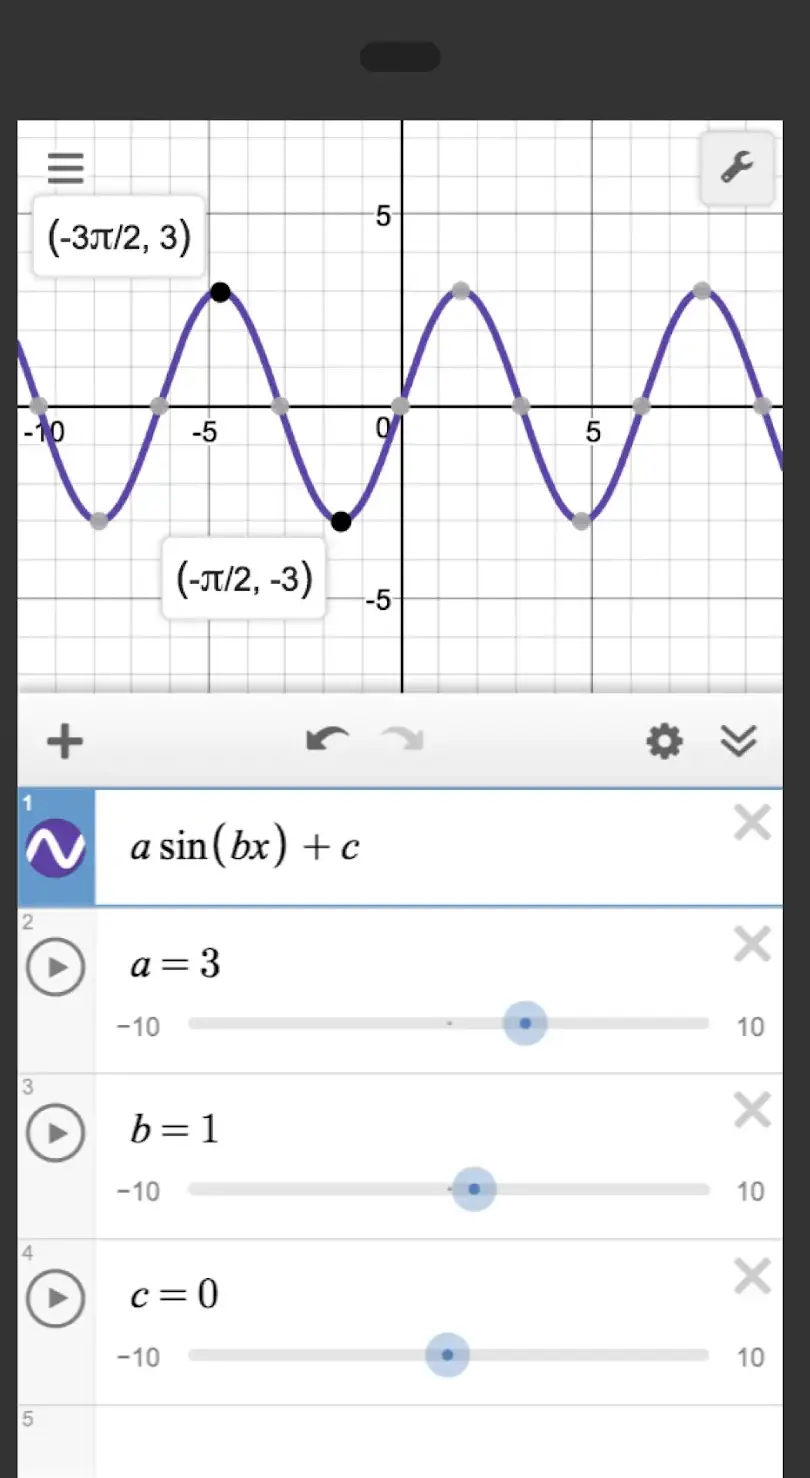
Desmos Graphing Calculator is our graphing pick because on 28 August 2026 its listing showed 4.6 stars, no ads label and free to install.
Data checked: 3 September 2026.
Every figure comes from the app's own Google Play listing, read 28 August 2026: rating, rating count, install band, price or in-app purchase range, the Contains ads and In-app purchases labels, the update date, and the Data safety section, a developer claim rather than a measurement. Listings are also read for what they do not name; silence is recorded, not filled. Examination rules come from the Joint Council for Qualifications calculator FAQ and the College Board SAT policy. Screenshots are the developers' own store images, the OpenCalc one from F-Droid. No app here was installed.
The default already on the phone
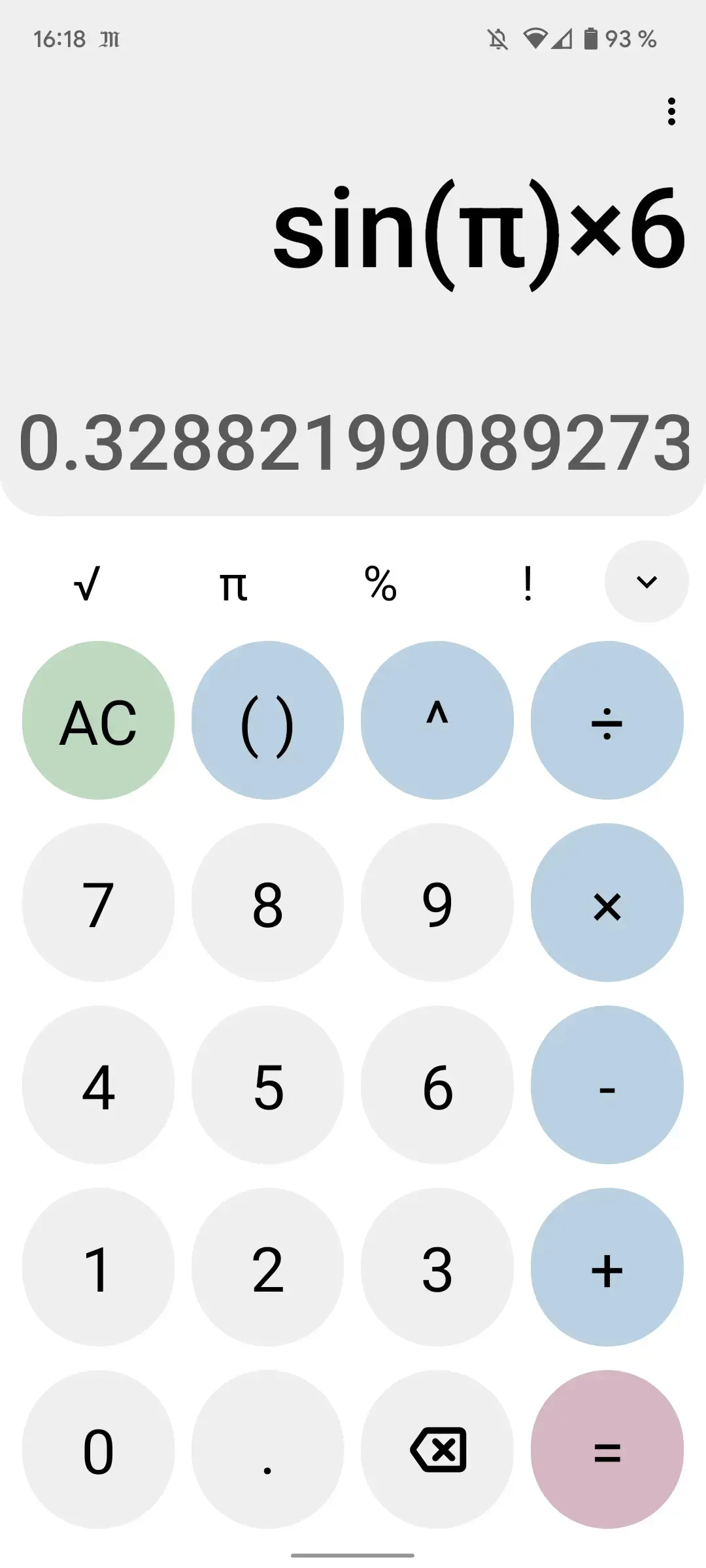
Google's Calculator is a Google LLC app: 4.3 stars from about 787,467 ratings, over a billion downloads, updated on 22 August 2026, and neither a Contains ads nor an In-app purchases label in its header row. Its listing promises the four basic operations plus what it calls scientific operations such as trigonometric, logarithmic, and exponential functions.
Now read the listing for what it does not name. No unit converter, no currency conversion, no searchable history: Google's description promises none of them. That is the honest edge of the free default: if your calculating is arithmetic with the occasional sine, you are finished. What follows is sorted by the four jobs people mean by calculator.
Converters in one grid
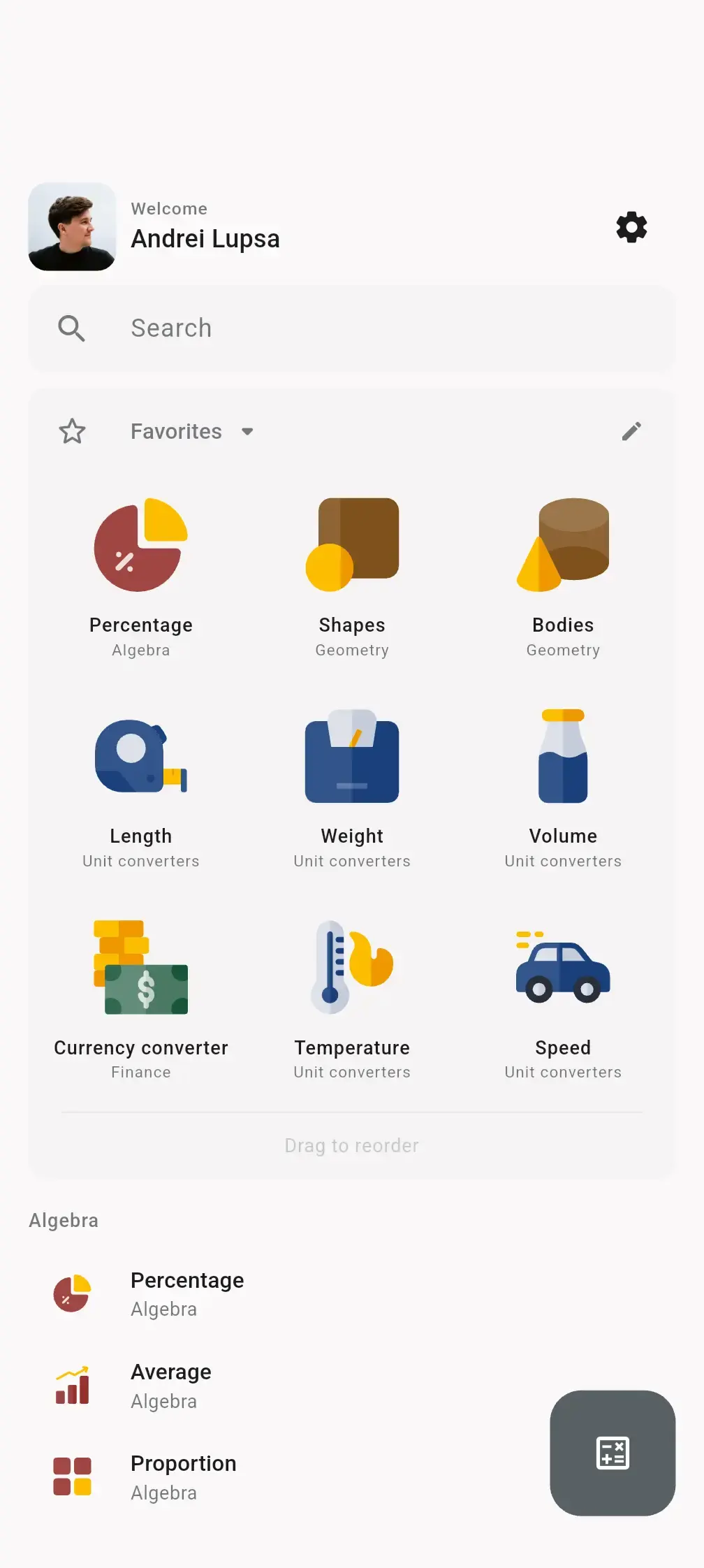
All-In-One Calculator by allinonecalculator.com is 4.5 stars from about 169,000 ratings, Contains ads, and In-app purchases the listing prices at $1.99 to $14.99 per item. Its listing advertises more than 50 calculators and converters, a currency converter it says works fully offline, history with notes, and a home screen widget, which the widget roundup puts in context.
The volume pick
ClevCalc by Cleveni Inc. is the volume pick, 4.6 stars from roughly 1.2 million ratings and 100 million downloads, with the same two labels, purchases the listing prices at $2.99 to $24.99 per item, and a listing itemising ten kinds of unit conversion from length to data size, plus 135 currencies.
Editable running tape
CalcTape by schoettler Software GmbH answers a different complaint, the long sum you cannot check: In-app purchases priced at $4.49 per item, no ads label, 4.7 stars from about 52,800 ratings. Its listing describes keeping every figure visible and editing any number in place so the results below update themselves, and calls that a spreadsheet with a calculator interface. If that fits, the office suites hold a real one.
Free scientific, ad supported
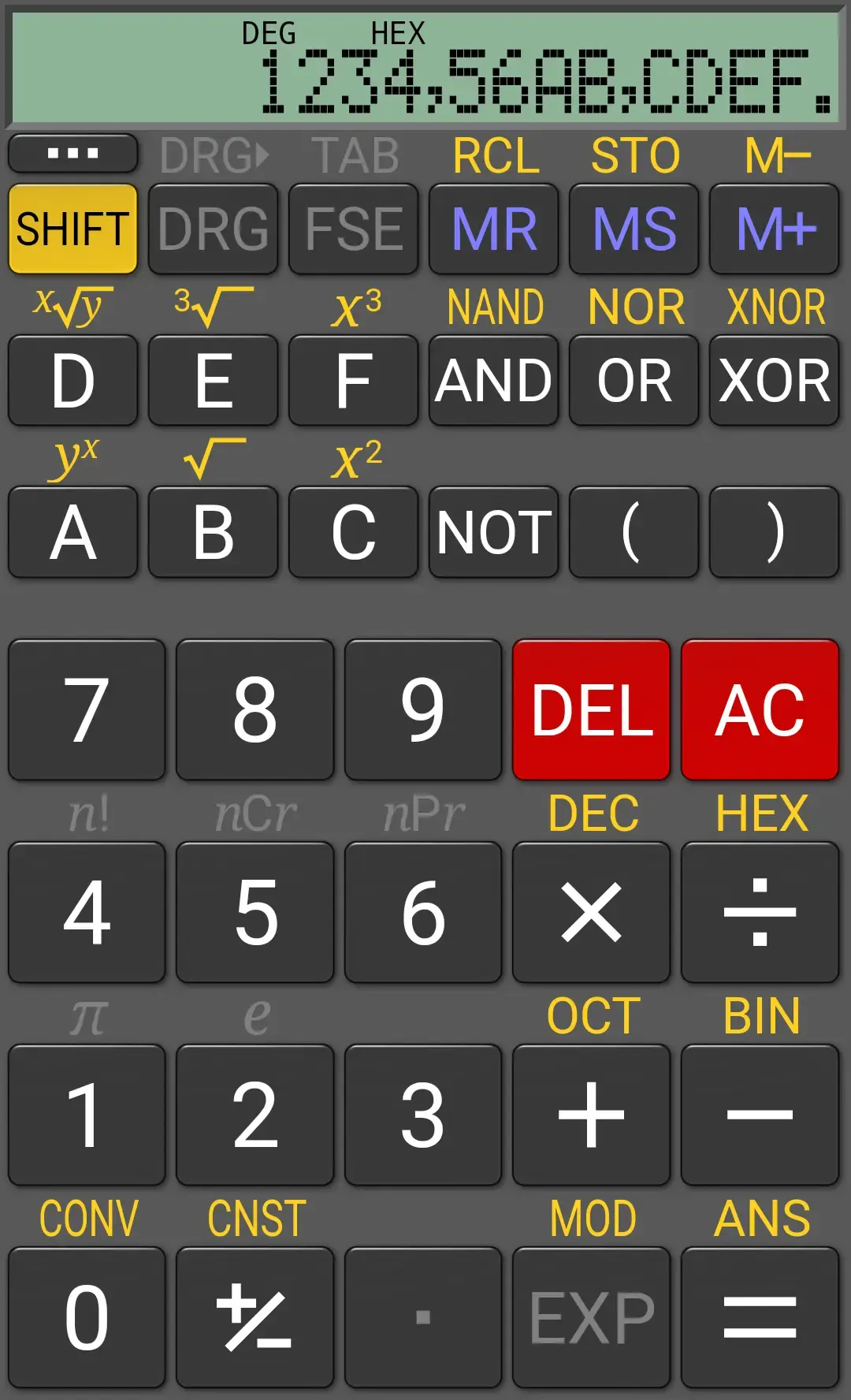
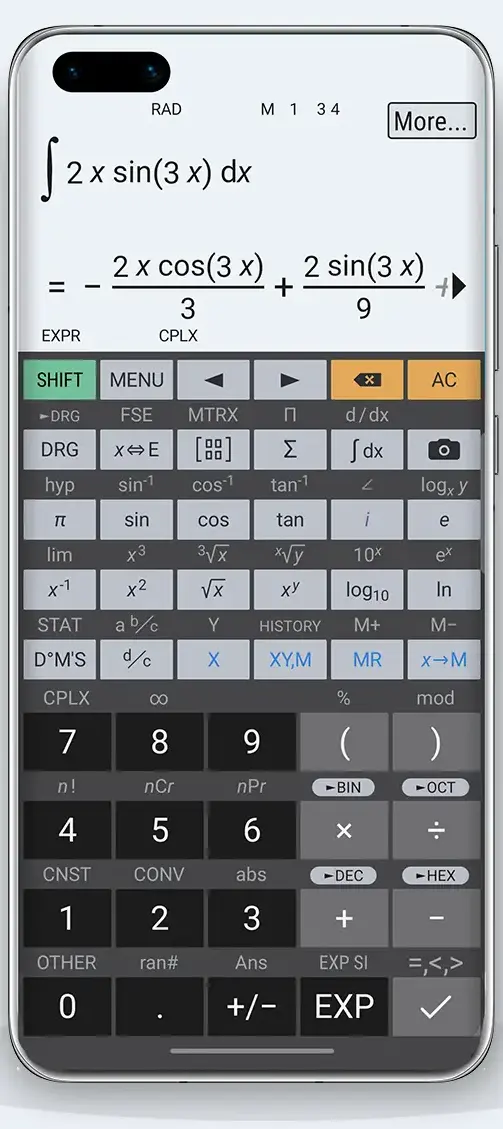
HiPER Scientific Calculator by HiPER Labs is 4.7 stars from about 260,000 ratings. HiPER Calc Pro is 4.8 from about 38,700, at 5.99 US dollars. Both listings promise symbolic algebra, equations, integrals, matrices, statistics and 3D graphs, in identical words, and on 28 August 2026 both carried the same version, 12.0.4, and the same update date of 25 August 2026. So neither listing names a single function the paid app adds, which leaves two differences you can actually see: the free app carries a Contains ads label and the paid one carries none, and the free app declares that Device or other IDs may be shared with third parties where the paid one declares no data shared at all.
The same app, adverts removed
Clean free scientific
RealCalc Scientific Calculator by Quartic Software is the second pair, and the free half is unusually clean: no ads label, no In-app purchases label, 4.6 stars from about 185,000 ratings, and a card declaring no data shared and none collected. Its own listing spells out the upgrade: RealCalc Plus, 3.99 US dollars, adds fractions, customizable conversions and constants, landscape mode, a widget and greater internal precision. Both were last updated on 22 August 2025, just over a year before this check and the oldest pair of dates on the page.
The paid upgrade
Settle the exam rule first. The Joint Council for Qualifications, a membership organisation bringing together the UK's leading qualification providers, says on its calculator FAQ that devices which can communicate with other devices, or the internet, are not allowed in examinations, and that tablets and phones with mathematical apps are not allowed. The College Board's SAT calculator policy prohibits cell phone calculator apps. A graphing app is therefore revision software; check your own board's rules before the day.
Graphing for revision
Desmos Graphing Calculator by Desmos Inc is 4.6 stars from about 36,300 ratings, with no store label, and its listing was updated on 24 August 2026. Its listing calls it completely free and states that no internet access is required. The same SAT page says the Bluebook testing app carries an embedded Desmos calculator, so the engine is allowed there even though your phone is not.
Graphing with a PRO tier
Graphing Calculator + Math by Mathlab Apps, LLC rates higher at 4.8 from about 90,200 ratings, but carries Contains ads and was last updated on 11 October 2025, ten months before this check. Its listing is blunt: the free version requires an internet connection, and full screen and 3D graphs are marked PRO.
Programmers want base conversion, word size and bit operations, which a general calculator either has or does not.
Bases and bit operations
Programmer Calculator by Matheus Valbert is the dedicated one, In-app purchases priced at $0.99 to $9.99 per item and no ads label, updated on 17 May 2026. Its listing describes HEX, DEC, OCT and BIN, the AND, OR, NOT, XOR, SHL and SHR operators, and word sizes from 8 to 64 bits or unlimited, signed or unsigned. The caveat is scale: 4.4 stars from 263 ratings and more than 10,000 downloads.
Money maths
For money, Financial Calculators by Bishinews is the deepest: 4.4 stars from about 22,700 ratings, Contains ads, no In-app purchases label, updated on 4 June 2026, listing time value of money, compound interest, IRR and NPV, bonds, loans and mortgages. A loan calculator answers one question once, though; watching money move over months is the budget apps guide, which starts with how spending gets in. If the number you want is the length of a wall, the measuring apps guide puts camera based distance measurement firmly in the estimate column.
Google Play's Data safety card is written by the developer, so it is a claim rather than a measurement, but a written claim counts. Five apps named here declare both no data shared with third parties and no data collected: RealCalc, RealCalc Plus, HiPER Calc Pro, CalcTape and OpenCalc by Darkempire, 4.2 stars from about 1,060 ratings, whose listing says it contains no advertising, no unnecessary permissions, and is fully open source. OpenCalc's listing was last updated on 21 September 2025, eleven months before this check.
Open source and quiet
At the other end, two declarations deserve a pause. Financial Calculators states that Location, App activity and two further types may be shared with third parties, and a loan calculator has no obvious use for where you are standing. ClevCalc's card lists Financial info among what it may collect. Both are reasons to check what an app holds once installed, which how to check what an app can access covers.
HideU: Calculator Lock wears the category's clothes without belonging to it: 100 million downloads, a listing saying it is disguised as a secret calculator hiding photos and videos behind a PIN, and a Data safety card saying data is not encrypted. Those are file vaults, not calculators, and the vault apps guide asks them the right questions.
Nobody here is selling arithmetic, so run the free version for a fortnight. If what irritates you is an advert, the paid twin is a small one off payment that fixes exactly that. If it is a missing function, check the paid listing names it: several of these pairs ship the same description on both apps.
Want the same treatment applied to file managers, cleaners, browsers and the rest of the small single job software? Start from tools and utilities.
For arithmetic, usually yes. Google's Calculator app is free and carries neither a Contains ads nor an In-app purchases label on Google Play, and its listing covers the four basic operations plus trigonometric, logarithmic and exponential functions. What its Play listing does not name is unit conversion, currency conversion or a searchable history.
Less than most people expect. HiPER Scientific Calculator is free with a Contains ads label and HiPER Calc Pro is 5.99 US dollars with none, yet their Google Play descriptions are the same text, so neither listing names a function the paid app adds; what the paid app visibly removes is the advertising. RealCalc Scientific Calculator is clearer: its listing says the paid RealCalc Plus adds fractions, landscape mode and a widget, and that app's own store entry prices it at 3.99 US dollars.
Generally no. The Joint Council for Qualifications states on its calculator FAQ that devices which can communicate with other devices, or the internet, are not allowed in examinations, and that tablets and phones with mathematical apps are not allowed. The College Board's SAT calculator policy lists cell phone calculator apps among prohibited calculators. Treat an Android graphing app as revision software.
Very few, and Google Play's Data safety card is where to start reading. RealCalc, RealCalc Plus, HiPER Calc Pro, CalcTape and OpenCalc all declare no data shared with third parties and no data collected. The Financial Calculators listing by Bishinews declares that Location, App activity and two further types may be shared. That card is written by the developer, so open Android's own permission manager to see what an installed app really holds.
A calculator vault app is a file hiding app wearing a calculator's face. HideU: Calculator Lock has more than 100 million downloads on Google Play and its listing says it is disguised as a secret calculator, opening a hidden space for photos and videos when a PIN is typed in. Its Data safety card states that data is not encrypted.
 Best Cleaner Apps for AndroidTools & Utilities
 12 Best Root Apps for AndroidTools & Utilities