
Settle one question before you compare charts: how does your spending get into the app? The answer sets the price, whether the app works in your country at all, and how much of your finances sit on somebody else's server. Figures below came off Google Play on 28 August 2026.
Wallet is our best overall pick because on 28 August 2026 its listing showed 4.6 stars, no ads label and purchases from $0.99 to $144.99.
Google Sheets is our best free pick because on 28 August 2026 its listing showed 4.6 stars, no ads label and no in-app purchases.
YNAB is our zero based pick because on 28 August 2026 its listing showed 4.6 stars, no ads label and purchases from $14.99 to $109.00.
Data checked: 3 September 2026.
Manual entry needs nothing from your bank and gives the app nothing to read, at the cost of an entry per purchase. File import sits between: a statement downloaded as CSV, OFX or QFX. A bank connection does the typing and the categorising, and it is what most paid tiers sell.
That connection is a regulated service bought one market at a time. YNAB's listing says so itself: You Need A Budget UK Limited is acting as an agent of TrueLayer, who is providing the regulated Account Information Service, and it names the Financial Conduct Authority as the authorising regulator. One partner, one country. An app covering every bank in the United States may cover none of yours.
Invoicing, mileage logs and net worth dashboards, and the wider category, are in the finance apps hub. This page is only the household budget, named app by app.
Strict zero based method
YNAB is the strict one: every unit of income gets a job before you spend it. Its listing promises 30 days free then monthly or annual billing, accounts linked for automatic import or entries added by hand, and one subscription covering plans shared with six people. 4.6 stars from 25,129 ratings, no ads label, updated 25 August 2026.
↑ Back to the comparisonCash envelopes, ten free
Goodbudget applies that discipline through envelopes. Its listing describes an ad free tier, free forever, holding 10 regular envelopes plus 10 annual ones; unlimited envelopes, five device sharing and a website bank connection are for subscribers. At 3.2 stars from 19,250 ratings it is the weakest rated app here. Its listing prices in-app purchases from $0.99 to $69.99 per item.
↑ Back to the comparisonZero based on a free monthly plan
EveryDollar from Ramsey Solutions splits the same way: a monthly budget, unlimited categories and household sharing are free, while connected accounts, automatic transactions and Excel export are paid. 4.3 stars from 15,447 ratings, no ads label, purchases $7.99 to $129.99 per item.
↑ Back to the comparison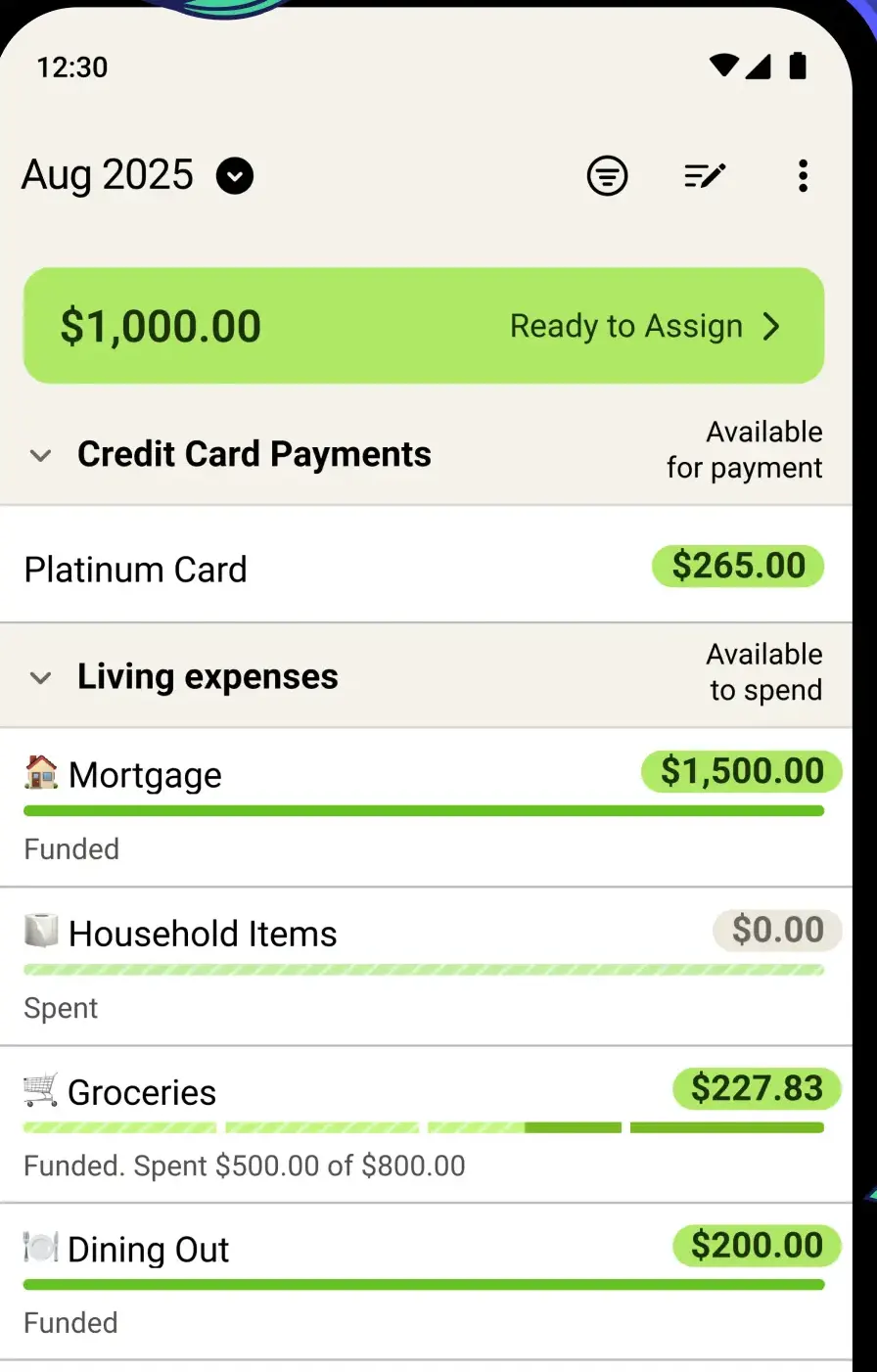
Detailed manual ledger
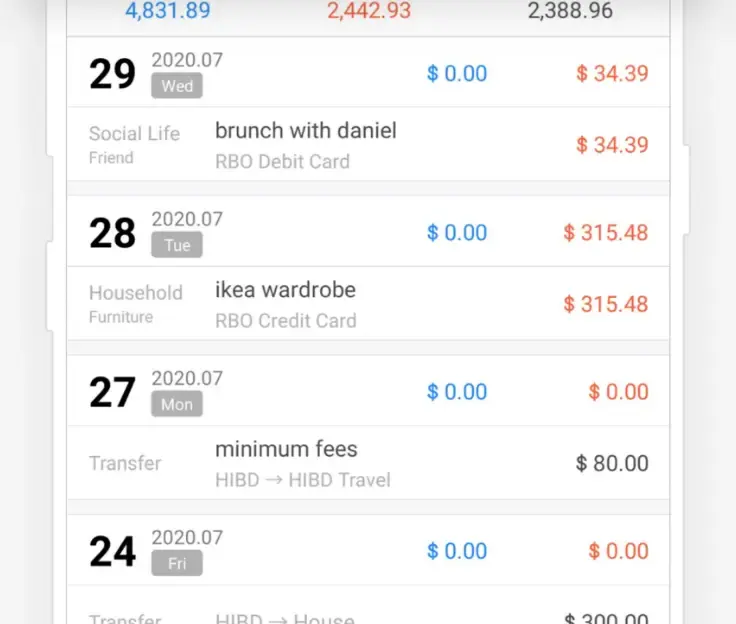
Money Manager from Realbyte is the heavyweight: 4.6 stars from 462,695 ratings. Its listing describes double entry bookkeeping, a passcode and Excel backups, caps the free version at 15 assets, and says the paid one removes ads and lifts the cap. It carries both Contains ads and In-app purchases, listed at $2.49 to $20.99 per item.
↑ Back to the comparisonFastest typed entry
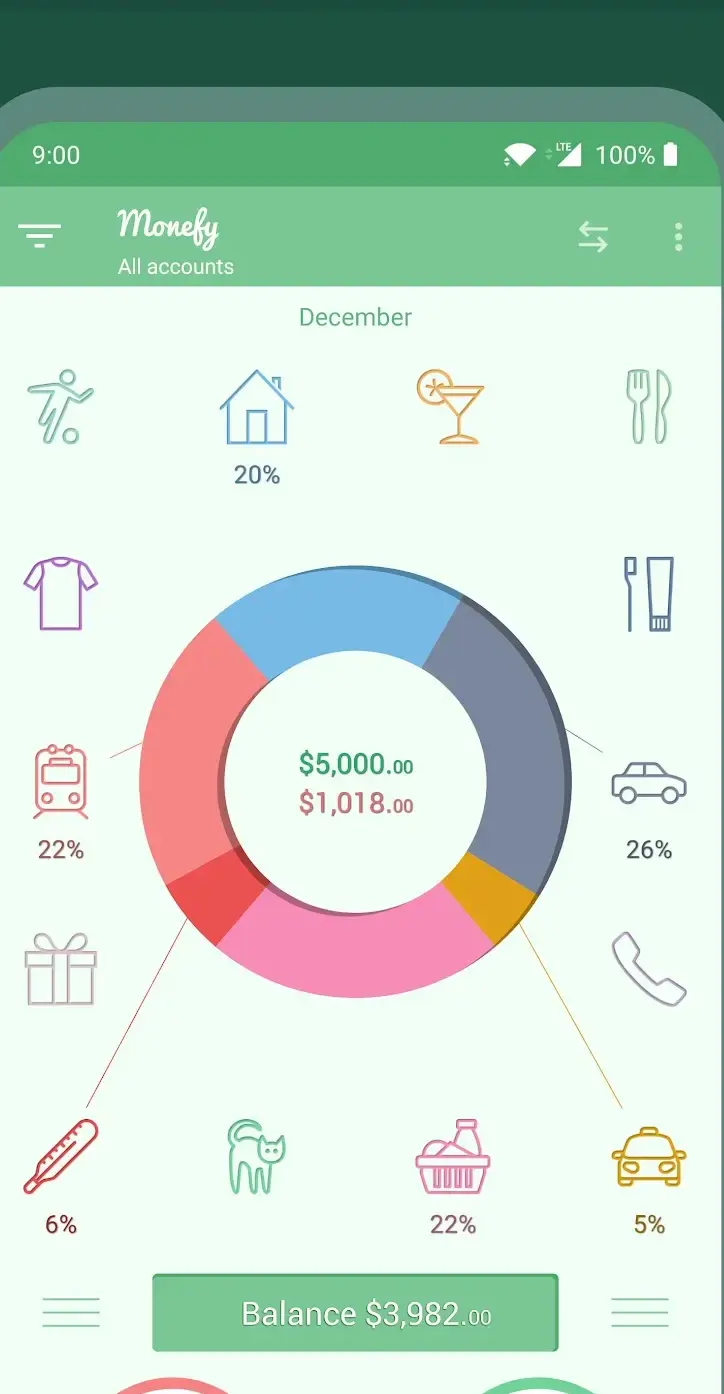
Monefy is one of the two fast ones, built around one tap and an amount. It syncs through your own Google Drive or Dropbox and exports in one click, at 3.9 stars from 194,245 ratings, with no ads label and purchases $2.49 to $59.99 per item.
↑ Back to the comparisonTyped entry with debts and rates
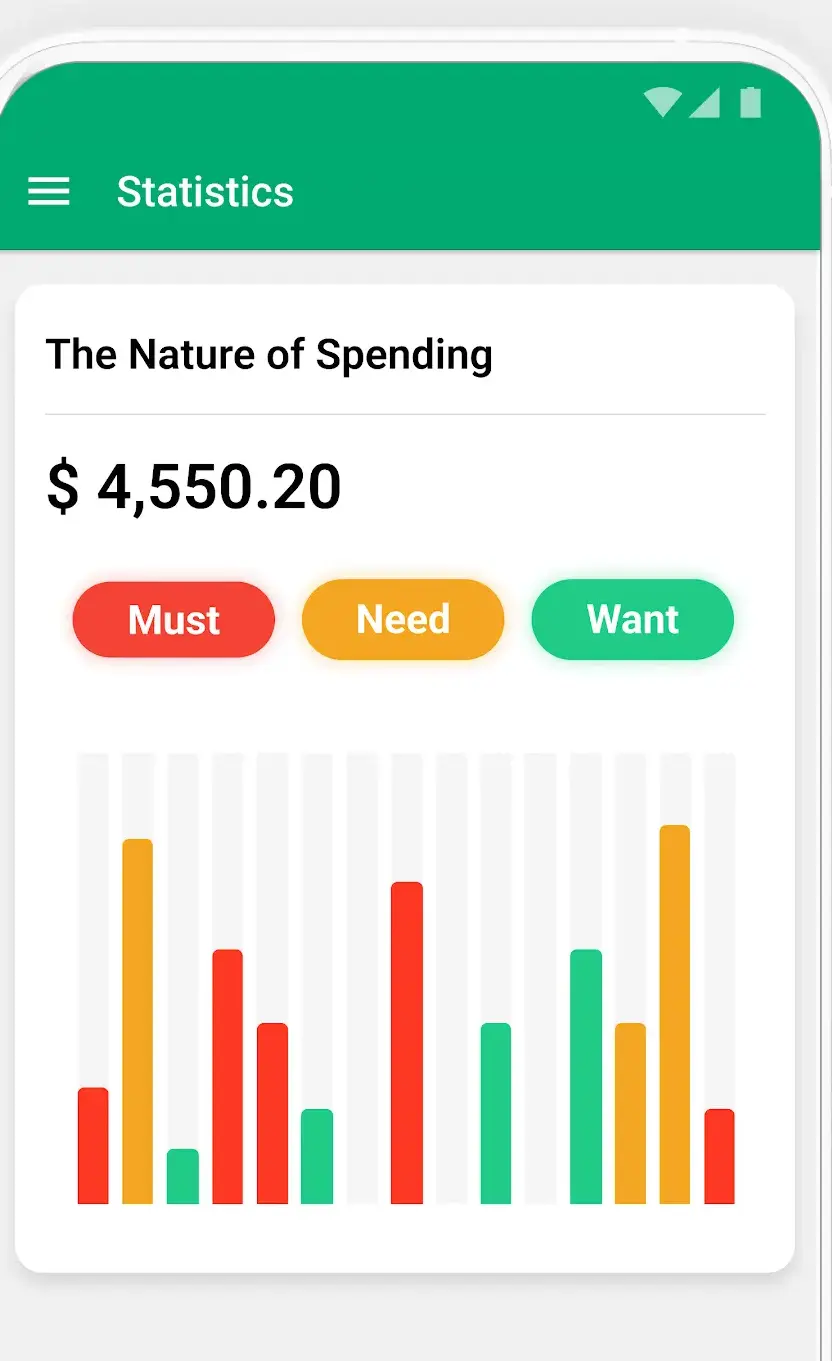
1Money is the other. It adds budgets, debts and exchange rates, at 4.1 stars from 127,902 ratings, and carries Contains ads alongside purchases $0.99 to $349.99 per item. Its listing was last updated on 25 February 2026, six months before this check, the oldest update date on this page.
↑ Back to the comparisonReports without a cloud account
Bluecoins is for reports without a cloud account: cash flow and net worth projections, fingerprint entry, and syncing through your own Drive or Dropbox rather than the developer's servers. 4.3 stars from 40,860 ratings, purchases $4.49 to $10.99, the narrowest range here. Its Data Safety card declares no data collected and none shared with third parties, and the listing carries a Contains ads label.
Bluecoins also offers to fill transactions in from bank notifications or SMS. Reading alerts that way needs notification access or the SMS permission, which a tracker taking only typed input has no use for. Check what each app you keep already holds in the permission manager.
↑ Back to the comparisonConnected accounts, not typing
Wallet by BudgetBakers is rated 4.6 stars from 384,202 ratings. Its listing describes connected accounts categorised automatically, up to three months of history on the first sync, planned payments, shared accounts and spreadsheet import. It claims worldwide bank coverage, the one claim to test against your own bank. The listing shows no ads label and in-app purchases from $0.99 to $144.99 per item.
↑ Back to the comparisonBank, PayPal and crypto in one
Spendee reaches wider, naming bank accounts, PayPal and Coinbase, plus a receipt scanner, shared finances and a web version. 4.2 stars from 63,453 ratings, no ads label, purchases $1.99 to $119.99 per item.
↑ Back to the comparisonShared household planning
Monarch is the dearest of the connected ones. Its listing states free to try for seven days then monthly or annual billing, no advertising, no financial credentials stored, and a read only platform through which no money can move. 4.8 stars from 24,647 ratings, with no ads label and purchases $14.99 to $199.99 per item. Its own site carries a dedicated Canada page and names no other market, so check that your bank connects inside the seven days. Its Data Safety card states that the app may share data with third parties.
One rule holds throughout: know who is asking for your bank login. Some banks let you authorise on their own page; where yours does not, the connector takes the login itself. Plaid, the connector behind several of these apps, describes step one as verifying ownership of the account with your username and password. Check that the name on the screen is the connector your app named, not a lookalike. Monarch's listing says it never stores financial credentials and that its platform is read only. Put a second factor on that login: an authenticator app beats an SMS code.
Own the file yourself
A spreadsheet is still a legitimate answer. Google Sheets is 4.6 stars from 2,473,264 ratings with no ads and no in-app purchase labels: a shared ledger with none of the limits a free tier imposes, at the cost of building it yourself. Suites are in the best office suite apps for Android.
↑ Back to the comparisonCheck what each gives back. Bluecoins lists QIF and CSV import with PDF, Excel and HTML export, Goodbudget's website downloads CSV and imports QFX and OFX, and Money Manager writes Excel backups.
Budgeting apps do close. Mint was the default recommendation for a decade; its Android listing now returns a 404 in the United States, German and Indian storefronts, and Intuit's own page says Mint has been reimagined on Credit Karma. Export before a shutdown notice, not after.
Settling up, not planning
Splitting costs and budgeting together are different problems. Splitwise solves the first, at 4.1 stars from 194,347 ratings, with no ads label and purchases $0.99 to $89.99 per item. Its listing covers groups, offline entry, splits by percentage, share or exact amount, and CSV export, with receipt scanning in Pro. Its payment integrations are regional, named as Venmo and PayPal in the United States only and Paytm in India only. Splitwise settles who owes whom. It is not a budget.
↑ Back to the comparisonFor a shared budget the listings differ on what free covers, so read that line before setup. Monarch includes household members at no extra cost, Goodbudget puts five device sharing in its subscription, and Spendee names shared finances without saying which tier.
Pricing splits along the same line as the transactions. Automation is sold by subscription: Play lists YNAB at $14.99 to $109.00 per item, Monarch $14.99 to $199.99, Wallet $0.99 to $144.99 and EveryDollar $7.99 to $129.99. Manual tracking is not: Money Manager $2.49 to $20.99, Bluecoins $4.49 to $10.99. These are United States ranges spanning every item an app sells.
Advertising splits the same way. Money Manager, 1Money and Bluecoins each carry Contains ads in their own header row; the other nine named here do not. Do not assume paying only removes advertising: in connected apps the fee buys the bank link.
Trials renew. YNAB offers 30 days and Monarch seven, and YNAB's terms note that auto renewal has to be switched off at least 24 hours before the period ends, so set a reminder on day one. Worth adding: a lock in front of the app, from the best app lock apps for Android, and a way to capture receipts, from the best scanner apps for Android.
Install one. Two hand fed budget apps means entering every purchase twice, and the one you abandon still holds a copy of your spending. Give the survivor three weeks and an export.
How we verify · every rating, review count, purchase range, ads label and update date on this page was read from that app's own Google Play listing on 3 September 2026, and from no other source.
YNAB and EveryDollar both work on the zero based principle of giving every unit of income a job before it is spent, and both charge a subscription after a trial. To simply see where money went, Money Manager, Monefy and Bluecoins install free.
YNAB's Play listing offers 30 days free, then monthly or annual billing, without naming a price. Google Play's record for YNAB shows in-app purchases from $14.99 to $109.00 per item in the United States storefront.
Three of the budget apps named on this page carry the Contains ads label in their own Google Play header row: Money Manager from Realbyte, 1Money and Bluecoins. The others named here do not, among them YNAB, Goodbudget, Wallet, Monarch and Google Sheets.
Goodbudget is the envelope one: its Play listing gives 10 regular envelopes and 10 annual ones free, keeping unlimited envelopes for subscribers. EveryDollar is zero based instead, free for a monthly budget and household sharing, paid for connected accounts. Goodbudget rates 3.2 stars, EveryDollar 4.3.
Monefy's Play listing describes syncing through your own Google Drive or Dropbox account, and the Bluecoins listing names the same two services. Money Manager from Realbyte lists Excel backup and restore. All three take typed entries rather than a bank connection.
Yes, but check which tier allows it. Monarch's listing includes household members at no extra cost, Goodbudget puts sharing across five devices in its subscription, and Wallet describes sharing selected accounts. Splitwise is a different tool: it tracks who owes whom, not a budget.