
Android Auto is deliberately restrictive. Google only permits a few categories on the car display, because anything demanding sustained attention has no business on a screen you glance at while driving. That is why your favourite app is probably not there, and it is the right decision even when it is annoying.
Google Maps is our best overall pick because its 28 August 2026 Play listing showed 3.2 stars, no in-app purchases and a Contains ads label.
Organic Maps is our best free pick because its 3 September 2026 listing showed 3.9 stars, no ads and no in-app purchases.
Pocket Casts is our long drive audio pick because its 3 September 2026 listing showed 4.8 stars, no ads and purchases from $3.99.
Data checked: 3 September 2026.
Android Auto supports navigation, audio, messaging and a small set of driving related tools. That is close to the whole list. Video, games, social feeds and general browsing are not permitted while driving, and no setting unlocks them.
Apps also have to be built specifically for the car interface. A developer cannot simply mirror the phone version; they build a separate constrained interface with large targets and voice control. This is why an app can be excellent on the phone and absent from the car entirely.
The default, and it earns the slot
Google Maps is the default and earns it: clear lane guidance, reliable live traffic, and searching for fuel or charging on the move works without much interaction. The blunt part is the crowd verdict: on 28 August 2026 the listing averaged 3.2 stars across 19,540,859 ratings, the lowest score on this page, and it carries a Contains ads label.
↑ Back to the comparisonLive hazard reports from other drivers
Waze is the community option. Other drivers report incidents, closures and hazards in real time, which makes it noticeably better in heavy commuter traffic. Busier to look at, which is the trade. Two things the listing says out loud on 28 August 2026: it carries a Contains ads label, and its Data Safety card states the app may share data types with third parties.
↑ Back to the comparisonOffline, and it collects nothing
Organic Maps is the privacy and offline choice. Maps download to the phone in full and work with no connection, which matters abroad and in coverage gaps. Less polished, no live traffic, but it asks nothing of your data: its Data Safety card on 28 August 2026 declared no data collected and no data shared with third parties, and the listing shows no ads label and no in-app purchases.
↑ Back to the comparisonCharging stops planned into the route
A Better Routeplanner is close to essential in an electric car. It plans charging stops into the route and predicts battery state using speed, weather and elevation, which general navigation apps do not do properly. Worth knowing before you install it: on 28 August 2026 the listing named Rivian, LLC as the developer and seller, carried a Contains ads label, and published in-app purchases from $4.99 to $49.99 per item.
↑ Back to the comparisonNote on speed camera alert apps: these are popular in some countries and restricted or illegal in others. Check the law where you drive before installing one, and be aware the rules can differ between neighbouring countries on the same trip.
The least fiddly music screen while moving
Spotify remains the cleanest music experience on the car display: large artwork, easy playlist switching, and personalised mixes that need no input once started. The listing on 28 August 2026 carried a Contains ads label and published in-app purchases from $6.99 to $203.88 per item; it publishes no monthly price, so this page quotes none.
↑ Back to the comparisonHands off once a station starts
YouTube Music fits neatly into the Google ecosystem and its automatic stations keep playing without you reaching for anything. On 28 August 2026 its listing carried a Contains ads label and published in-app purchases from $0.05 to $999.99 per item, the widest range on this page.
↑ Back to the comparisonFor people already inside Amazon
Amazon Music is worth knowing about if you are already inside Amazon, and its listing is one of the few here with no Contains ads label. What the store publishes, read on 28 August 2026, is a single in-app purchase at $12.99 per item and an average of 3.9 stars, the lowest of the audio picks on this page.
↑ Back to the comparisonAudiobooks for the long drive
Audible makes long drives shorter. Large skip controls, a sleep timer, and position syncing with the phone so you carry on where you stopped walking to the car. Its listing on 28 August 2026 carried a Contains ads label and published in-app purchases from $0.49 to $279.99 per item, and its Data Safety card said the app may share data types with third parties.
↑ Back to the comparisonPodcasts downloaded before you set off
Pocket Casts is the pick for podcasts: clear layout, automatic downloads of new episodes so nothing depends on signal, and adjustable playback speed. On 28 August 2026 it held 4.8 stars from 123,741 ratings, the highest average here, with no Contains ads label; the listing names Automattic, Inc as the developer and publishes in-app purchases from $3.99 to $99.99 per item.
↑ Back to the comparisonMessaging on Android Auto is deliberately voice first. You do not read messages on the car screen; they are read aloud, and you reply by dictating. There is no view that shows a conversation as text while driving, by design.
Read aloud, answered by voice
WhatsApp works this way. Incoming messages are announced and read out, and replies are dictated. Its listing on 28 August 2026 showed no Contains ads label, and its Data Safety card stated no data shared with third parties.
↑ Back to the comparisonThe same voice flow, for Telegram contacts
Telegram works the same way, with messages read out and replies dictated. Its listing on 28 August 2026 showed no Contains ads label and a Data Safety card stating no data shared with third parties, alongside the lowest messaging average on this page at 3.8 stars.
↑ Back to the comparisonHonest framing: this is safer than picking up the phone and it is not free of cost. Composing a reply in your head while driving still takes attention. For anything that needs thought, the right answer is still to stop.
Wired works on essentially every Android Auto head unit and is the more reliable option. Use a good quality data cable, since charge only cables and worn cables are the single most common cause of a connection that keeps dropping.
Wireless needs support from both the car and the phone. It is more convenient and somewhat less reliable, and it uses more battery, so a charger is still worth having. If wireless keeps disconnecting, we have a separate guide on fixing wireless Android Auto connection problems.
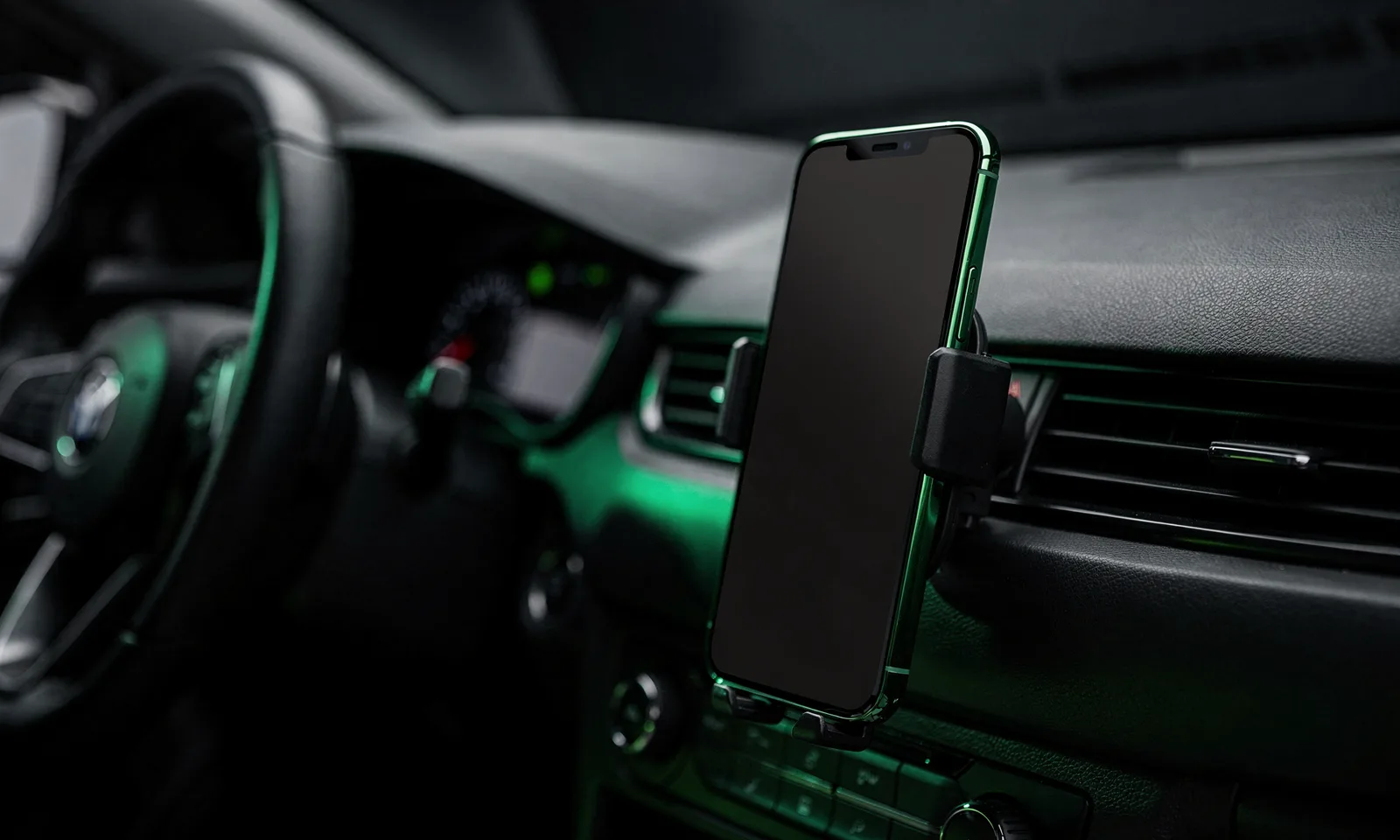
If your car has no Android Auto at all, an aftermarket head unit is the usual route, and a phone mount with a good voice setup is the cheap one.
Work through these in order.
For fuel and running cost apps specifically, see our guide on fuel and efficiency apps for Android Auto.
How we verify. Every figure on this page was read on 28 August 2026 from each app’s own Google Play listing on the United States English storefront (gl=US, hl=en): the star rating and the number of ratings, the install band, the install price and the in-app purchase range, the Contains ads label, the Data Safety card and the developer named on the listing. Ratings differ by country, so figures read on another storefront will not match these. We verify listings rather than claim driving time in every app, and we re-read them each quarter.
Navigation, audio, messaging and a few driving related tools. Developers must build a separate car interface, so an app being good on the phone does not mean it appears in the car. Video, games and social feeds are not permitted while driving.
Both, depending on the car and phone. Wired works with essentially every head unit and is more reliable; use a proper data cable, as cheap or worn cables cause most dropouts. Wireless needs support at both ends and uses more battery.
All eleven are free to install. On 28 August 2026 the Play listings showed a Contains ads label on Google Maps, Waze, A Better Routeplanner, Spotify, YouTube Music and Audible, and no ads label on Organic Maps, Amazon Music, Pocket Casts, WhatsApp or Telegram. Google Maps, Waze and Organic Maps listed no in-app purchases at all; the rest publish a purchase range per item, from $3.99 upward.
Safer than handling the phone, since messages are read aloud and replies are dictated with no text on screen. It still takes attention to compose a reply. For anything that needs thought, stop the car.
An aftermarket head unit with Android Auto is the usual upgrade. Otherwise a decent phone mount plus voice control covers navigation and audio, which is most of what the car interface provides anyway.
Usually it has no Android Auto version. Otherwise check the app is up to date, since car support often arrives in an update, and check the Android Auto settings on your phone for which apps are set to appear.
 Best Car Launcher Apps for AndroidNavigation & Auto
 Best Compass Apps for AndroidNavigation & Auto