
Updated September 2026 · the symptoms now sit in one table, and the two meters that put a number on the heat and on battery wear carry their own dated listing figures
Almost everything a phone does with electricity comes back out as heat, and a phone has no fan and no vents. That heat leaves through the frame and the glass you are holding, so you feel it long before the phone reacts. Google states the design intent plainly on its Pixel temperature page: Pixel devices are designed to operate at device temperatures above ambient temperature, because of heat generated by internal components such as the processor, cameras and radio antennas. Warm is the normal outcome, and the question is which kind of warm you have.
Three things do the heating: the processor and graphics when there is work to do, the radios when there is data to move, and the battery when power is going in. Nearly every case below is one of those, or the weather.
Charging is the one people misread. Samsung says a Galaxy may feel warm while charging, with no effect on lifespan or performance, and that fast and wireless charging feel warmer still. A warm phone then slows its own charging: Google lists reduce charging speeds among a hot Pixel's protective moves.
Google's own framing is reassuring: if your phone feels warm, you should not be too concerned. Samsung gives normal operating conditions as 32 to 95 degrees Fahrenheit, or 0 to 35 Celsius, and Google asks you to avoid six hours or more above 35.
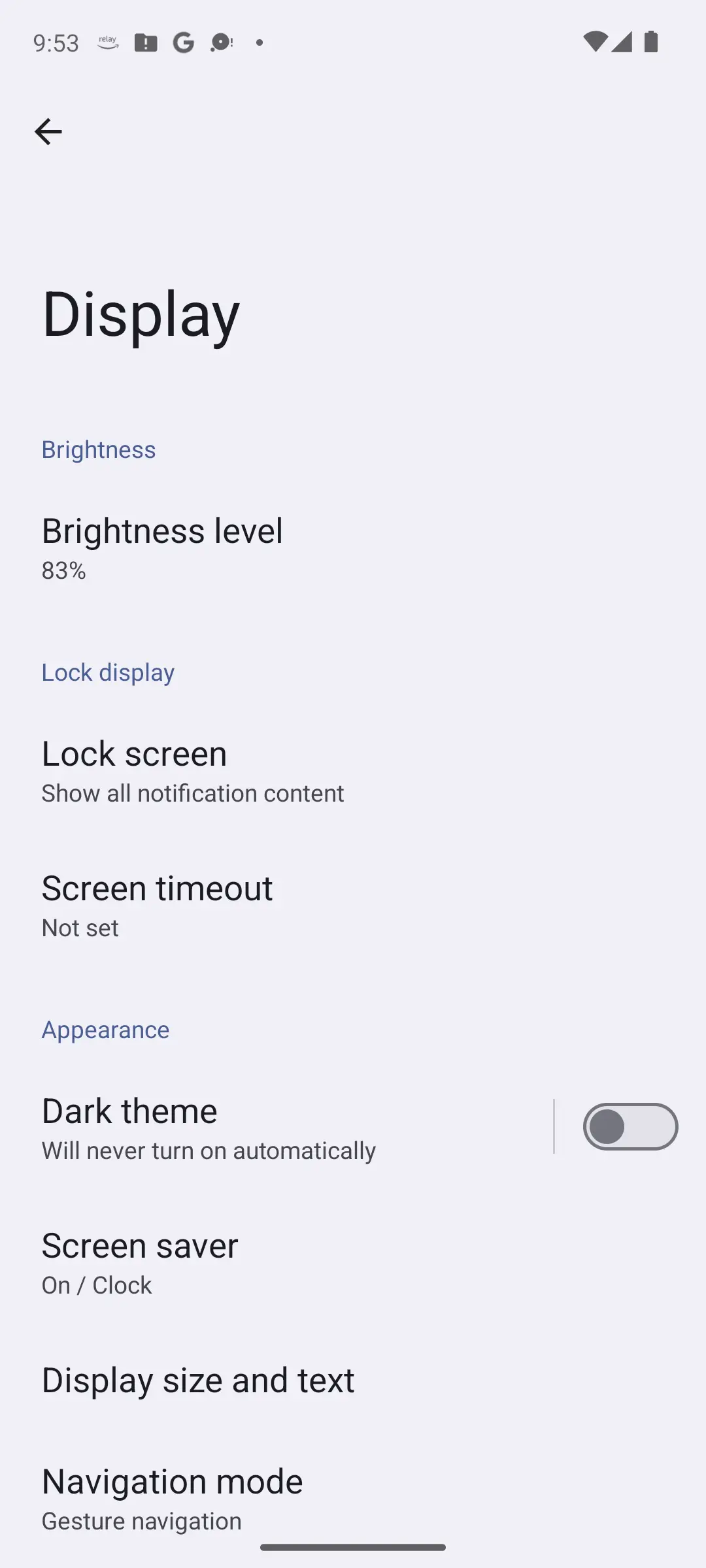
Recent Pixels report their own state under Settings, Battery, Battery diagnostics: Cold, Normal, Warm or Elevated. Without it, use the threshold a manufacturer publishes for a person, not a sensor. Samsung's advice ends: if the device is still too warm to touch, contact Samsung support.
Android has a defined ladder for this. The Android Open Source Project documents seven thermal status levels, from no throttling through light, moderate and severe to critical, where every component runs at its lowest capacity, then emergency and shutdown.
Google lists how that looks on a Pixel: reduce CPU performance, reduce charging speeds, turn off the camera, partially or fully turn off mobile data or Wi-Fi including 5G, and enter low power mode. Samsung's notice adds that apps will close, calling is limited except for emergency calls, and performance returns automatically once it cools.
A phone sluggish only while hot is behaving as designed. One sluggish while cool has a different problem, about storage and caches: how to speed up a slow Android phone.
Google's list of what warms a Pixel is worth reading against your own day.
Samsung adds the ones nobody suspects: heavy background multitasking, large cloud or email syncs, roaming, and areas with weak signals or no reception. That explains a phone cooking in a basement while you do nothing. Google's countermeasure: if possible, use Wi-Fi instead of mobile data.
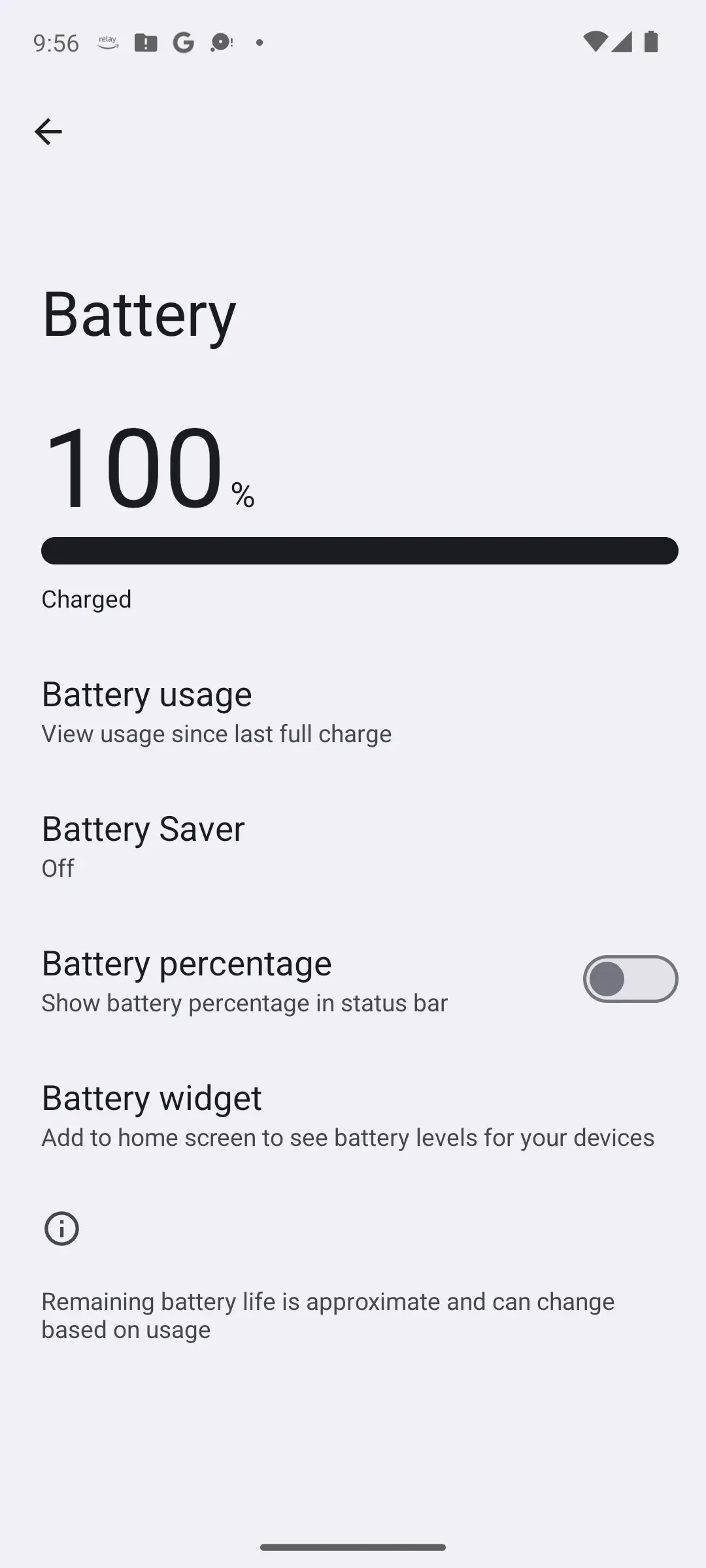
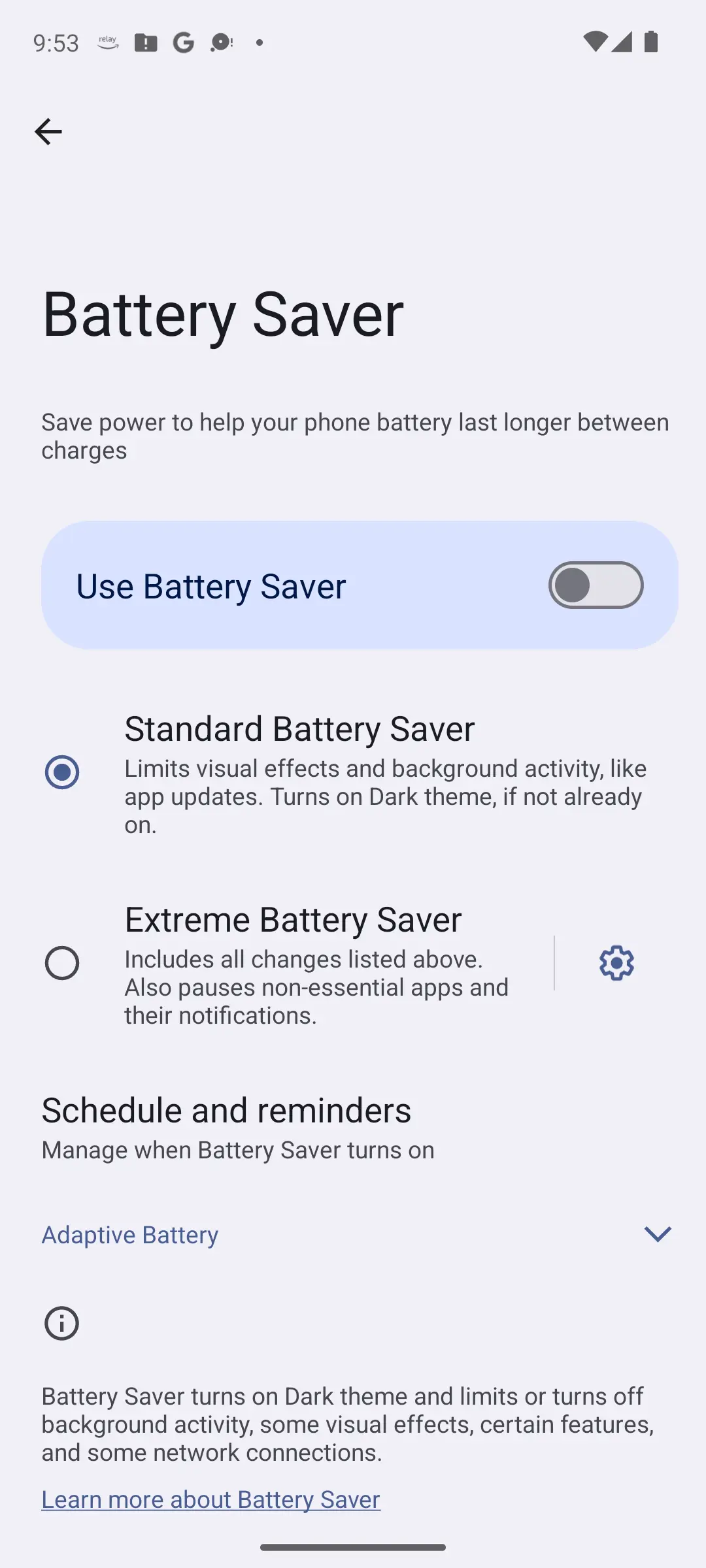
Warm with nothing running? Google says a phone might overheat because of issues that also cause battery drain. Start under Settings, Battery, where the guide to fast battery drain has the Pixel and Samsung paths.
Everything above asks you to judge the heat by hand: warm or too warm, charging or not, busy or idle. Two apps turn that judgement into a number, and both are meters rather than coolers: nothing installed on a phone can move heat out of it, as the questions at the end say, and the cooling steps further down are still the fix.
Putting a number on the heat, and on what charging does to it
4.5 stars from 34,520 reviews · 1,000,000+ installs · free to install · in-app purchases $0.99 to $12.99 per item · listing updated 3 September 2026 · by Paget96 · Contains ads: Yes · checked 5 September 2026
Google Play listing · 4.5 (34,520) · read 5 September 2026
A meter, not a cooler. Play lists it as Battery Guru: Battery Health, and its listing describes a temperature history, live charging current in milliamps and voltage, as the battery saver roundup on this site sets out. Free to install with the Contains ads label and in-app purchases of $0.99 to $12.99 per item, read 5 September 2026; its Data Safety section says it may share data with third parties and that data cannot be deleted. What it adds is a readout this page otherwise cannot give you: whether the heat tracks the charger, the signal or the time of day. No manufacturer publishes a sensor reading that counts as too hot, so the figure is a comparison across your own day, not a pass or fail.
Deciding whether the battery is worn, as a number
4.7 stars from 602,260 reviews · 10,000,000+ installs · free to install · in-app purchases $1.19 to $24.99 per item · listing updated 6 November 2025 · by Digibites · Contains ads: Yes · checked 5 September 2026
Google Play listing · 4.7 (602,260) · read 5 September 2026
The other meter, for the last section of this page: its listing describes measuring capacity in mAh and the wear each charge session causes, plus discharge per app, as the battery saver roundup sets out. That is the figure Google's replacement guidance turns on, and the one that separates a battery that is worn from a phone that is merely warm. Free to install with the Contains ads label and in-app purchases of $1.19 to $24.99 per item, read 5 September 2026; its Data Safety section says it may share data with third parties, with deletion on request. Its estimate needs several charge cycles before it means anything, so it belongs on the phone before the question comes up, and its listing has not been updated since 6 November 2025.
Two situations sit outside any settings menu. Google says to keep the phone away from excessive heat, like inside a hot vehicle or in direct sunlight, and out of enclosed or poorly ventilated areas. Samsung lists heat sources, a parked car on a hot day, and continual direct sun. A windscreen mount stacks those with extended navigation, also on Google's list.
On cases the wording is narrower than the folklore. Google's instruction is to use only cases or covers made for your specific phone; it never says to take the case off. Doing so while it cools is sensible rather than documented.
Google's whole instruction fits one sentence: disconnect it from its power source if plugged in, move it to a cooler place, and do not use it until it has cooled down. Samsung's is longer and gives the order.
None of that is an app. Software cannot move heat out of a sealed phone; it can only change how much work the phone is doing, which Android already does itself. For battery tools generally, the battery saver roundup is blunt about how many are advertising.
Chilling a hot phone comes round every summer. Both manufacturers rule it out: Samsung's normal range stops at 32 degrees Fahrenheit at the bottom as firmly as at 95 at the top, and Google says a Pixel below 0 Celsius may shut down suddenly.
Then there is water. Moisture condenses on any surface colder than the air around it, and a phone out of a fridge is exactly that. Samsung is unambiguous: with water in the USB port, or moisture above a set point, charging will not be supported, a safety measure against damage and corrosion. A cool phone that will not charge is its own problem, in the guide to that.
Ice, cold water and a wet cloth go the same way. And Samsung's advice for a damp phone is a fan or a ventilated place, never heat.
Three signals mean the answer is no longer a setting.
Google's rules for that last one: start the repair now, and while you wait, stand the device on a table and leave it unused until the battery drains. Do not press the cover glass, do not pry the phone open, and do not put it in household waste.
A worn battery shows as a number instead. Google recommends replacement below 80 percent capacity, or around 800 charge cycles on the Pixel 3 through Pixel 8 Pro and 1,000 on the Pixel 8a and later; how to check battery health on Android covers those screens and Samsung's. Heat alongside ads with no app open belongs with the signs of Android malware. Work this page through once honestly, and if the phone still runs hot doing nothing on a cool day, stop guessing: you have what a repair counter needs to hear.
 Android Phone Won't Turn On? How to Fix ItTools & Utilities
Yes. Samsung says a Galaxy may feel warm while charging, with no effect on its lifespan or performance, and that fast and wireless charging feel warmer still. Google is narrower, saying only that a phone warms up when it is plugged in, so do not keep it charging longer than needed.
No. Samsung gives 32 to 95 degrees Fahrenheit as a Galaxy's normal operating range, and Google says a Pixel below 0 Celsius may shut down suddenly. Cold surfaces collect condensation, and Samsung says moisture in the USB port stops charging. Move the phone somewhere shaded instead.
Android throttles the phone on purpose. Android's platform documentation defines thermal status levels from light throttling to shutdown, and Google says a hot Pixel cuts CPU performance and charging speed, turns off the camera and may drop mobile data or Wi-Fi. Samsung says speed returns once the phone cools.
Usually background activity or a poor signal. Samsung lists weak signals or no reception, roaming, heavy background multitasking and large cloud syncs among the situations in which a Galaxy may overheat. Google says overheating often shares causes with battery drain.
Nothing installed on a phone can move heat out of it. Software can only change how much work the phone is doing, and Android already does that through its own documented thermal mitigation. Unplug the charger, close the heavy apps, get it out of the sun.
When the phone keeps switching itself off, when it is still too warm to touch after being left to cool, or when the back cover or screen starts to lift. Google says to contact Pixel support in the first case and Samsung its support in the second. On a lifting screen, do not press it back down or pry the phone open.
Two meters, and both only measure. Battery Guru's listing, read 5 September 2026, describes a temperature history and live charging current, at 4.5 stars from 34,520 reviews. AccuBattery's listing describes measuring capacity in mAh and the wear each charge causes, which is the figure behind Google's replacement guidance, at 4.7 stars from 602,260 reviews. Both are free to install and both listings carry the Contains ads label. No manufacturer publishes a sensor reading that counts as too hot, so use the number to compare your own day, charging against unplugged and Wi-Fi against mobile data, and let the cooling steps do the rest. Checked 5 September 2026.
Checked 5 September 2026: the guide quoted Google and Samsung throughout but had no dated line, no table and nothing to measure with, so every judgement about heat rested on the reader's hand. The symptoms now sit in one table that jumps to the fix, and two meters carry fact lines read from their own listings: Battery Guru at 4.5 stars from 34,520 reviews and AccuBattery at 4.7 stars from 602,260 reviews, both free to install, both carrying the Contains ads label. Three FAQ questions moved from the first person to the second, one question was added about the meters, and nothing in the manufacturer guidance changed.