
Updated August 2026 · every figure re-read from the six Play listings, and the comparison rebuilt around a second column taken from each developer's own words: what each free tier lets you do with your own work
Six Android drawing listings, each read at its own Google Play page on 21 August 2026, and compared on the thing a store record does not settle: what the free tier lets you keep. One of the six was first published in 2026, and for the other five what is new this year is what their developers changed on the listing. Layers, export format and canvas resolution come from each developer's own words, read the same day.
Sketchbook is our best overall and best free pick because its help pages, read 21 August 2026, say no purchase limits layer count: free, no ads label, $2.99 bundle.
ibis Paint X is our unlimited layers pick because its listing, read 3 September 2026, promises no layer limit: free, an ads label, purchases to $79.99.
Infinite Painter is our try before you buy pick because its listing, read 3 September 2026, allows three layers at device resolution: free, no ads label, purchases to $9.99.
Data checked: 3 September 2026.
The monthly umbrella for this series is best new apps for Android, where every entry is dated by its own Play release field.
Worth it only where a plan is already decided
Rating 4.4 from 48,704 reviews · Installs 10,000,000+ · Free to install · in-app purchases $0.99 to $119.99 per item · Version 5.1.1 · listing updated 30 July 2026 · Developer CELSYS,Inc. · Category Art & Design · Data Safety: no data shared with third parties, the app may collect some data types, data encrypted in transit, deletion can be requested · Contains ads: No · checked 2 September 2026
Google Play listing · 4.4 (48,704) · read 2 September 2026
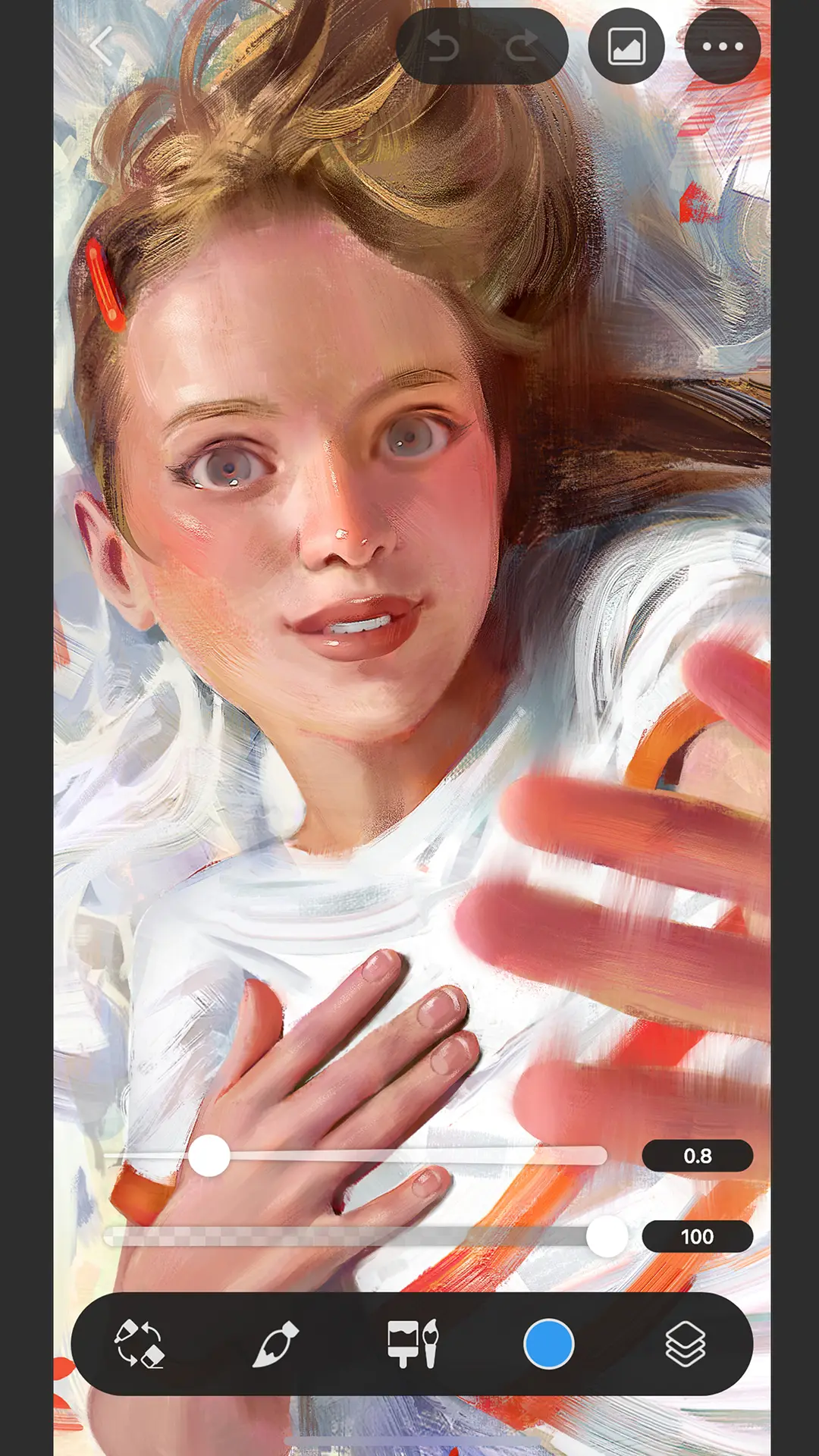
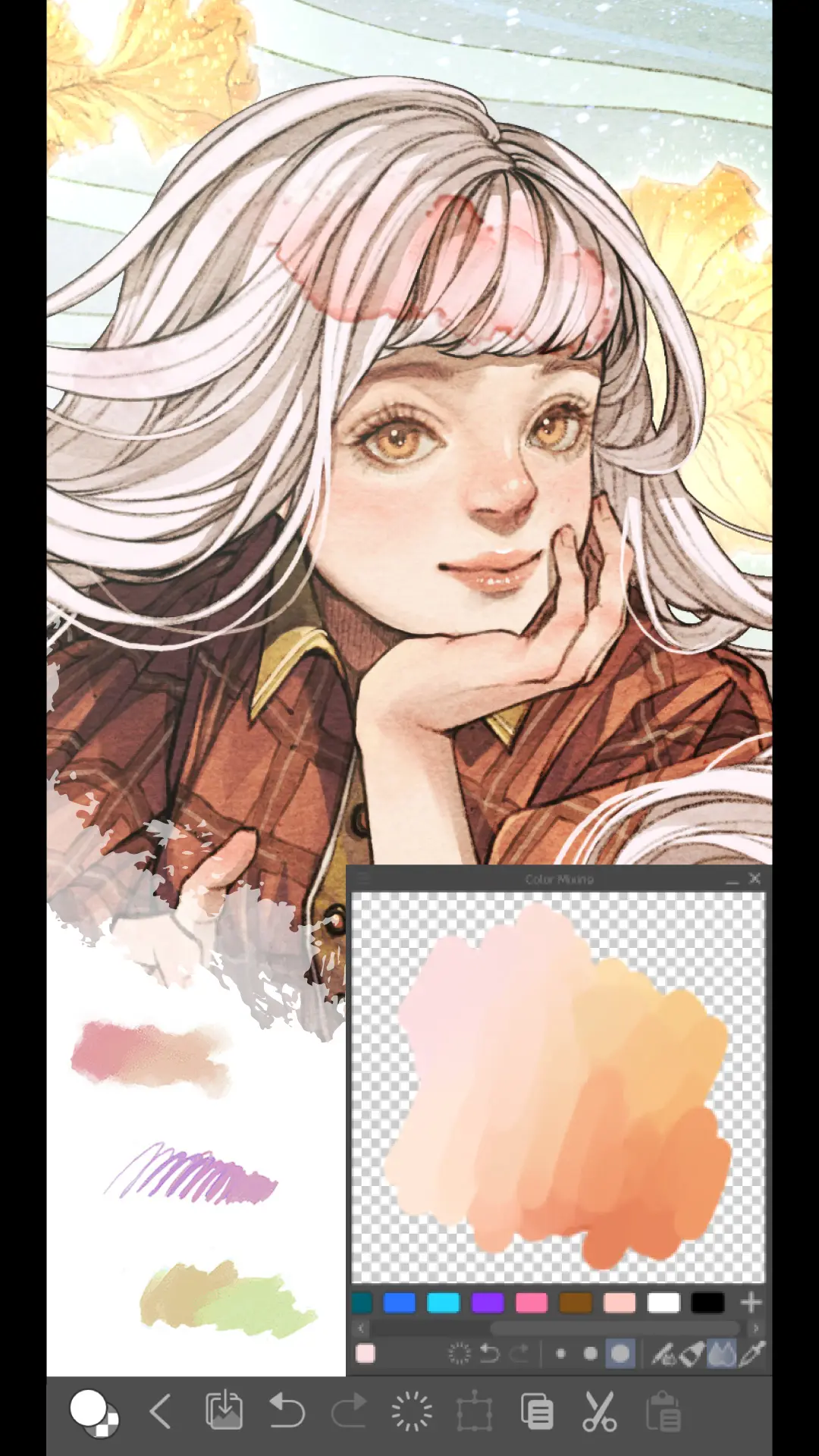
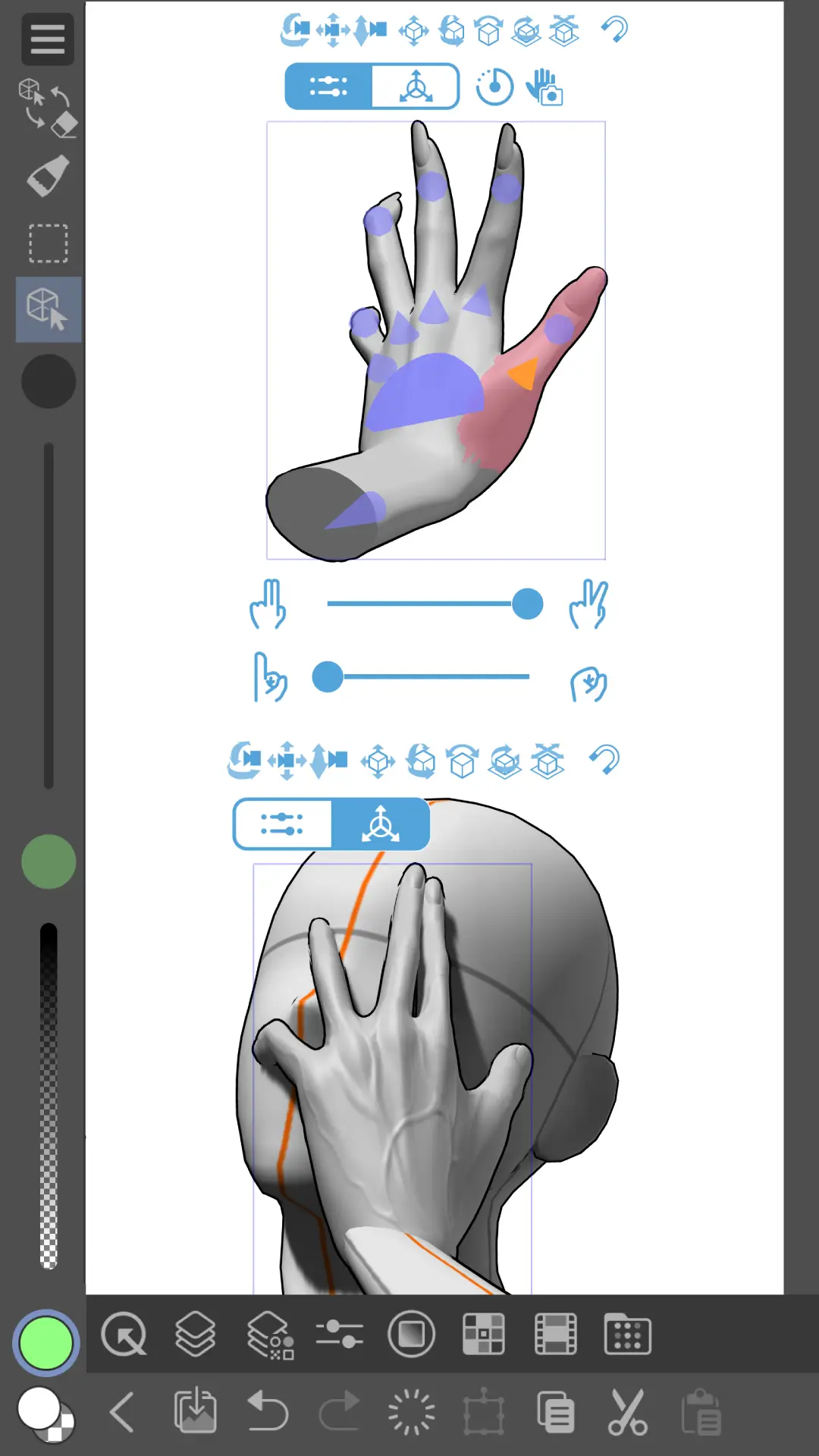
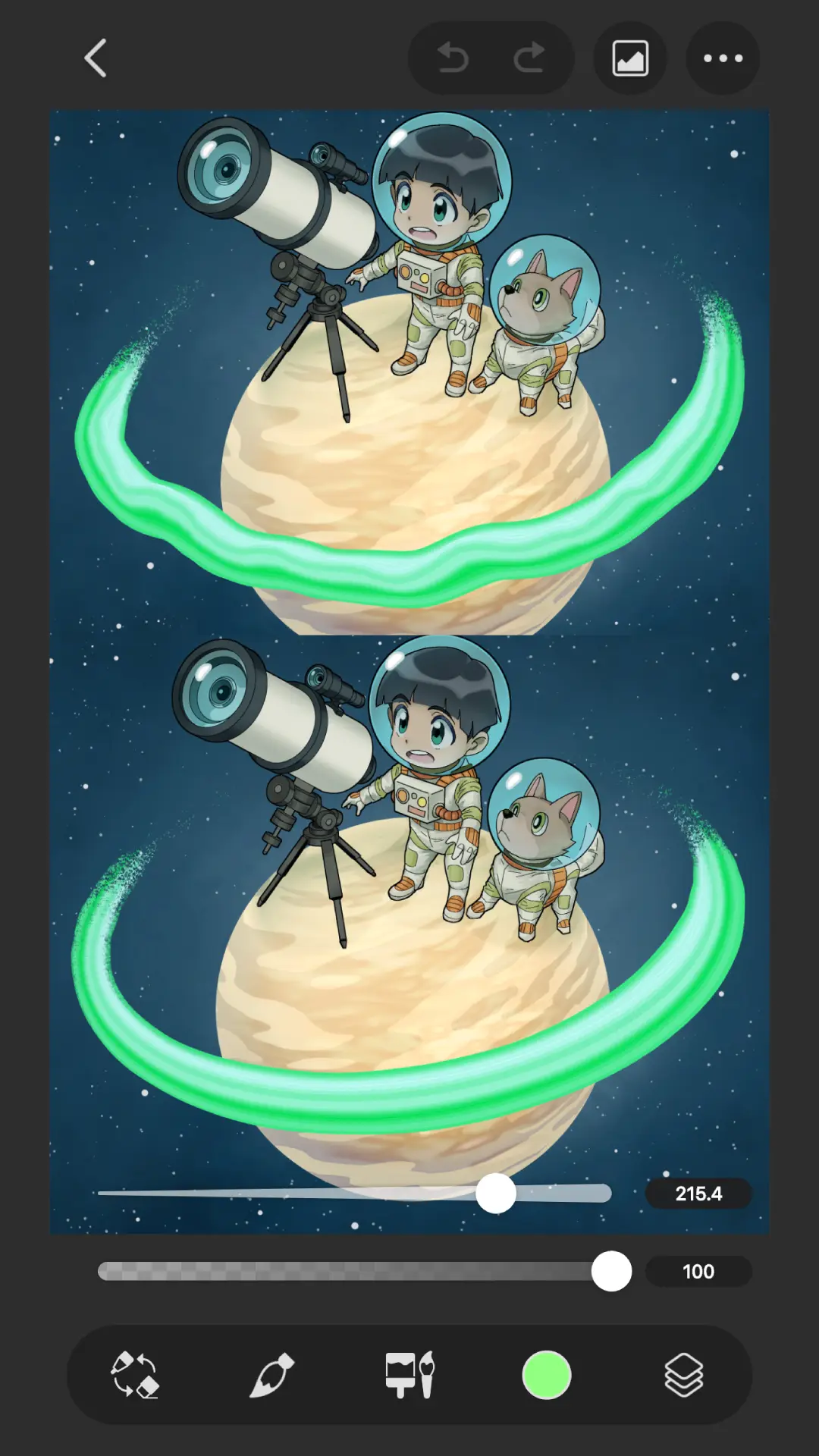
Clip Studio Paint is the entry to take only if paying is already decided. Its listing is free to install and carries no advertising label, with in-app purchases from $0.99 to $119.99 per item, the widest range of the six read here. The blunt part is what free buys on a tablet. Under its Tablet heading the developer's own description on the Play listing, read 21 August 2026, states: You need an annual or monthly plan to save or export your artwork
.
On a phone the same description offers something different, and the difference is worth knowing before installing: Enjoy all features for 30 hours in a free trial that refreshes monthly with no ads!
, alongside a free 30-day trial and up to 3 months free with a first plan. So the free ceiling here is not a feature lock but a licence one, and it lands hardest on the device the app is best suited to. On versions, the two sources do not answer the same question and this page will not pretend they do. The Clip Studio release notes, read 21 August 2026, carry one release statement, and it names Ver. 5.1.2 for Windows
on 6 August 2026, while the Play listing publishes version 5.1.1 and was last updated on 30 July 2026. No source we read gives a date for 5.1.2 on Android, so nothing here says the Android build is behind: it says the newest release the developer announces is a Windows one. Skip this one if you want to pay once rather than keep paying, and look at Sketchbook first: its help pages state that no purchase limits how many layers you get.
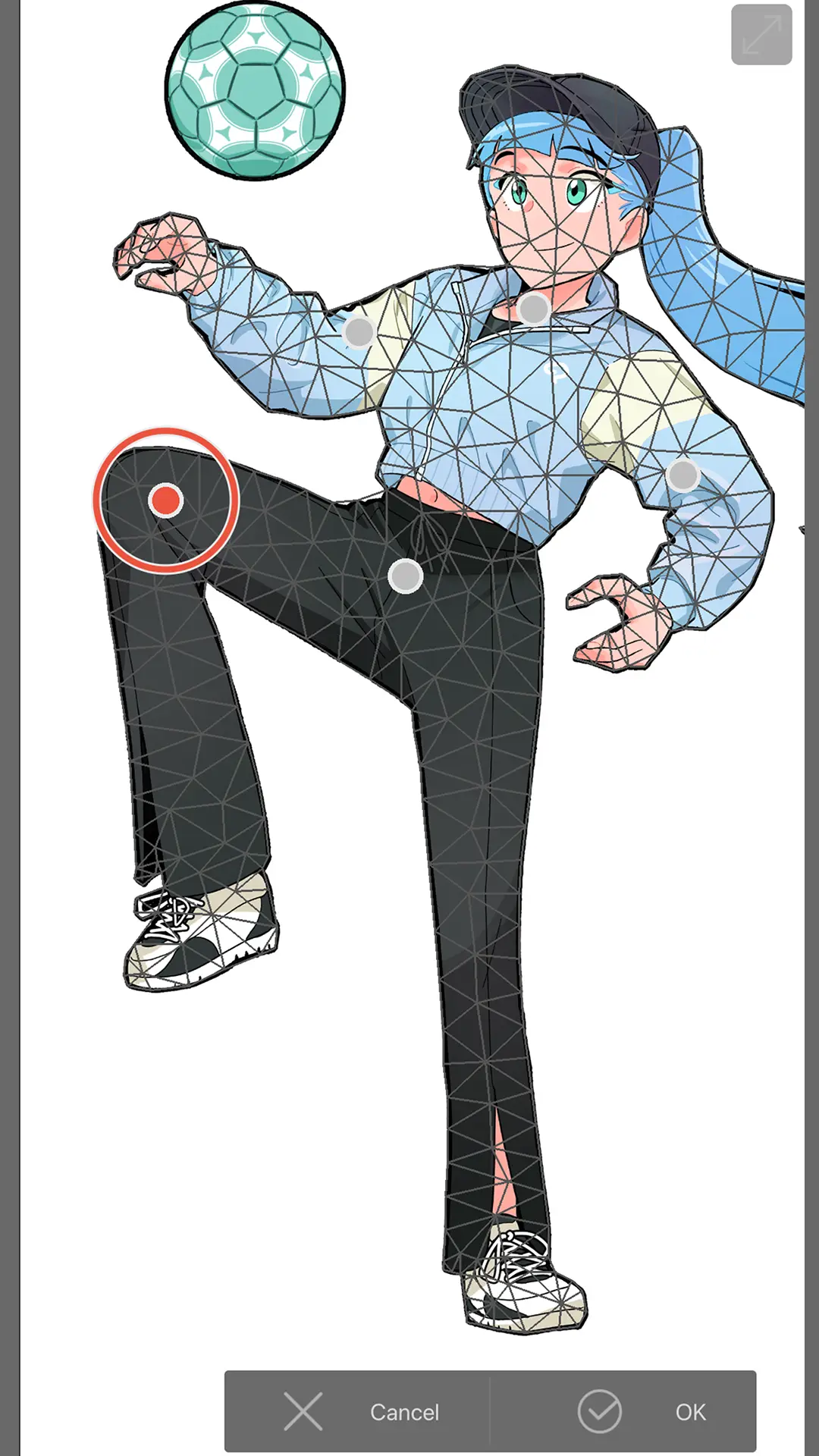
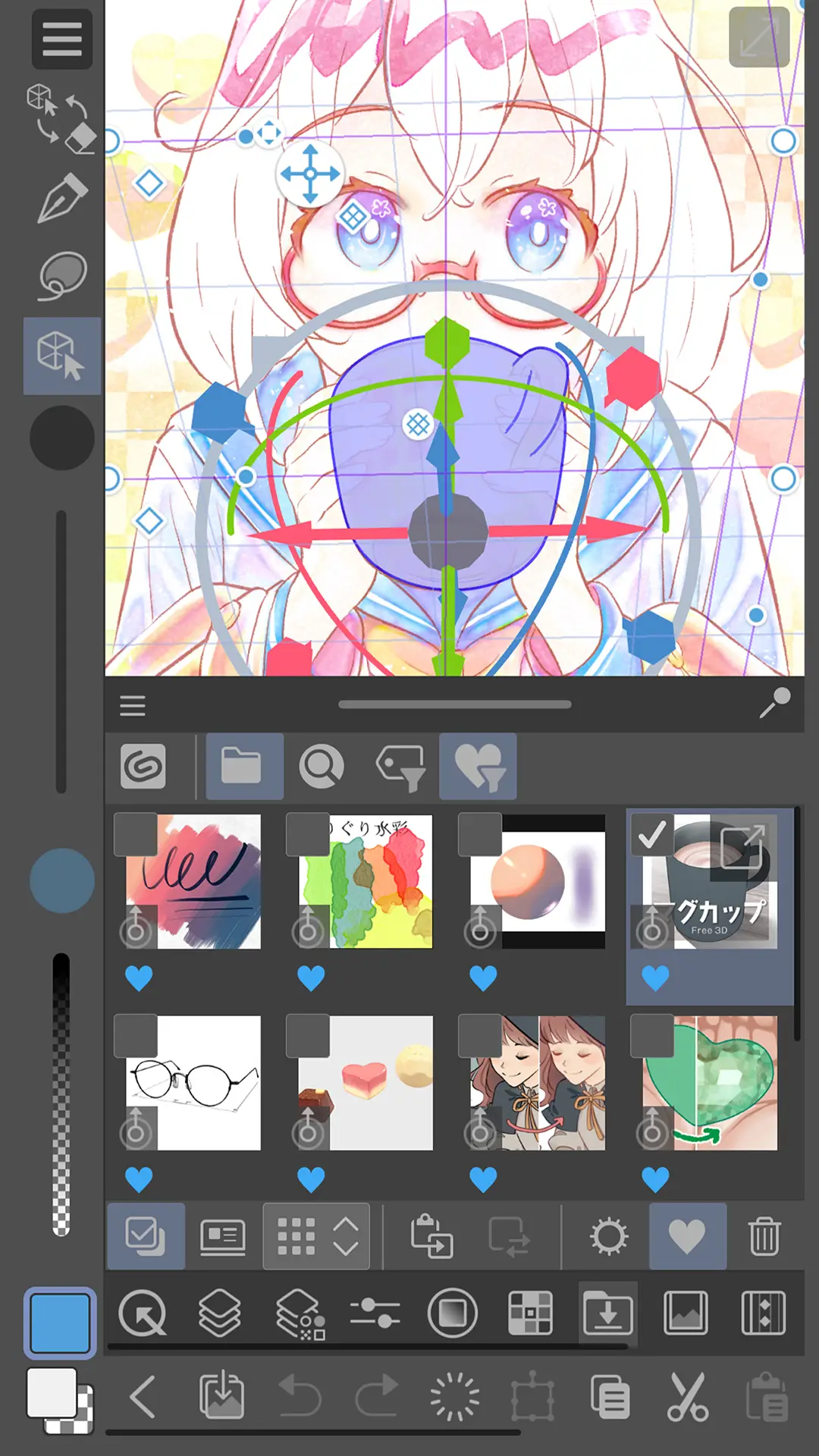
Take it only if an ads label and declared third party sharing are acceptable
Rating 4.5 from 2,985,814 reviews · Installs 100,000,000+ · Free to install · in-app purchases $2.99 to $79.99 per item · Version 14.0.9 · listing updated 28 July 2026 · Developer ibis inc. · Category Art & Design · Requires Android 7.0 or newer · Data Safety: the app may share data types with third parties, may collect data types, data encrypted in transit, deletion can be requested · Contains ads: Yes · checked 21 August 2026
Google Play listing · 4.5 (2,985,814) · read 21 August 2026
ibis Paint X puts no ceiling on layers in the free app and charges for that in attention instead. Its own description on the Play listing, read 21 August 2026, states: You can add layers as many as you need with no limit
. The listing carries the Contains ads label, is free to install, and sells in-app purchases from $2.99 to $79.99 per item. It also declares that it may share data types with third parties.
The watermark question has a precise answer here, and a bare yes or no would invert it. The developer's own export page, read 21 August 2026, lists PNG, JPEG and PSD as save formats and names no watermark on any of them, while the Premium Membership feature list on the developer's membership page, read the same day, includes Hiding Watermarks on the Video
. The mark is on the recorded drawing-process videos, not on exported artwork. The same listing draws a line that is easy to misread: it says there is no difference in features between the free app and the paid one other than advertising, and that sentence is about those two only. Premium Membership is a third thing, and what sits behind it is unlimited use of the vector tool, CMYK export and the premium filters. The same membership page's own tier table gives the free version the vector tool too, capped at an hour a day, so this is a ceiling rather than a locked door. Skip this one if an advertising label decides it for you, and look at Sketchbook first, which pairs free export with no advertising label.
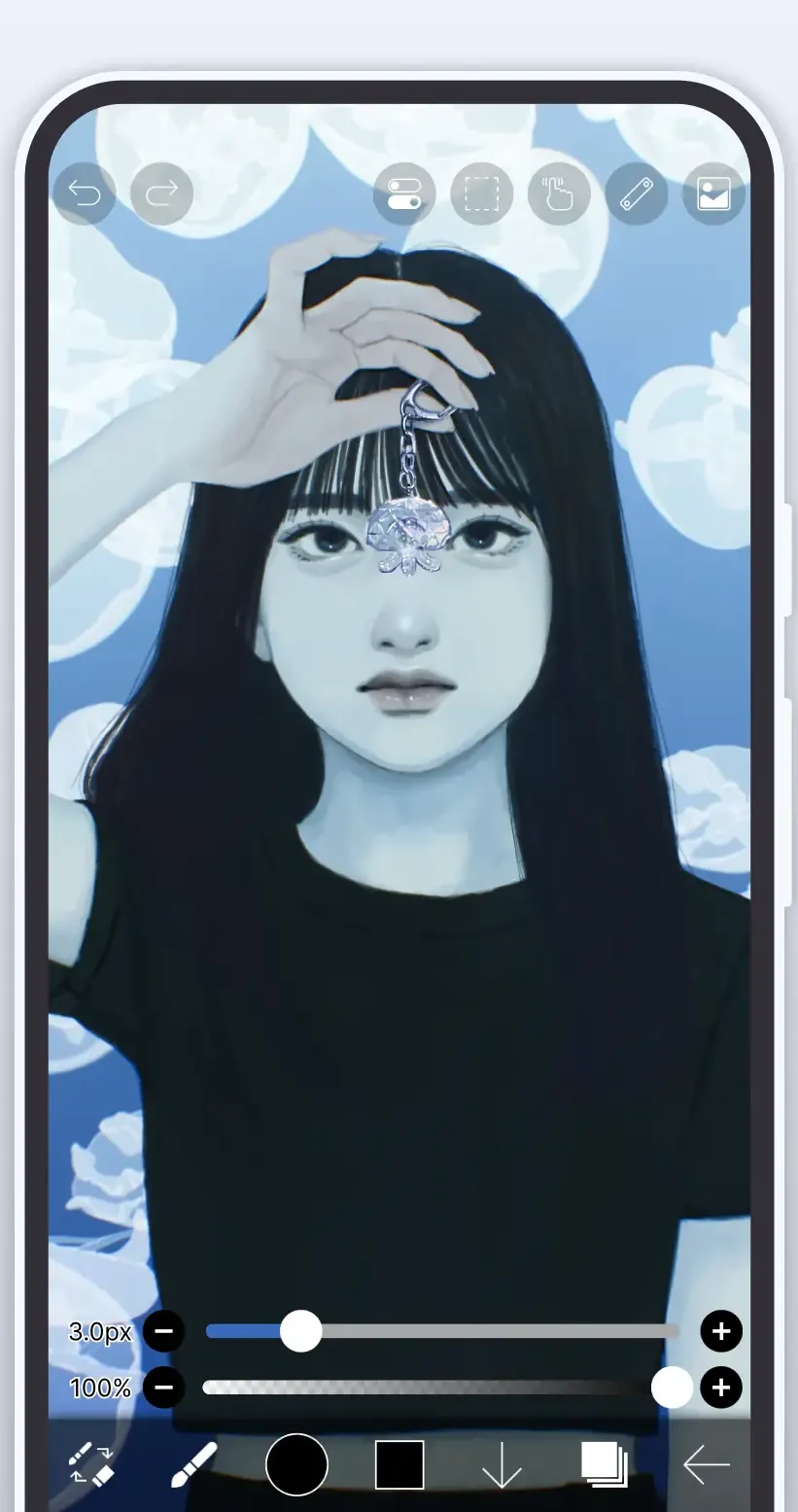
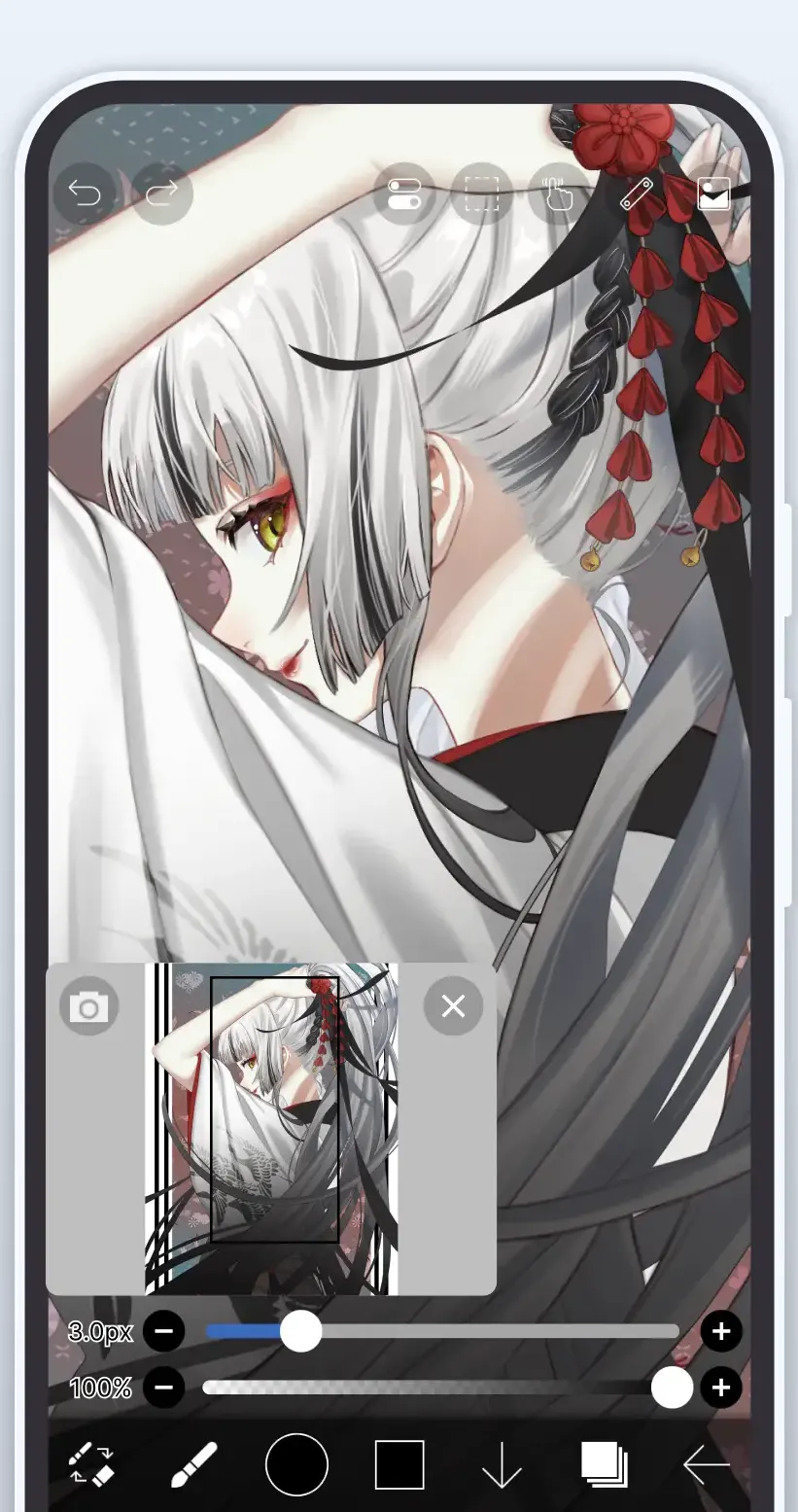
The newest listing here, on a review sample too small to compare
Store title MediBang Paletta:Drawing App · Rating 4.7 from 382 reviews · Installs 10,000+ · Free to install · in-app purchases $6.99 an item · Version 4.15.2 · listing updated 6 August 2026 · first published 12 May 2026 · Developer MediBang Inc. · Requires Android 11 or newer · Data Safety: no data shared with third parties, no data collected, data encrypted in transit, and data cannot be deleted · Contains ads: Yes · checked 21 August 2026
Google Play listing · 4.7 (382) · read 21 August 2026
MediBang Paletta is the only one of the six listings here first published in 2026, and the only one whose free tier resets daily rather than monthly. Its own description on the Play listing, read 21 August 2026, gives two hours a day without advertising and then sells more time for attention: Watch an ad to extend for 1 hour.
The listing carries the Contains ads label and prices in-app purchases at $6.99 an item.
Read this first. That rating comes from 346 reviews. It is far too small a sample to set beside the ratings on this page that rest on hundreds of thousands or millions of reviews, and this page does not treat the two as comparable. A figure built from a few hundred people can move a long way in a week.
What the money buys is described differently here than on the two plan based listings: the same description calls the purchase a one-time
permanent license and says no subscription is required, and it names export to device storage and to Adobe Photoshop PSD files without attaching either to the purchase. No source we read states that MediBang Paletta watermarks exported artwork. One screenshot in the strip below shows a layer named Watermark inside the layer panel, and the word is in that image and in its alt text rather than in any caption. It is a layer name in the developer's own file, not a mark the app applies. The listing read here is titled MediBang Paletta:Drawing App, with a full width colon, and its package is com.medibang.android.medibangpro. If you are looking for MediBang Paint, the older app from the same developer, that is a different listing and nothing on this page was read from it. Skip this one if you want a settled record before installing, and look at ibis Paint X or Sketchbook first, whose ratings rest on far larger samples.
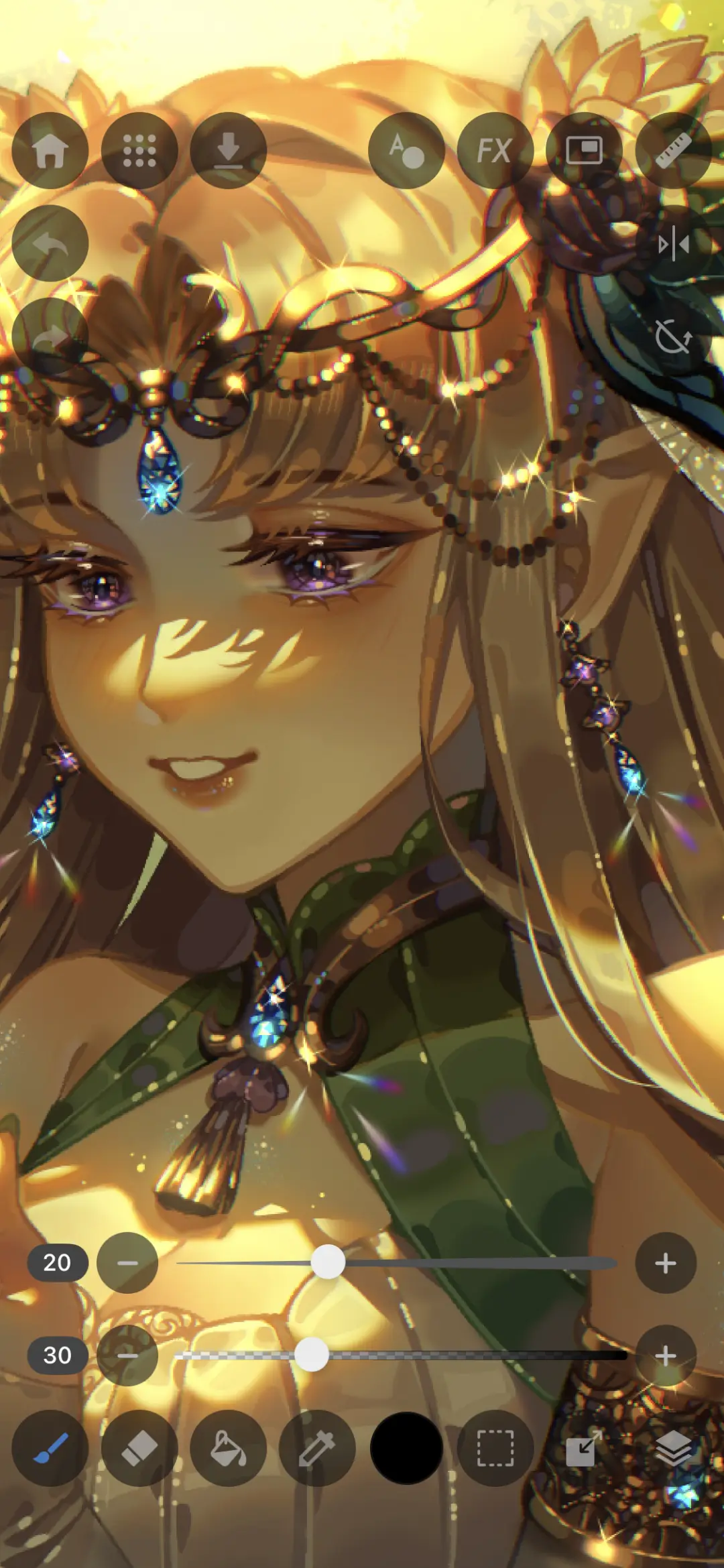
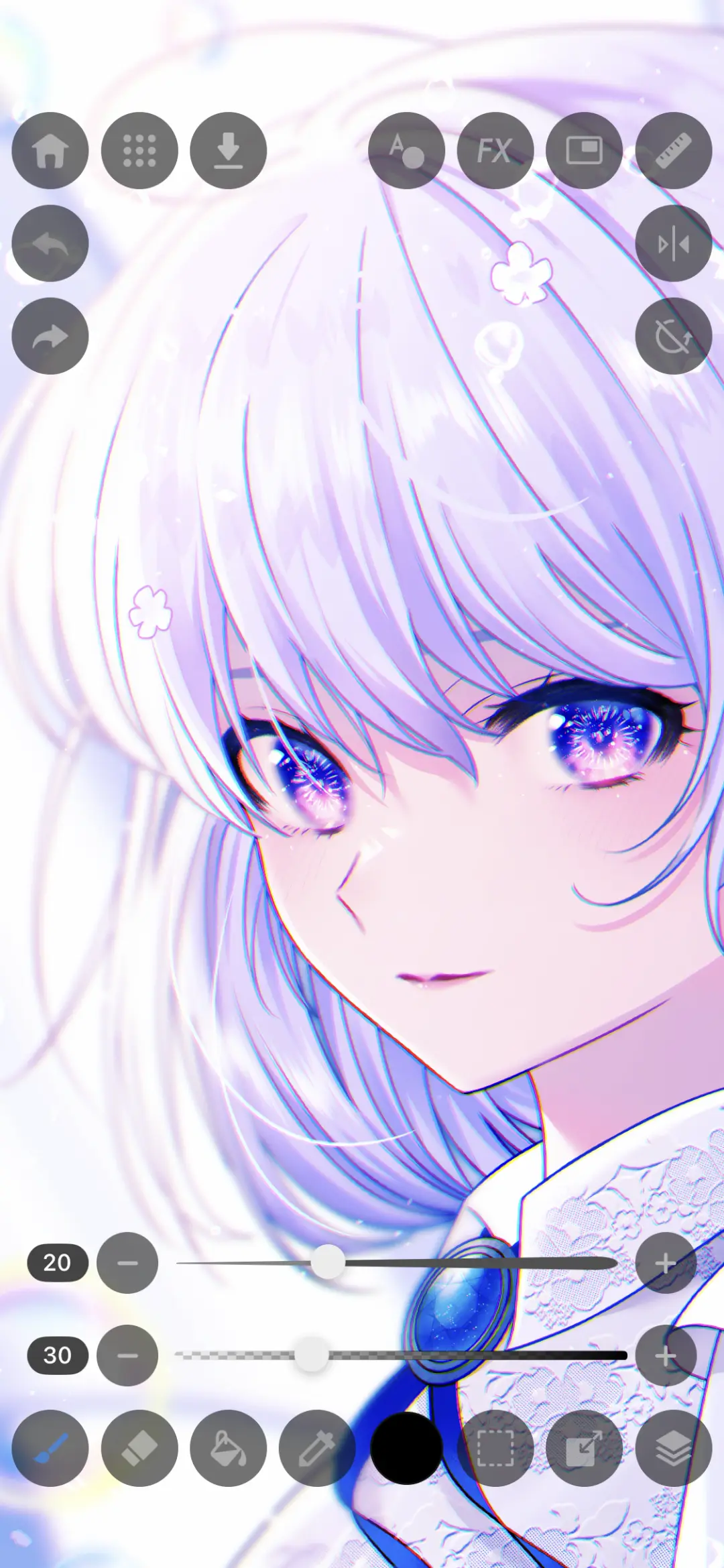
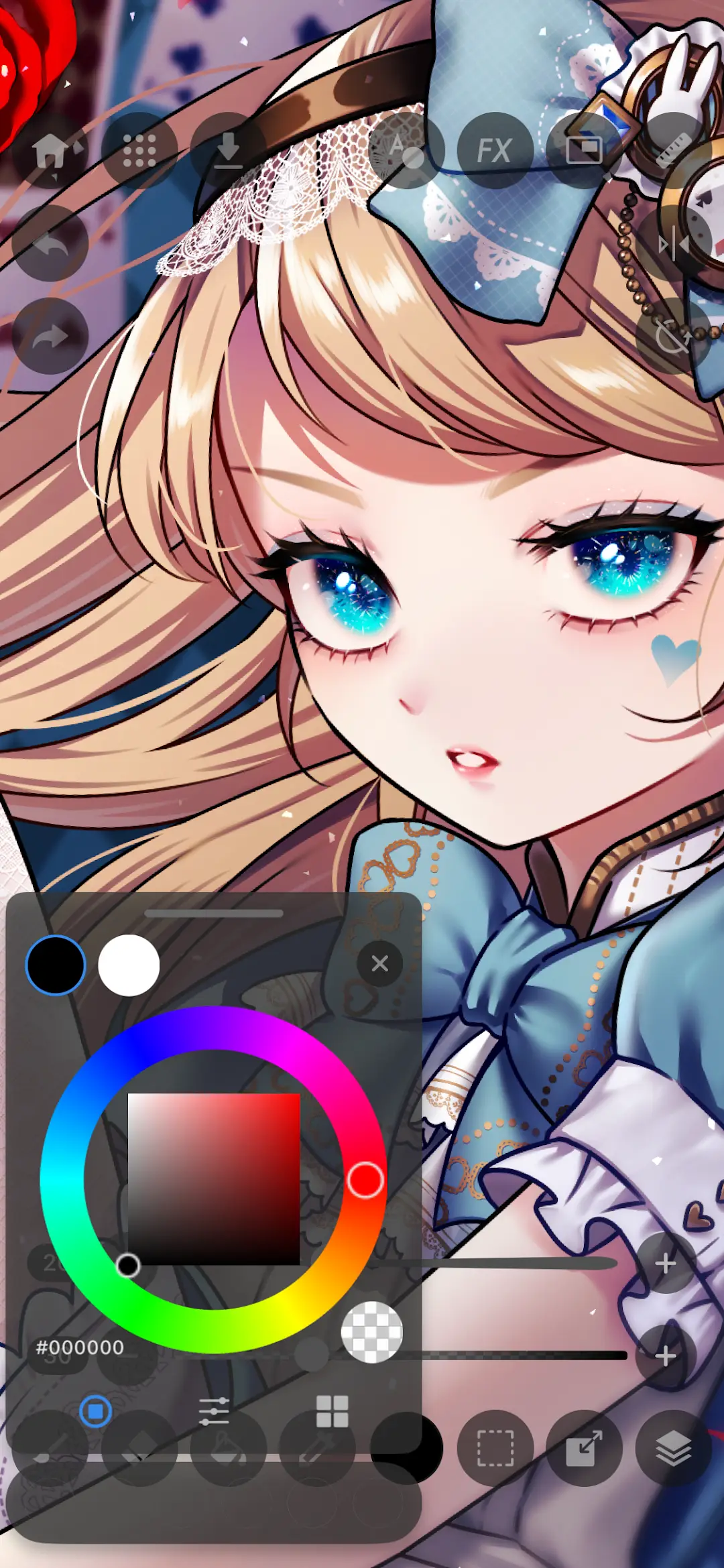
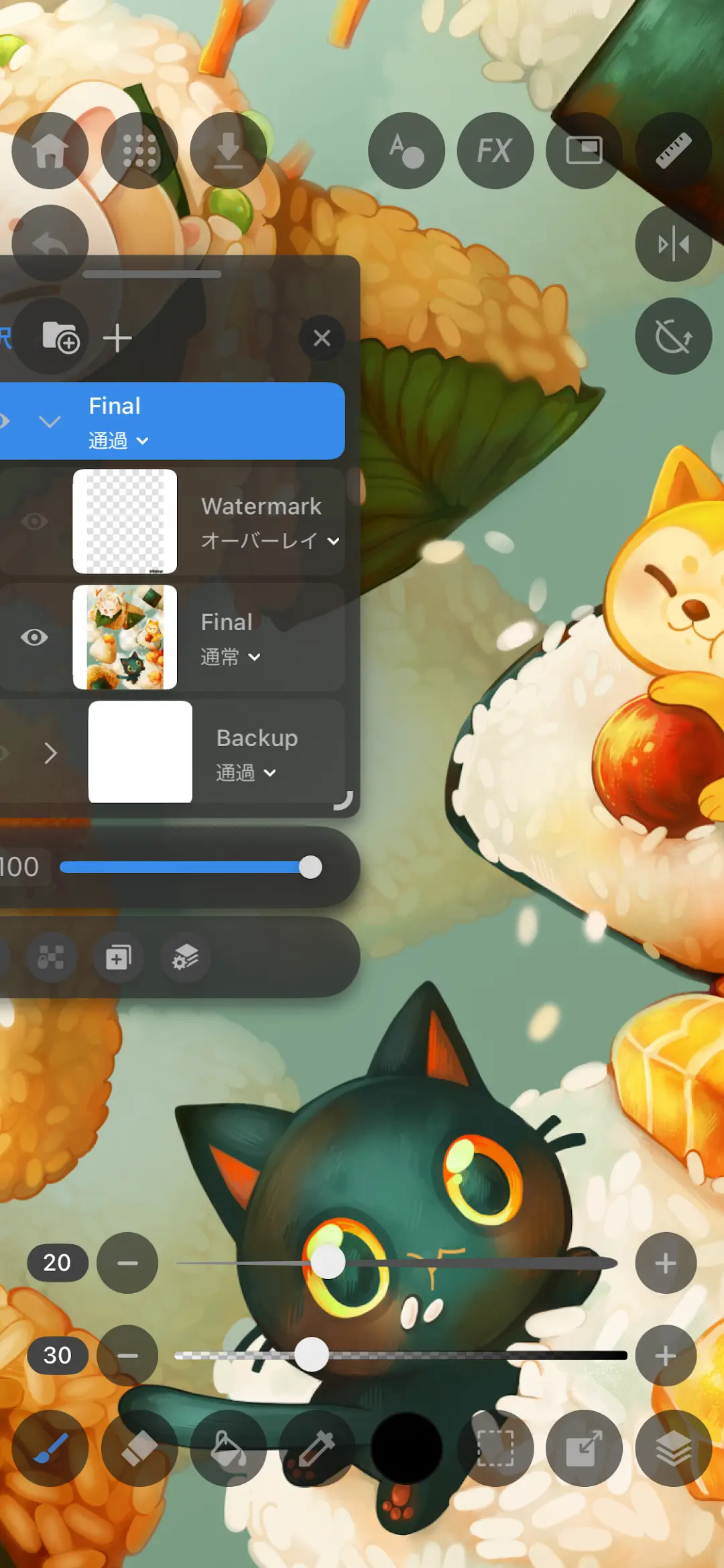
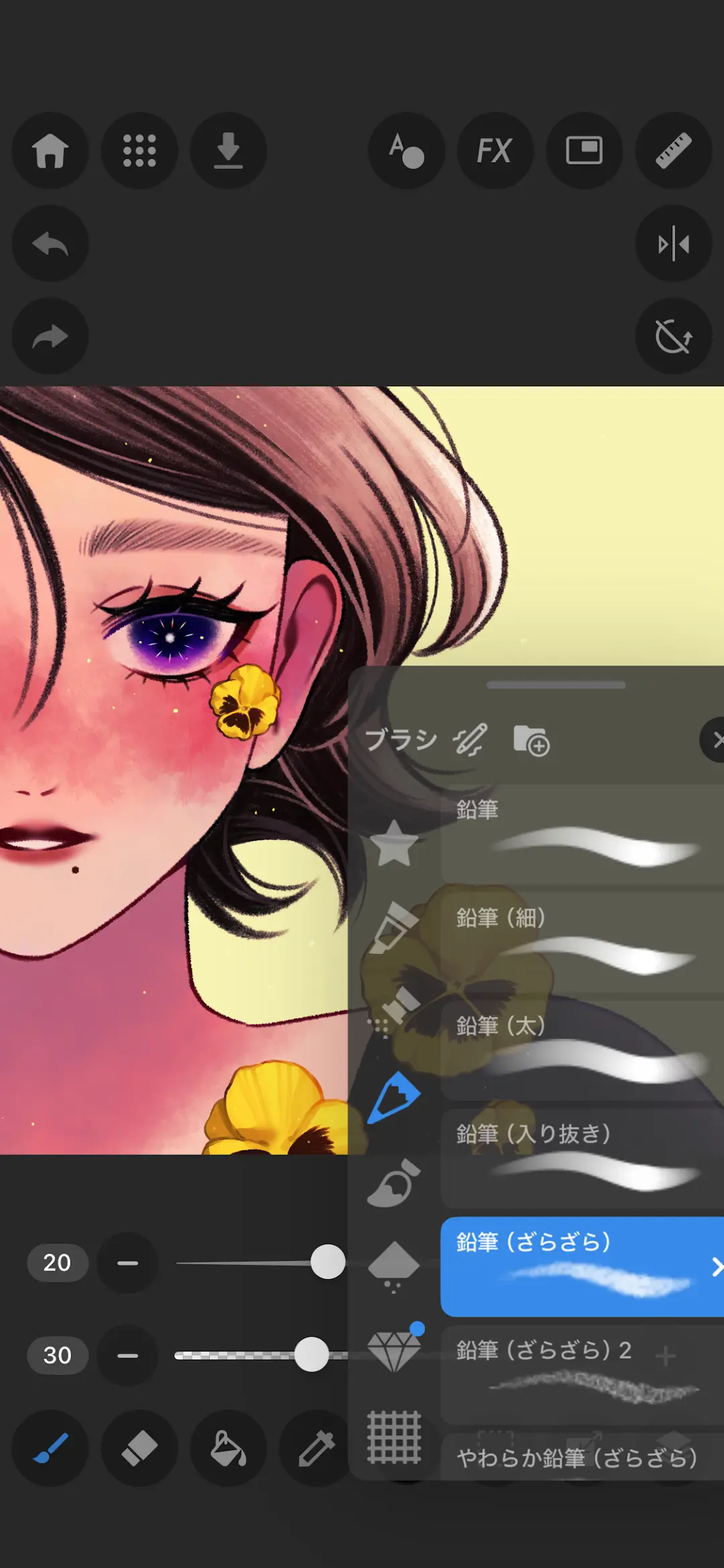
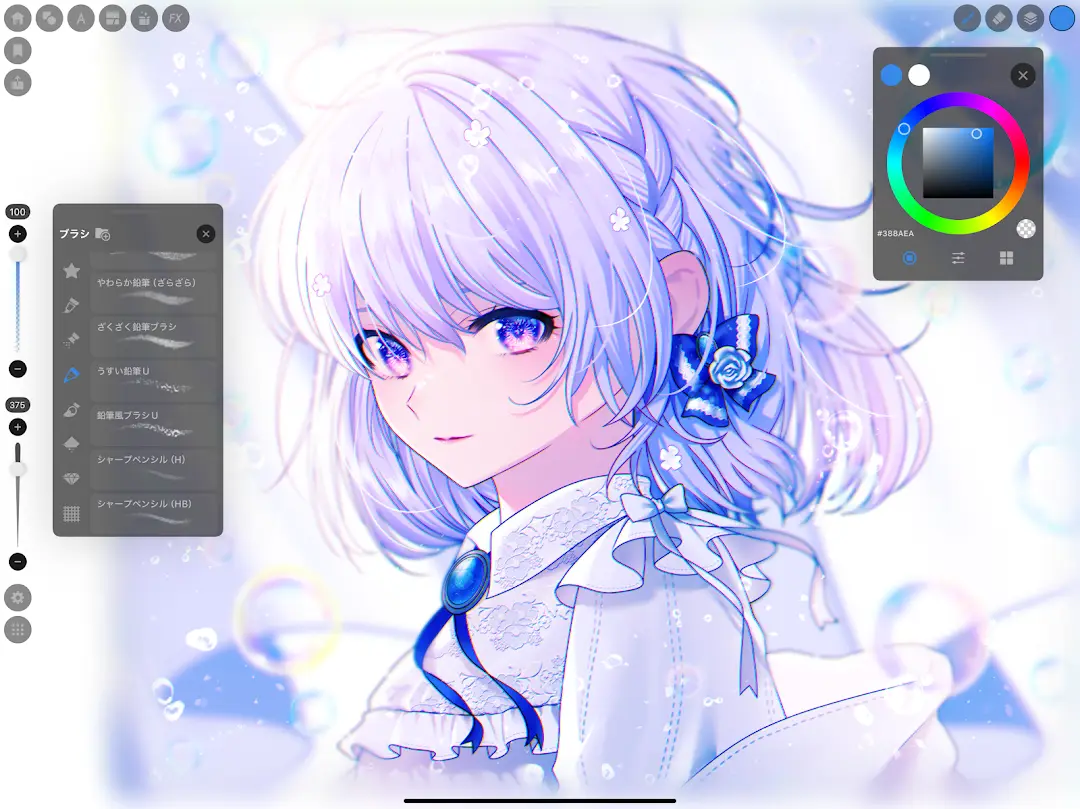
The lowest rating here, and not offered for phones
Rating 3.2 from 6,243 reviews · Installs 1,000,000+ · Free to install · in-app purchases $2.49 to $13.99 per item · Version 5.3.3 · listing updated 4 August 2026 · first published 8 April 2024 · Developer Stichting Krita Foundation · Category Art & Design · content rating All ages · Data Safety: no data shared with third parties, and no data collected · Contains ads: No · checked 2 September 2026
Google Play listing · 3.2 (6,243) · read 2 September 2026
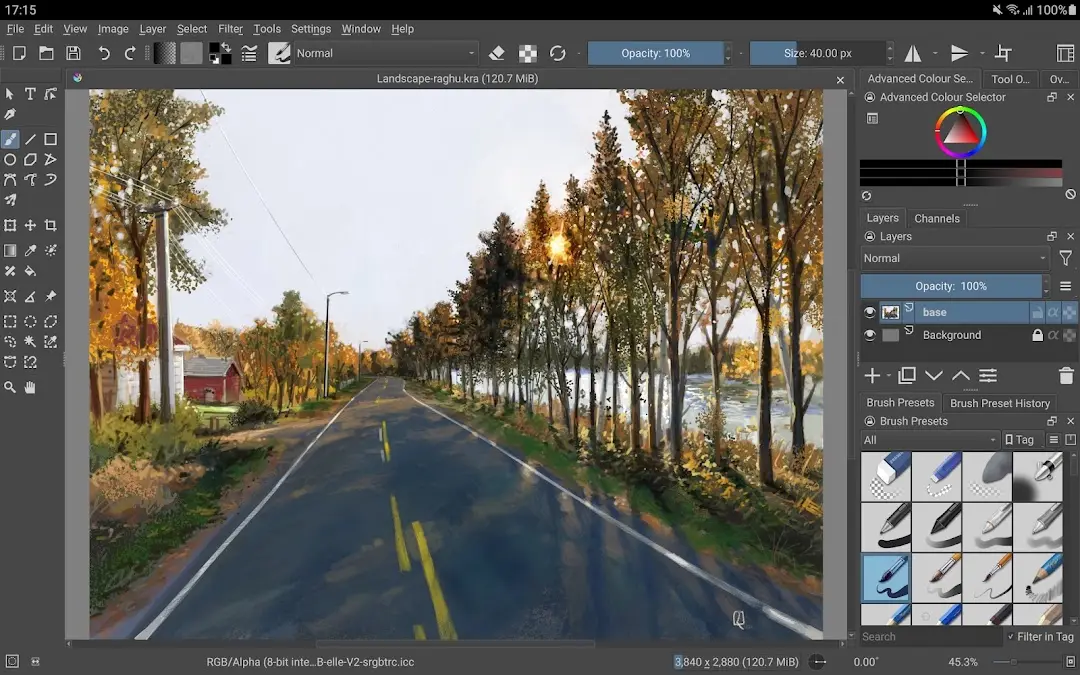
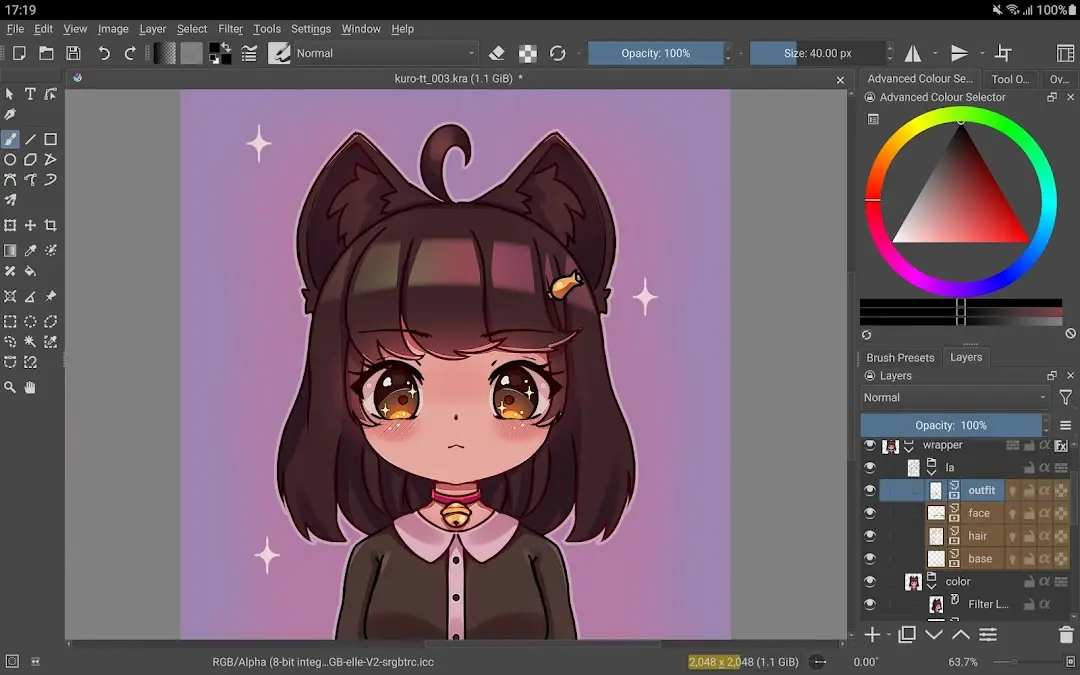
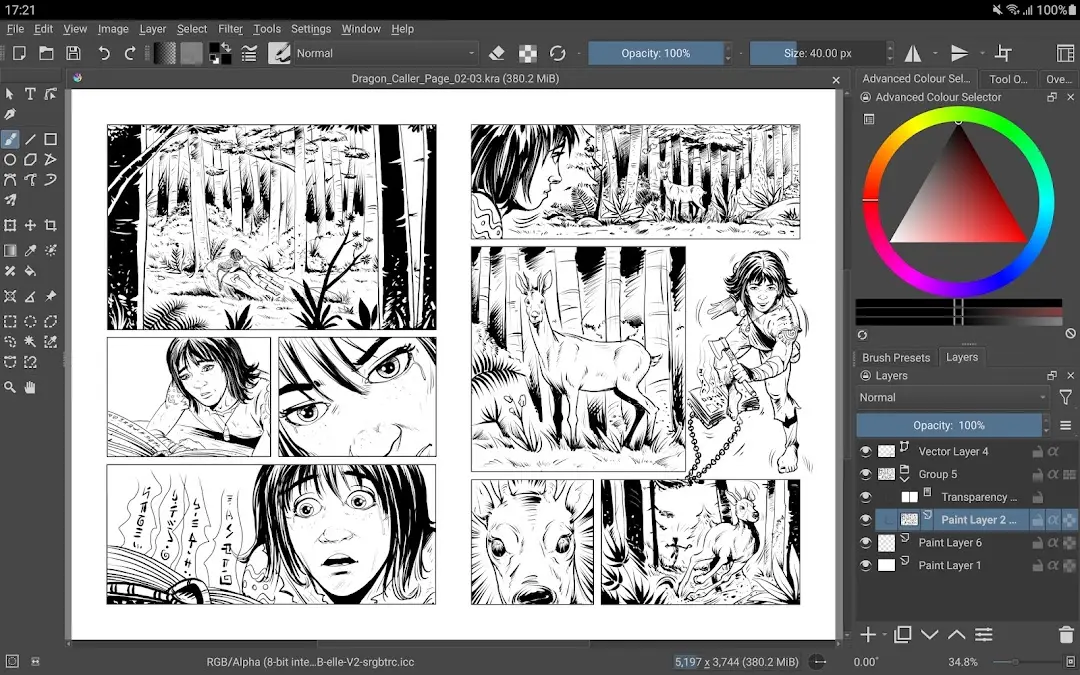
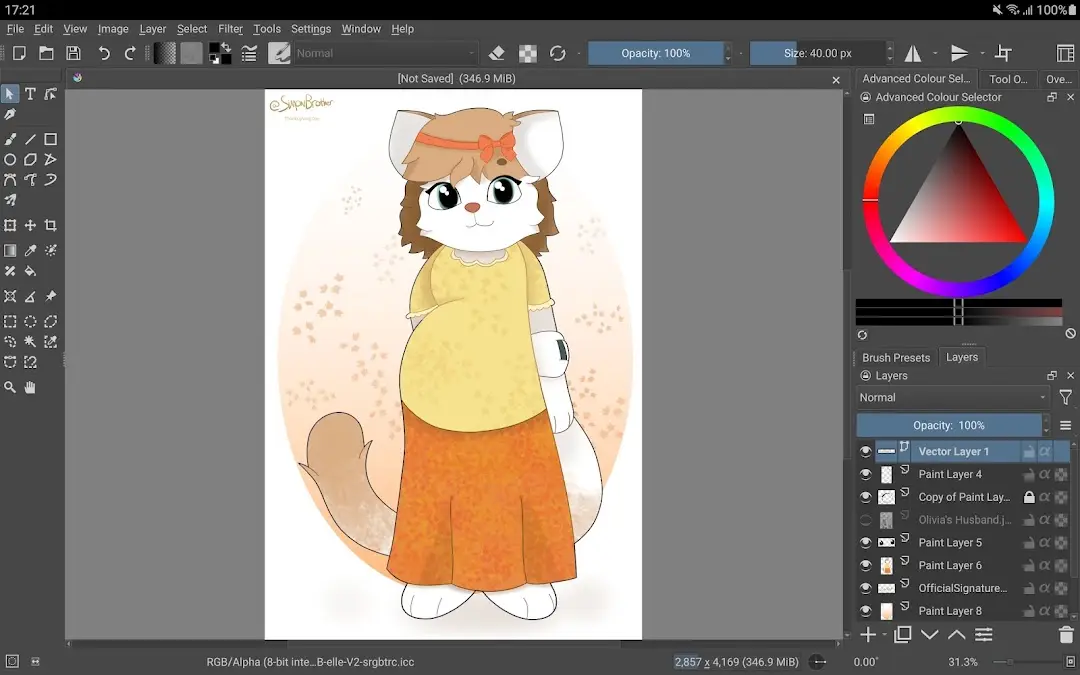
Krita is the one entry here where no source we read puts a feature behind payment, and the one whose developer tells you not to rely on it yet. Its description on the Play listing, read 2 September 2026, says: This is a beta release of Krita and is not suitable for real work yet.
The same description states the app is not being made available for phones yet. The listing is free, carries no advertising label, and shows 3.2 from 6,243 reviews, the lowest figure here.
The in-app purchase range on the listing is the part that misleads if read as a paywall. The project's own FAQ, read 2 September 2026, addresses paid store builds on Steam and the Windows Store rather than on Google Play, and explains them this way: We've put a price tag on downloading Krita from either store to support Krita's development.
It adds that those builds are still Free and Open Source software; the binaries are exactly the ones you can also download from krita.org
. What the Android purchases buy is not stated in anything we read, and no source we read describes a Krita feature that payment unlocks. That is the absence of a lock in what we read rather than a guarantee about the app. On freshness, this is the one entry whose own release channel can be compared with the store: the project's download page, read 21 August 2026, dates version 5.3.3 to 29 July 2026, and the Play listing publishes that same version six days later, on 4 August 2026. That same page is where the wording in the table comes from, and it is the project's own: Krita is a free and open source application.
It lists paid store versions for the Microsoft Store, Steam, the Epic Games Store and the Mac App Store, and Google Play is not among them. Skip this one if a published score is what you decide on, and look at Sketchbook first.
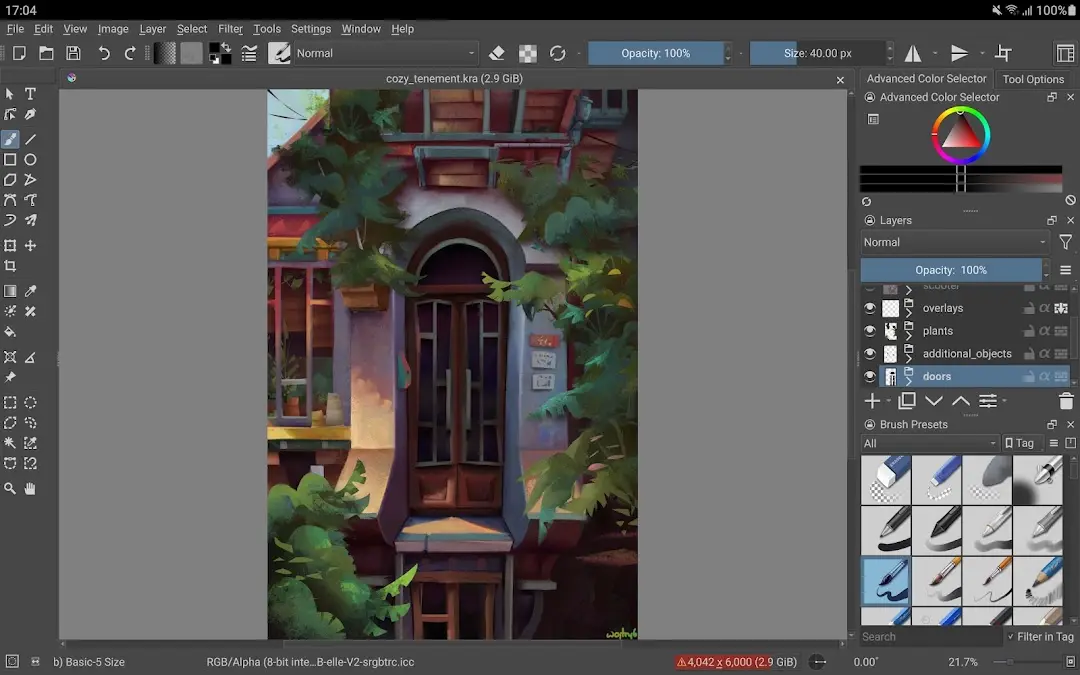
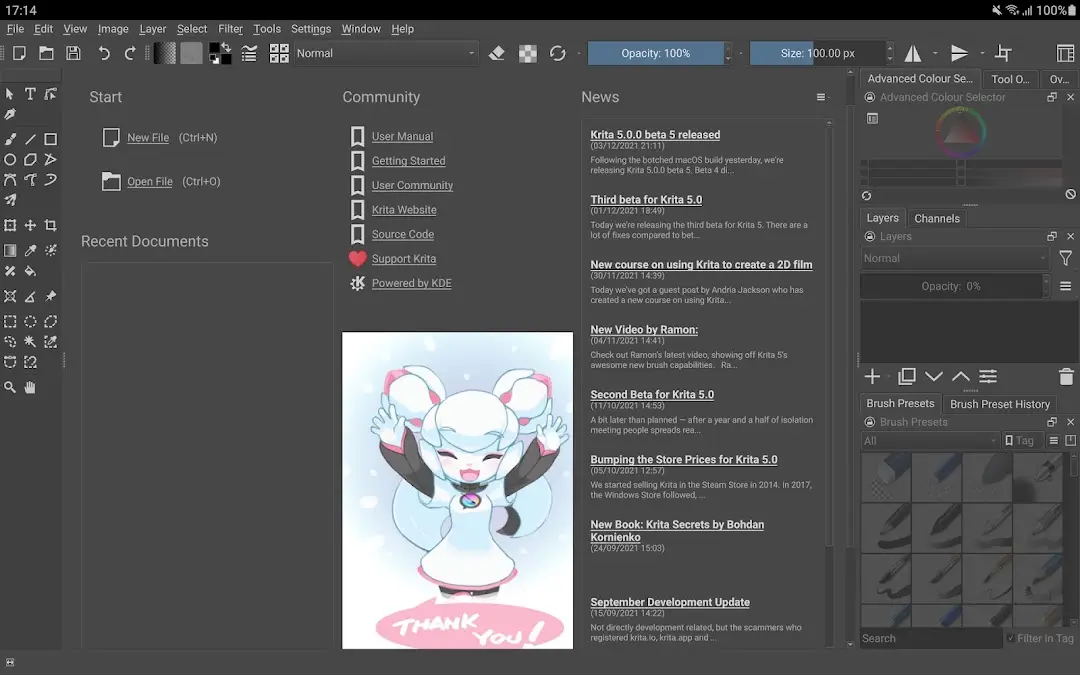
The one to take if free layered export matters most
Rating 4.1 from 705,488 reviews · Installs 100,000,000+ · Free to install · in-app purchases $2.99 an item · no version published on the record read here · listing updated 30 May 2026 · first published 8 October 2014 · Developer Sketchbook · Category Art & Design · Data Safety: no data shared with third parties, and no data collected · Contains ads: No · checked 21 August 2026
Google Play listing · 4.1 (705,488) · read 21 August 2026
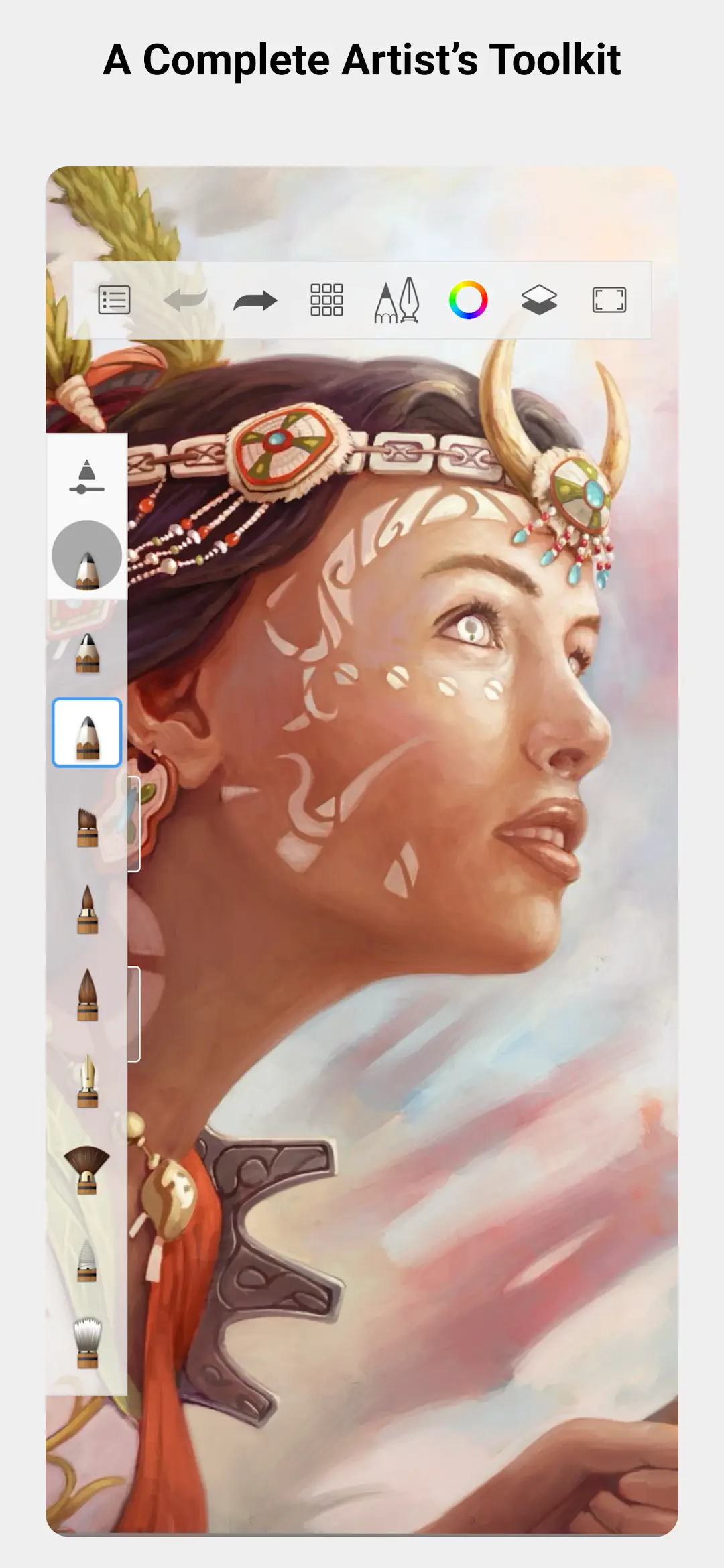
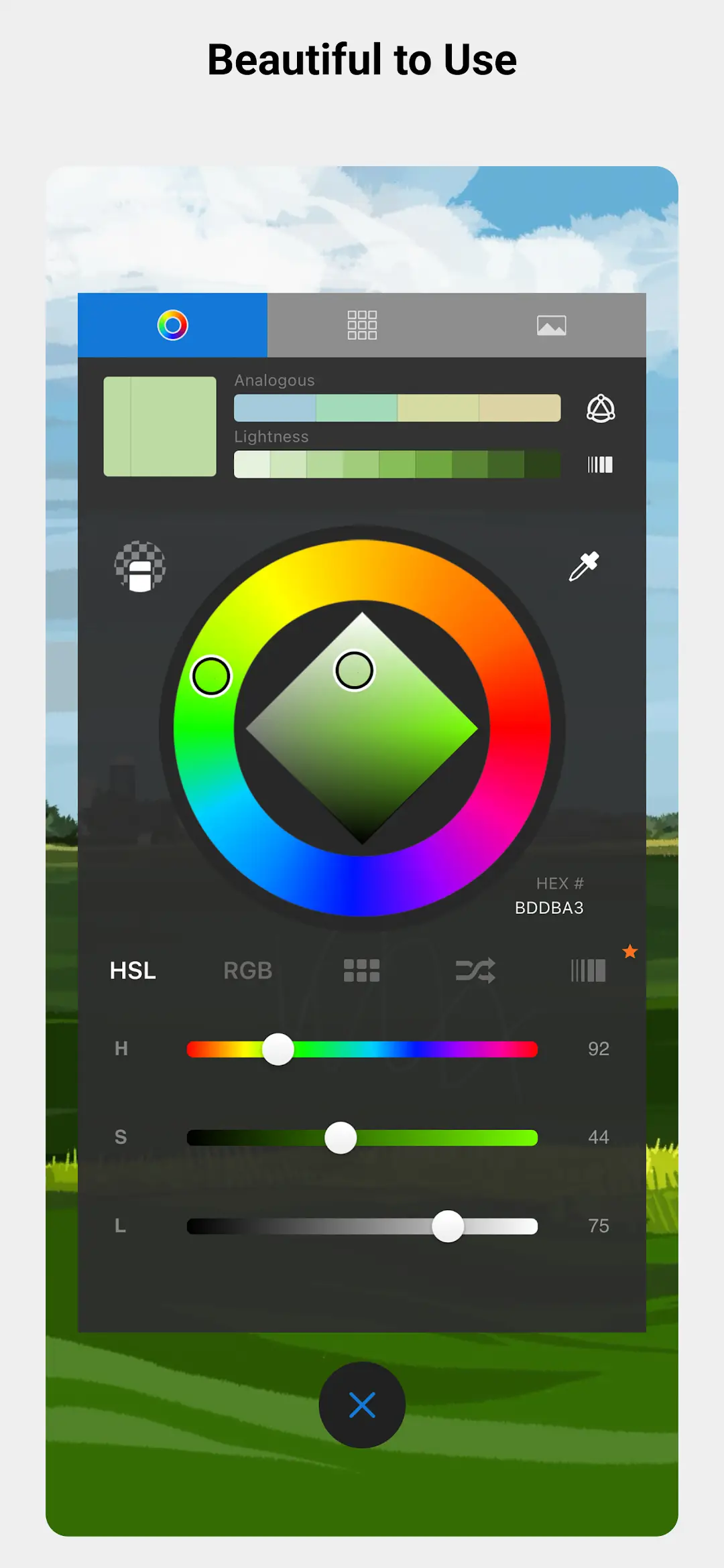
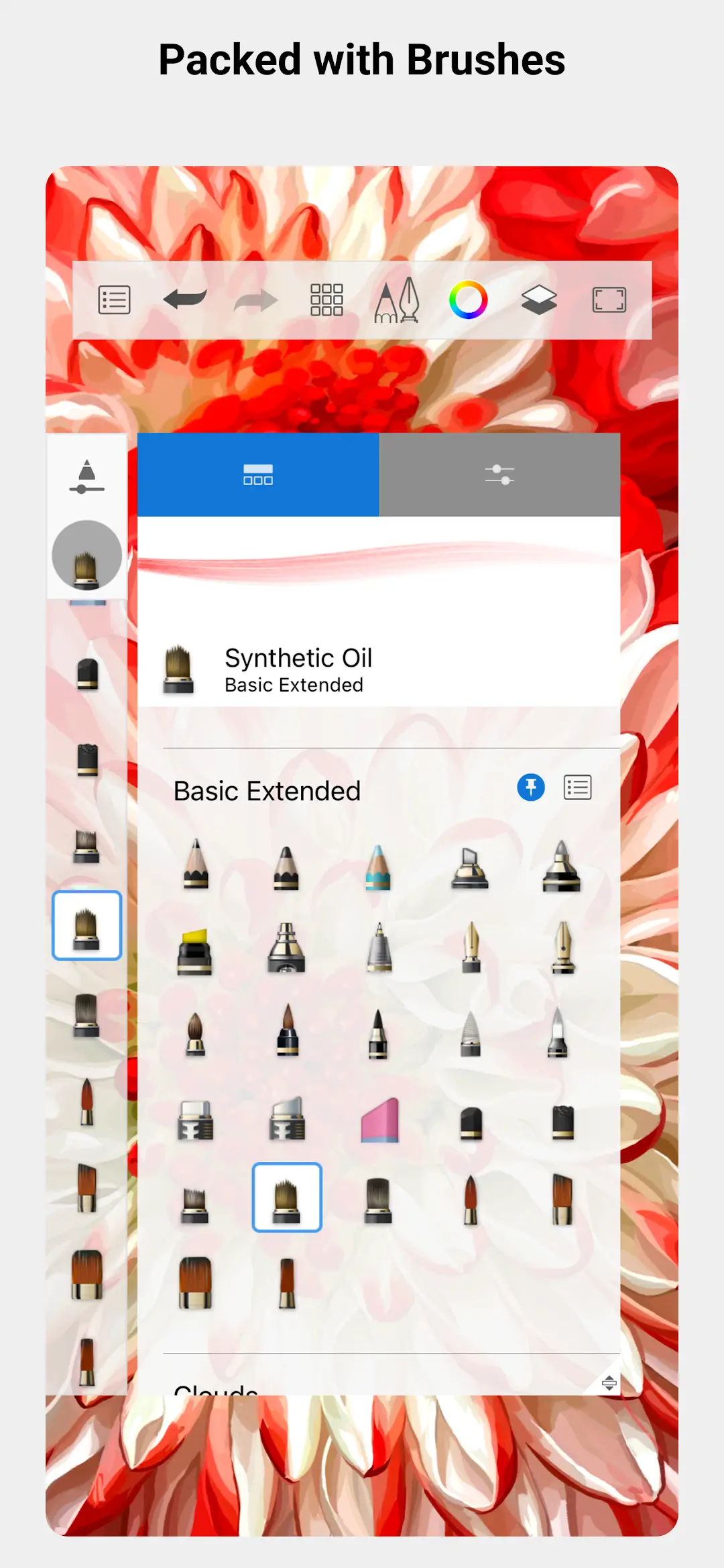
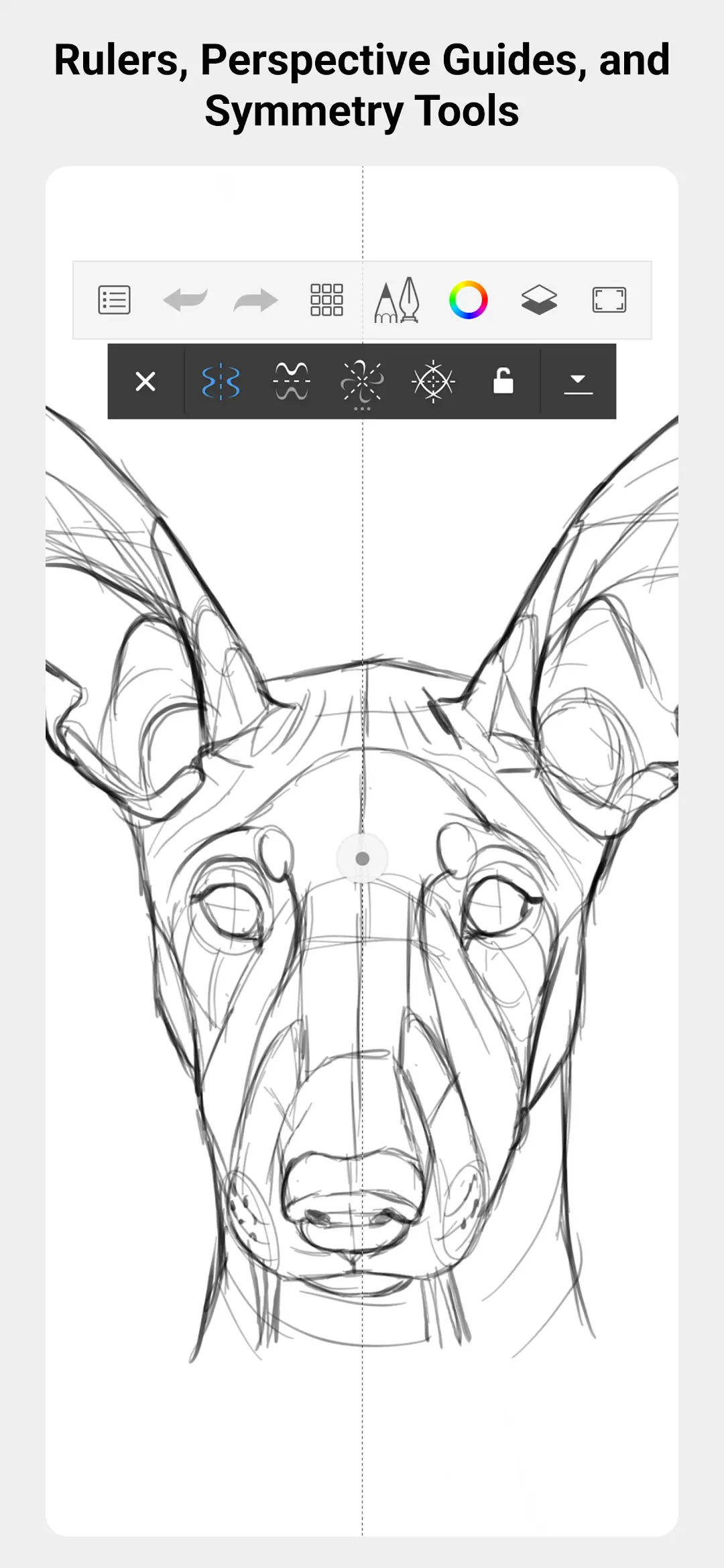
Sketchbook is the pick if you want finished work out of the app at no cost and with no advertising. The developer's own help pages, read 21 August 2026, state: No current version of Sketchbook or Sketchbook Pro limits the layers available based on a purchase / paywall
. Its listing is free to install, carries no advertising label, and declares no data collected. The blunt part is that adjustable canvas size and resolution sit inside the paid bundle.
That is the trap this category sets, and it is worth naming: the paywall is not on layers and not a watermark, it is on resolution. The developer's export page, read 21 August 2026, gives mobile devices their own list, and it is not the desktop one: Sketchbook TIFF, PSD, PNG and JPG, with PDF marked as requiring the Premium Bundle. The five format list further up that page, which adds BMP, is headed as being for Sketchbook Pro on desktop and is not what an Android device is offered. Meanwhile the Premium Bundle page, read the same day, calls the bundle a one-time in-app purchase on iOS and Android
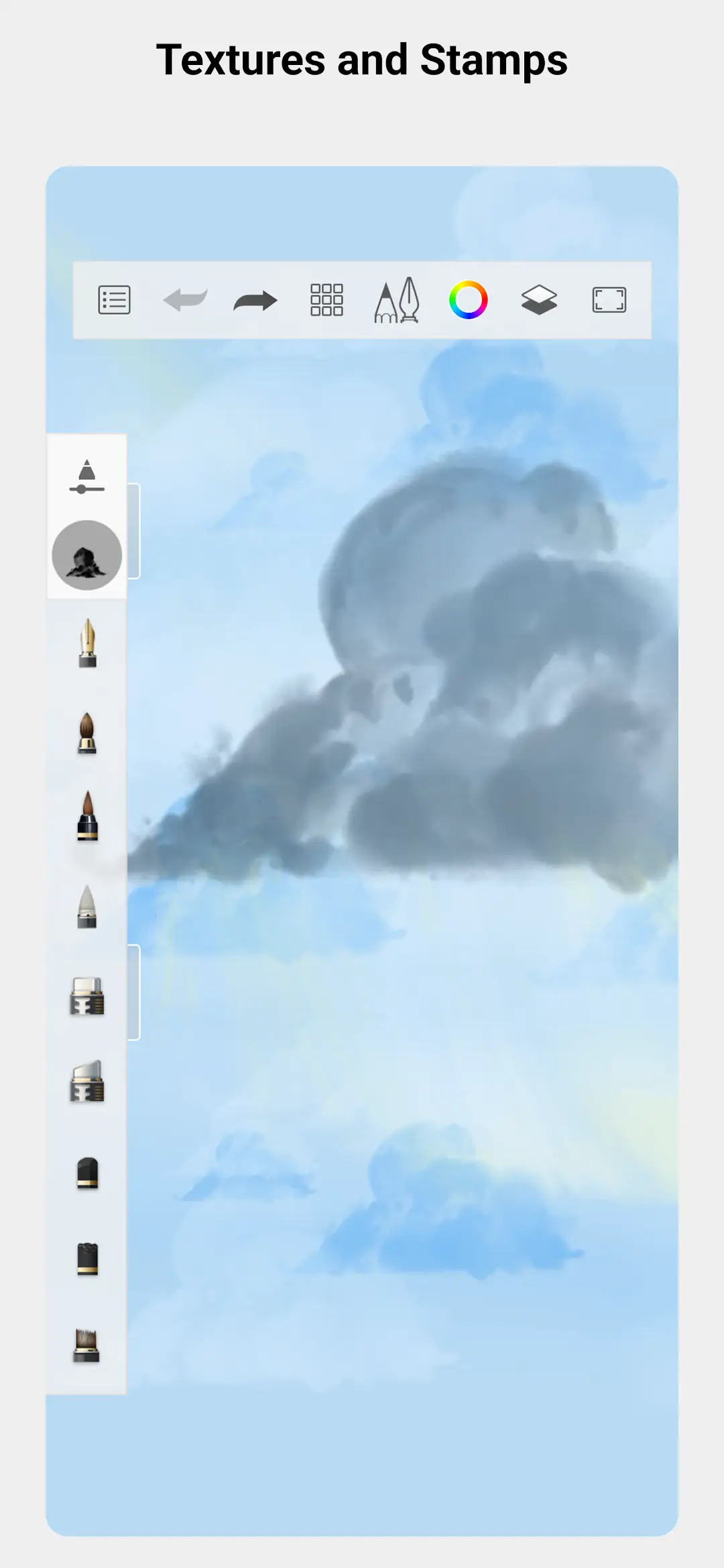
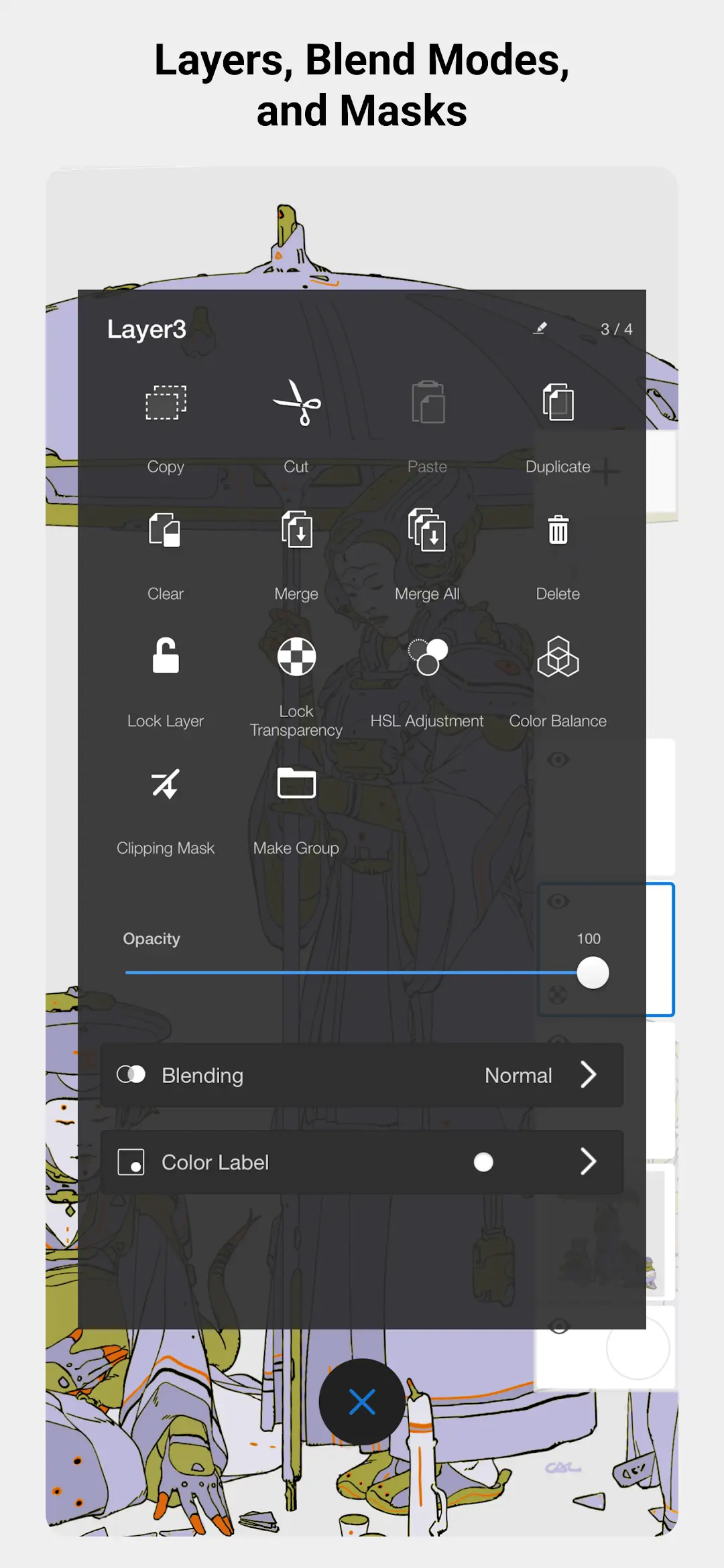
and lists adjustable canvas size and resolution among what it unlocks. So free work exports in a layered format, at whatever size the free canvas allows. The bundle holds more than canvas size: the same page lists layer grouping, clipping masks and alpha masks among what it unlocks, so what the developer says is never paywalled is how many layers you get, not every layer feature. The record read here publishes no version number at all, the only one of the six where that happened, which is a gap in what was read rather than a finding about the app. Skip this one if you need a large canvas without paying, and look at ibis Paint X first.
A sampler of a paid app rather than a free one
Rating 4.5 from 242,901 reviews · Installs 10,000,000+ · Free to install · in-app purchases $1.99 to $9.99 per item · Version 7.2.9 · listing updated 11 May 2026 · first published 2 April 2012 · Developer Infinite Studio LLC · Category Art & Design · Requires Android 9 or newer · Data Safety: the app may share data types with third parties, may collect data types, data encrypted in transit, deletion can be requested · Contains ads: No · checked 21 August 2026
Google Play listing · 4.5 (242,901) · read 21 August 2026
Infinite Painter has the tightest layer ceiling of the six, and its developer prints it rather than hiding it. Under a heading asking what is free, its own description on the Play listing, read 21 August 2026, lists 3 layers at the device resolution
, while HD canvas sizes and more layers sit under the Pro heading beneath it. The listing carries no advertising label and is free to install, with purchases from $1.99 to $9.99 per item.
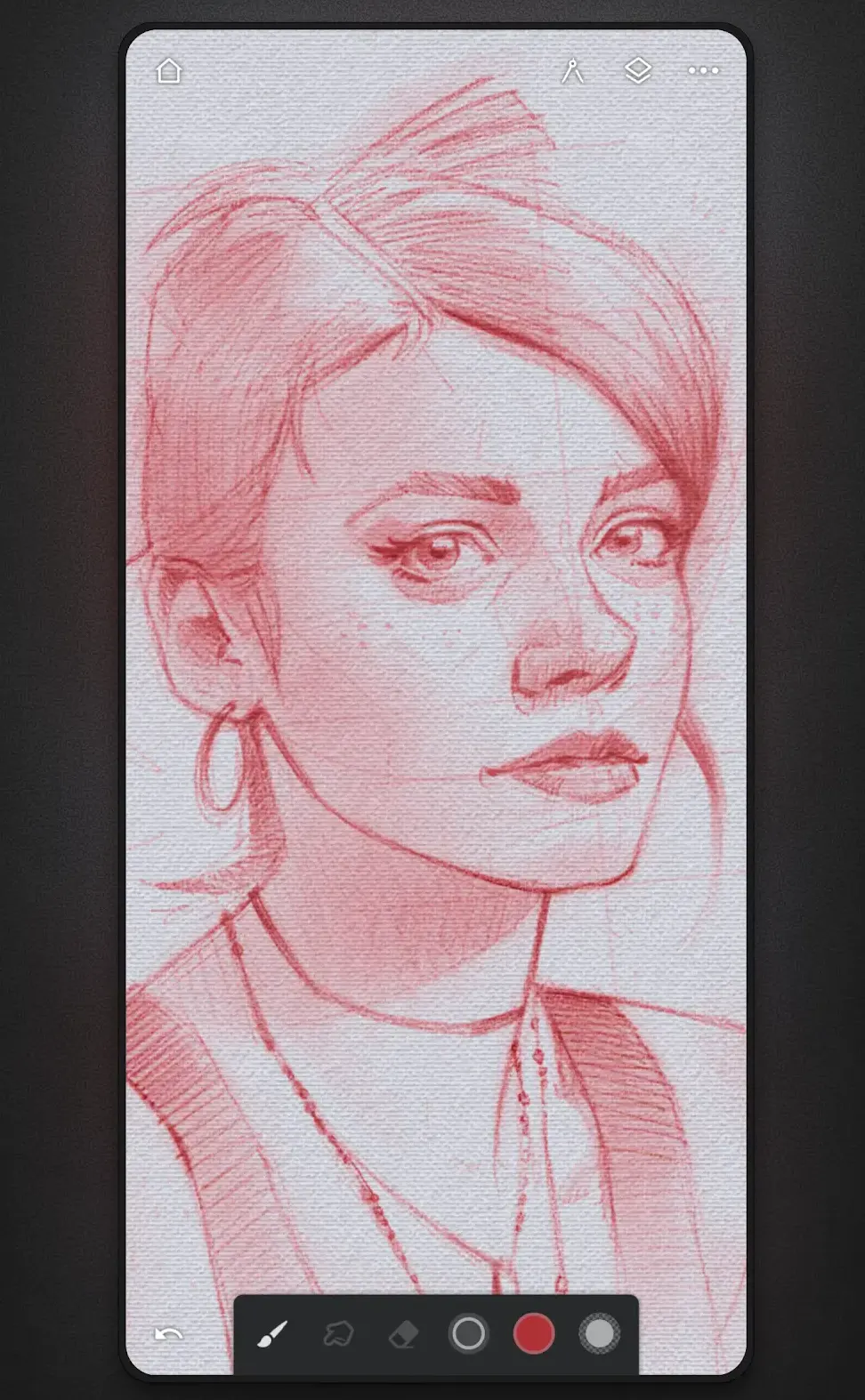
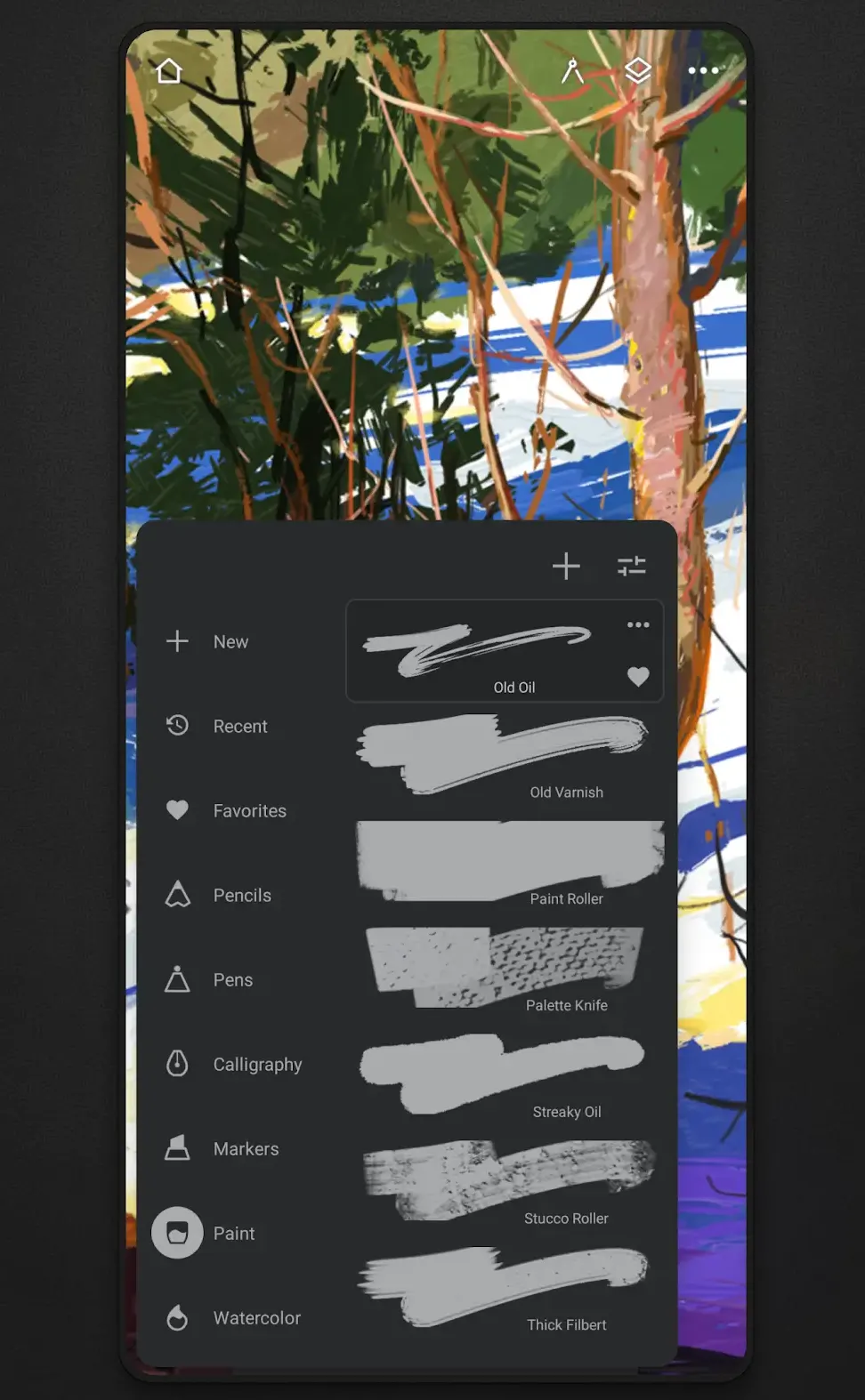
Read against the other five, that is the sharpest free tier limit on this page and it lands on both halves of the load bearing question at once: how many layers, and at what resolution. The same description lists export as JPG, PNG, WEBP, ZIP, layered PSD files or Painter projects, and attaches no watermark to any of them, so what the free tier restricts is the size and structure of the work rather than the right to take it out. Its purchases top out at $9.99 per item, the lowest ceiling among the four listings here that publish a range, though two others sell a single item for less. Skip this one if a Data Safety section declaring no third party sharing is what you want, and look at Krita or Sketchbook first, whose sections declare no sharing and no collection at all.
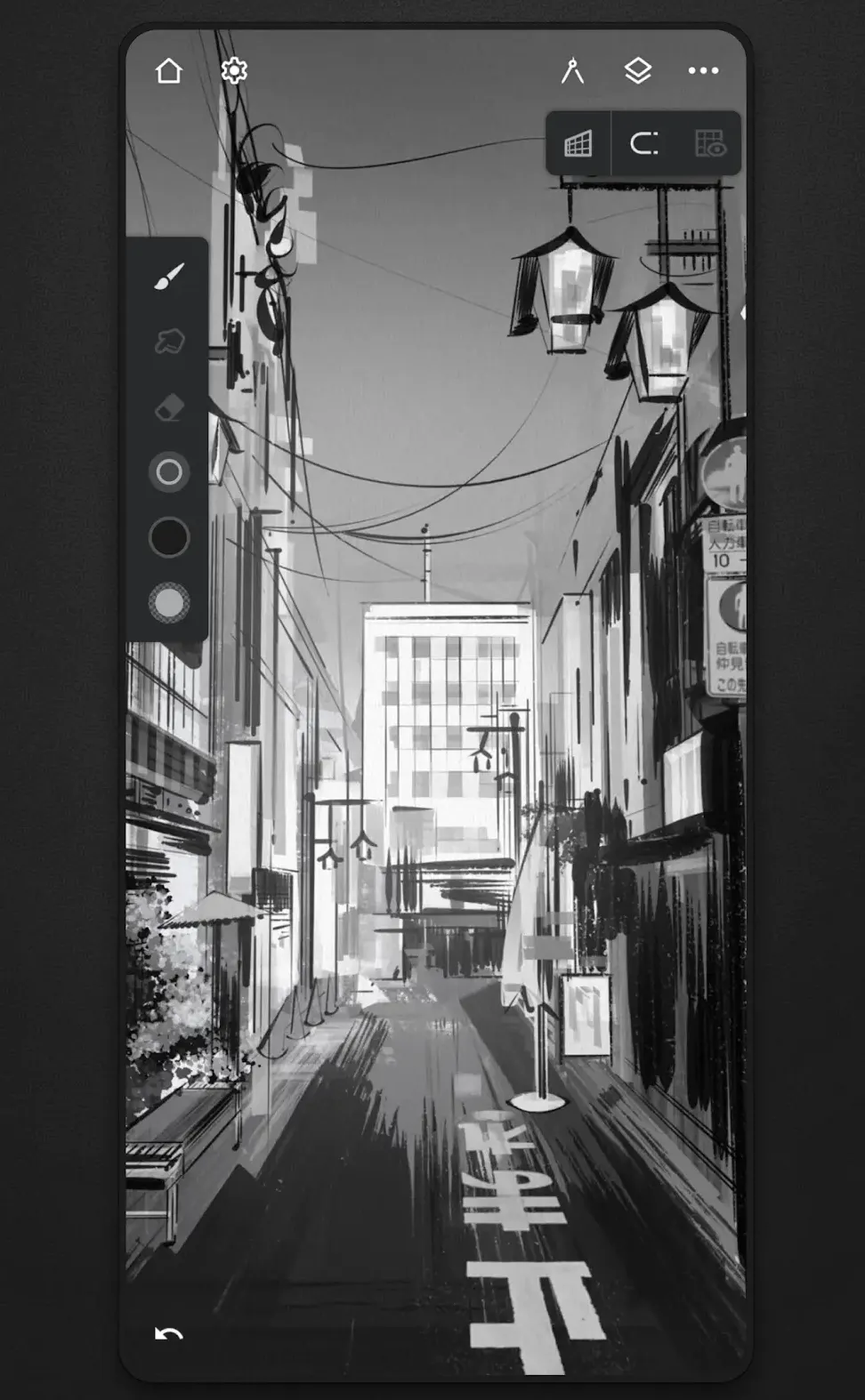
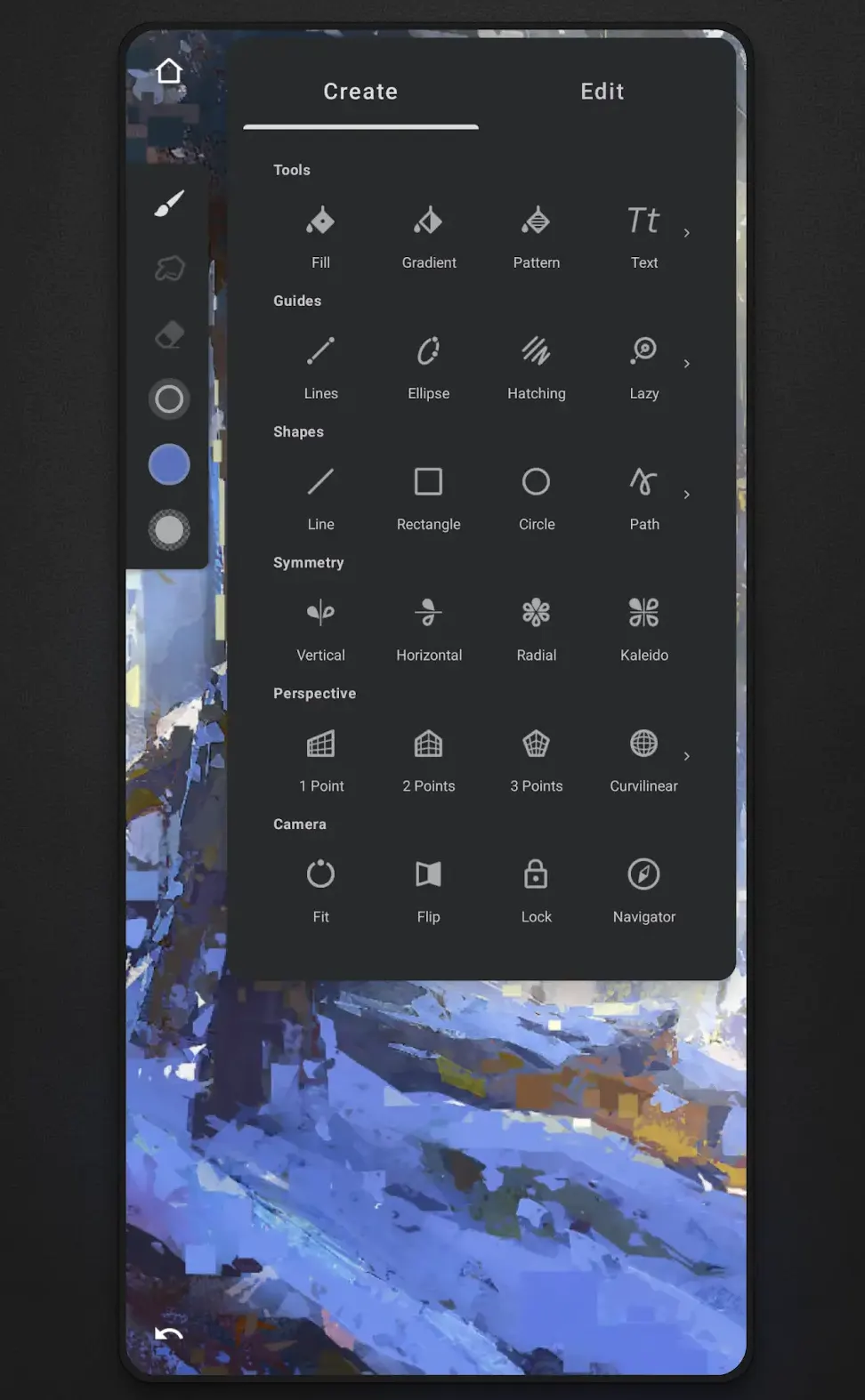
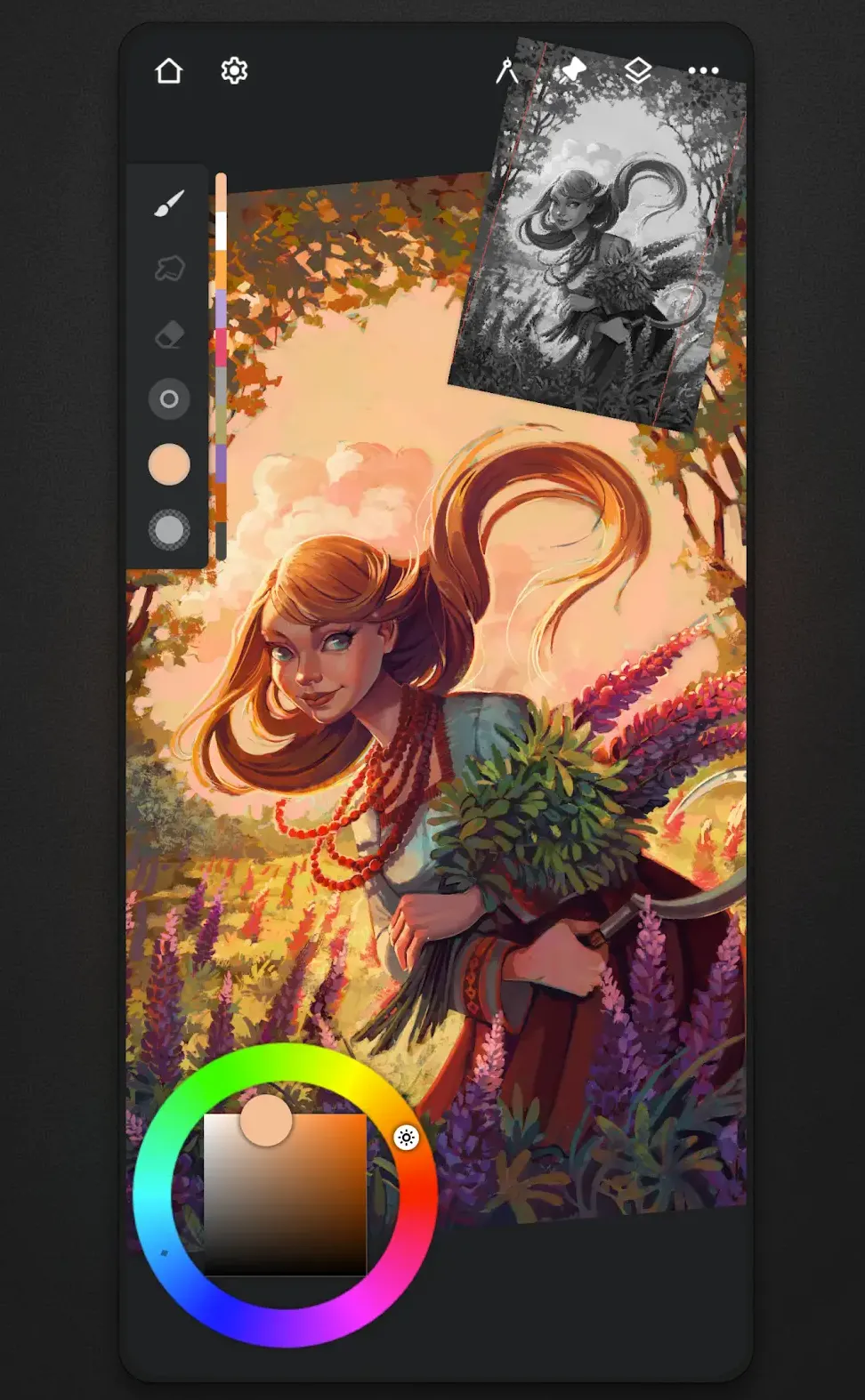
The six free tiers differ more than the six ratings do, and that is where the decision actually is.
What new in 2026 covers on this page. One of these six listings was first published in 2026: MediBang Paletta, on 12 May 2026, according to the listing itself. The other five first appeared between 2012 and 2024, and their listings say so. What is new in 2026 for the rest is what changed on the listings this year, not the arrival of the apps, and this page does not pretend otherwise. All six were updated by their developers within the last four months. One of them can be checked against its own release channel and settles cleanly: Krita's project page dates version 5.3.3 to 29 July 2026 and the Play listing publishes that same version six days later. The other cannot be settled that way, and this page says so rather than guessing. Clip Studio's release notes announce a newer version than the store carries, but the one release statement on that page names it as a Windows release, and no source we read gives a date for it on Android.
All six are free to install and none of them is free of money. Every one lists in-app purchases, so free to install decides nothing here. What separates them is the shape of the limit. Two put a clock on it: Clip Studio Paint gives a phone 30 hours a month and a tablet no way to save or export at all without a plan, and MediBang Paletta gives two hours a day and sells an extra hour for an advertisement watched. Two put a ceiling on the work itself: Infinite Painter allows three layers at the device resolution, and Sketchbook allows any number of layers but keeps canvas size and resolution inside its paid bundle. One puts no limit on the work and takes advertising instead: ibis Paint X. One has no lock that any source we read describes: Krita, whose listing still publishes in-app purchases even so, and which is also the one whose developer says it is not ready.
On watermarks, which is where this category usually misleads. No source we read states that any of these six marks exported artwork. The one watermark named anywhere in the documentation read for this page is on ibis Paint X's recorded drawing-process videos, and its removal is a Premium Membership feature. That is a claim about what we read, not a guarantee about the apps: a developer page that is silent on watermarks has not denied one.
Take Sketchbook if you want layered files out at no cost and can live with the canvas size you are given. Take ibis Paint X if you want no ceiling on the work and will accept the advertising label and the declared third party sharing. Take Clip Studio Paint only if a plan is already acceptable, and check which device you will draw on first. Take Infinite Painter if three layers is enough to decide whether its Pro purchase is worth it: the listing publishes purchases to $9.99 per item but does not price Pro on its own. Take Krita on a tablet or Chromebook if you want a tool with no lock any source we read describes, and read its own beta notice before you rely on it. Take MediBang Paletta only with its sample size in front of you.
The ratings here are not comparable with one another, and this page does not treat them as if they were. A score built from a few hundred reviews and a score built from millions of them are different kinds of measurement, and the oldest listings here collected their reviews across many years and many versions. That is why every rating is printed beside the count it rests on. For a wider shortlist rather than this year's listings, see our best drawing apps for Android roundup.
Five of the six let you export finished work at no cost, on what their own documentation states. ibis Paint X saves PNG, JPEG and PSD with no layer limit, and shows advertising. Sketchbook exports Sketchbook TIFF, PSD, PNG and JPG from a mobile device with no purchase limiting the layer count, though canvas size, resolution and layer grouping sit in its paid bundle. MediBang Paletta exports to device storage and to PSD but runs two hours a day before it asks for an advertisement or a purchase. Krita's own description says it supports all the most used file formats, including PSD, and no source we read describes a Krita feature that payment unlocks. Infinite Painter limits the free tier to three layers at the device resolution. Clip Studio Paint is the exception: its own listing states that a plan is needed to save or export on a tablet. Checked 21 August 2026.
No source we read states that any of these six marks exported artwork, and that is a statement about the documents we read rather than a guarantee. The only watermark named in any of them belongs to ibis Paint X, and it is on the drawing-process videos the app records, not on the picture. Removing it is listed as a Premium Membership feature on the developer's own membership page. A developer page that says nothing about watermarks has not denied one. Checked 21 August 2026.
Two of the six listings carry the Contains ads label: ibis Paint X and MediBang Paletta. The other four, Clip Studio Paint, Krita, Sketchbook and Infinite Painter, carry no advertising label on their listings. The label is what the store publishes about an app, not a count of how many advertisements a reader would see. MediBang Paletta's own description also explains how advertising works there: two hours a day run without it, and watching an advertisement adds an hour. Checked 21 August 2026.
One of them is. MediBang Paletta was first published on 12 May 2026, according to its own listing, and it is the only one of the six that dates from this year. The other five first appeared between 2012 and 2024. What is new in 2026 for those five is what their developers changed on the listings this year, and every entry here carries the date its listing was last updated so that can be judged rather than assumed. Checked 21 August 2026.
Of the six listings on this page, MediBang Paletta shows the highest figure at 4.7, but it rests on 346 reviews, which is far too small a sample to set beside ibis Paint X and Infinite Painter, both at 4.5 on samples of hundreds of thousands or millions of reviews. ibis Paint X alone rests on 2,985,814 reviews. Krita shows the lowest at 3.3 from 6,134 reviews, on a listing whose own description calls the app a beta. Checked 21 August 2026.
No. The listing read for this page is titled MediBang Paletta:Drawing App and its package is com.medibang.android.medibangpro. It was first published on the store on 12 May 2026, the only one of the six listings here that dates from this year. MediBang Paint is a different listing from the same developer, and nothing on this page was read from it. Checked 21 August 2026.
Checked 21 August 2026: Every figure on this page was re-read from the app's own Google Play listing on 21 August 2026, and six of the six moved since the last pass on 16 August 2026: Clip Studio Paint from 47,617 reviews, ibis Paint X from 2,983,023, MediBang Paletta from 4.6 on 327 reviews, Krita from 6,082, Sketchbook from 705,347 and Infinite Painter from 242,535. The substantive change is a new column. The comparison table's second column was headed Best for and carried, for every row, the same string the page already printed as the verdict line under that app's heading, so it repeated the page instead of adding to it and looked verified while deciding nothing. The Best for column is withdrawn and replaced by two columns that do decide the question a drawing page turns on: what the free tier lets you do with your own work, and what lifting that limit costs. The Price column is withdrawn as well, which the first draft of this line failed to say: all six listings are free to install, so a column repeating that six times settled nothing, and the in-app purchase range it also carried now sits in the cost column beside the mechanism it belongs to. On where the new column comes from, stated per app rather than in one sweep, because the first draft of this line claimed none of it came from a listing and that was true of only half the rows. What each free tier allows is in the developer's own words in every case. For ibis Paint X, Krita and Sketchbook those words are on a help, export or FAQ page on the developer's own site: the ibisPaint export and membership pages, Krita's project FAQ and download page, and Sketchbook's help pages on layers and on exporting together with its Premium Bundle page. For Clip Studio Paint, MediBang Paletta and Infinite Painter those words are the description the developer writes on the Play listing itself, and no separate document was read for their free tier terms. Clip Studio's release notes were read as well, for the version number only. The cost column is a store field, the in-app purchase range each listing publishes, paired with the mechanism the developer names. Every one of these is linked in the sentence that uses it and was read on 21 August 2026. Corrected framing: the page previously said in its own scope line that it reports only what the six listings publish, which stopped being true the moment developer documentation was read for the new column, so that sentence is replaced rather than left standing. Corrected on Krita: the free tier cell described the app as free and open source under a named licence version, and nothing on this page sourced that licence, so the version is gone and what remains is what the project's own FAQ is quoted saying in the Krita section. The same cell said all features were free, and the FAQ answer said the app has no paid tier at all, both of which are claims about the world that this page's own table contradicts by printing the in-app purchase range the listing still publishes. Both now say what we read: no source we read describes a Krita feature that payment unlocks. Corrected in the FAQ: the export answer opened by counting four of the six and then listed five, and the count was wrong rather than the list. Added on ibis Paint X: the watermark it does apply is on recorded drawing-process videos and not on exported artwork, a distinction a plain yes or no column would have inverted. Added on Sketchbook: no purchase limits how many layers you get, and finished work leaves the free app in a layered format, while adjustable canvas size and resolution are what the paid bundle holds. Corrected on Sketchbook, and this one changed the load bearing column itself. The page printed the export list TIFF, PSD, PNG, JPEG and BMP, which is the list the developer's export page publishes under its heading for Sketchbook Pro on desktop. The same page carries a separate list for mobile devices, and that is the one an Android reader is offered: Sketchbook TIFF, PSD, PNG and JPG, with PDF marked as requiring the Premium Bundle. BMP is not on the mobile list at all. The table cell, the section, the pros and the FAQ answer all now print the mobile list and say which one it is. Corrected on Sketchbook a second time: the page said layers are never paywalled, and the developer's own sentence it rests on is narrower than that. It says no current version limits the layers available based on a purchase, which is about how many layers you get. The Premium Bundle page, read the same day, lists layer grouping, clipping masks and alpha masks among what the bundle unlocks. The heading, the capsule, the table cell and the con now say layer count rather than layers. Added on Infinite Painter: three layers at the device resolution is the whole of its free tier, which the live page did not mention anywhere. Added on Clip Studio Paint: the phone terms of 30 hours a month, which the page had described only as a trial window. Corrected on Clip Studio Paint: the page said the listing was a release behind the developer's own notes. The release notes carry exactly one release statement and it names Ver. 5.1.2 for Windows on 6 August 2026, so setting it beside an Android listing on 5.1.1 compares two platforms and supports no conclusion about either. Both dates are still printed, as each source gives them, and the inference between them is withdrawn. Corrected on ibis Paint X: a quotation from the developer's membership page was printed as remove watermark from videos, and the page's own words are hiding watermarks on the video. The quotation now matches the source. Corrected on ibis Paint X a second time: the page said Premium Membership is what the vector tool sits behind, and the same page's tier table gives the free version that tool for up to an hour a day. What sits behind the membership is unlimited use of it. The capsule under the heading was relabelled from Verdict to Our answer and rewritten so each pick is one sentence that names the app, the claim, a dated reason and the price and advertising reality, per the owner's ruling of 18 August 2026. Two faults in the first draft of that block were corrected before it shipped. It credited the ibis Paint X Play listing with free PSD export, and that listing names no file format at all: the format list is on the developer's own export page, which is what the ibis Paint X section had cited correctly all along, so the pick was rewritten around the layer claim the listing does make. And it gave one app the best free role and another the best overall on the free tier role, which is two answers to one question, so the two are now one pick that says plainly it holds both. None of the three picks named a price at all; all three now do. Corrected captions, which is a change to the words under three of the six strips and to no image file. The ibis Paint X and Infinite Painter strips both said their shots were cropped by us to the app screen. All seven of those files were downloaded and looked at on 21 August 2026 and none of them is cropped: each is an uncropped device mockup, a rounded phone frame on a coloured background. Both captions now read as the other four already did, published by its developer, not captured by us. The Sketchbook strip called its six files screenshots. Each of the six carries a marketing headline rendered into the image file above the device panel, so they are promotional feature graphics from the listing and the caption now says so, and each of the six alt texts now names the headline it sits under, which none of them did before. Whether images of that kind belong on this page at all is a question for the owner and not for this pass. No image was added, removed, re-cropped or replaced: 31 images in 6 galleries, 37 figure elements and 62 image tags, each strip lifted out of the stored record byte for byte, with every width, height, loading hint and image address unchanged, and returned to the section of the app it shows. Re-derived rather than inherited: the previous pass withdrew Drawpile from this page because no first party listing was read for it, which that pass recorded as a statement about itself and not about whether the app exists. That was checked again on 21 August 2026 instead of being taken on trust. Five plausible package ids were requested from Google Play and all five answered 404, so again no Play listing was read, and the entry stays out on the reason the previous pass gave rather than on the fact that it gave one. The five names the previous pass listed as checked and quiet, Concepts, HiPaint, Fossify Paint, Adobe Fresco and Procreate, together with Adobe Photoshop, remain off the page and were not re-derived in this pass, which is a statement about this pass rather than about whether they exist.