
Updated August 2026 · every figure re-read against the apps' own listings on 21 August 2026, and the update date cross-checked against the project's own release page for Simple Gallery Pro, Fossify Gallery and Aves Gallery
Five gallery apps that are easy to confuse in the Play Store, including two with almost the same name and a third that continues one of them under a different publisher. What follows is what each listing says today, and which app a reader installing today gets.
Fossify Gallery is our best overall and best free pick because it is free and ad-free, its listing and release page both dating 1.13.1 to 17 February 2026.
Simple Gallery Pro is our pick only for old phones because it installs on Android 6.0 where Fossify Gallery needs 8.0, ad-free at $2.99 though frozen since October 2023.
Google Photos is our pick for backup because it carries no ads and no purchases, though extra storage is a paid subscription, listing updated 21 August 2026.
Data checked: 3 September 2026.
Only for a phone too old for the fork
4.5 stars from 159,591 reviews · 1M+ installs · $2.99 to buy · no in-app purchases · published by Simple Mobile Tool · Android 6.0 or newer · listing still at version 6.28.1, updated 9 October 2023 · Contains ads: No · checked 21 August 2026
Google Play listing · read 21 August 2026
Buy Simple Gallery Pro only for a phone too old for the fork below: it is $2.99 with no ads, and its listing has not changed since 9 October 2023, which is 34 months. That is the blunt problem, in a category where Android keeps changing how apps are allowed to reach files. It still declares no data collected, and it is still the build that shipped that day.
Read this first. Three things about this listing, each read on 21 August 2026. Its own privacy policy link, simplemobiletools.com/privacy/gallery.txt, answered HTTP 404. Its source repository SimpleMobileTools/Simple-Gallery is not archived, and its last code push was dated 18 August 2024 by the GitHub API, ten months after the store release. And it is not on F-Droid: F-Droid’s package interface answered NOT_FOUND for it, while the same interface returned real package lists for org.fossify.gallery and for deckers.thibault.aves.libre in the same run, so the answer is not a broken lookup.
Its own store description still makes the argument this page was built on: “The lack of internet access gives you more privacy, security and stability than other apps” (Simple Mobile Tool, Google Play listing, read 21 August 2026). Read that as what it is: the developer’s claim about its own app. It is the only form the claim takes here, because this app is not on F-Droid and no published permission list can be read against it the way one can for the fork. And it says nothing about how the build has aged.
On freshness the store date is not the only witness here. The project’s own release page lists 6.28.1 as published on 9 October 2023 (SimpleMobileTools/Simple-Gallery releases, read 21 August 2026), the same version and the same day the Play listing carries, and nothing later than 6.28.1 appears on that page today. The freeze is therefore the project’s own record and not a store timestamp alone.
The one not to install by accident
4.2 stars from 359,427 reviews · 10M+ installs · free to install · in-app purchases $0.99 to $99.99 per item · published by Simple Mobile Tool · Android 6.0 or newer · listing updated 20 July 2026 at version 6.1.5.1 · Contains ads: Yes · checked 21 August 2026
Google Play listing · read 21 August 2026
Simple Gallery is the one not to install: it is free, but its listing carries the Contains ads label and sells in-app purchases from $0.99 to $99.99 per item, and its Data Safety section declares that data may be shared with third parties, may be collected, and cannot be deleted. It is also the app a reader is most likely to end up with by accident: one word shorter than the name of the app this page is about, ten times the installs, sitting beside the paid app in store search.
Read this first. This is also the gallery its publisher still lists. On 21 August 2026 the Google Play developer page for Simple Mobile Tool and the app list on simplemobiletools.com both named this app, and neither of the two pages we read named the paid Pro build. That is a statement about those two pages on that date, not about the world: the paid listing is still live and still sells.
One contradiction worth naming. This app’s description still carries the same sentence about the lack of internet access giving you more privacy, security and stability, while its own Data Safety section allows sharing with third parties (Google Play listing, read 21 August 2026).
What to install today
4.1 stars from 6,446 reviews · 500K+ installs · free · no in-app purchases · published by Fossify · Android 8.0 or newer · listing updated 17 February 2026 at version 1.13.1 · Contains ads: No · checked 2 September 2026
Google Play listing · read 2 September 2026
Fossify Gallery is the one to install today: free, nothing sold inside, no Contains ads label, and a Data Safety section declaring no data collected. The blunt con is that it will not install below Android 8.0, and that it is a different package with a much thinner rating record behind it, so moving to it is a fresh start rather than an update.
Read this first. Which app a reader installing today actually gets. These are two products from two publishers, and neither updates into the other. On Google Play the name Simple Gallery Pro still resolves to com.simplemobiletools.gallery.pro, a paid app published by Simple Mobile Tool. Fossify Gallery is org.fossify.gallery, published by Fossify, free. Install the second and you have installed a second app: Android treats two package names as two apps, so nothing carries over and anything kept only inside the old one has to be moved by hand.
On where it came from, only what the developers state in their own words. Fossify’s own organisation page says the project “emerged as a fork of the discontinued SimpleMobileTools to continue its legacy” (FossifyOrg on GitHub, read 21 August 2026). What it was forked away from was a sale, and the original project’s creator said so himself: asked in the discussion repository that the SimpleMobileTools GitHub profile names as the place for information affecting the whole project, Tibor Kaputa wrote “ye, the sale is in process” in December 2023, and told the thread the next day to take future changes to Naveen Singh because he would not be around it any more (SimpleMobileTools General-Discussion, read 21 August 2026). Naveen Singh is the maintainer who then started Fossify. Note also that the two spellings are different things: Simple Mobile Tools is the GitHub organisation the code sits in, and Simple Mobile Tool, without the s, is the publisher name on the Play listings today.
On freshness, the store date and the project’s own release page agree rather than diverge: Fossify published 1.13.1 on 17 February 2026 (FossifyOrg/Gallery releases, read 21 August 2026) and the Play listing carries the same date. F-Droid lists the same version and records it as added to the repository on 18 February 2026, which is when the build entered F-Droid rather than when it was released. Work has not stopped since: the repository’s last code push was dated 17 August 2026 by the GitHub API, four days before this check.
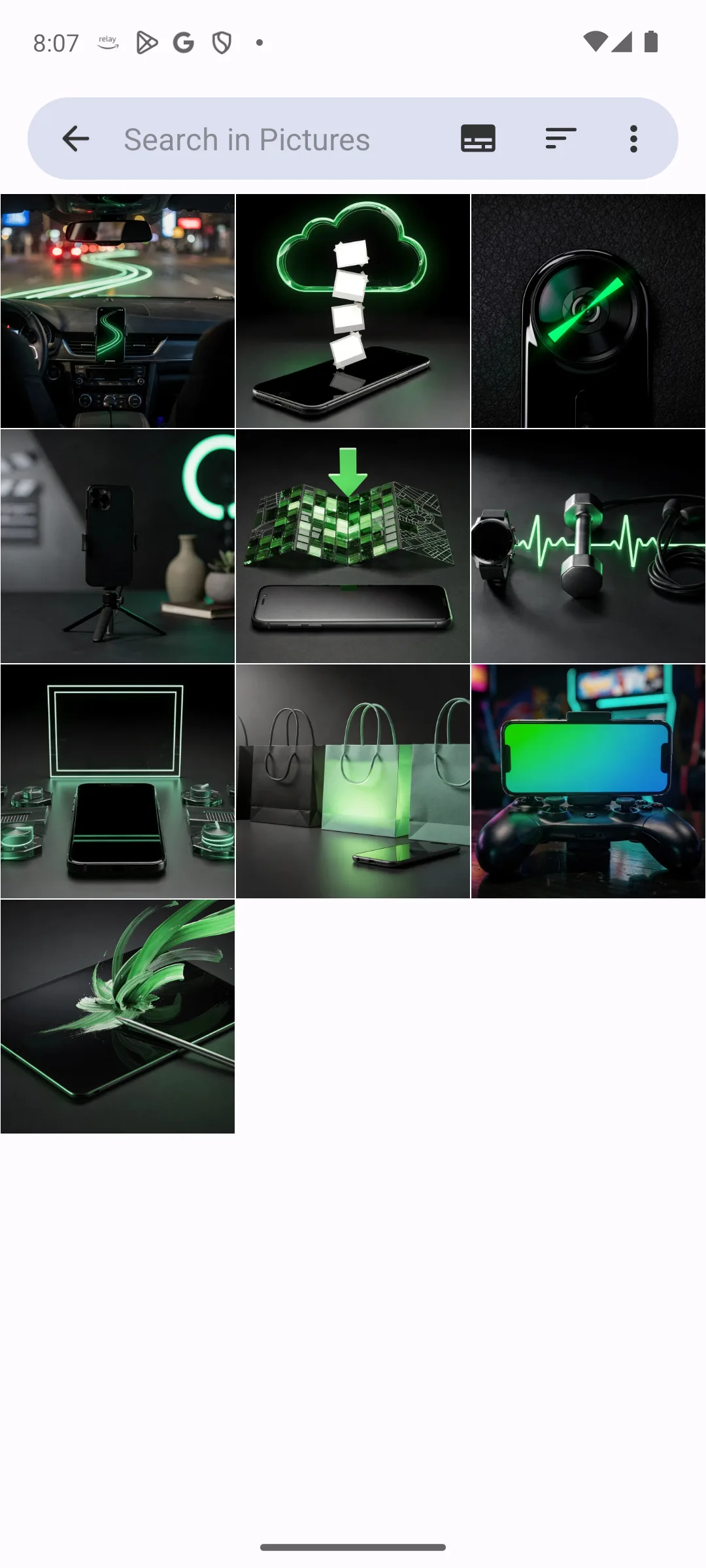
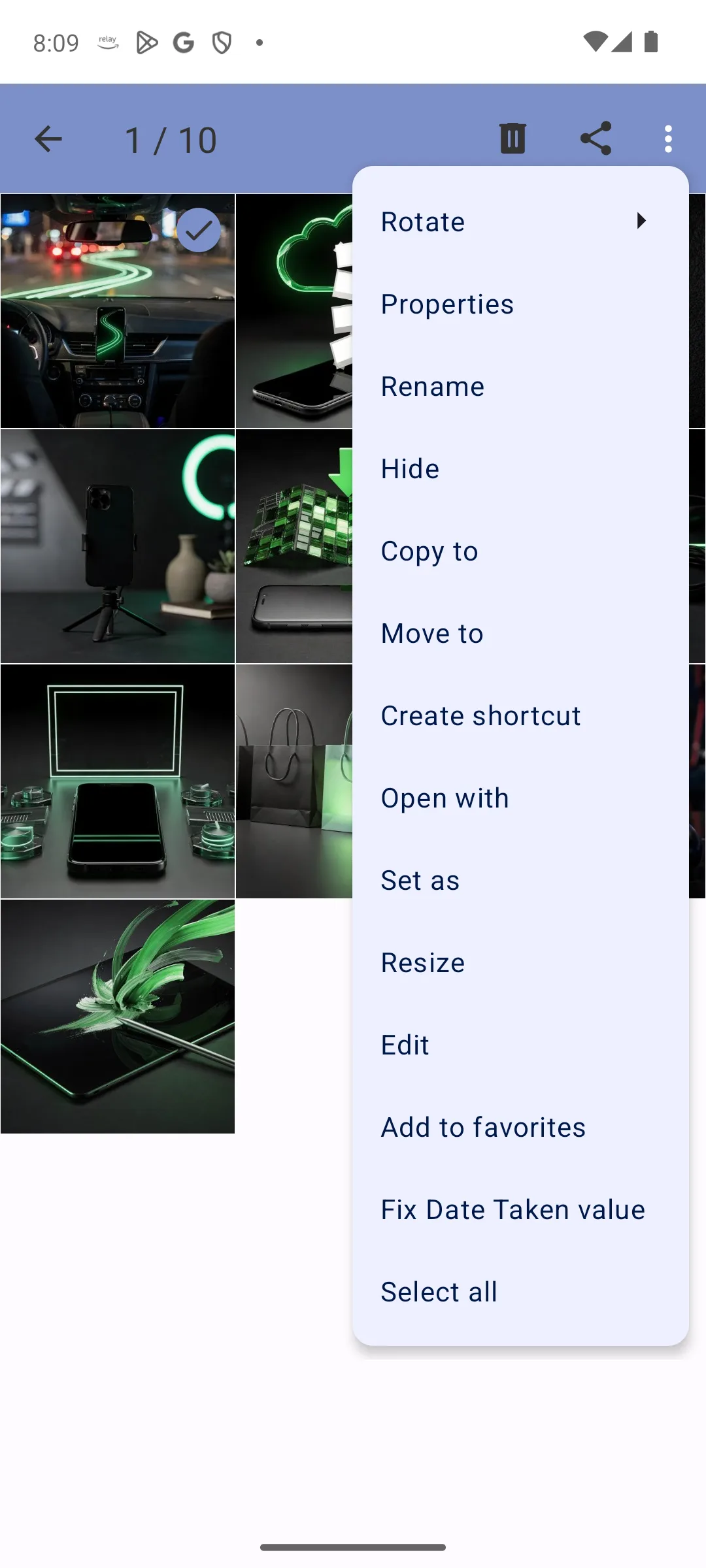
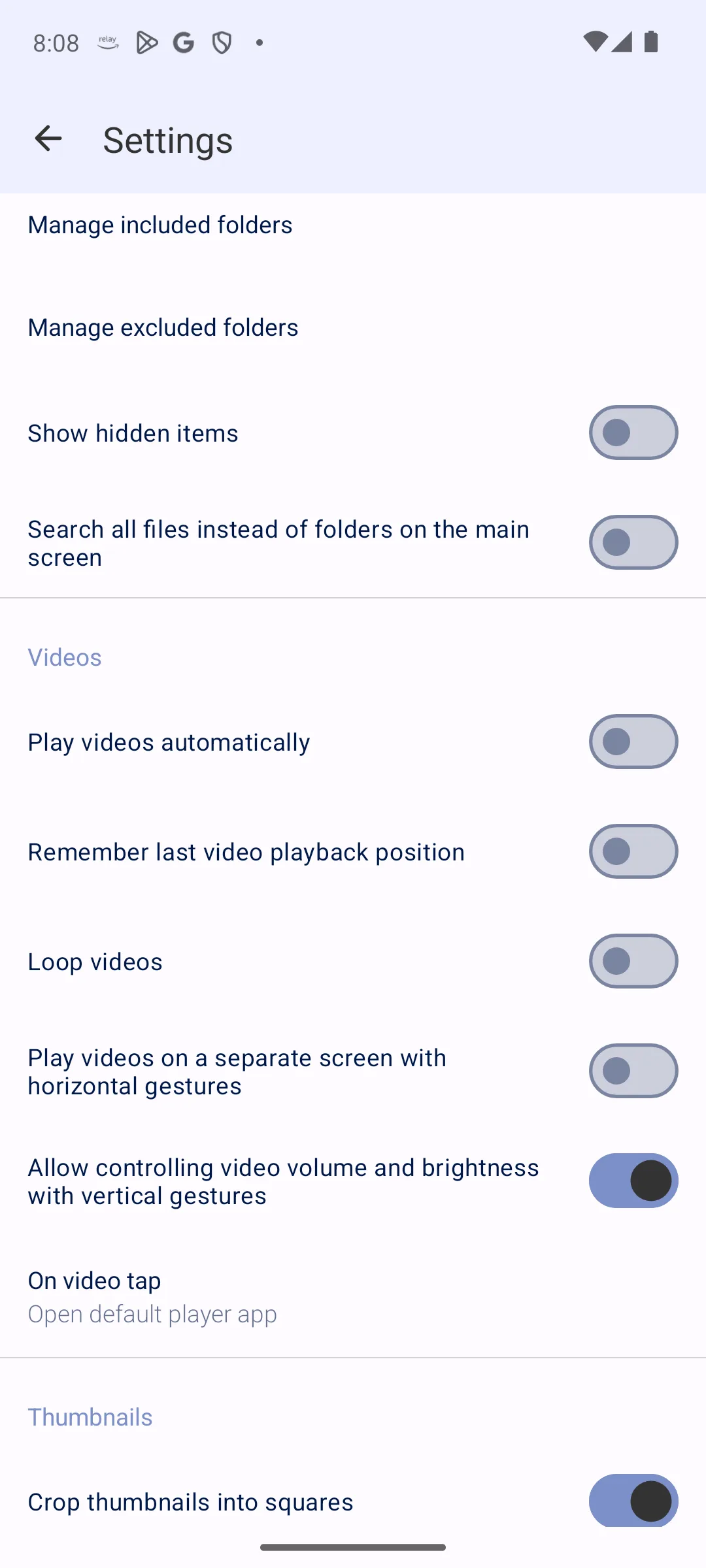
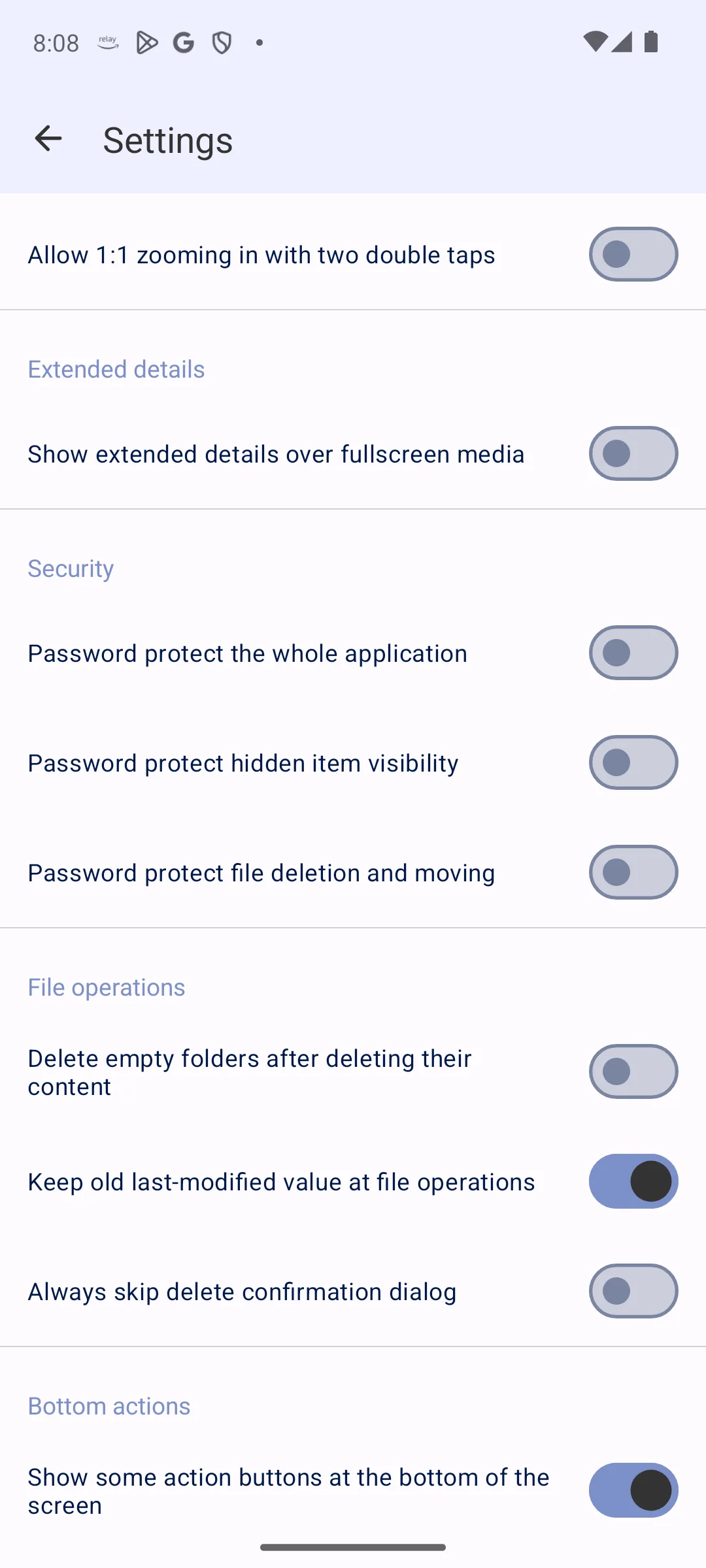
Backup and search
4.4 stars from 53,885,092 reviews · 10B+ installs · free · no in-app purchases · published by Google LLC · listing updated 21 August 2026 · Contains ads: No · checked 21 August 2026
Google Play listing · read 21 August 2026
Google Photos is the opposite trade: it is free with no Contains ads label and no in-app purchases, and it uploads. The blunt con is that its privacy position is the reverse of every other pick here, because its Data Safety section lists data types the app may collect where the paid app and the fork declare none. What you get for that is backup, search that finds things, and the library on every device you sign in from.
It is the only listing on this page carrying Google Play’s Independent security review badge, and its Data Safety section declares no data shared with third parties and that deletion can be requested (Google Play listing, read 21 August 2026). The cost is not inside the app, which sells nothing: storage past the free Google account allowance is a separate Google One subscription.
Photos on a map
4.3 stars from 4,168 reviews · 100K+ installs · free · no in-app purchases · published by Thibault Deckers · Android 7.0 or newer · listing updated 27 July 2026 at version 1.14.9 · Contains ads: No · checked 2 September 2026
Google Play listing · read 2 September 2026
Aves Gallery is the pick for photos on a map and organised by tag, which nothing else here does: free, nothing sold inside, no Contains ads label. The blunt con is its Data Safety section, which declares that the app may collect data and that data cannot be deleted, where the paid app and the fork declare none. Its F-Droid build declares full network access, so it is not one of the offline picks on this page.
One naming trap, and it is the kind that costs an afternoon. On Google Play this is Aves Gallery, package deckers.thibault.aves. The F-Droid build is a different package, deckers.thibault.aves.libre, which Android treats as a separate app. Pick a store before you invest time in it. On freshness the two first-party sources agree: the project published version 1.14.9 on 24 July 2026 (deckerst/aves releases, read 21 August 2026) and the Play listing carries 27 July 2026 for that same version. One more thing this page has to be plain about: Aves is a folder gallery by layout, not by permission. Its F-Droid build declares full network access (F-Droid, read 21 August 2026), which fits a gallery that puts photos on a map, and the no-network argument made elsewhere on this page does not apply to it.
Simple Gallery Pro, Fossify Gallery and Aves Gallery are all folder galleries. A folder gallery does not build a library of its own or index your photos into a private database; it shows the directories on the device as they are. Rename a folder in a file manager and the gallery reflects it. That sounds unremarkable until you have met a gallery that insists on its own organisation.
What is deliberately absent is usually the point: no advertising, no sign in, no cloud sync. The strongest form of that argument is a permission rather than a promise. Android grants network access through android.permission.INTERNET, which its own reference documents as allowing an app to open network sockets (Android developer reference, read 21 August 2026). An app that does not declare it cannot open a connection of its own. That is narrower than it sounds: such an app can still hand a file to another app through a share, and the user is the one doing it.
Only one of the three can be checked against that today, and the argument does not cover all three. F-Droid publishes the permission list of the build it signs, and for Fossify Gallery it carries no network permission at all (F-Droid, read 21 August 2026). Simple Gallery Pro is not on F-Droid, so no such list can be read for it and what stands in its place is its own developer’s claim on the store listing, quoted in its section above. Aves Gallery is the exception: its F-Droid build declares full network access, and its Play Data Safety section declares that the app may collect data and encrypts it in transit, so it is a folder gallery by layout and not by permission.
The vault is the feature most people arrive for. It hides selected photos from the normal albums and puts them behind a lock. The steps are the same in the paid app and in the fork.
Be clear on what this is and is not. Hiding marks files so galleries skip them and adds an app level lock. It is not encryption. Anyone with a file manager and physical access to an unlocked phone can still reach the underlying files. It is good protection against someone scrolling your gallery on the sofa, and it is no protection at all against a determined search of the device.
A gallery that cannot open a connection of its own cannot back anything up. If your phone is lost or broken, photos that existed only on it are gone. Pair a folder gallery with a backup you control, whether that is a periodic copy to a computer or a sync tool you chose deliberately.
You also give up the cloud era conveniences: no search by face or object, no automatic albums, no shared libraries. That is the trade being made, not an oversight, and Google Photos above is what the other side of it looks like.
Fossify Gallery, unless your phone is too old for it. It is free, carries no ads, declares no data collected, and its listing and its own release page both date its current version to 17 February 2026. Simple Gallery Pro costs money and its listing has had no update since 9 October 2023. The one case for the older app is a phone on Android 6 or 7, because Fossify requires Android 8.0. Checked 21 August 2026.
No. They are two apps from two publishers, with two package names, and installing one does not update the other. Simple Gallery Pro is published by Simple Mobile Tool and is still on sale. Fossify Gallery is published by Fossify, which describes its own project as a fork of the discontinued SimpleMobileTools, continuing its legacy. The original suite was sold: its creator confirmed the sale in the project’s own discussion repository in December 2023, and the Fossify Gallery section above quotes and links that thread. Checked 21 August 2026.
It depends which of the three you install, and this is the most important answer here. Simple Gallery Pro, the paid app, carries no ads. Fossify Gallery carries no ads. The free app called simply Simple Gallery, published under the same name and one word shorter, does carry the Contains ads label, sells in-app purchases, and its data safety section says data may be shared with third parties and cannot be deleted. Search the store for the title of this page and the paid app and that free lookalike sit beside each other, which is the whole trap. If you searched the name and installed the free result, that is probably what you have. Checked 21 August 2026.
No. F-Droid’s package interface returns not found for it, while the same interface returns real package lists for Fossify Gallery and for the F-Droid build of Aves in the same run, so the answer is not a broken lookup. What is on F-Droid is Fossify Gallery, which is free on both stores anyway. Checked 21 August 2026.
Yes, and that is the design of this kind of gallery. Fossify Gallery is the one where it can be checked rather than taken on trust: F-Droid publishes the permission list of the build it signs, and that list carries no network permission, so the app cannot open a connection of its own. It can still hand a file to another app if you share it. Simple Gallery Pro is not on F-Droid, so no such list can be read for it and what stands in its place is its developer saying on the listing that the lack of internet access gives you more privacy, security and stability than other apps. Aves Gallery is different again: its F-Droid build declares full network access. Checked 21 August 2026.
It hides, it does not encrypt. Hiding marks files so galleries skip them, and the app lock puts a PIN, pattern or fingerprint in front of the app. The files themselves stay readable to anything with file access, including a computer. Use it to keep photos out of casual view, not to protect them from someone determined.
No. An app that does not declare the internet permission cannot open a connection of its own, so it cannot upload anything, which is the point of it and also its limit. If the phone is lost or broken, the photos are gone unless something else copied them. Pair it with a manual copy to a computer, or accept the trade and use Google Photos for the things you cannot lose.
Because there is no store surface on which to check them. The gallery Samsung preinstalls has no Google Play listing and no Galaxy Store listing we could reach, so its price, its ads label and its data safety section cannot be read the way every entry here was read. The Pixel gallery is Google Photos, which has its own entry above. An app whose claims nobody can check does not belong in a comparison table. Checked 21 August 2026.
Checked 21 August 2026: every figure on this page was re-read against the five Play listings today. For Simple Gallery Pro, Fossify Gallery and Aves Gallery the listing date was checked a second time against the project’s own release page, and each section reports what that page shows; the Google Photos row and the free Simple Gallery row rest on the store date alone, which the table now says. Fossify Gallery now reads 4.1 stars from 6,446 reviews; the 3.9 stars and 6,207 reviews this page carried have been withdrawn as stale, not as wrong. Review counts moved for every other app and were refreshed in place. The claim that the original project changed hands commercially, withdrawn in an earlier pass, is reinstated: the original suite’s creator states the sale in the project’s own discussion repository, now quoted and linked in the Fossify Gallery section, so the withdrawal was the error and not the claim. The screenshots of Fossify Gallery moved out of the section describing the original app and into the Fossify Gallery section they depict. Google Photos and Aves Gallery were split into one section each, on the same skeleton as the rest. The comparison table now carries the minimum Android version in place of a best for column that repeated each verdict line. The claim that a folder gallery cannot transmit anything was narrowed to the app whose permission list can be read and is now sourced to the Android reference; Aves Gallery, whose F-Droid build declares full network access, is named as the exception. The entry for the preinstalled Samsung and Pixel galleries, cut in an earlier pass as unverifiable, stays cut, and the reason now sits in the questions above instead of in a notice in the body.
 Best Camera Apps for AndroidPhoto & Video