
There is no single best translator, because the apps split along one clear line: some cover the most languages, and some produce the most natural phrasing. Which matters depends on whether you are reading a menu in a country you have never visited or writing something another person will judge you on.
Google Translate is our best overall pick because on 3 September 2026 its listing showed 4.3 stars from 9,033,658 ratings, no ads label and no purchases.
Microsoft Translator is our best free pick because its listing on 3 September 2026 showed 100,000,000+ installs, no ads label and no in-app purchases.
DeepL Translate is our natural phrasing pick because its listing on 3 September 2026 showed 4.7 stars, free to install with purchases from $10.49 to $384.00 per item.
Data checked: 3 September 2026.
Coverage means how many languages an app handles, how well it handles the less common ones, and whether camera and voice work in those languages too. Google Translate leads here by a wide margin, with well over a hundred languages and the strongest camera translation.
Phrasing means whether the output reads like something a person would write. DeepL is consistently stronger on this for the major European languages, producing text with idiom and register rather than word for word accuracy. Its language list is much shorter.
Most people should install both. Use the broad one when you need to understand something, and the careful one when you need to be understood.
The broad one
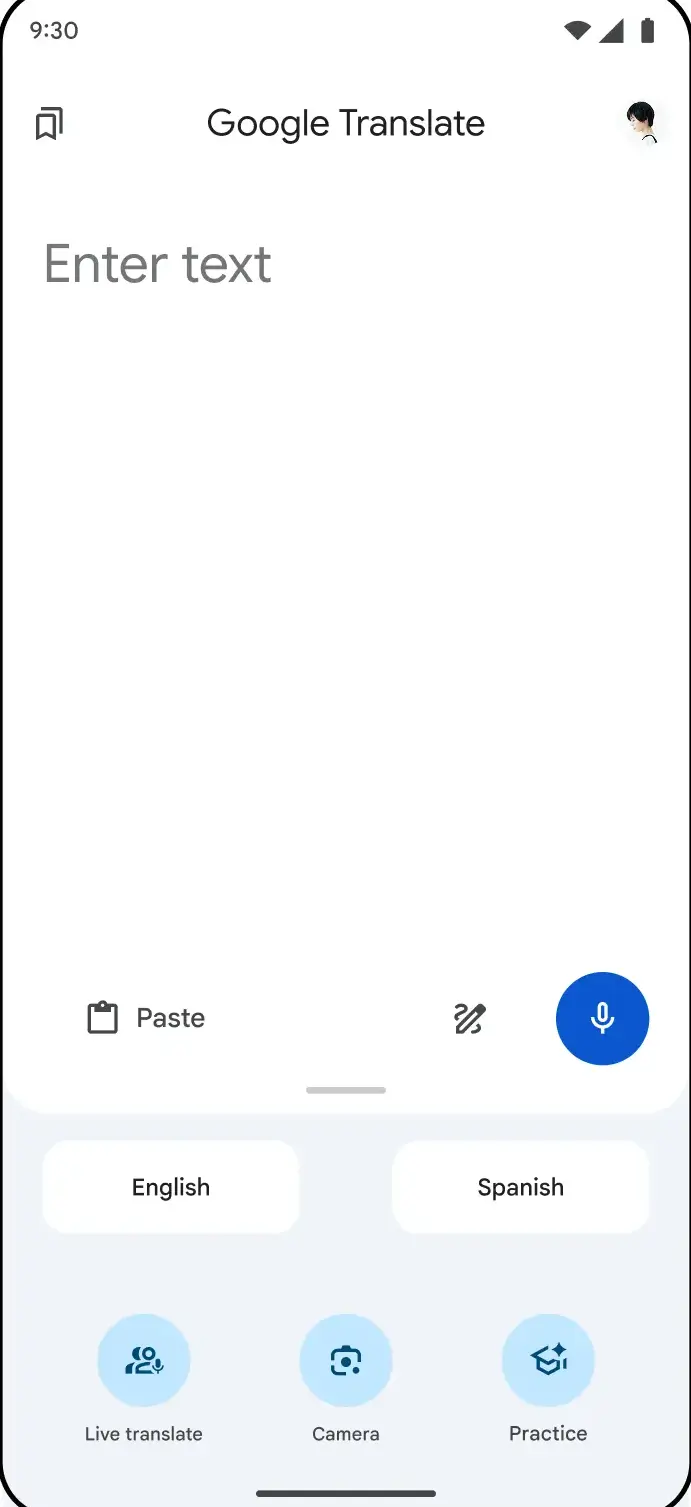
Google Translate is the default for good reason: the widest language list, the best camera mode for signs and menus, solid conversation mode, and genuinely capable offline packs. Free, with no ads between translations.
The careful one
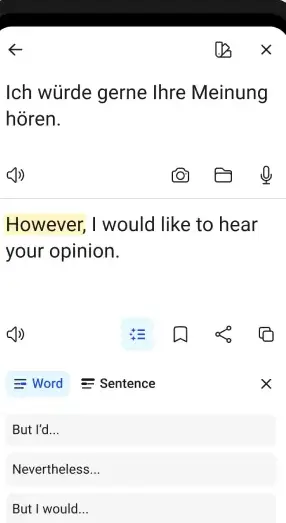
DeepL produces the most natural output for the languages it supports, which makes it the right tool for an email, a message to a colleague, or anything where clumsy phrasing would be noticed. The free tier covers ordinary personal use; paid tiers raise document limits.
The listing puts a number on those paid tiers: free to install, with in-app purchases from $10.49 to $384.00 per item, read on 28 August 2026. It is the only one of the three picks here that lists any purchase at all.
The conversation one
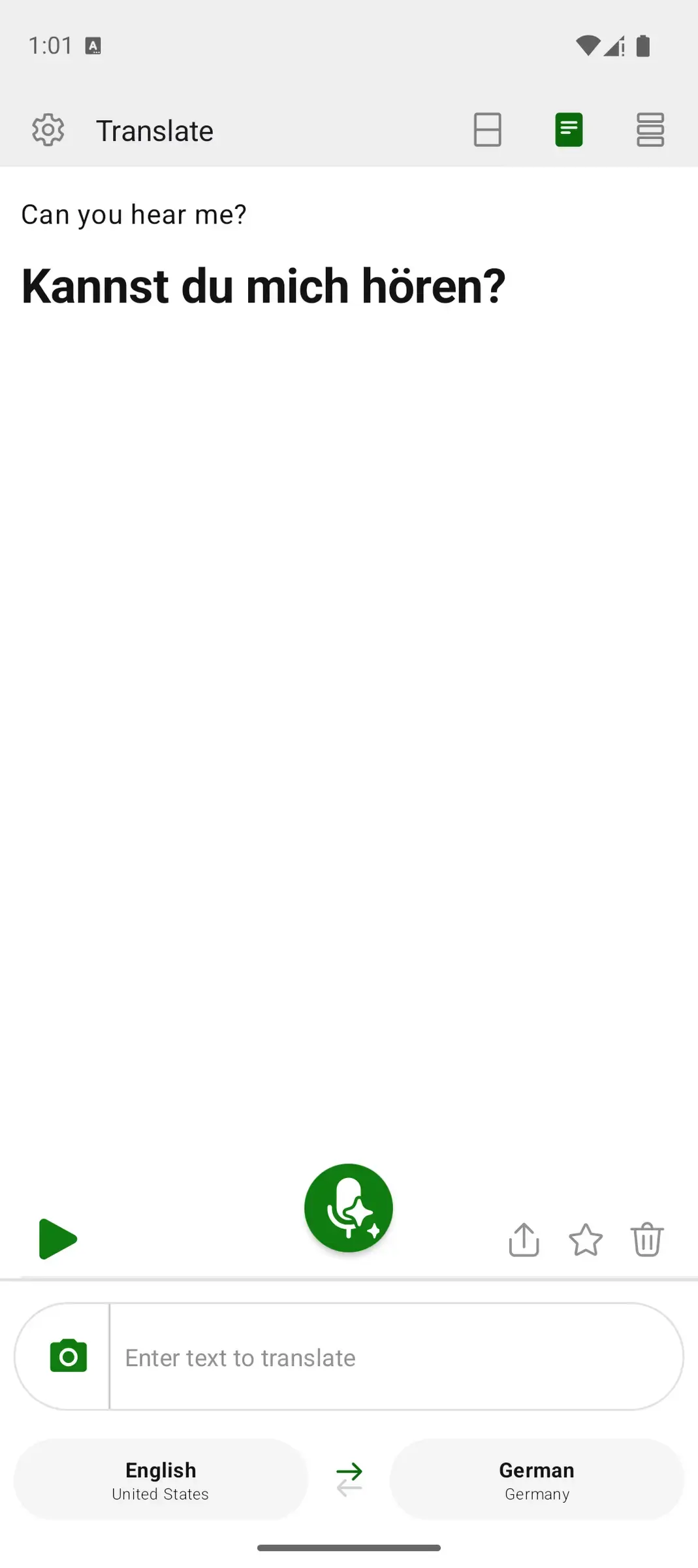
Microsoft Translator is the one to reach for in multi person conversations. It supports a shared conversation where several people join from their own phones and each sees the discussion in their own language. Free, and better at that specific job than either of the others.
Offline packs are the feature people wish they had configured while they still had Wi-Fi. Download the language pack for your destination before you leave, over Wi-Fi, because the packs are large and roaming data is the wrong place to fetch them. This section describes the Google Translate packs, the ones this guide can point at; before you fly, open whichever app you mean to depend on and check that it offers a pack for your language at all.
Two things to know. Offline quality is a step below online, since the on device model is smaller. And offline camera translation is more limited than the online version, so expect to fall back to typing for anything complicated.
If an offline translation refuses to run, the usual cause is an interrupted download that left the pack incomplete. Delete it and download again rather than trying to repair it.
Camera access is required for photo translation and microphone access for voice. Both are reasonable. Location is not: a translator has no need for it, and an app that asks is worth replacing.
The real consideration is not permissions but content. Online translation sends your text to a server to be processed. For a restaurant menu that is irrelevant. For a contract, a medical letter or a private message it deserves a moment of thought, and an offline pack in Google Translate is the answer, since the text never leaves the phone.
The three listings differ on what they say happens to text you send online. Read on 28 August 2026, the Data Safety section of DeepL Translate says the app may share data with third parties, while Google Translate and Microsoft Translator both say no data is shared with third parties. Google Translate and DeepL Translate both say you can request that data be deleted; the Microsoft Translator listing says data cannot be deleted. For a menu photo none of that matters. For a contract it is the whole question.
For nearly everyone, nothing. On 28 August 2026 the Play listings for Google Translate and Microsoft Translator each showed a free app carrying no ads label and no in-app purchases at all, so text, camera and voice translation cost nothing in either.
Payment enters with volume: translating long documents, keeping formatting in a translated file, or higher limits for regular professional work. If you are translating a sign or a paragraph, the free tier is the product, not a trial of it.
It depends what you mean by accurate. DeepL usually produces the most natural phrasing for major European languages. Google Translate is stronger across a far wider set of languages and much better at camera translation. Installing both covers the two different jobs.
Yes, once you have downloaded the language pack. Do it over Wi-Fi before you travel, as the packs are large. Offline quality is a step below online for every app, and offline camera translation is more limited than the online version.
Good for printed signs and menus with plain type, noticeably weaker with decorative fonts, low light and handwriting. Hold the phone steady and fill the frame with the text. When it struggles, typing the words in is faster than fighting it.
Camera for photo translation and microphone for voice, both of which are necessary. Location is not needed for translation at all, so treat a request for it as a reason to choose a different app.
The main ones are not. Google Translate and Microsoft Translator are free without ads between results. Paid tiers exist for document translation and higher volume rather than for removing advertising.
Yes. All three have a conversation mode, and Microsoft Translator handles the multi person case best by letting several people join from their own phones and each read in their own language. Speak one sentence at a time and pause.