
Time lapse and slow motion look like the same trick run in opposite directions, but on a phone they hit different walls. Time lapse is a scheduling problem, and software solves it well. Slow motion is a sensor problem, and software cannot solve it at all. This guide keeps them apart and is direct about where your handset stops. Every app detail below comes from its Google Play listing, verified on 28 August 2026.
Blackmagic Camera is our best overall pick because its 3 September 2026 listing showed 4.6 stars and nothing sold inside.
Open Camera is our best free pick because its 3 September 2026 listing showed 4.0 stars and a disputed Contains ads label.
Camera FV-5 Lite is our time lapse pick because its 3 September 2026 listing showed 4.1 stars and no purchases.
mcpro24fps is our slow motion pick because its 3 September 2026 listing showed 4.6 stars at 19.99 dollars.
Data checked: 3 September 2026.
Every figure here comes from the app's own Google Play listing, opened through that app's own store link: rating, review count, price, purchase range, the Contains ads label and the update date, read on 28 August 2026, with the verdict figures re-read on 3 September 2026. The Data Safety section is read separately, which is how mcpro24fps is shown declaring no data collected while also warning of sharing. Device limits come from a second source, the developer's own documentation or description, as with Open Camera on its Speed setting and Camera2, and where the two disagree, as on Open Camera advertising, both are printed rather than reconciled. No frame rate ceiling is claimed for any handset, because no source read here states one. The screen images are the developers' own Play listing images, not captures made for this page, and nothing rests on installing or running the apps.
Time lapse thins frames out. Instead of 30 pictures a second, the camera takes one every two seconds, or every ten, and plays them back at normal speed. At one frame every ten seconds, forty minutes of sunset becomes eight seconds. The hardware is doing less work than usual, which is why nearly every phone already offers it.
Slow motion does the reverse. To stretch one second into four, the camera must capture four times as many frames during that second. That is a demand on the sensor, not on the app. If your phone tops out at 60 frames per second in 4K, no app will change that number. High frame rate charges you twice: reading the sensor faster forces a lower resolution, so 240 frames per second often lands at 720p, and each frame gets a shorter exposure, so you need a lot of light.
Samsung, Pixel, Xiaomi and most other makers ship time lapse and slow motion modes in the stock camera, and for a first clip that is the right place to start. The maker knows which frame rate and resolution pairs its sensor supports.
It runs out of road in three places. The speed factor is locked to presets, exposure stays automatic so a sunset pumps bright and dark, and frames cannot be kept as RAW. Those gaps are the reason to install something else. For general shooting, see the best camera apps for Android.
These earn a place on interval control and exposure behaviour, not filters. All figures come from the Play listings in August 2026.
The free manual option
Open Camera by Mark Harman, free and open source, rated 4.0 from about 287,000 reviews, past 100 million downloads, updated 28 May 2026. Manual ISO, shutter, focus and exposure lock, plus a video speed factor for time lapse. One mismatch: the listing carries a Contains ads label, while the developer's description says there are no third party ads inside the app.
Set an interval and walk away
Framelapse 2 Time Lapse Camera by Neximo Tech is the most direct interval tool here: a frame interval setting, an auto stop duration, up to 2160p, no render step. Rated 3.2 from roughly 39,700 reviews, free to install with in-app purchases of 1.99 to 9.99 US dollars per item. Its last listed update is 12 January 2025, which on 28 August 2026 is nineteen months ago, worth knowing before you build a long project on it.
Frames and brackets, not finished video
Camera FV-5 Lite by FGAE Apps is for people who want frames, not a finished video: a built in intervalometer and exposure bracketing from three to seven frames. Rated 4.1 from about 139,000 reviews, updated 26 May 2026, with nothing sold inside it. The free build caps resolution, and DNG RAW belongs to the separate paid app, Camera FV-5, which its own listing priced at 4.99 US dollars on 28 August 2026.
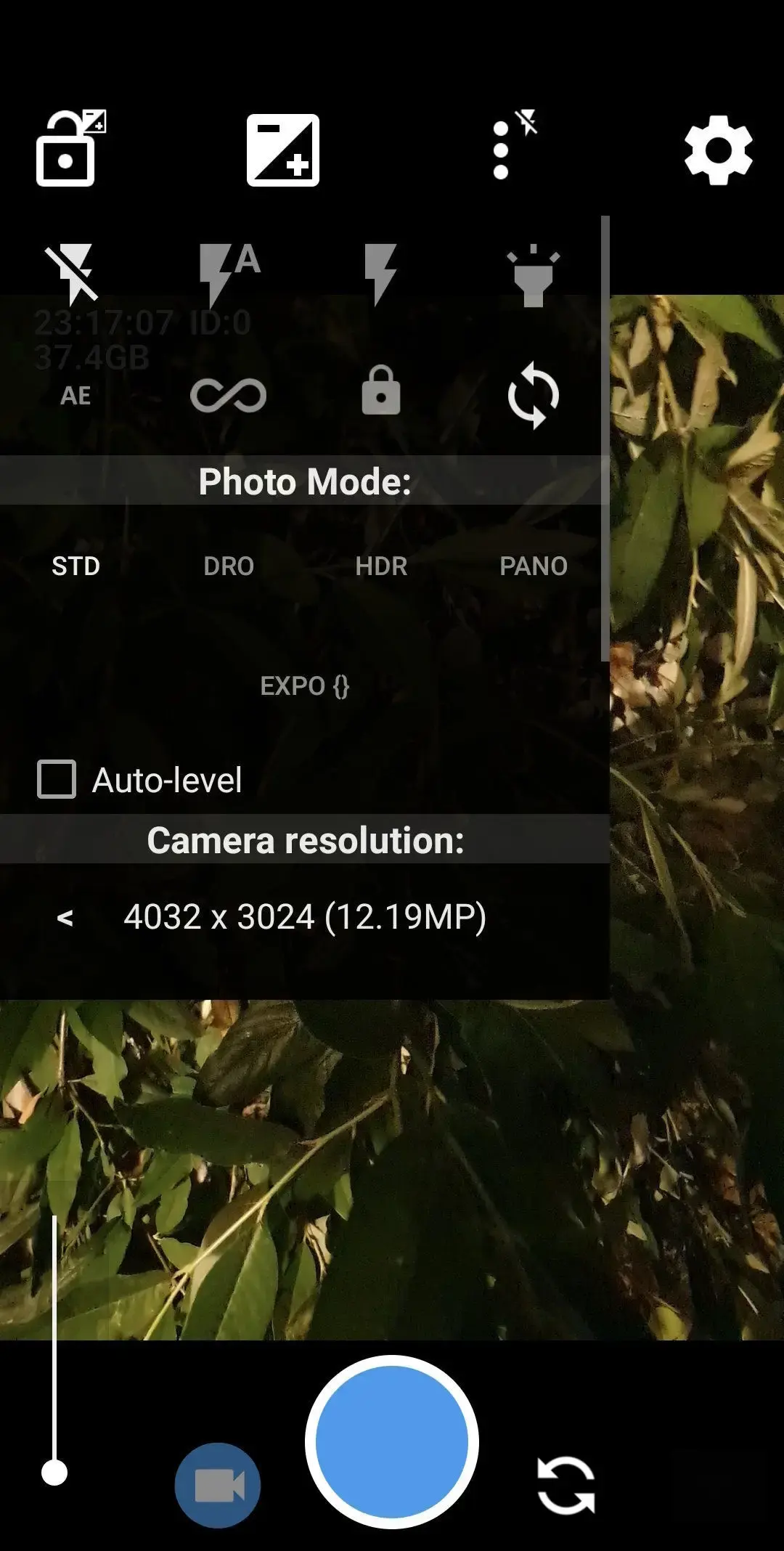
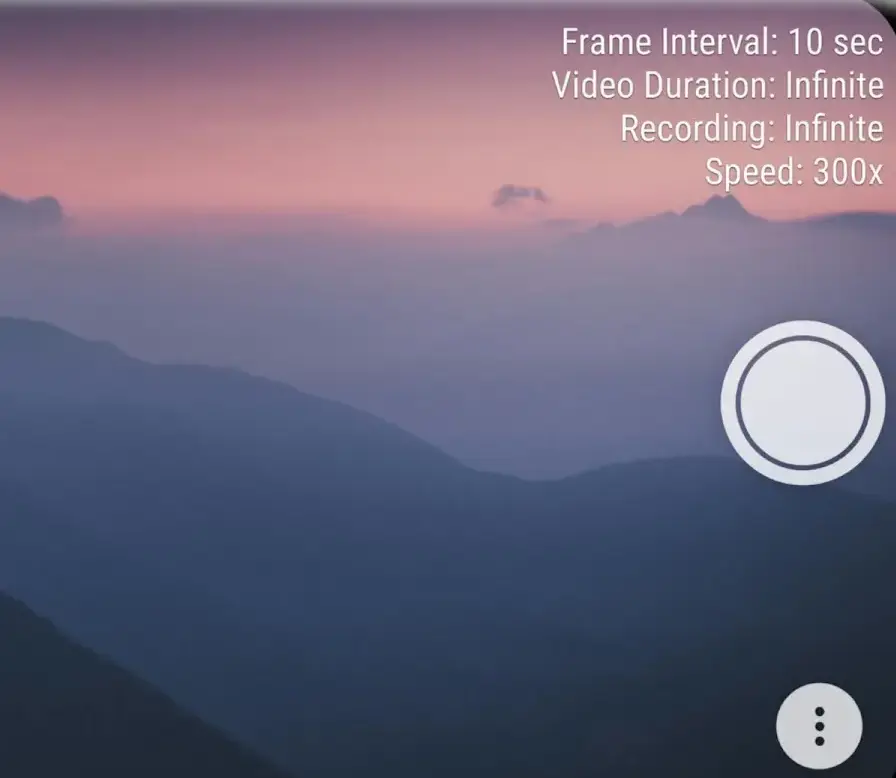
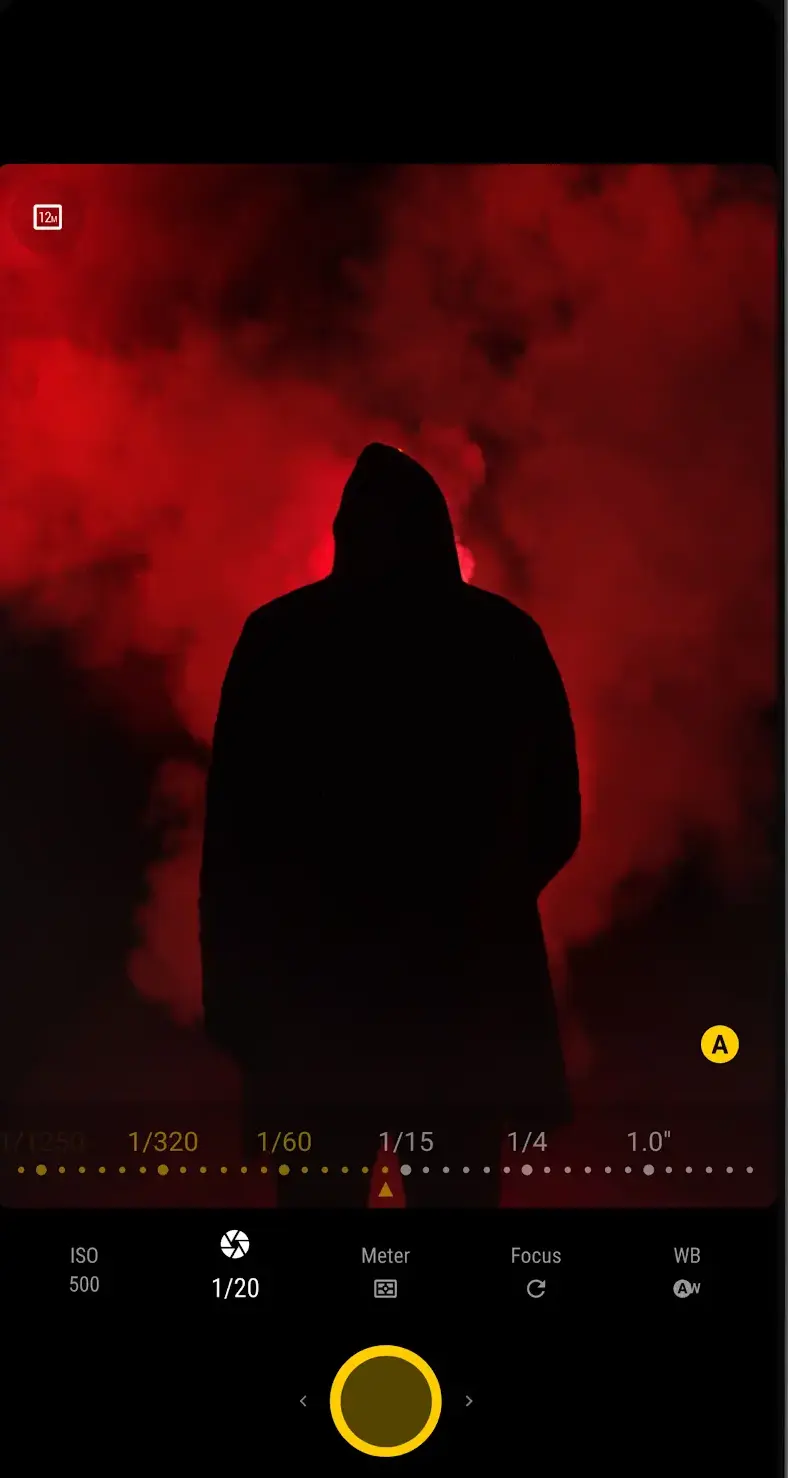
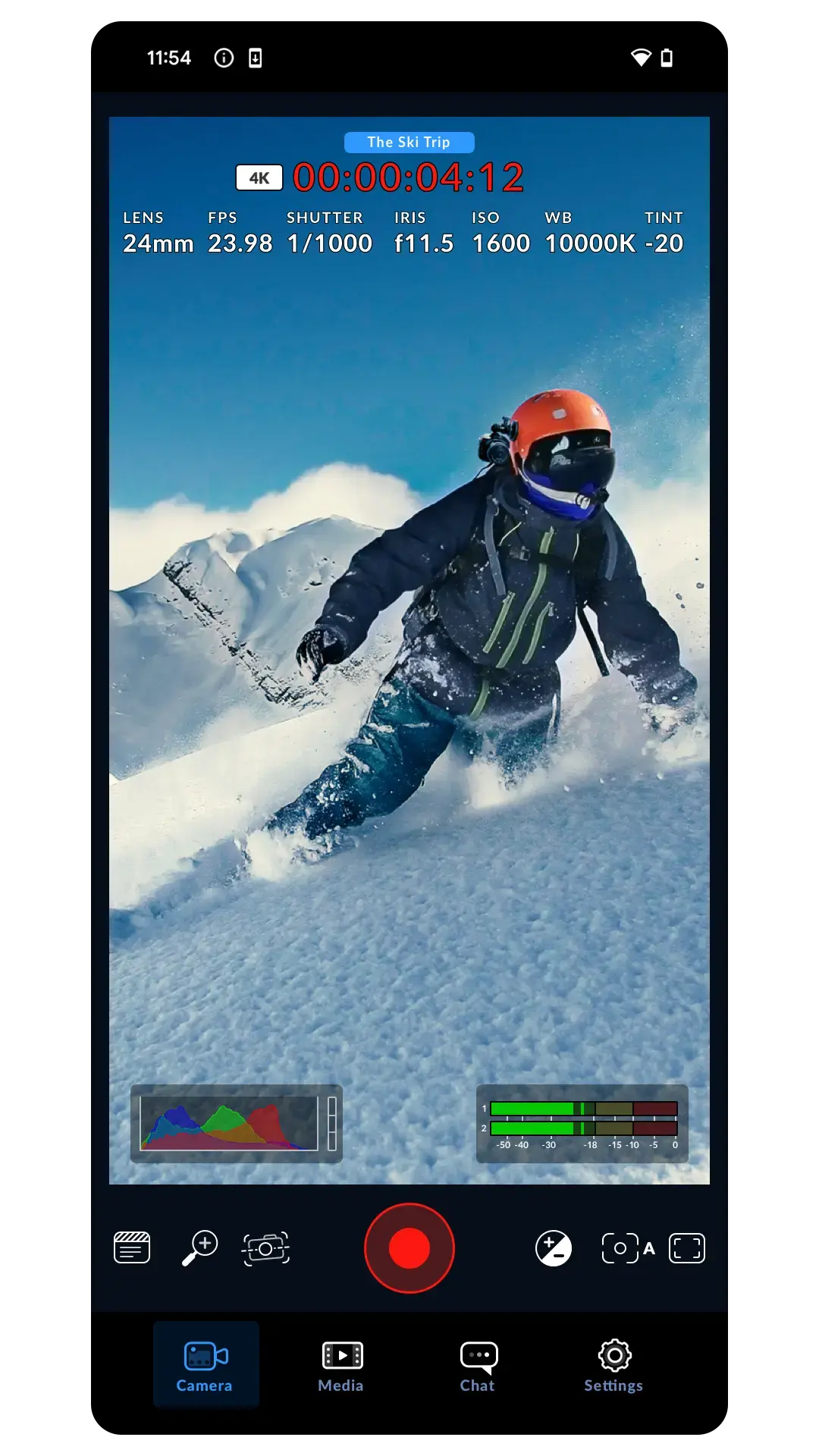
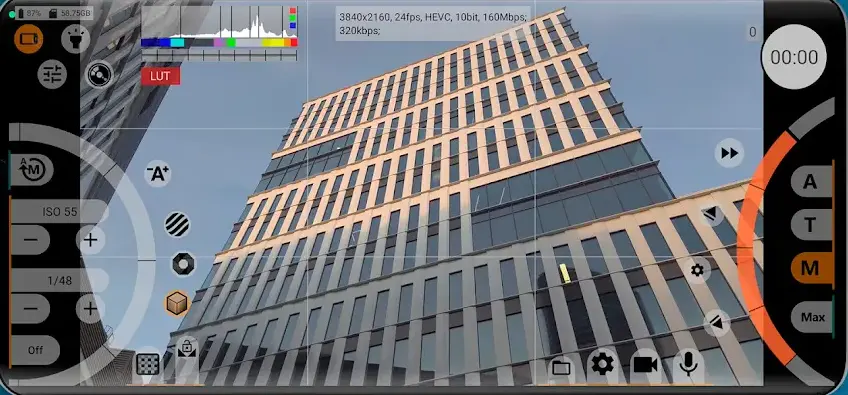
Since no app can invent frame rate, what a good one gives you is control over the trade offs: picking the frame rate and resolution pair yourself, and being honest about what your handset can do.
Frame rate and shutter angle, free
Blackmagic Camera by Blackmagic Design Inc., free with nothing sold inside it, rated 4.6 from around 13,700 reviews, updated 21 August 2026. The listing describes single tap control over frame rate, shutter angle, white balance and ISO, and states plainly that some features are device dependent. Shutter angle is what keeps motion blur consistent across frame rates.
The paid option for manual video
mcpro24fps manual video camera by Chantal Pro SIA, paid at 19.99 US dollars with further in-app purchases of 0.99 to 5.49 US dollars per item, rated 4.6 from about 3,900 reviews, updated 22 July 2026. The developer states that available features depend on your device, that Camera2 API at Limited level or higher is required, and points to a free demo build for checking yours. Its Data Safety panel lists no data collected, yet also says the app may share some data types with third parties and that data cannot be deleted.
Locks exposure during the take
Cinema FV-5 Lite by FGAE Apps, free with nothing sold inside it, rated 4.0 from roughly 37,400 reviews, updated 28 May 2026. Its useful trick for both modes is locking exposure and white balance during a recording. The free build caps clip length, and the separate paid app, Cinema FV-5, was priced at 2.49 US dollars on its own listing on 28 August 2026.
Several editors offer to turn an ordinary 30 frames per second clip into smooth slow motion. That feature is frame interpolation: the software invents the missing frames by estimating where pixels moved. It holds up on slow movement against a plain background.
It falls apart on exactly the footage people want slowed down. Splashing water, spinning wheels and anything crossing in front of something else produce warping, ghost edges and smeared detail, because nothing real was recorded between the frames. Treat it as a repair, not a replacement for capturing at 120 or 240 frames per second. For the editors, see the best video editor apps for Android.
One practical note. Open Camera's own documentation describes its Speed setting as recording at a slower rate, so the clip it saves is already slowed rather than something you stretch afterwards, and it warns that slow motion needs the Camera2 API and exists only on some devices. Check what your app actually writes before planning an edit around it.
Neither mode is rescued in the edit. These habits decide the result.
A four hour time lapse is a thermal problem before it is anything else. The sensor and the encoder run continuously, the phone heats up, and Android throttles to protect itself, so the recording can stop on its own or the clip stutters. Shade helps, taking the case off helps, and switching the screen off helps more than people expect. Charging while recording generates heat, so a power bank buys battery life at a thermal cost.
Storage runs the other way. Time lapse is cheap, because only the frames you asked for are kept. High frame rate slow motion writes several times the data of a normal clip. Check free space with our guide to freeing up storage space on Android, then move finished clips off the device, which is what backing up photos on Android is for.
Not properly. Slowing a 30 frames per second clip just repeats the frames you already have, so it looks choppy. Smooth results come from AI frame interpolation, which invents the in between frames by estimating motion, and it warps and ghosts on fast motion.
No. Frame rate is a hardware property that varies by model, and many phones offer 240 only at a reduced resolution such as 720p. Open the video settings of a manual camera app on your own device and read which combinations it lists.
For a fixed time lapse, yes, or at least a solid surface such as a wall or a windowsill. Minutes are compressed into seconds, so tiny movements turn into obvious jitter. A cheap mini tripod stops it. Hyperlapse, where you walk while recording, leans on stabilisation instead.
Automatic exposure is re-evaluating the scene between frames, so a passing cloud changes the brightness of the whole sequence. Lock exposure and focus before you start, and set white balance manually if the app offers it.
A time lapse is cheap, because only the frames you asked for are stored, so an hour at one frame every two seconds is often a few hundred megabytes. High frame rate slow motion is the opposite, and minutes can reach gigabytes.
It is free to install and open source. On ads, the listing and the developer disagree: the Play page carries a Contains ads label, while the developer's description says there are no third party ads inside the app, only on the project website.
 Best Video Editor Apps for AndroidPhoto & Video
 How to Back Up Photos on AndroidPhoto & Video
 How to Recover Deleted Photos on AndroidPhoto & Video