
Pacer is the pick though it carries ads, Google Fit the free one with nothing to buy, ITO's Pedometer the plain step counter. Our answer, the free pick and the table ↓
Checked 3 September 2026: no pick changed; Pacer re-read 3 September, Google Fit and ITO's Pedometer stand as read on 28 August
Eleven Android pedometers, compared on what each is best for, price as the store publishes it, the ads label and the rating.
Pacer is our best overall pick because its listing on 3 September 2026 showed 4.8 stars, free installation, in-app purchases $0.99 to $99.99 and a Contains ads label.
Google Fit is our best free pick because on 28 August 2026 its listing published no ads label and no in-app purchases at all.
ITO’s Pedometer - Step Counter is our plain-number pick because its listing on 28 August 2026 published no in-app purchases, only a Contains ads label.
Data checked: 3 September 2026.
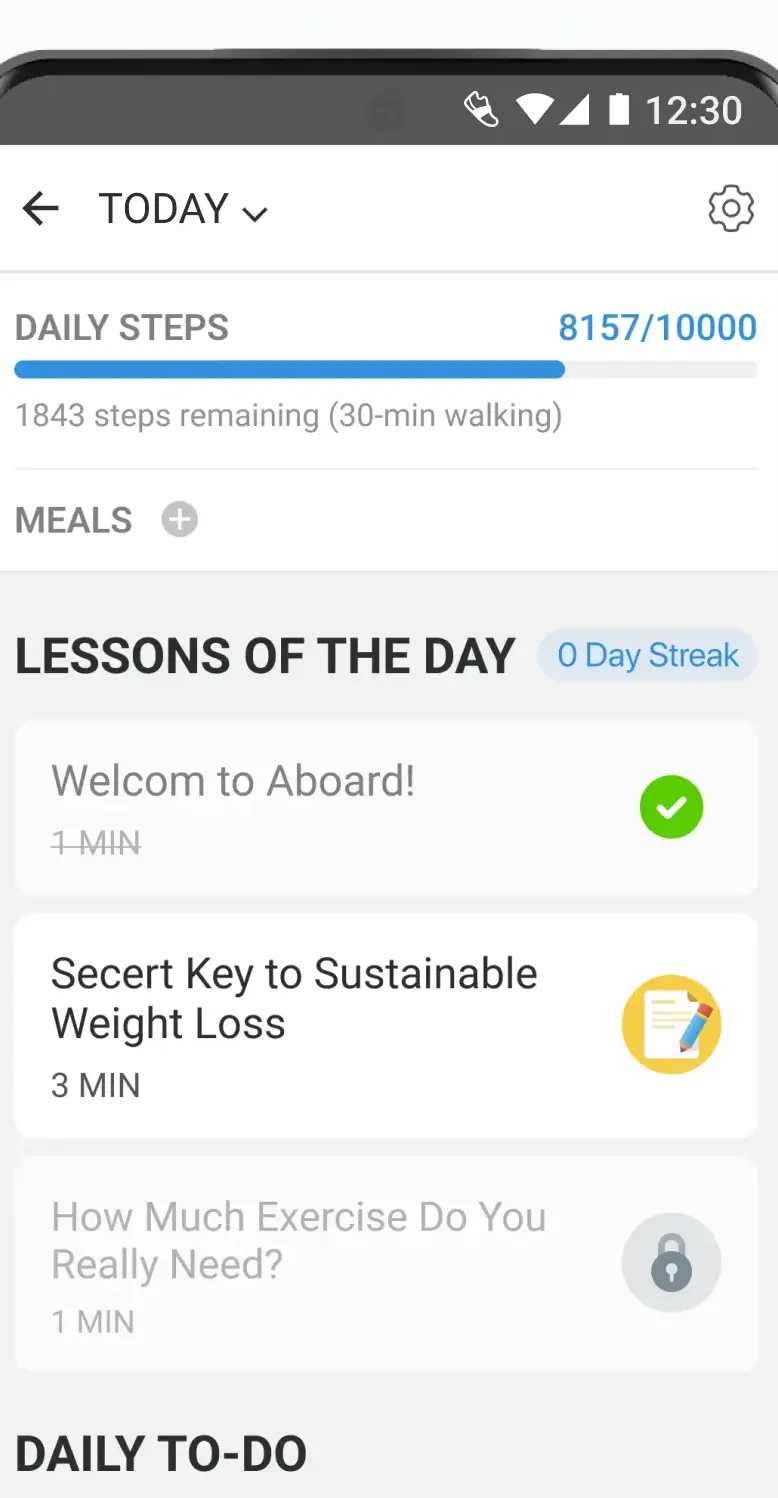
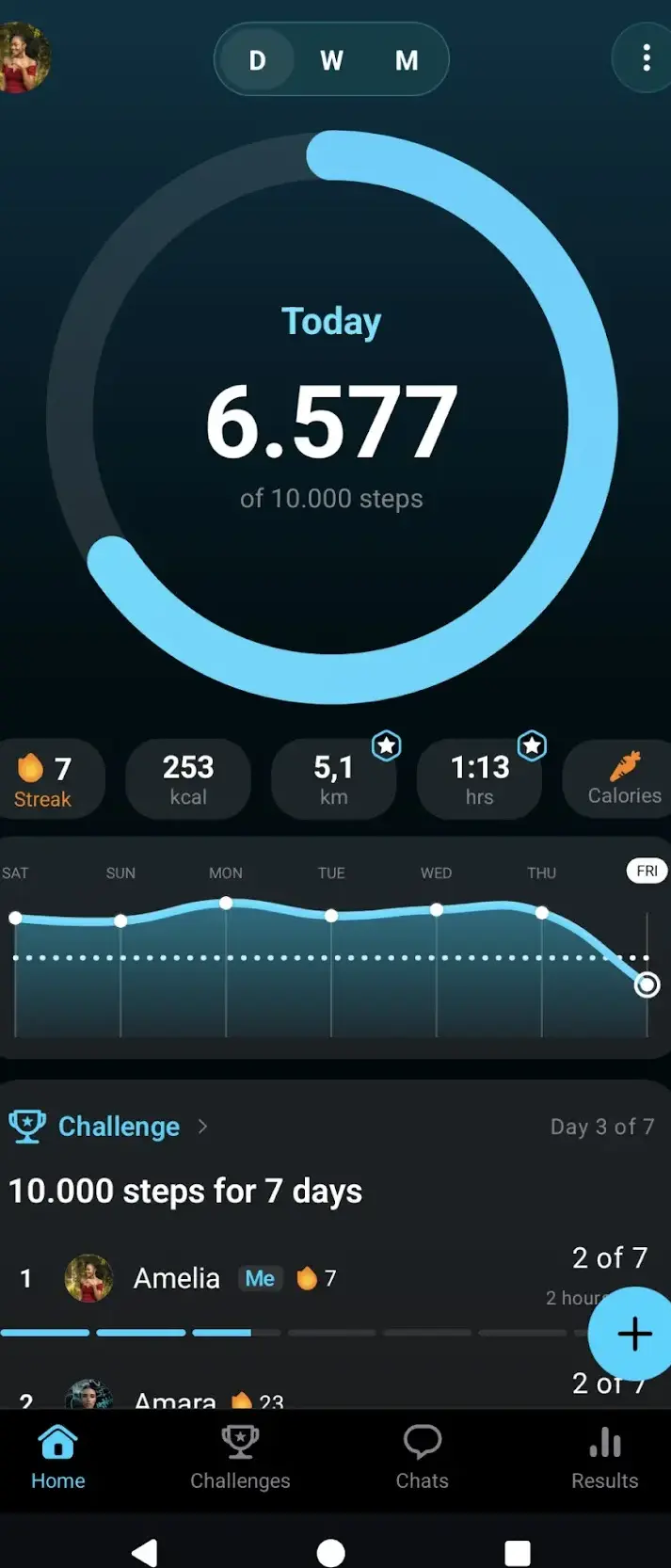
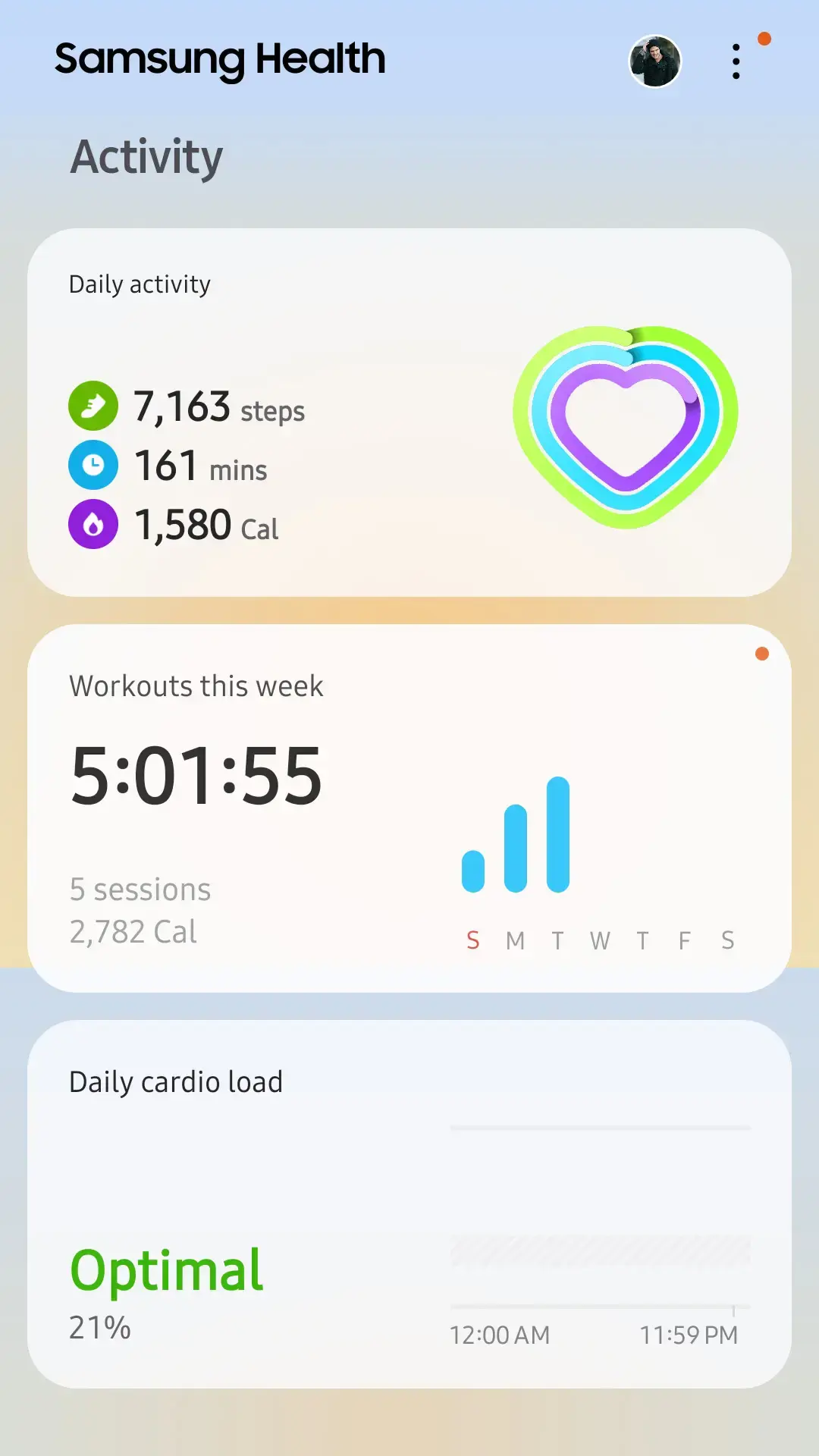
How we verify. Every number on this page comes from one place: each app’s own Google Play listing, opened at its own package id on 28 August 2026 and read for the rating, the rating count, the install band, the price, the in-app purchase range the store prints, the Contains ads label and the Data Safety card. Where the store publishes no figure, we say so instead of supplying one. No figure or verdict here rests on our use of these apps. The screens above are the developers’ own store images, as their caption says. Last full pass 28 August 2026, repeated quarterly.
Step counting on Android runs on a dedicated hardware sensor, not on GPS. The sensor keeps a running tally in the background at very low power, and apps read that tally when you open them. This matters for two reasons. First, a pedometer that only reads the step sensor will not meaningfully drain your battery, no matter what its store listing promises about optimisation. Second, an app that insists on GPS for ordinary step counting is doing more work than the job needs.
The practical consequence: if battery life is your worry, choose an app that does not require location permission for basic counting. If an app asks for it, that is a signal it wants to map your walks, which is a different feature.
Already on most phones, and no ads label
Google Fit ships on many Android phones or installs free from the Play Store. It reads the step sensor in the background, keeps the interface sparse, and carries no ads. Worth knowing: Android now has a system level health store called Health Connect, which is where fitness apps increasingly read and write shared data. If you use more than one health app, check that both speak to Health Connect, because that is what keeps their numbers in agreement.
The Galaxy default, already holding sensor access
Samsung Health is preinstalled on Galaxy phones and reads the same hardware directly. It bundles sleep, heart rate and guided programmes under one roof. On a Samsung phone it is the path of least resistance: the app is already there, already has sensor access, and needs no setup. The core app is free to install, and on 28 August 2026 its listing published no in-app purchases at all and carried no Contains ads label.
These do one job. If you want a number, a daily goal and a widget, this is the category to look in.
Challenges, and the ads label that rides with them
Pacer counts from the motion sensor without requiring GPS, and adds group challenges if social pressure is what gets you moving. Core counting is free to install, and the deeper breakdowns are paid: on 28 August 2026 its listing printed in-app purchases of $0.99 to $99.99 per item. It also carries the Contains ads label, which the free tier does not hide.
Rings and bars, and very little else
StepsApp is the design led option, presenting steps as rings and bars with very little else on screen. The base version is free to install. On 28 August 2026 its listing printed in-app purchases of $1.99 to $19.99 per item, the cheapest ceiling of any app here, and it carries the Contains ads label.
Calories, distance and a home screen widget
Step Counter - Pedometer, listed by Leap Fitness Group, adds calories, distance and active time to the step count, and offers a home screen widget so you can see the number without opening anything. Free to install, with the Contains ads label on the listing and in-app purchases of $1.99 to $119.99 per item on 28 August 2026.
A number, no account, and ads on the listing
Pedometer - Step Counter, listed by ITO Technologies, is the minimalist end of the range: sensor only, no account to create. Because it never needs a connection it keeps counting in aeroplane mode. Free, with the Contains ads label on the listing and, on 28 August 2026, no in-app purchases published at all, so there is no advertised way to pay the ads away. Read its Data Safety card before you take the minimalism at face value: it says no data is shared with third parties, but also that the app may collect data types and that data cannot be deleted.
Weeks and months, not just today
ActivityTracker Pedometer leans on history, charting weeks and months so progress is visible over time rather than day by day. Free to install, with the Contains ads label and in-app purchases of $4.99 to $29.99 per item on 28 August 2026. It is the smallest app here by installs, at 500,000+, and its 4.0 rating rests on only 6,107 ratings, a far thinner sample than anything else on this page. It does hold the cleanest Data Safety card here: no data shared with third parties and no data collected, though the same card says data cannot be deleted.
If steps are one input among several, a dedicated counter will frustrate you.
Walks and runs landing in one history
Adidas Running, formerly Runtastic and still shipping under the package id com.runtastic.android, ties step counts to GPS tracked walks and runs, with audio feedback and leaderboards. Sensible if you mix walking with jogging and want both in one history. Free to install, and the listing carries the Contains ads label while publishing no in-app purchase range, read 28 August 2026.
Steps sitting next to the food diary
MyFitnessPal is a food diary first with step counting attached, so movement and eating sit on the same screen. The right shape if your goal is weight rather than distance. Free to install, with the Contains ads label and in-app purchases of $0.99 to $99.99 per item on 28 August 2026, and a Data Safety card that says the app may share data types with third parties.
The long walk, planned before you leave
Komoot is an outdoor route planner rather than a pedometer, but it is the better tool if your steps come from long walks and hikes. It is free to install and its listing carries no Contains ads label. On 28 August 2026 the store printed in-app purchases of $0.99 to $124.99 per item, the widest range on this page; the store does not say whether a given purchase is one time or recurring, so we do not either.
Points for steps, and the ads label attached
Sweatcoin converts steps into a virtual currency redeemable against vouchers and products. For some people an external incentive is genuinely what gets them out of the door, and the app is free. Set expectations before you install: meaningful rewards generally require either a large balance accumulated over a long period or a paid tier, so treat it as a motivational nudge rather than a way to earn anything substantial. Free to install is accurate, but the listing also carries the Contains ads label and prints in-app purchases of $0.99 to $36.99 per item, read 28 August 2026.
Phone step counts are good, not laboratory grade. Expect a margin of a few percent in ordinary walking, and larger errors in two situations: when the phone is in a bag or on a pushchair rather than on your body, and when your hands are occupied so your arm does not swing. Pushing a trolley through a supermarket is the classic undercount.
Comparing two apps on the same phone and getting different totals is normal. They apply different filters to the same raw sensor data, and they start counting at different points in the day. Pick one and judge trends from it rather than chasing agreement between apps.
Good enough for tracking trends, not for precise measurement. Expect a few percent difference in normal walking. Accuracy drops when the phone is in a bag rather than on your body, or when your arms are not swinging, such as pushing a trolley or a pram.
Not if it reads the step sensor, which is a dedicated low power component that counts whether or not an app is open. Battery drain comes from GPS. An app that needs location permission just to count steps is doing unnecessary work.
The phone is enough to count steps, provided you carry it. A watch is worth it if you often leave your phone behind, or if you want heart rate and sleep data the phone cannot collect.
They apply different filters to the same raw sensor data and may start their day at different times. This is expected. Choose one app and read trends from it rather than trying to make two agree.
Yes. Counting happens on the device sensor. Sensor only apps such as the ITO pedometer keep working in aeroplane mode. Apps with accounts, challenges or cloud sync need a connection for those features, but not for the count itself.
Free tiers cover step counting, daily goals and basic history in every app here. Subscriptions and purchases generally buy training plans, detailed analysis, themes or ad removal, not the core count.