
Eleven journal apps compared on the three things a diary actually turns on: what the free tier includes, whether the listing admits to ads, and what the Play data safety section says happens to your entries. For the wider set of writing and planning tools, see our Productivity guides.
Day One is the pick, Diarium the one-payment choice, Obsidian the pick for keeping the files as your own. Our answer, the free pick and the table ↓
Checked 5 September 2026: no pick changed; all eleven listings re-read 5 September, Day One, Diarium and Obsidian confirmed
Full logEleven Android journal apps, compared on what the free tier includes, whether the listing admits to ads, and what each Data safety section says happens to your entries.
Day One is our pick for most people because on 5 September 2026 its listing showed 4.6 stars from 27,947 reviews, 1M+ installs and no ads label.
Diarium is our pick without a subscription because on 5 September 2026 its listing offered one $14.99 purchase and no ads.
Obsidian is our pick for keeping the files because on 5 September 2026 its listing showed no in-app purchases and a Data safety section reading no data collected.
One caution: the Data safety section of stoic, read 5 September 2026, says data is not encrypted and cannot be deleted.
Data checked: 5 September 2026.
Every app on this page sits in one of three tiers, and each entry says which one applies to it.
Best overall
4.6 stars from 27,912 reviews · 1M+ installs · free to install · in-app purchases $2.99 to $99.99 per item · no ads · by Automattic, Inc · listing updated 28 August 2026 · Google Play listing · checked 3 September 2026
Day One is the one to start with if you want the journal itself to feel like something worth keeping.
Skip it if you want photos in most entries without paying, or you would rather the diary never left the phone at all.
Choose it over Diarium when you want the polish and the encrypted sync; choose Diarium when you would rather pay once and keep the files in a cloud folder you already own.
Best one-time purchase
4.9 stars from 21,940 reviews · 500K+ installs · free to install · in-app purchases $14.99 per item · no ads · by Timo Partl · listing updated 16 July 2026 · Google Play listing · checked 2 September 2026
Diarium is the pick for anyone who resents renting a diary.
Skip it if you want a free ride forever, or you need a big company behind the app before you trust it with years of writing.
Choose it over Obsidian when you want a finished diary app with moods, photos and maps; choose Obsidian when you would rather hold plain files and assemble the rest yourself.
Best for owning your files
4.3 stars from 18,400 reviews · 5M+ installs · free to install · no in-app purchases · no ads · by Dynalist Inc. · listing updated 20 August 2026 · Google Play listing · checked 3 September 2026
Obsidian is the only app here that never becomes a place your writing is stuck inside.
Skip it if you want to open an app and be handed a prompt, or you have no appetite for setting up a template first.
Choose it over Daylio when you want the words and the files; choose Daylio when the honest answer is that you will not write paragraphs at all.
Best if you hate writing
4.7 stars from 459,448 reviews · 10M+ installs · free to install · in-app purchases $0.99 to $79.99 per item · carries ads · by Habitics · listing updated 21 August 2026 · Google Play listing · checked 3 September 2026
Daylio is the one that survives contact with a real week, because logging a day takes two taps.
Skip it if you want to reread your own sentences later, or an ad in a mental-health habit is a dealbreaker.
Choose it over Journey when the habit matters more than the writing; choose Journey when you want real entries on both a phone and a laptop.
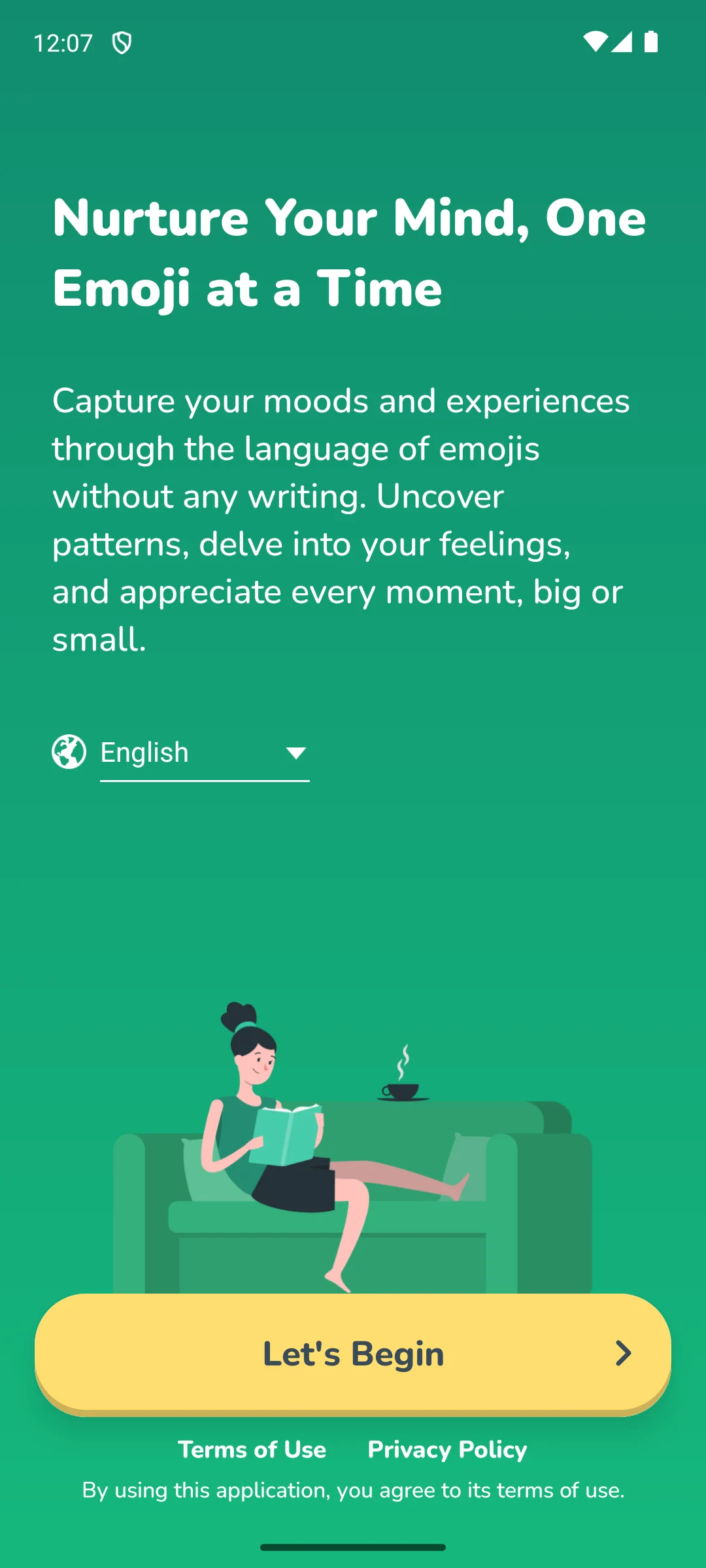
The screenshots here are our own captures from an Android emulator, taken on the date shown. No account is asked for at that point. The screenshot below is ours, taken on 18 August 2026.
Best across devices
4.3 stars from 94,238 reviews · 5M+ installs · free to install · in-app purchases $0.99 to $199.99 per item · no ads · by Two App Studio Pte. Ltd. · listing updated 20 April 2026 · Google Play listing · checked 8 August 2026
Journey is the practical answer when the diary has to exist on a laptop as well as a phone.
Skip it if the diary holds anything you would not want on someone else’s server, or you need a recently updated app.
Choose it over Microsoft OneNote when you want a real diary with moods and throwbacks; choose OneNote when you simply want a free notebook that syncs everywhere.
Best free with no upsell
4.6 stars from 1,488,233 reviews · 1B+ installs · free to install · no in-app purchases · no ads · by Microsoft Corporation · listing updated 30 August 2026 · Google Play listing · checked 3 September 2026
OneNote is the one to pick when you want a diary that costs nothing and never asks again.
Skip it if you need prompts or reminders to keep the habit alive, or you want your entries outside a big platform.
Choose it over LiveIt when you want a plain free notebook; choose LiveIt when the diary should sit next to a planner and a habit tracker.
Best journal plus planner
4.4 stars from 10,705 reviews · 1M+ installs · free to install · in-app purchases $0.99 to $99.99 per item · no ads · by Doit Apps · listing updated 6 August 2026 · Google Play listing · checked 8 August 2026
LiveIt suits people who think of a diary as one page in a wider system rather than a thing on its own.
Skip it if you want one calm screen for writing, or you already run a separate planner you like.
Choose it over Penzu when the diary belongs inside your planning system; choose Penzu when you want nothing on the screen but the page.
Best stripped-back diary
4.2 stars from 10,807 reviews · 500K+ installs · free to install · in-app purchases $1.99 to $19.99 per item · no ads · by Penzu · listing updated 28 August 2026 · Google Play listing · checked 3 September 2026
Penzu is the closest thing here to a locked paper notebook that happens to sync.
Skip it if you want photos, moods or maps, or you expect frequent updates.
Choose it over Grid Diary when a blank page suits you; choose Grid Diary when the blank page is exactly what stops you.
Best for blank-page freeze
4.0 stars from 4,591 reviews · 100K+ installs · free to install · in-app purchases $2.49 to $29.99 per item · no ads · by Sumi Interactive · listing updated 22 August 2026 · Google Play listing · checked 3 September 2026
Grid Diary replaces the empty page with a grid of small questions, which is the whole reason to choose it.
Skip it if you want to write freely without answering questions, or a low rating on a diary app makes you uneasy.
Choose it over stoic when you want plain prompts and nothing else; read the next entry carefully before choosing stoic instead.
Guided, but check the fine print
4.4 stars from 3,271 reviews · 100K+ installs · free to install · in-app purchases $6.99 to $799.99 per item · no ads · by Stoic app inc. · listing updated 12 August 2026 · Google Play listing · checked 3 September 2026
stoic pairs morning and evening prompts with mood tracking, and it is the most guided experience on this page.
Read this first. Before you write anything personal here: stoic’s own Data Safety section on Google Play declares that data may be shared with third parties, that data is not encrypted, and that data cannot be deleted (read 8 August 2026). For an app whose listing is built around mental health, therapy notes and dream journals, that combination deserves to be read twice.
Skip it if the entries would be genuinely private, or you want deletion and encryption stated on the listing before you commit.
Choose it over Reflectly when you want structured morning and evening sessions; choose Reflectly when you would rather be asked one friendly question a day.
Gentlest daily prompt
4.2 stars from 40,728 reviews · 1M+ installs · free to install · in-app purchases $7.49 to $299.99 per item · no ads · by Kodeon, Inc. · listing updated 3 March 2026 · Google Play listing · checked 8 August 2026
Reflectly is the softest way in, built around a single prompt and a mood rather than a page.
Skip it if you want to write more than a few lines, or a five-month-old listing on a subscription app worries you.
Choose it over Day One when you want to be asked a question each night; go back to Day One when you would rather be handed a blank, encrypted page.
The best journal app is simply the one you will open again tomorrow. That sounds obvious, but it is easy to get pulled toward the app with the longest feature list and then never write in it. Before you compare logos and prices, it helps to be honest about how you actually want to write, how much privacy you need, and whether you can get your words back out later. This guide walks through each of those in plain terms so you can pick once and settle in.
Journaling is not one habit. People reach for very different things when they sit down to record a day, and most apps lean toward one style. Knowing your style first saves a lot of trial and error.
If you like a blank page and the freedom to ramble, you want an app that opens straight into an empty entry with as little chrome as possible. The risk here is the opposite of writer's block: too many menus and formatting buttons can break your train of thought. Look for something quiet, with the date already filled in and the cursor ready to go.
A blank page can feel intimidating, especially after a long day. Prompt based apps hand you a question to react to, like what went well today or what is on your mind. This is a gentle way in, and it tends to keep the habit alive on days when you would otherwise skip. If you often stare at the screen and write nothing, prompts are worth trying.
Some people think in lists, not paragraphs. A bullet style suits short logged items, tasks, and quick notes rather than long reflection. If your ideal entry is five bullet points about the day, look for an app that makes lists and checkboxes easy and does not push you toward flowing prose.
For many of us the fastest way to remember a day is a single picture. Photo first journals let an image carry the entry, with a line or two of text underneath. If your camera roll is already your real diary, an app that pulls photos in cleanly will feel natural and lower the effort to almost nothing.
Two practical features decide whether journaling becomes a habit or a forgotten icon.
This is the part people forget until it is too late. Phones get replaced, apps get abandoned by their makers, and subscriptions lapse. Before you pour months of entries into an app, check that you can get them out.
An app that traps your writing is a poor home for something you may want to keep for years. Portability is not a luxury here, it is insurance.
A journal can hold your most private thoughts, the kind of material you would never post anywhere. That makes privacy the single most important thing to get right, more than design or feature count. Take a calm but firm approach.
None of this requires paranoia. It just means choosing deliberately: a lock you actually use, and storage that keeps your entries private by default rather than as an afterthought.
Start by naming your style, free writing, prompts, bullets, or photos, then shortlist apps that do that one thing well. Add a single daily reminder, confirm you can export your entries, and turn on a lock. If your thoughts are sensitive, favor local or end to end encrypted storage over a convenient cloud. Get those basics right and the specific app matters far less than the quiet habit you build with it.
Not sure which to start with? Run back up to the comparison table and read three columns: price, ads and what the data safety section admits. That is usually enough to cut eleven apps down to two.
Microsoft OneNote is the closest to genuinely free: no ads and no in-app purchases on its Play listing, checked 8 August 2026. Obsidian is the other app here with no in-app purchases at all. Daylio is free to start but its listing carries the Contains ads label. Day One's free tier covers unlimited text entries with end to end encryption, while photos, video and voice sit behind the paid plan.
It varies far more than you would expect, and the Play data safety section is the fastest way to see it. Obsidian declares no data collected at all. Day One, Diarium, Daylio, OneNote, LiveIt and Penzu declare no data shared with third parties, though Daylio adds that data cannot be deleted. Journey, Grid Diary and Reflectly declare that data may be shared with third parties. stoic declares all three: sharing, no encryption, and no deletion. Checked 8 August 2026.
Obsidian is the clearest case: its listing describes a local folder of plain text Markdown files, and its data safety section declares no data collected. Diarium says sync is optional, runs through your own OneDrive, Google Drive, Dropbox, iCloud or WebDAV, and needs no Diarium account. Both let you write without handing your entries to a service.
Export first, then move. Day One's listing names PDF, JSON and plain text export. Diarium's listing describes database import and export plus migration from Day One, Diaro, Journey, Daylio, Daybook and Evernote. Obsidian entries are already files you can copy. For the rest, find the export or backup option in settings and confirm it produces a file you can open before you rely on it.
As often as you will actually keep up, which for most people is a few times a week rather than daily. A short, honest entry beats a long one you dread. Set a single daily reminder at a time that fits your routine, and let yourself write a line or two on busy days. Consistency matters far more than length.
It can be, but understand the trade off. A cloud journal is convenient and syncs across devices, yet it stores some of your most personal writing on a company server, where it could be exposed in a breach or read by staff unless the app uses end to end encryption. If you sync, choose an app that encrypts before upload, or keep sensitive entries in a local only app instead.
Checked 8 August 2026: all eleven listings re-read. Diarium is 4.8 stars, not the 4.9 this page showed before. Obsidian’s review count moved to 18,047. Daylio’s Contains ads label and stoic’s data safety declarations are now stated on the page instead of being left out. The comparison that used to be a picture is now a real table, so screen readers and assistants that cannot see images can read it. Easy Journal was removed: no Google Play listing under that name could be identified, and the rule here is to cut rather than pad.
 11 Best Habit Tracker Apps for AndroidProductivity